My favorite app
Great app, easy to use. Helps our small business save time and money to create different marketing materials professionally. Thank you.
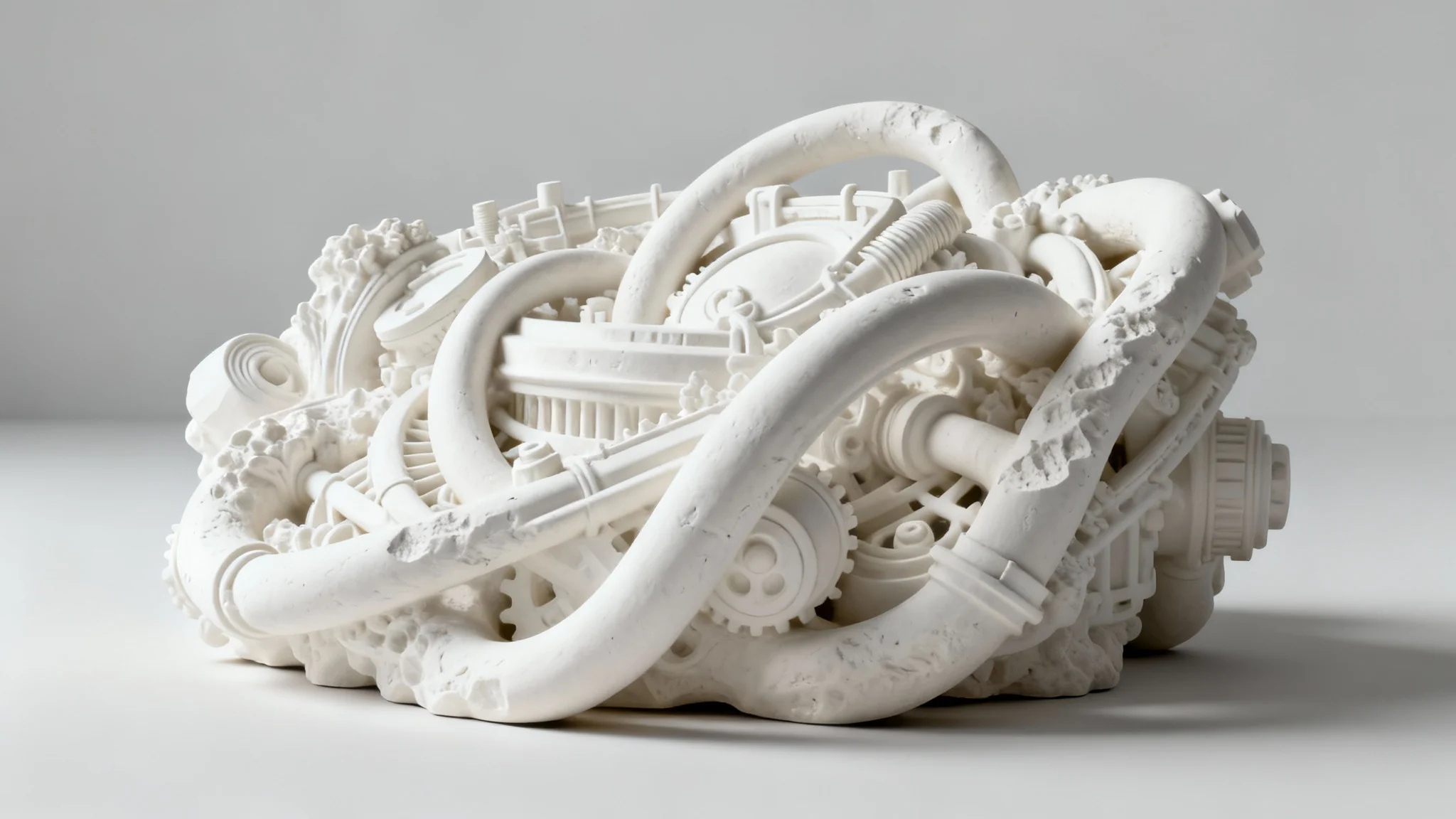
Start by uploading the image you want to enhance. This can be a product photo, an architectural render, or a piece of concept art.
Describe how you want the ambient occlusion applied. For example, 'add soft contact shadows under the furniture' or 'enhance the creases in the clothing with dark shading'.
Click the generate button and let our AI get to work. It will analyze your image and prompt to apply realistic ambient occlusion shading in moments.
Your enhanced, high-resolution image is ready to download. Use it to bring a new level of depth and professionalism to your creative projects.
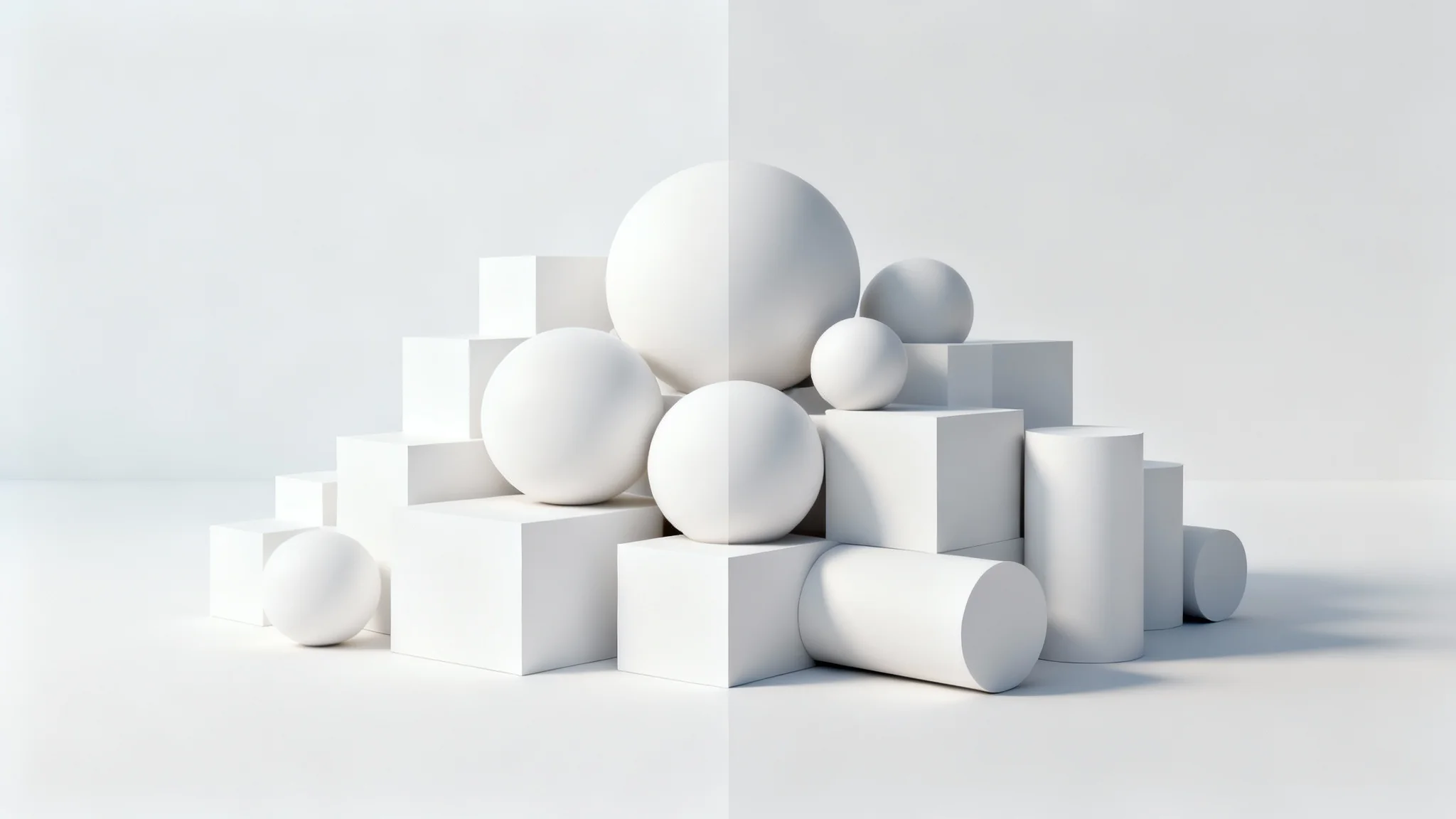
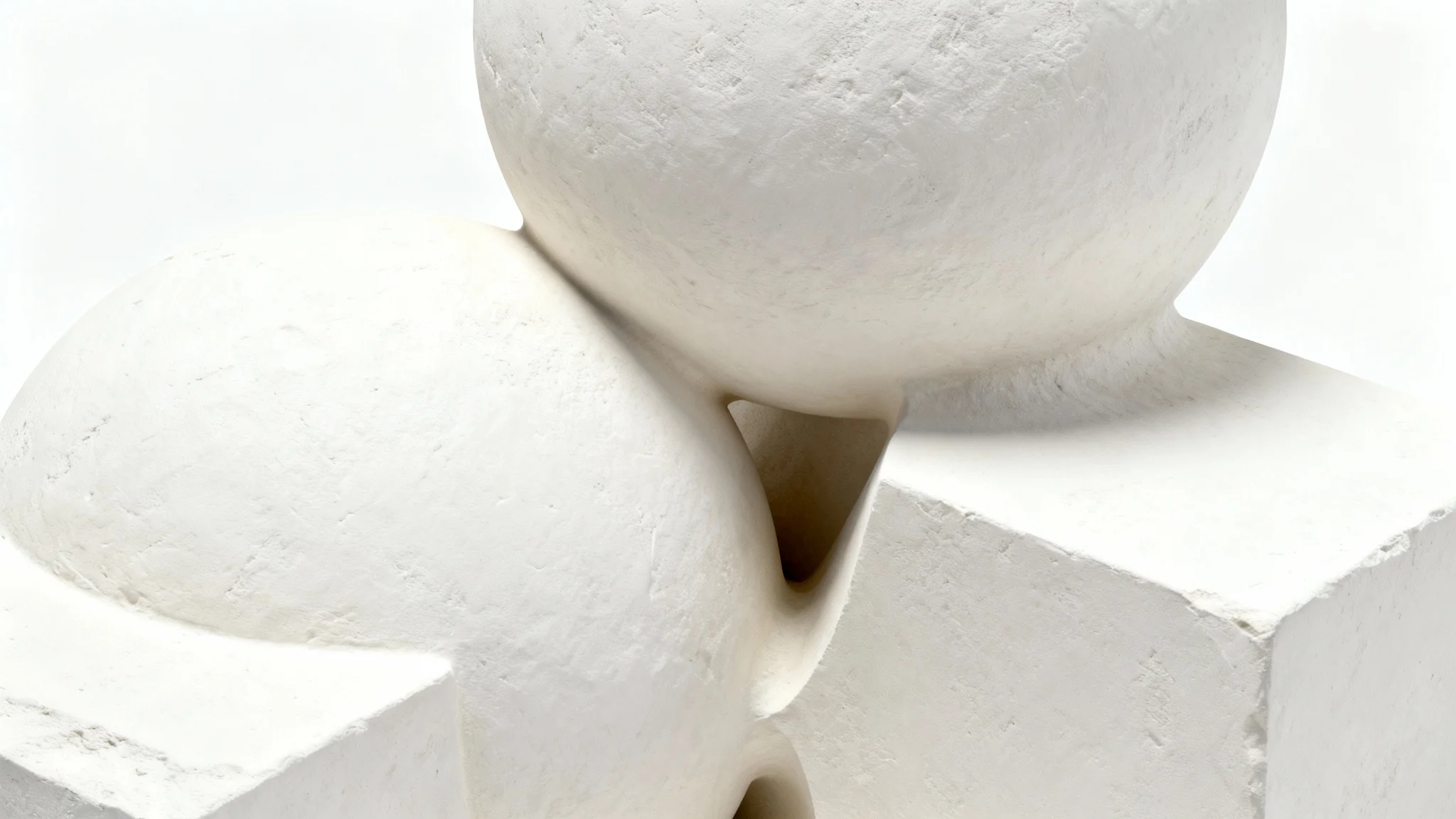
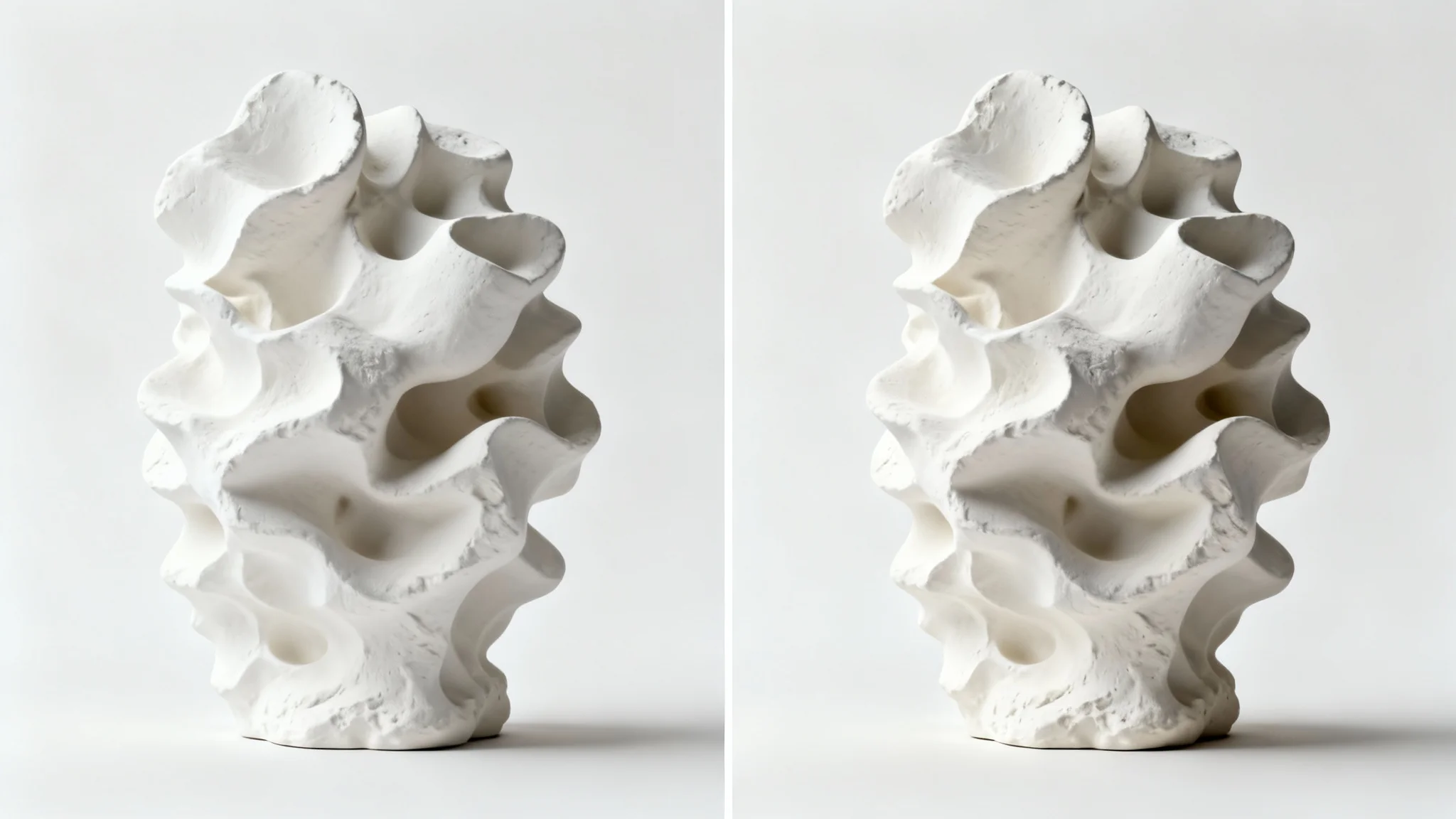
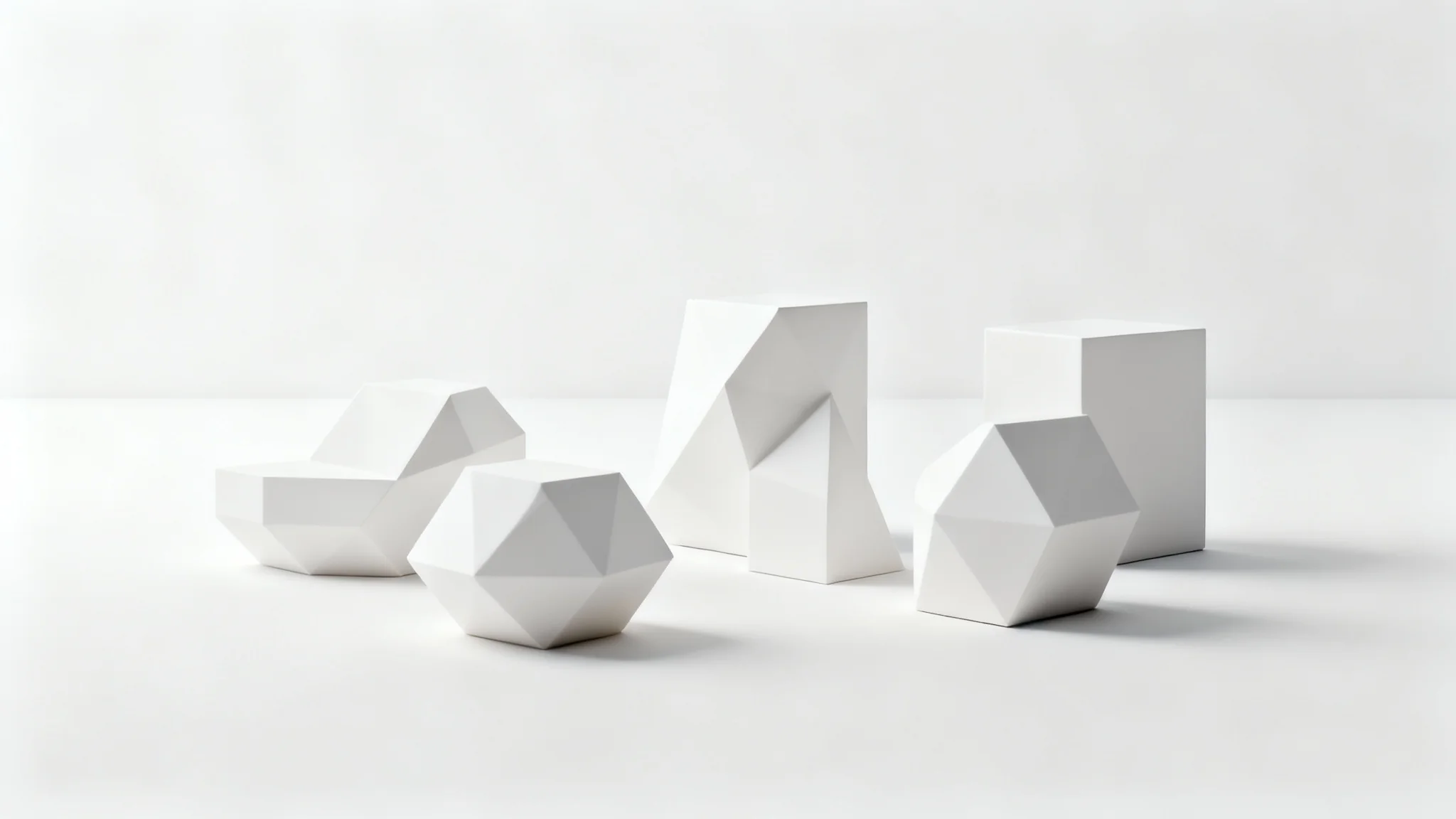
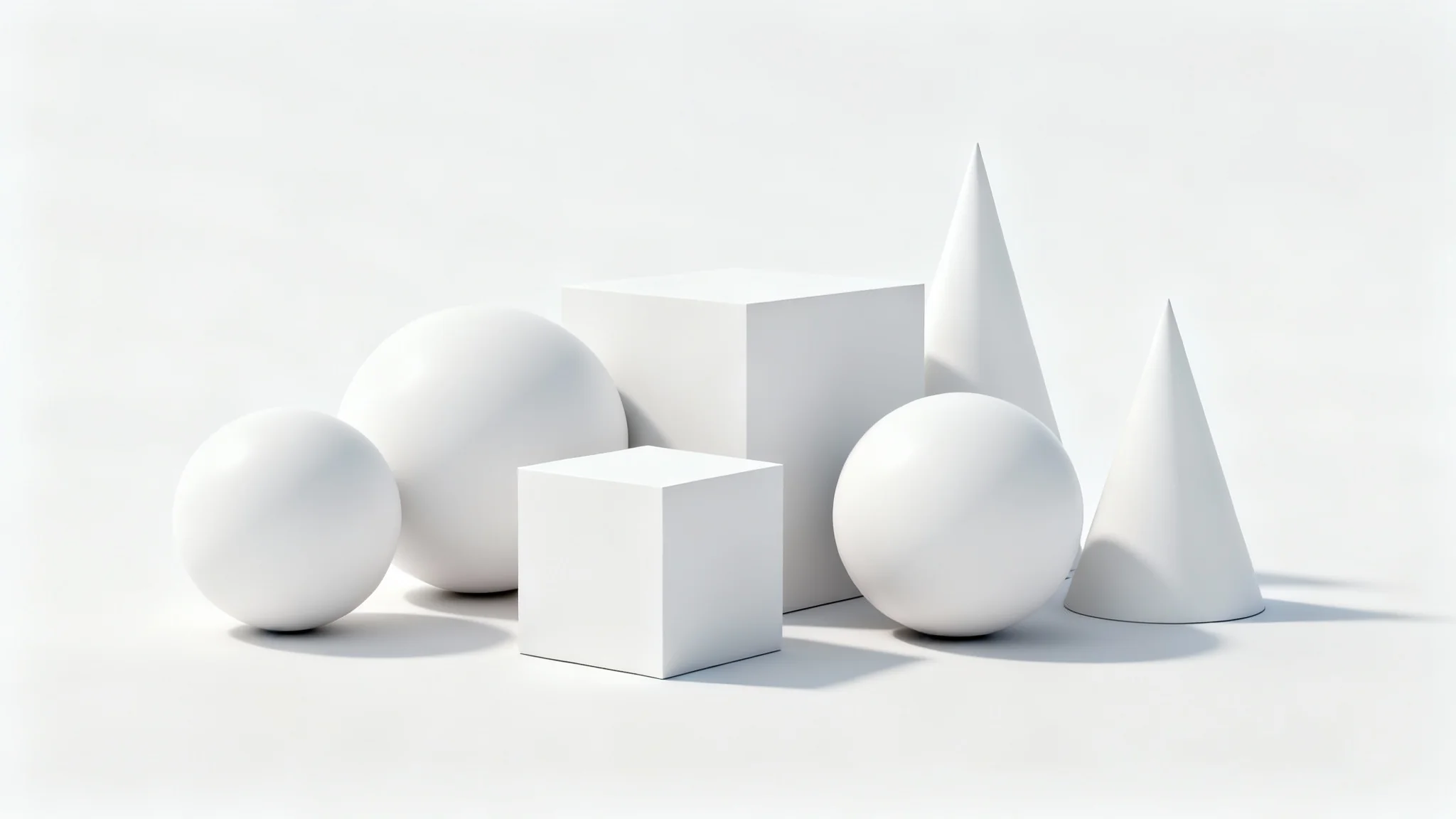
Ambient occlusion is a rendering technique used to create more realistic lighting by simulating how ambient, or indirect, light is blocked by objects. It adds soft, subtle shadows to areas like corners, creases, and points where objects are close to each other, which makes the scene appear to have more depth.
Our AI analyzes your uploaded image to understand its geometry and depth. Based on your text prompt, it then simulates how ambient light would be blocked, generating and applying soft shadows in the appropriate areas, like crevices and contact points, to create a more realistic look.
No, you don't need a 3D model. Our AI is designed to work with standard 2D images. It intelligently interprets the spatial relationships in the photo to apply the ambient occlusion effect, making the process accessible to everyone.
A regular shadow is a hard shadow cast by a direct light source being blocked. Ambient occlusion creates soft, non-directional shadows that result from objects blocking ambient light from all directions. Think of it as the subtle shading in the corners of a room, rather than a distinct shadow cast by a person standing in the sun.
3D artists, game developers, product photographers, architects, and digital illustrators can all benefit. It's a valuable technique for anyone looking to add a layer of realism and depth to their visuals, whether for game assets, architectural renders, product mockups, or concept art.
Yes, you can guide the AI using your text prompt. You can specify the intensity of the effect by using words like 'soft' or 'dark' and point out the areas where you want the shading to appear. If the first result isn't quite right, you can adjust your prompt and generate it again.
Great app, easy to use. Helps our small business save time and money to create different marketing materials professionally. Thank you.
I need a good background remover for my work and I've been through them all it feels like. This one is the best by far. It's so easy to use and the results always look amazing. Thank you Pixa!
It's amazingly easy and gives the perfect results for my bags and accessories. It looks like it was done by a professional photographer.