My favorite app
Great app, easy to use. Helps our small business save time and money to create different marketing materials professionally. Thank you.
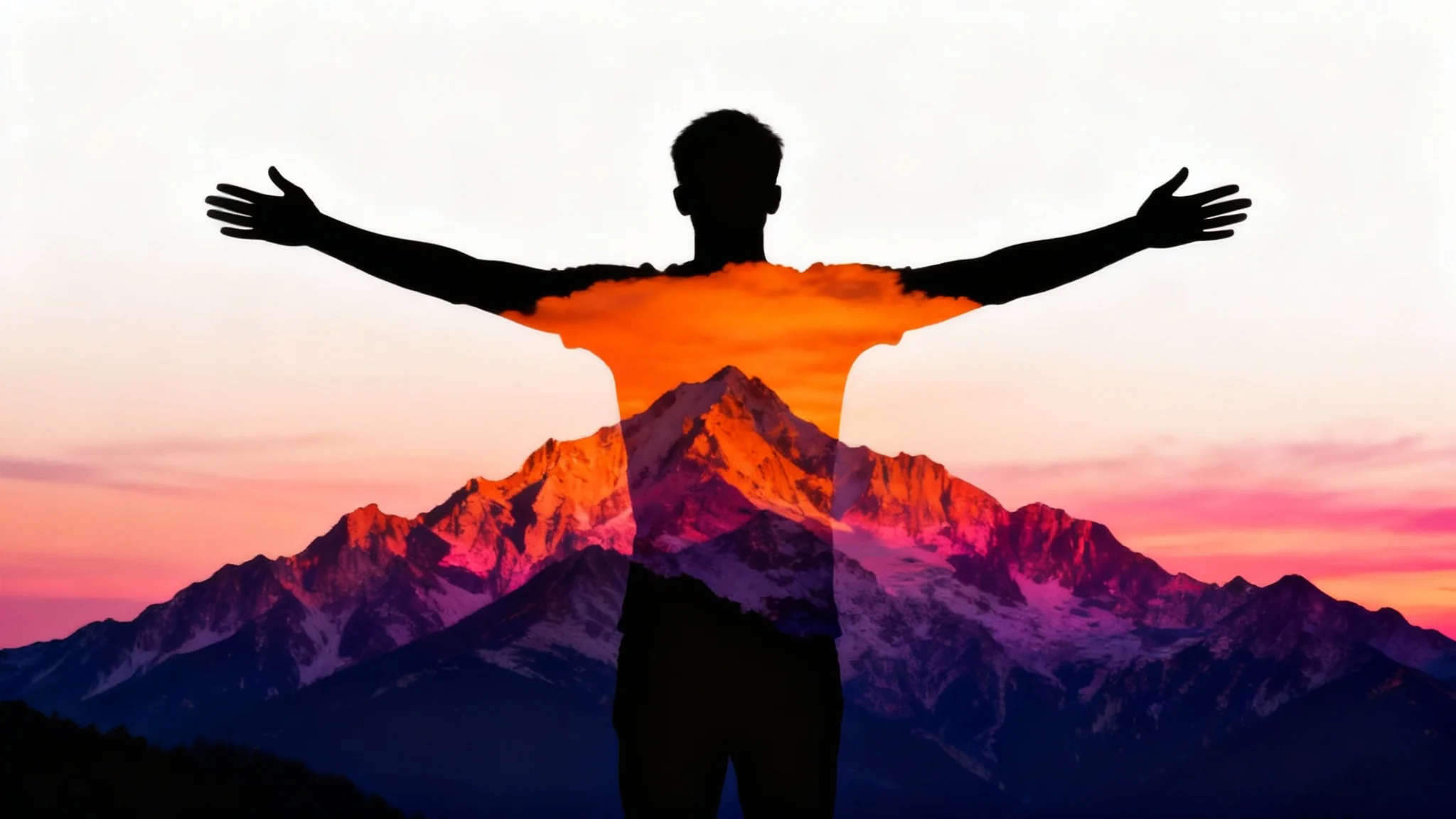
Start by uploading two images. Choose a clear silhouette for your primary subject and a texture or landscape photo to blend with it.
Write a simple text prompt to guide the AI. For example: "Blend the silhouette of a wolf with a snowy mountain range."
Click the generate button and our AI will instantly combine your two photos to create a beautiful double exposure silhouette.
Your unique double exposure creation is ready. Download the high-resolution PNG image for your projects.
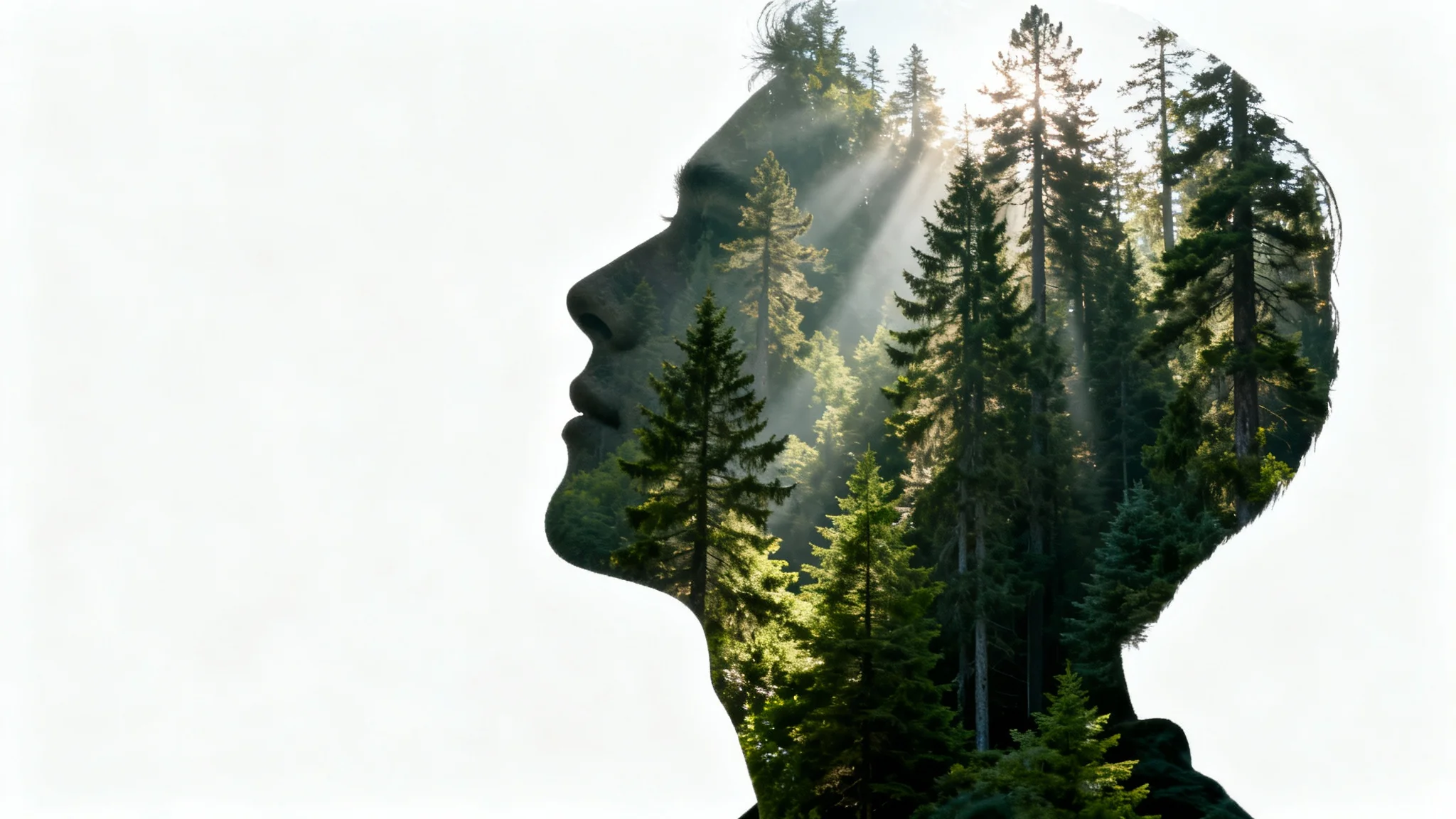
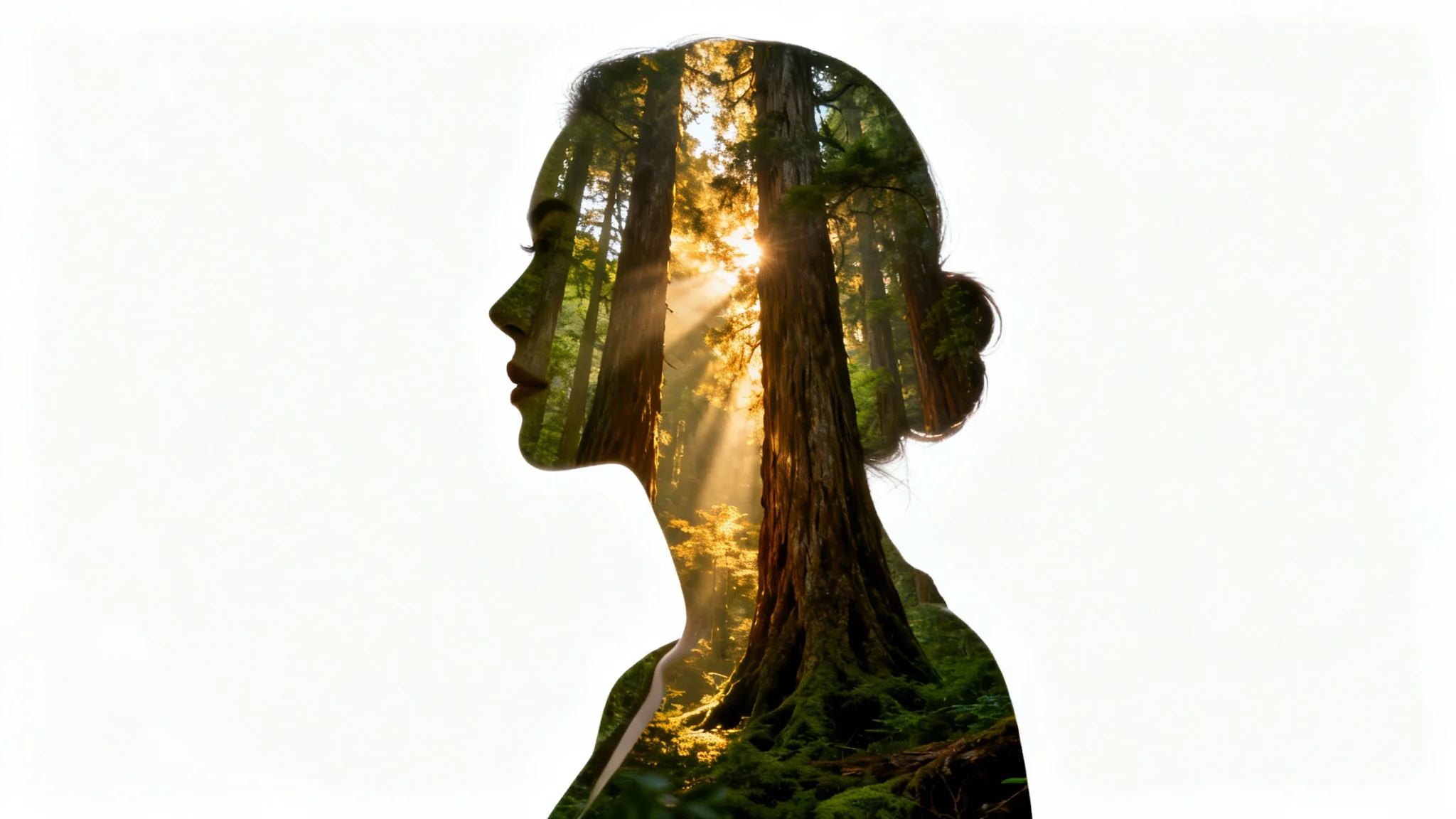
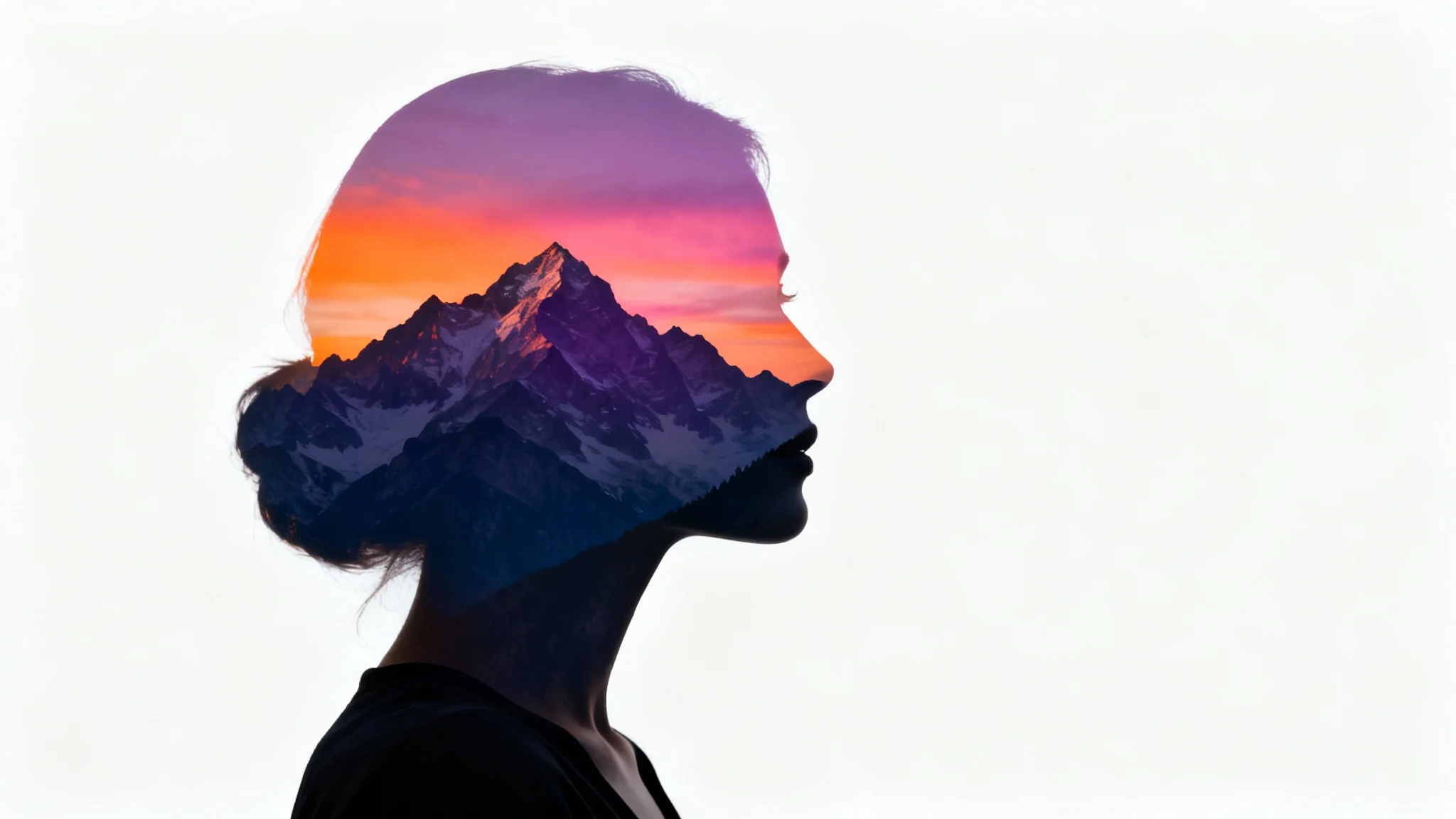
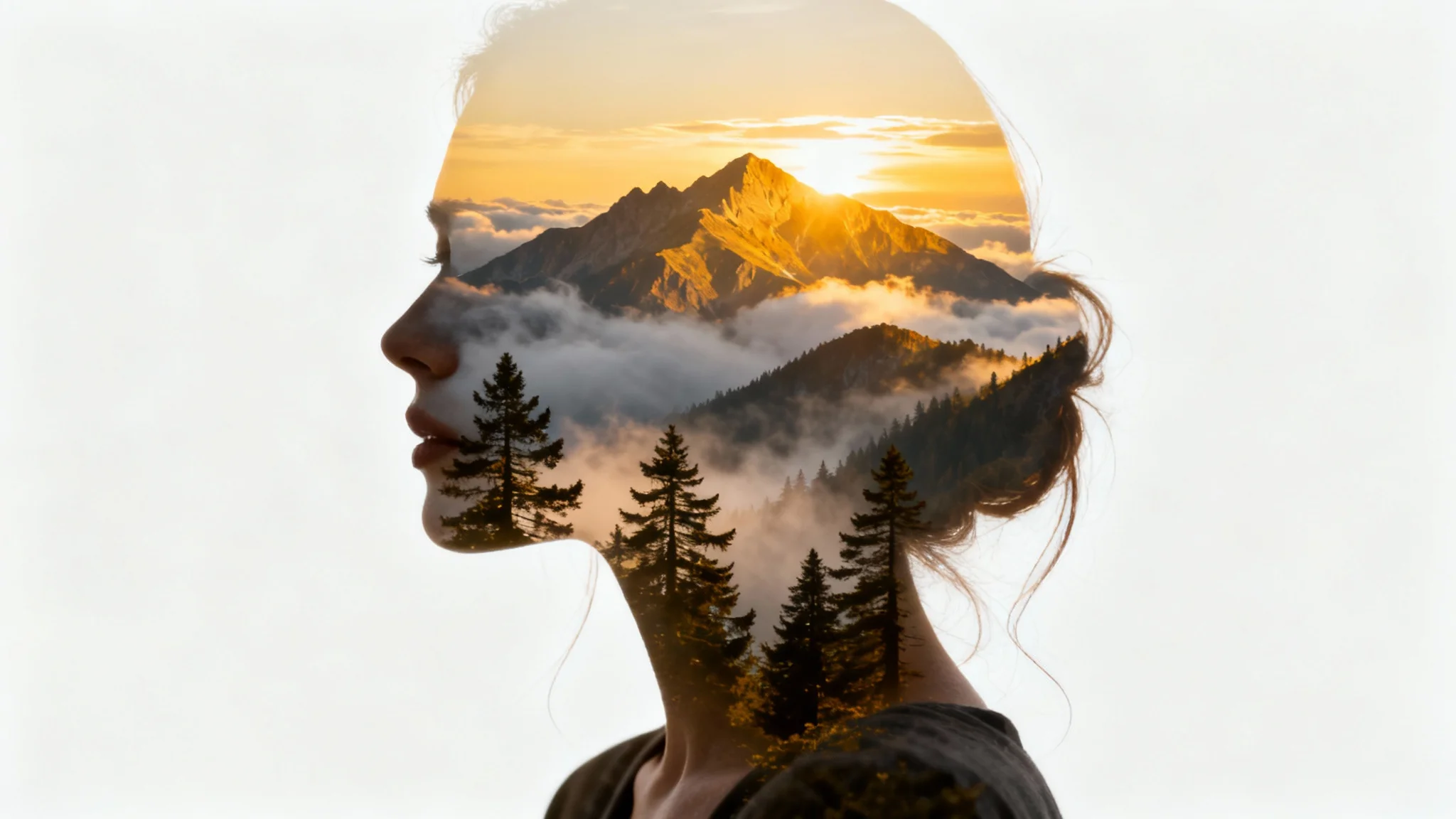
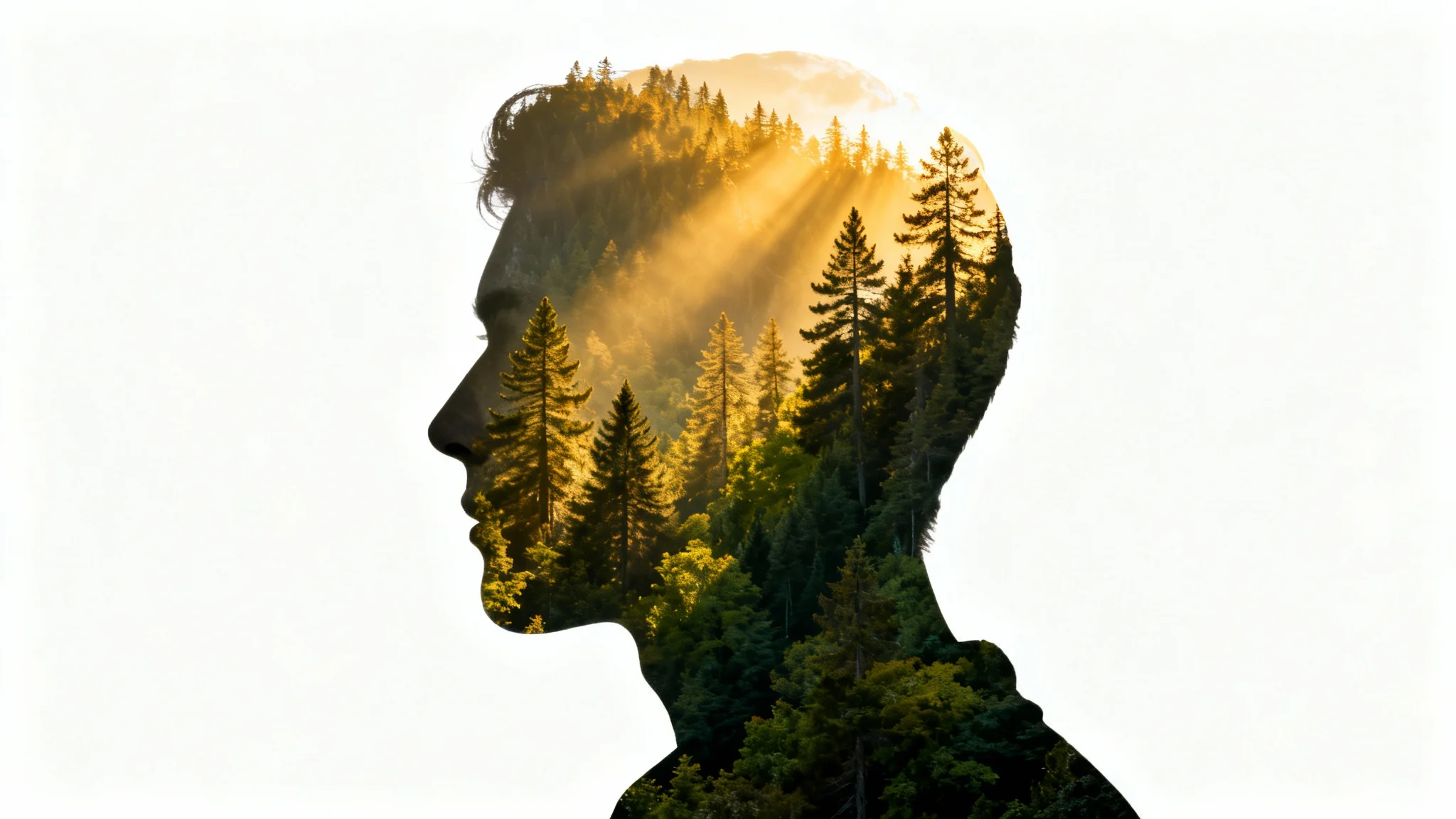
A double exposure silhouette is a creative photo technique where a silhouette is combined with another image, such as a landscape or a texture. The second image fills the dark areas of the silhouette, creating a layered, artistic effect.
To create a double exposure effect, you'll need two images. First, upload a silhouette photo. Then, upload a second photo, like a landscape or pattern, that you want to blend into it. Write a simple prompt describing the desired outcome, and our AI will generate the blended image for you.
For the best results, use a high-contrast silhouette with a clean, sharp outline against a plain background. For the second image, photos with interesting textures, such as forests, cityscapes, flowers, or galaxies, work very well.
This tool is designed to create a double exposure effect, which traditionally combines two images. For the best and clearest result, it is recommended to blend one silhouette photo with one texture or background photo.
No experience is needed. Our AI-powered tool automates the blending process. You just need to provide the two images and a text prompt, and the tool handles the complex task of merging them into a seamless double exposure.
You can download your finished double exposure silhouette as a high-resolution, watermark-free PNG file.
Great app, easy to use. Helps our small business save time and money to create different marketing materials professionally. Thank you.
I need a good background remover for my work and I've been through them all it feels like. This one is the best by far. It's so easy to use and the results always look amazing. Thank you Pixa!
It's amazingly easy and gives the perfect results for my bags and accessories. It looks like it was done by a professional photographer.