Pixa
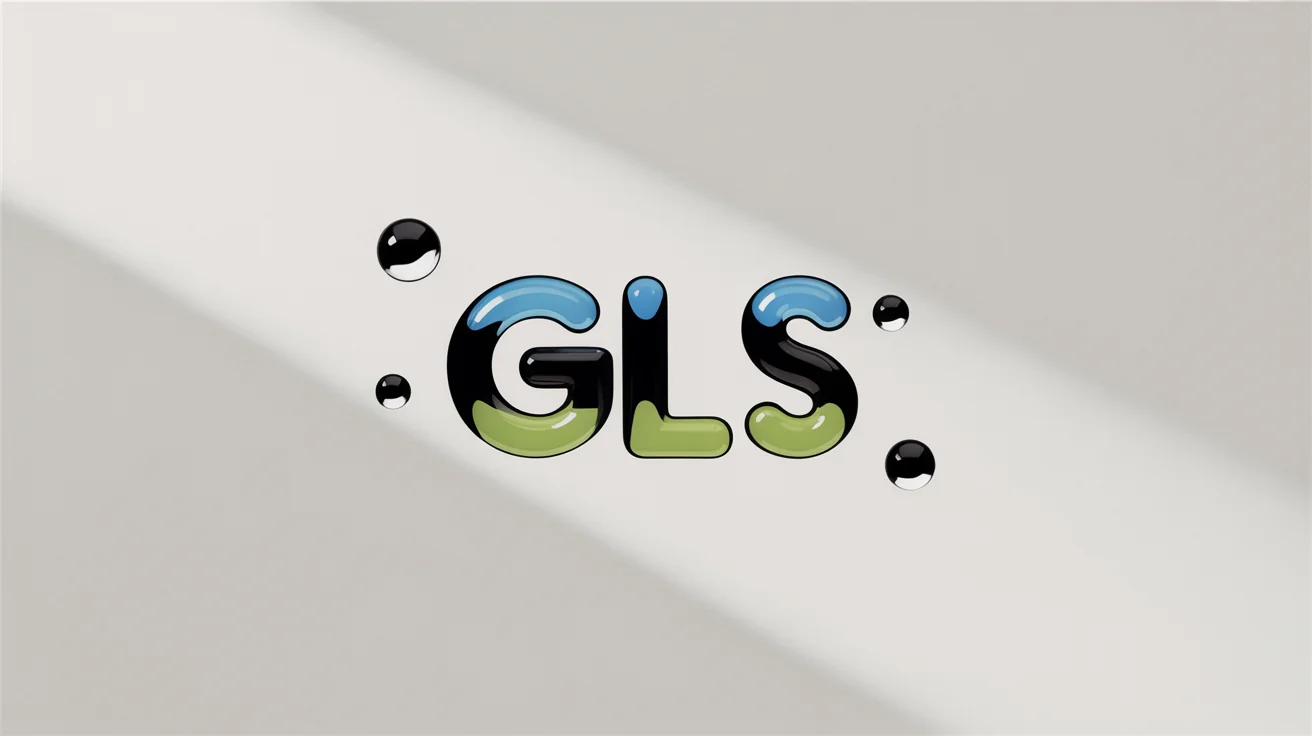
A photorealistic logo for "GLS" with a translucent glass effect, showcasing blue and green color gradients and light refractions. It is set against a clean white background with floating glass shards.

Free AI Glass Logo Effect Generator

Transform your logo with a beautiful glass effect. Just upload your logo, describe the effect, and our AI will do the rest.
Easy to use - just write a prompt
Trusted by 70 million people
Powered by Pixa AI Agent
171,800 Reviews

How to Apply a Glass Logo Effect

  1. 1

    Upload your logo

    Start by uploading your current logo image. A simple design with bold lines will work best.

  2. 2

    Enter your prompt

    Describe the glass effect you want. Try prompts like 'frosted glass effect' or 'shiny 3D glass logo with a rainbow refraction.'

  3. 3

    Generate your glass logo

    Click the generate button and let the AI apply a unique glass effect based on your description.

  4. 4

    Download your new logo

    Your high-resolution glass logo is ready. Download the PNG file and use it on your website, social media, and more.

Give your logo a sophisticated new look in seconds. Our AI tool lets you apply a realistic glass effect to any logo without needing complex software or design skills. Simply upload your image and describe the style you envision. Whether you want a clear, crystalline finish, a frosted, matte look, or a colorful stained-glass appearance, our generator interprets your text prompt to create the perfect effect. Go from a plain logo to a high-end, glassy design with just a few clicks and a little imagination.

Instantly Apply Realistic Glass Effects

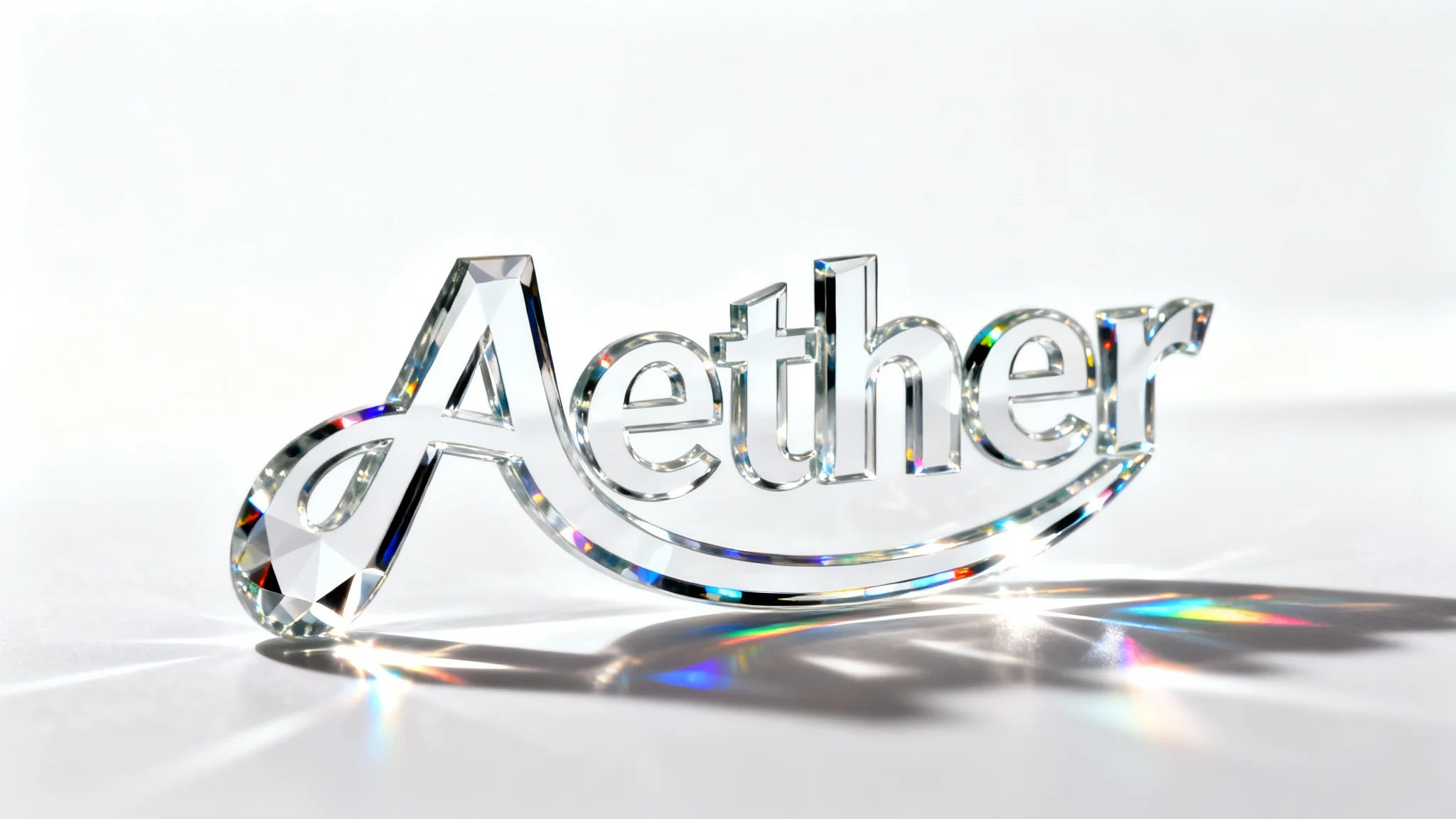
A photorealistic 3D logo of the word 'ECLIPSE' made of clear glass, casting refractions and shadows on a clean white background, demonstrating a glass effect.
Take full control over your logo's transformation. Our AI glass logo effect generator allows for detailed customization through simple text prompts. Specify the level of transparency, the intensity of light refractions, and the direction of shadows to achieve a truly unique look. You can even describe specific gradients and hues, like the blue and green tones of sea glass, to match your brand's aesthetic. Experiment with different descriptions to see how subtle changes in your prompt can produce a variety of stunning glass textures.

Customize Your Logo's Transparency and Shine

A photorealistic, abstract logo made of thick, clear glass, casting highlights and reflections on a pure white background, demonstrating a glass logo effect.
Download your newly stylized glass logo in high resolution, ready for any application. The generated images are perfect for updating your website, refreshing your social media profiles, or adding a modern touch to your digital marketing materials. The sharp details and clean finish ensure your logo looks professional and polished, no matter where it's displayed. Our tool provides a quick and easy way to produce branding assets that capture attention and elevate your visual identity, completely watermark-free and ready for immediate use.

Create High-Resolution Logos for Any Platform

A photorealistic mockup of the word 'CRYSTAL' rendered with a clear glass effect, showcasing light refraction and highlights against a clean white background.
It’s Fast: Transform your existing logo in seconds, not hours. It’s Easy to Use: No more complex tutorials. Just upload your logo and type what you want to see. AI-Powered: Leverage AI to create intricate glass effects, from refractions to shadows, that would be difficult to make manually. Fully Customizable: Your words guide the final look. Describe colors, textures, and transparency to get the exact style you need. Professional Results: Download high-resolution, watermark-free PNG files ready for professional use.

Why use Pixelcut's AI Glass Logo Effect?

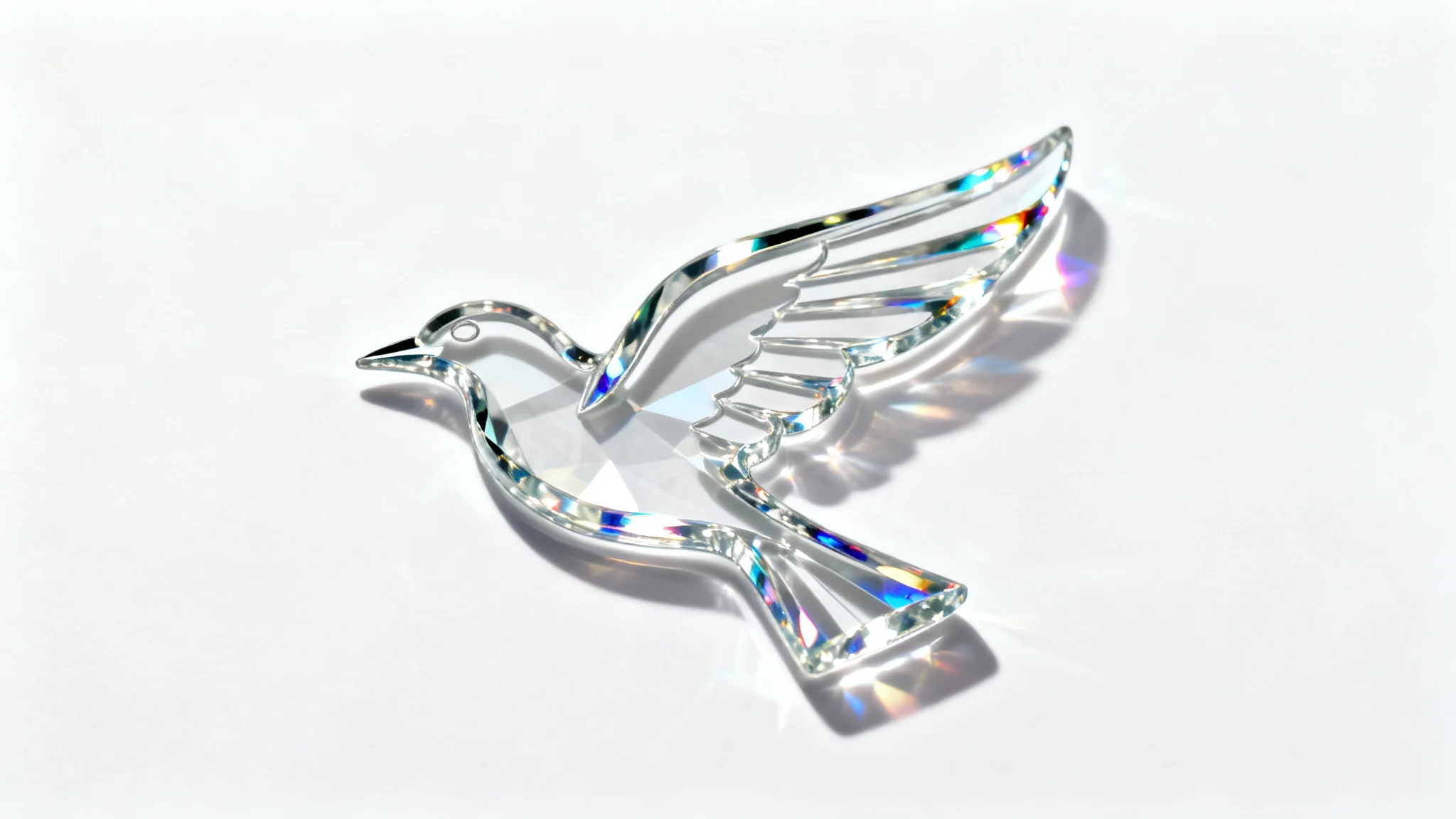
A photorealistic logo of a stylized bird made of clear, transparent glass, casting a subtle shadow on a clean white background.
Website Headers: Create an eye-catching logo for your website's hero section to immediately grab visitor attention. Social Media Profiles: Update your profile pictures on platforms like Instagram, Facebook, and LinkedIn with a modern, glassy look. Digital Advertising: Design striking logos for online ads that stand out in a crowded feed. Video Watermarks: Add a subtle but stylish glass version of your logo as a watermark on your video content. Brand Presentations: Enhance your pitch decks and presentations with a sophisticated logo that reflects a modern brand identity.

Glass Logo Effect Use Cases

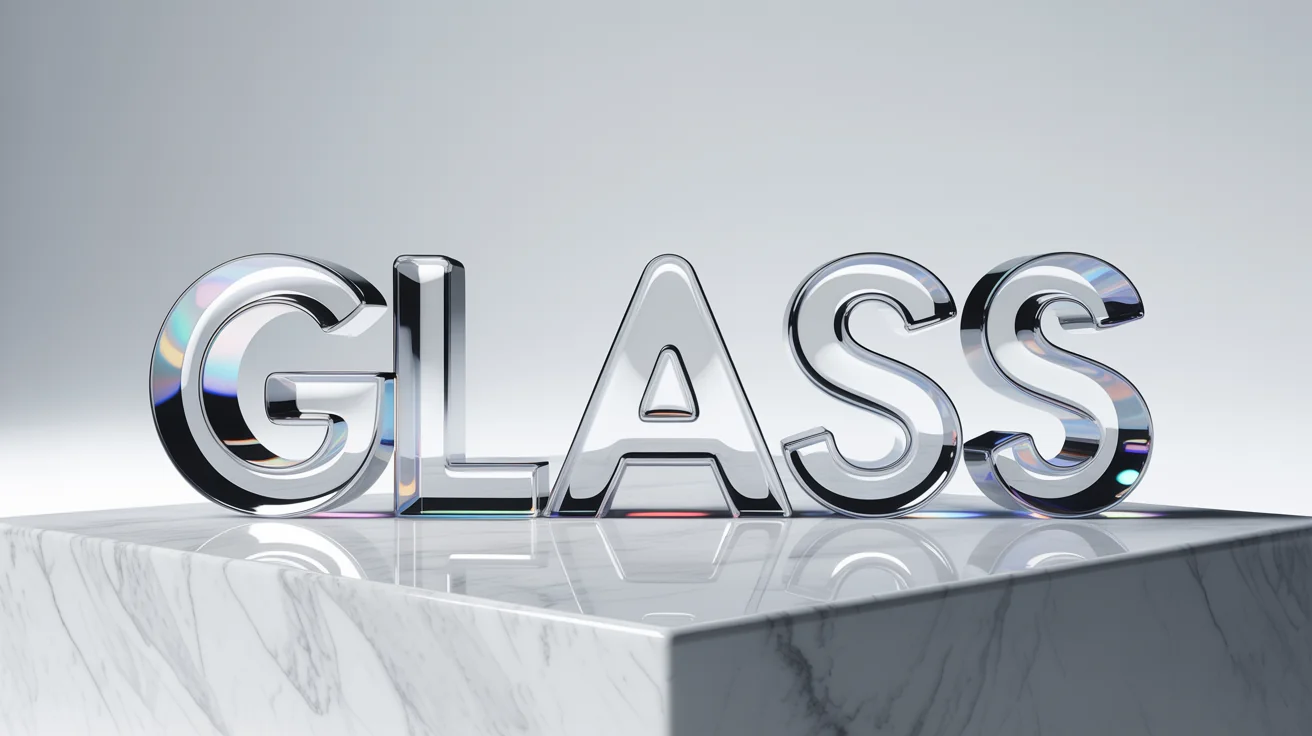
A 3D logo with the word 'GLASS' rendered in a realistic, transparent glass effect against a clean white background, showcasing refractions and highlights.

Frequently Asked Questions

Pixa is loved by over 2 million people

  • My favorite app

    Great app, easy to use. Helps our small business save time and money to create different marketing materials professionally. Thank you.
    Shaelyn D.
  • Best background remover

    I need a good background remover for my work and I've been through them all it feels like. This one is the best by far. It's so easy to use and the results always look amazing. Thank you Pixa!
    Kira H.
  • Love it

    It's amazingly easy and gives the perfect results for my bags and accessories. It looks like it was done by a professional photographer.
    Mary J.