My favorite app
Great app, easy to use. Helps our small business save time and money to create different marketing materials professionally. Thank you.
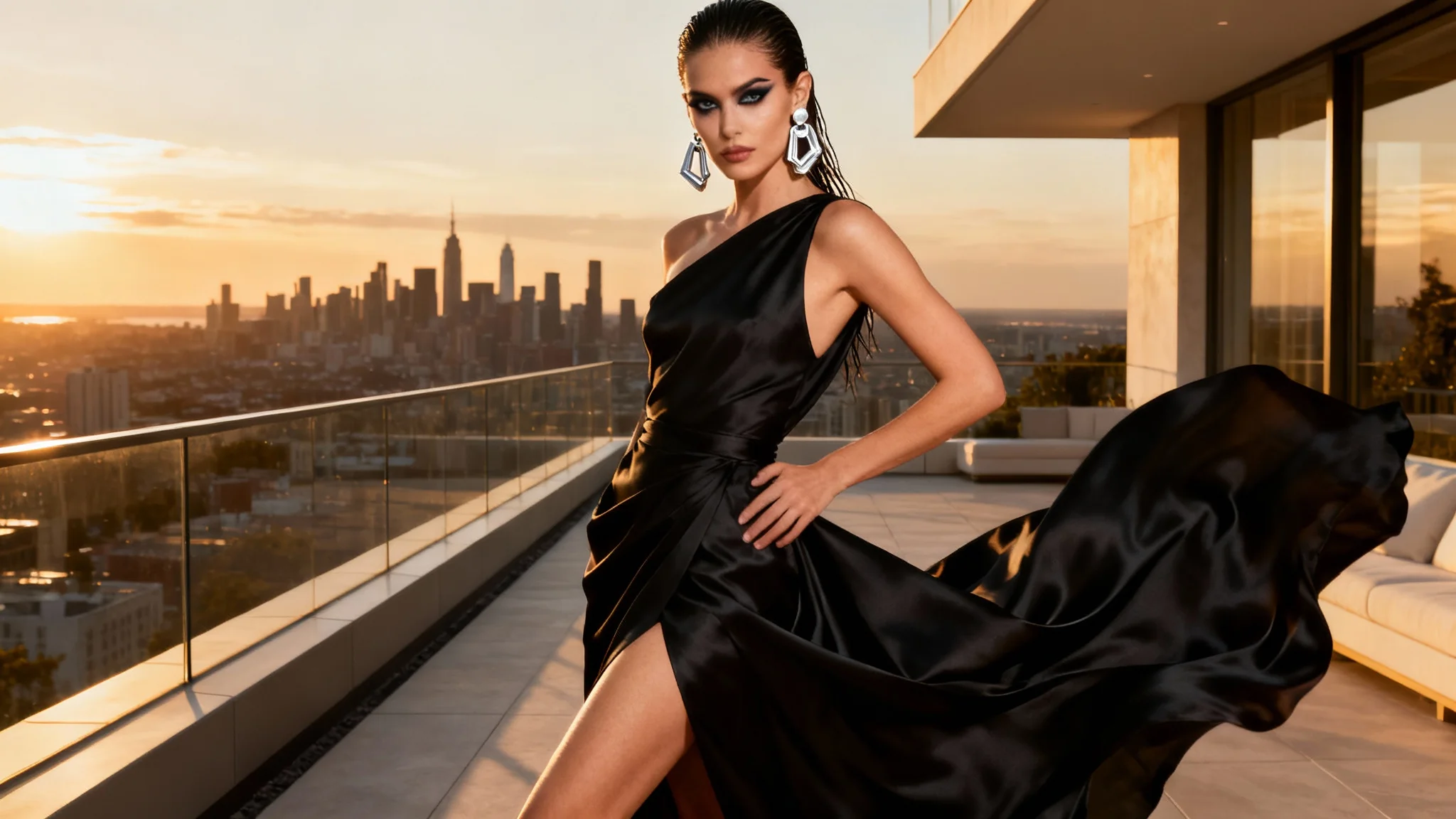
Provide a detailed description of the image you want to create. Include the model's pose, outfit, expression, and the background setting. For example: 'A model with short hair in a sharp, tailored suit, posing with crossed arms.'
With a single click, our AI will interpret your text prompt and render a unique, high-fashion photograph based on your creative direction.
Your high-resolution fashion image is ready to download watermark-free. Use it to bring your creative projects to life, from mood boards to marketing campaigns.

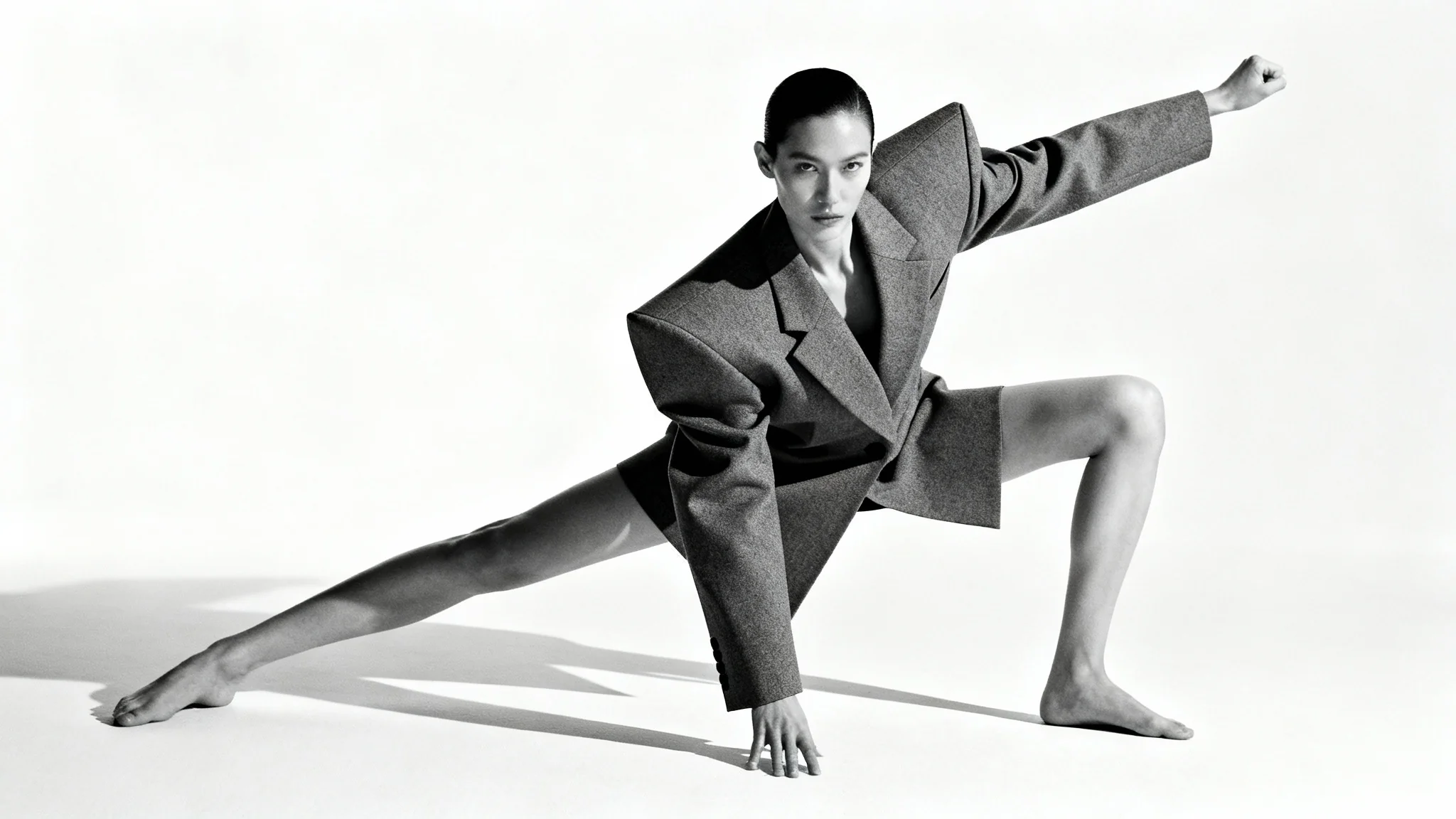

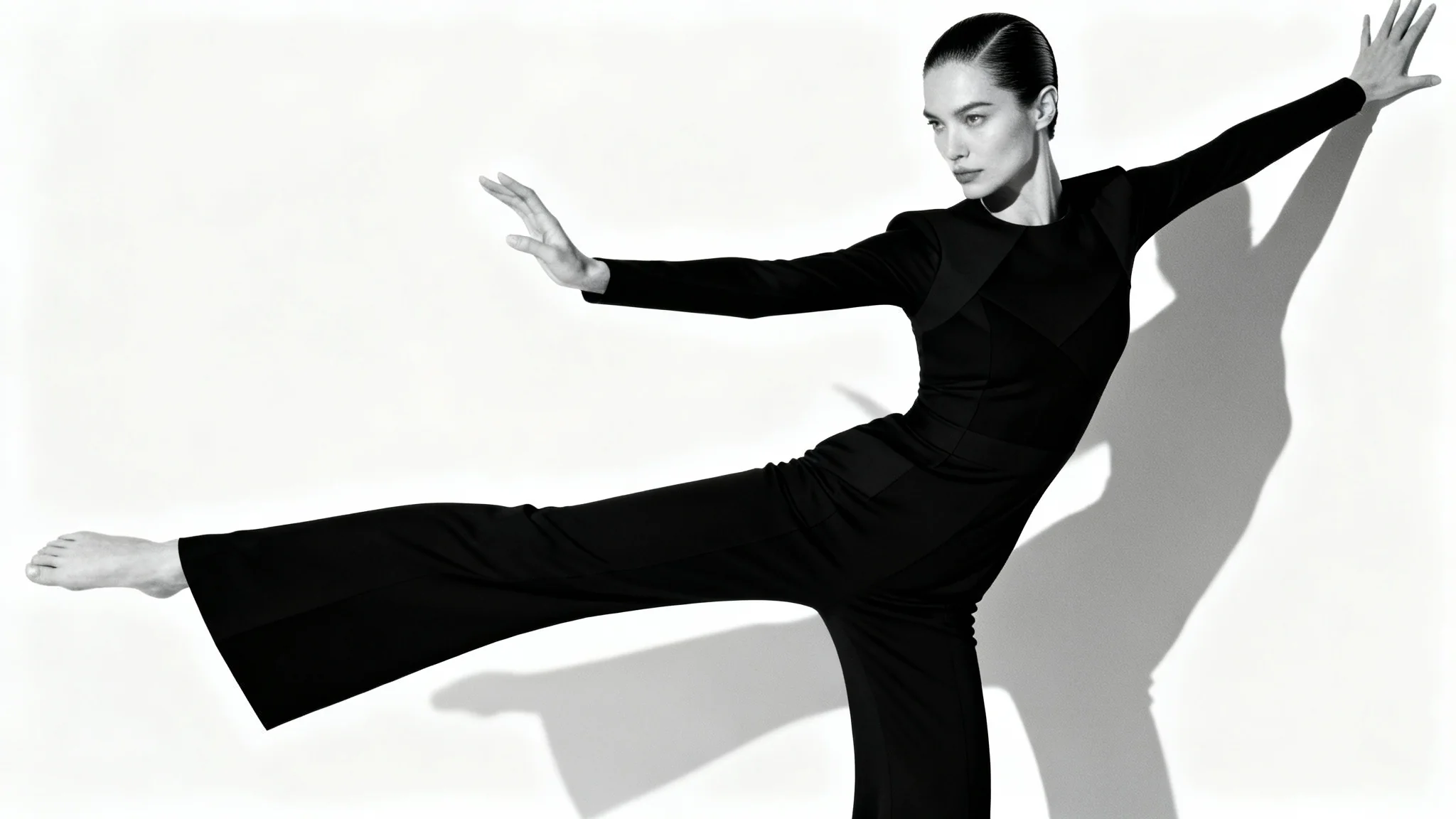
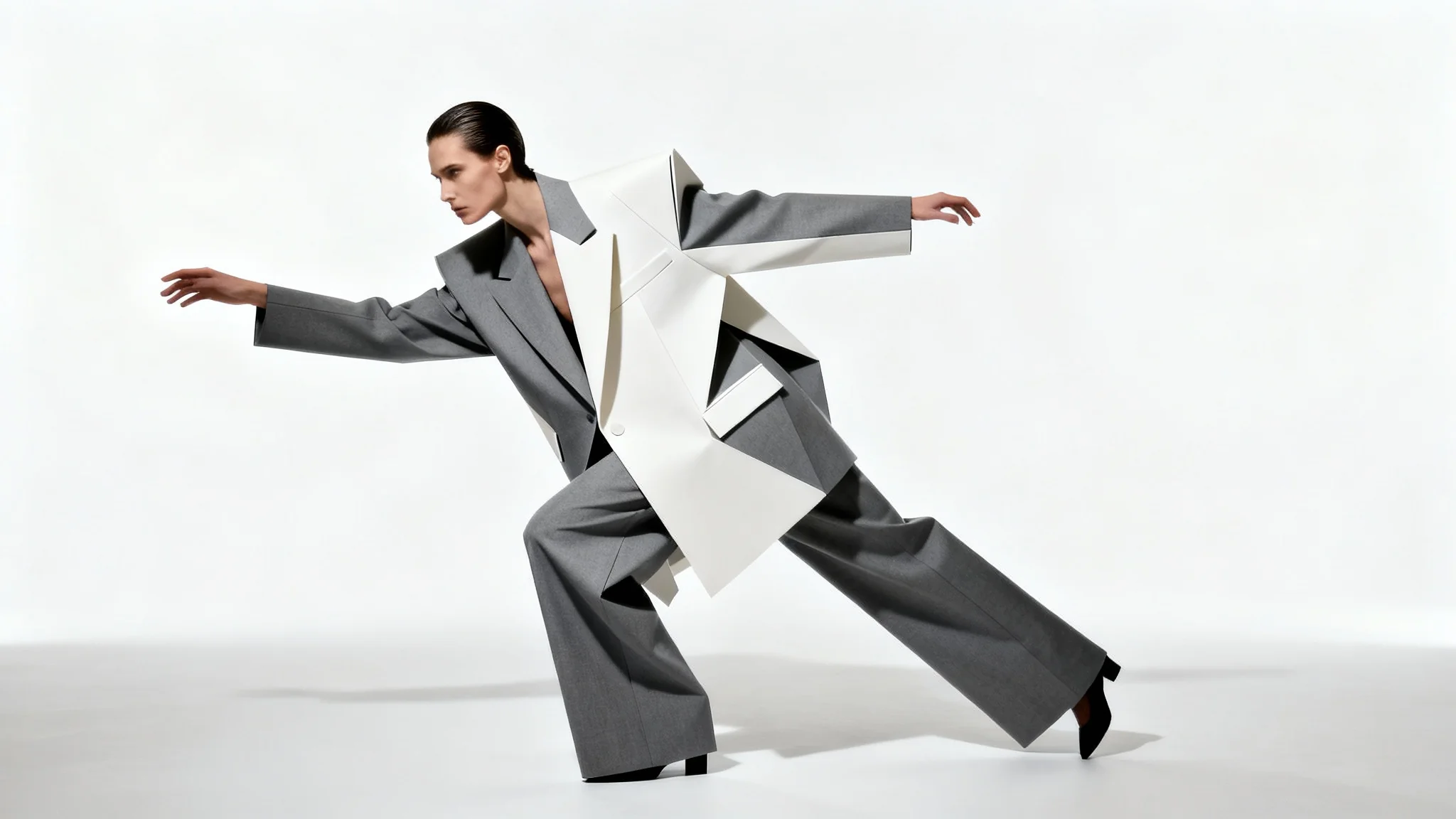
An AI high fashion pose generator is a tool that uses artificial intelligence to create complete, realistic images of models in specific poses from text descriptions. You describe the scene, including the model, clothing, background, and pose, and the AI generates a unique, high-quality photograph for you.
To get the best results, be descriptive in your prompt. Instead of just "model posing," try specifying the pose, like "model leaning against a wall with one leg up" or "model walking toward the camera with hands in pockets." Mention the style of clothing, the background, and the desired mood to guide the AI.
High fashion poses are often more artistic, angular, and abstract than standard poses. They can feel less natural and more intentional, designed to create interesting shapes and highlight the clothing. Think about creating strong lines with the body, using dramatic angles, or conveying a specific, confident attitude.
Yes, the images you create are high-resolution and perfect for developing concepts for lookbooks, creating marketing materials, and populating social media feeds. It's a fast way to visualize your collection on different models and in various settings.
No skills are required. The tool is designed to be intuitive and easy for everyone to use. Your creativity and ability to describe your vision are all that's needed to start generating professional-looking fashion images.
Absolutely. You can specify the model's characteristics, such as hair color and ethnicity, as well as the exact details of the clothing they are wearing. The more specific your description, the closer the result will be to your idea.
Great app, easy to use. Helps our small business save time and money to create different marketing materials professionally. Thank you.
I need a good background remover for my work and I've been through them all it feels like. This one is the best by far. It's so easy to use and the results always look amazing. Thank you Pixa!
It's amazingly easy and gives the perfect results for my bags and accessories. It looks like it was done by a professional photographer.