Pixa
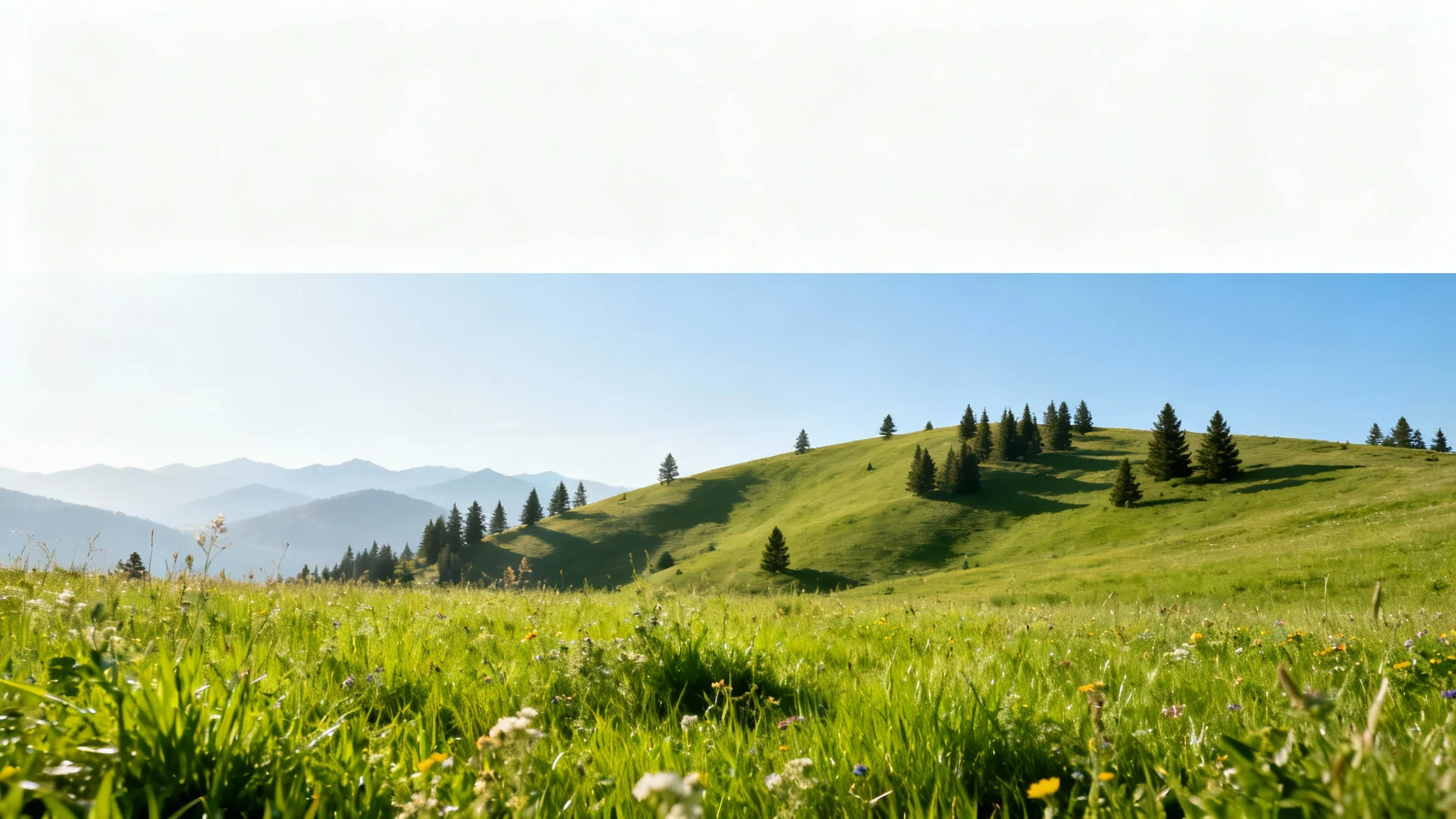
A vibrant landscape image demonstrating a parallax effect, with three distinct layers of depth. The foreground with grass and flowers is blurred for motion, the midground hills are slightly blurred, and the background mountains are sharp, creating a sense of movement.

AI Parallax Effect Generator

Bring your photos to life. Our AI tool adds a dynamic 2.5D parallax effect, turning your static images into captivating animated videos.
Easy to use - just write a prompt
Trusted by 70 million people
Powered by Pixa AI Agent
171,800 Reviews

How to Create a Parallax Effect Video

  1. 1

    Upload your image

    Start by uploading the photo you want to animate. Images with distinct foreground and background layers work best for this effect.

  2. 2

    Enter your prompt

    In the text box, describe how you want the image to move. Specify which elements should move to create the parallax effect.

  3. 3

    Generate video

    Our AI will analyze your image and prompt to create a stunning video with a 2.5D parallax effect in just a few moments.

  4. 4

    Download video

    Your high-resolution, watermark-free MP4 video is ready to download and share across all your platforms.

Unlock a new dimension in your still images by converting them into engaging videos. With our AI parallax effect generator, you can add life and motion to any photo, creating a visual experience that captures and holds attention. This tool intelligently separates your image into layers, animating them to produce a stunning 3D photo effect. Perfect for making your social media posts, website banners, or digital stories more memorable, this feature turns flat pictures into dynamic narratives with just a simple text description.

Transform Static Photos into Dynamic Videos

A stylized graphic illustration of a layered landscape representing the parallax effect, with distinct foreground hills, mid-ground mountains, and a background sun, all creating a sense of depth.
Forget complex software and tedious keyframing. Creating a cinematic photo animation is now as simple as describing the motion you envision. Instruct the AI to make clouds drift across the sky, foreground elements move quickly, and background scenery shift slowly. By simply typing your instructions, you direct the animation and control the depth. This text-based approach makes the 2.5D parallax effect accessible to everyone, regardless of technical skill, allowing you to focus on your creative vision.

Intuitive Motion Control with Text Prompts

A stylized vector illustration of a layered landscape demonstrating the parallax effect, with foreground grass, mid-ground hills, and background mountains to create a sense of depth.
Give your images an immersive, cinematic quality with the 2.5D animation effect. This technique creates an illusion of depth by moving different layers of your photo at varying speeds, mimicking how we perceive distance in real life. The result is a professional-grade animation that adds a layer of sophistication and visual interest to your projects. Use it to make product shots more engaging, landscapes more breathtaking, or portraits more expressive. Generate a high-resolution MP4 video that's ready to impress your audience.

Achieve Cinematic Depth Instantly

A stylized 3D diorama of a landscape showing separate layers for a foreground tree, mid-ground hills, and background mountains to illustrate the parallax depth effect.
It’s Fast: Go from a static photo to an animated video in seconds. It’s AI-Powered: Our AI intelligently interprets your image and text prompts to create convincing depth and motion automatically. Easy to Use: If you can upload a photo and write a sentence, you can create a parallax effect. Versatile: Ideal for eye-catching social media posts, engaging website hero videos, and dynamic ad creatives. High-Quality Output: Download your creation as a watermark-free, high-resolution MP4 video, ready for any platform.

Why use Pixelcut's AI Parallax Effect Creator?

A beautiful layered landscape illustrating the parallax effect, with wildflowers in the foreground, a green hill in the midground, and mountains in the distance, showing a sense of depth.
Social Media Content: Make your Instagram, TikTok, or Facebook posts stand out with scroll-stopping animations. Digital Advertising: Create more effective and eye-catching animated ads from still product or lifestyle images. Website Banners: Add subtle, professional motion to your website's hero section to engage visitors instantly. Digital Portfolios: Showcase your photography or design work in a more dynamic and impressive format. Visual Storytelling: Enhance narratives for blogs, articles, or presentations by bringing key images to life.

Parallax Effect Use Cases

A digital illustration of a mountain landscape with clear layers, demonstrating the parallax effect. A foreground of wildflowers, a midground with an alpine lake, and a background of snow-capped mountains.

Frequently Asked Questions

Pixa is loved by over 2 million people

  • My favorite app

    Great app, easy to use. Helps our small business save time and money to create different marketing materials professionally. Thank you.
    Shaelyn D.
  • Best background remover

    I need a good background remover for my work and I've been through them all it feels like. This one is the best by far. It's so easy to use and the results always look amazing. Thank you Pixa!
    Kira H.
  • Love it

    It's amazingly easy and gives the perfect results for my bags and accessories. It looks like it was done by a professional photographer.
    Mary J.