My favorite app
Great app, easy to use. Helps our small business save time and money to create different marketing materials professionally. Thank you.
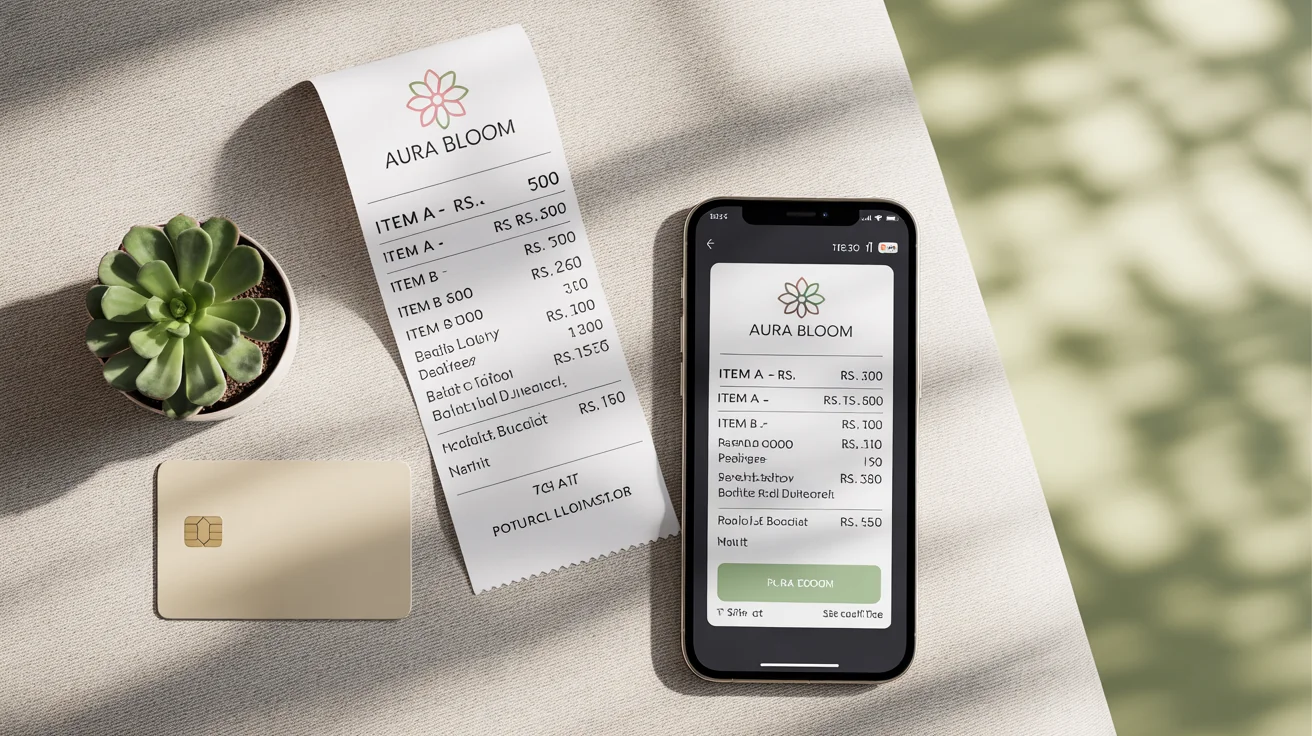
Start by writing a detailed description of your ideal receipt. Include your business name, a description of your logo, a list of items with prices, tax details, and any other text you want to feature.
With a single click, our AI will process your text prompt and create a custom POS receipt design. The tool will intelligently structure the layout and render all the text and elements you described.
Your custom receipt design is ready to download as a watermark-free, high-resolution PNG file. Use it for digital records, send it to customers via email, or print it for in-person transactions.
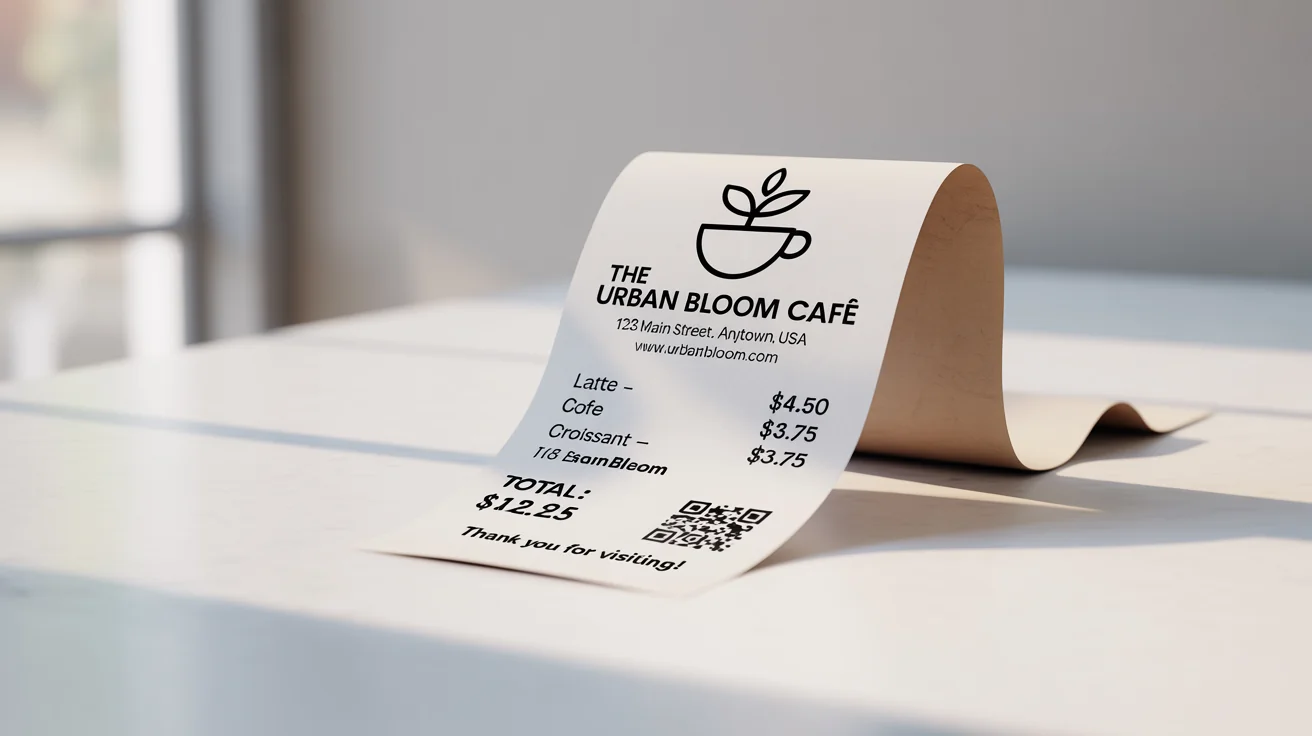
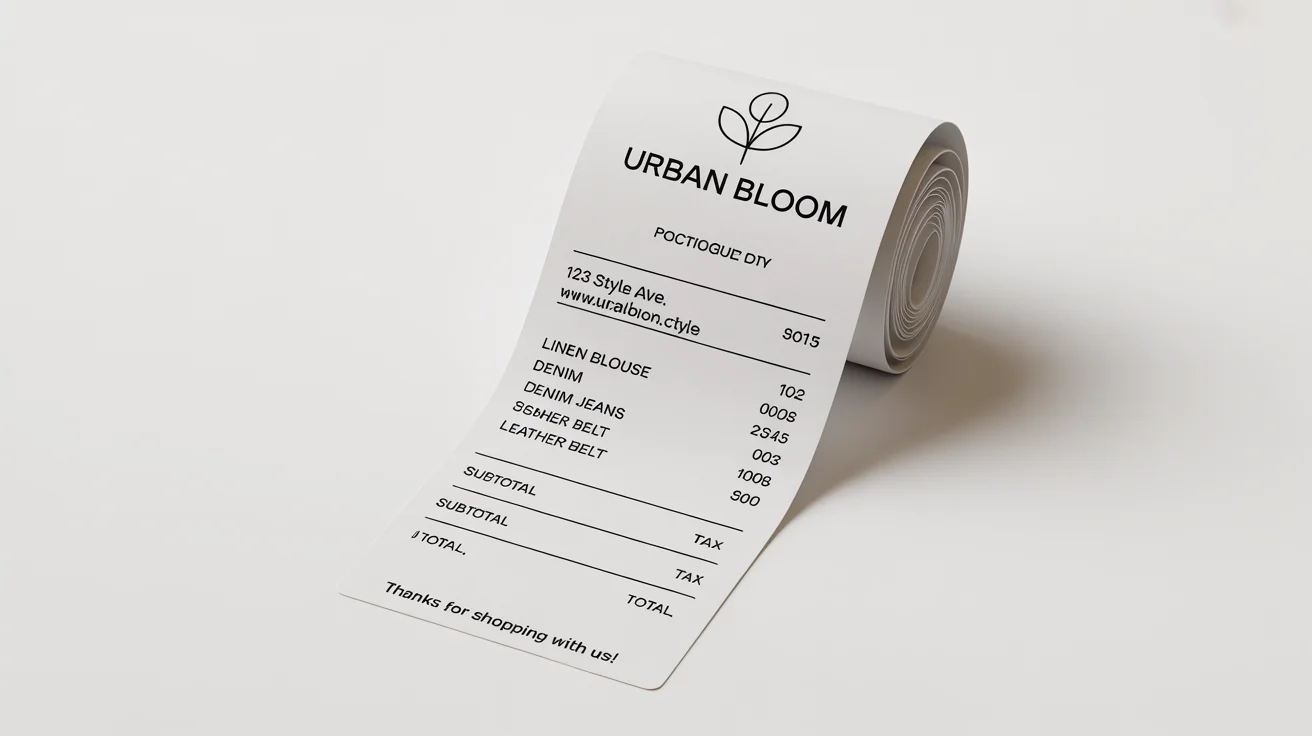
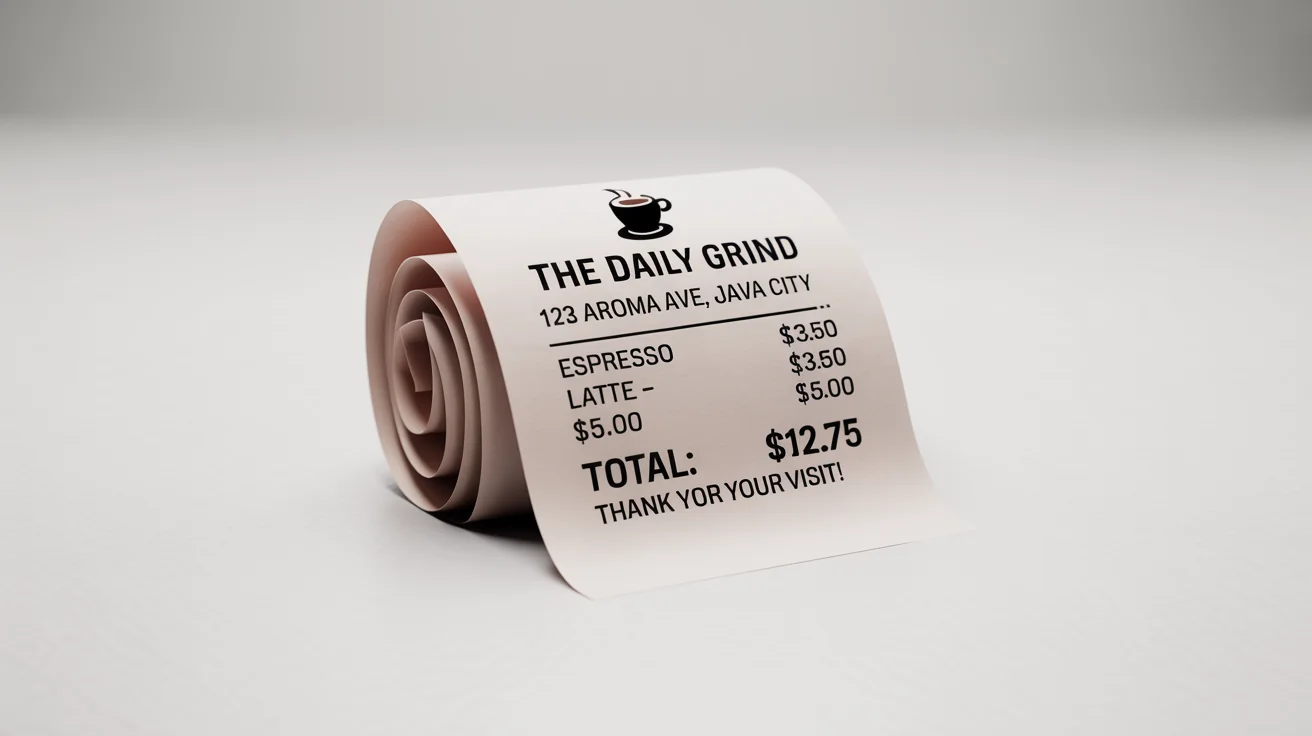
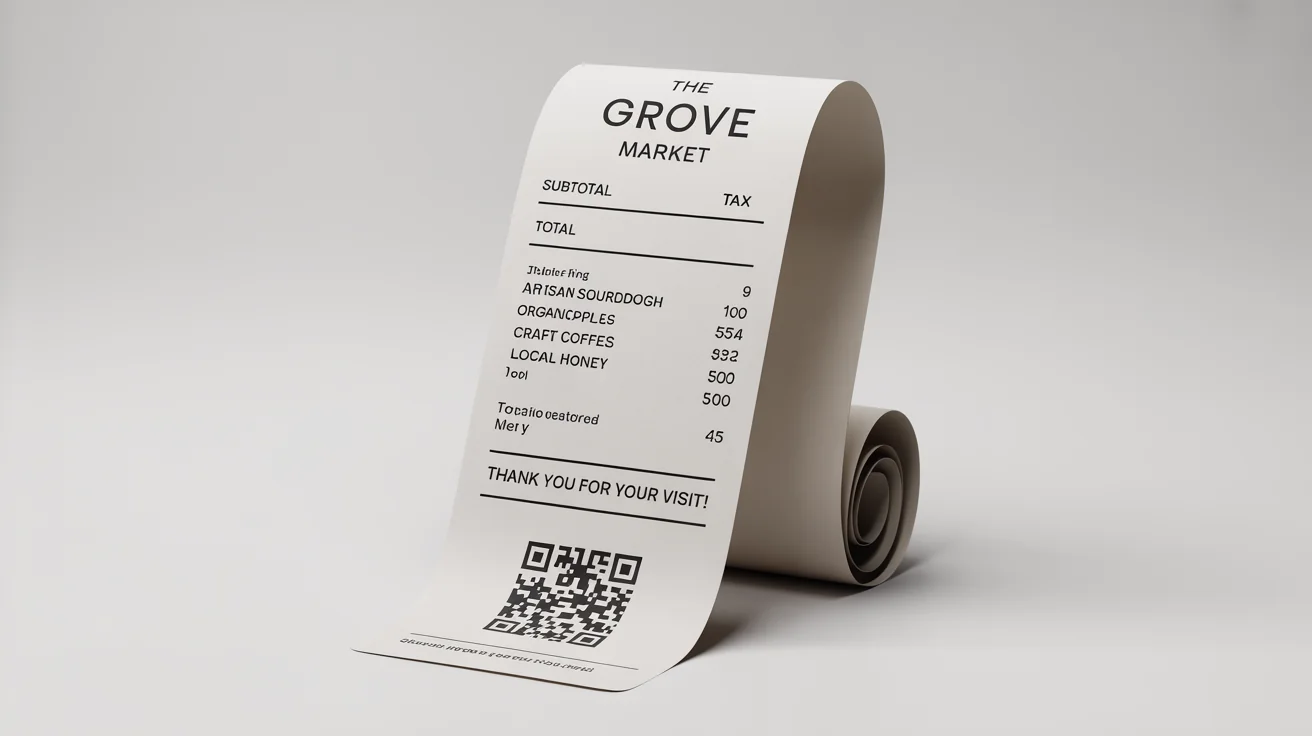
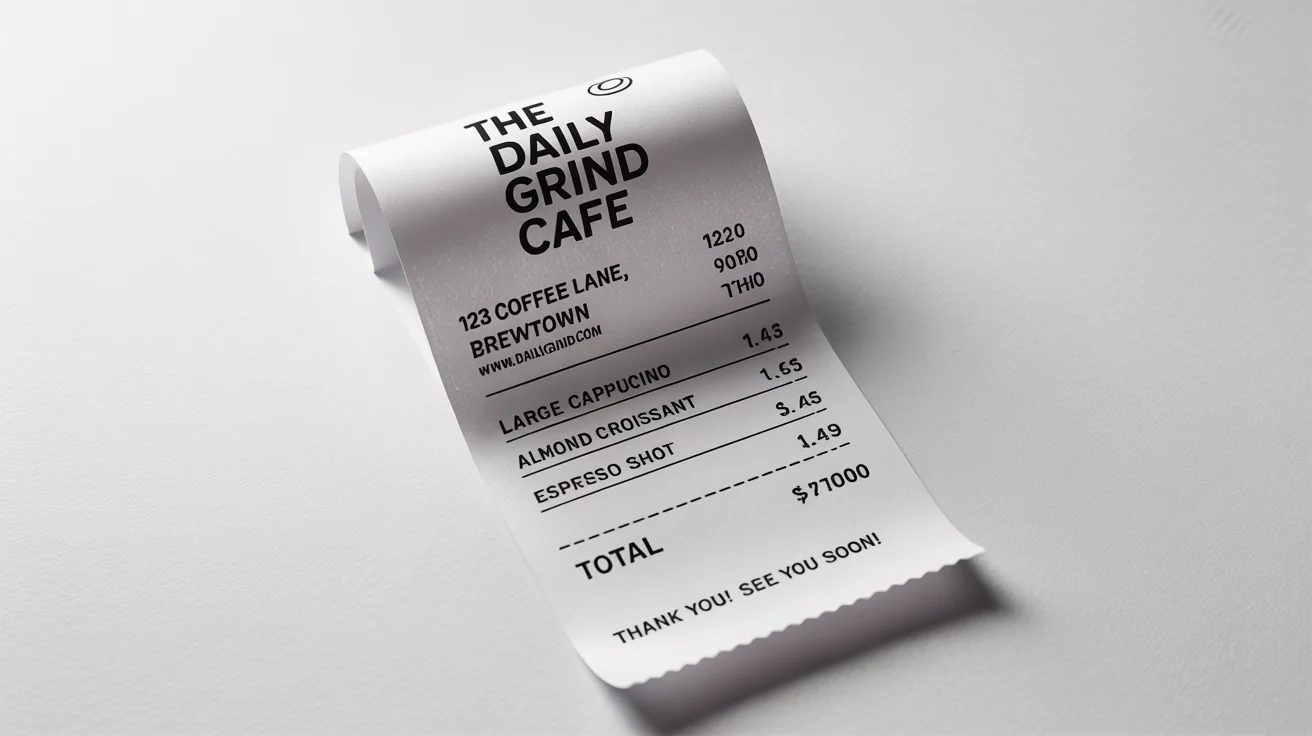
An AI POS receipt generator is a tool that uses artificial intelligence to create custom receipt designs from text descriptions. You can specify all the details you need, such as business information, itemized lists, prices, taxes, and even describe your logo, and the AI will generate a visual representation of the receipt for you.
You can include a description of your logo directly in the text prompt. For example, you could write, 'a receipt for with a logo of a minimalist mountain outline at the top.' The AI will interpret this and incorporate it into the design.
Yes, you have full control over the financial details. Your prompt should include a clear breakdown of the items purchased, their individual prices, any discounts, the sales tax percentage or amount, and the final total. The more detailed your prompt, the more accurate the generated receipt will be.
A standard POS receipt should include your business name and contact information, the date and time of the transaction, an itemized list of products or services with prices, the subtotal, any taxes applied, and the final total amount paid. It's also helpful to add a transaction or receipt number for record-keeping.
Absolutely. The designs you create are perfect for digital use. Once you generate your receipt, you can download the high-resolution PNG file and easily email it to customers or incorporate it into your digital bookkeeping system. This is an eco-friendly option that many modern businesses prefer.
Yes. You can add any custom text to the bottom of your receipt. Simply include instructions in your prompt, such as 'add a footer that says "Returns accepted within 30 days"' or 'include a promo code "SAVE10" for their next purchase.'
Great app, easy to use. Helps our small business save time and money to create different marketing materials professionally. Thank you.
I need a good background remover for my work and I've been through them all it feels like. This one is the best by far. It's so easy to use and the results always look amazing. Thank you Pixa!
It's amazingly easy and gives the perfect results for my bags and accessories. It looks like it was done by a professional photographer.