My favorite app
Great app, easy to use. Helps our small business save time and money to create different marketing materials professionally. Thank you.
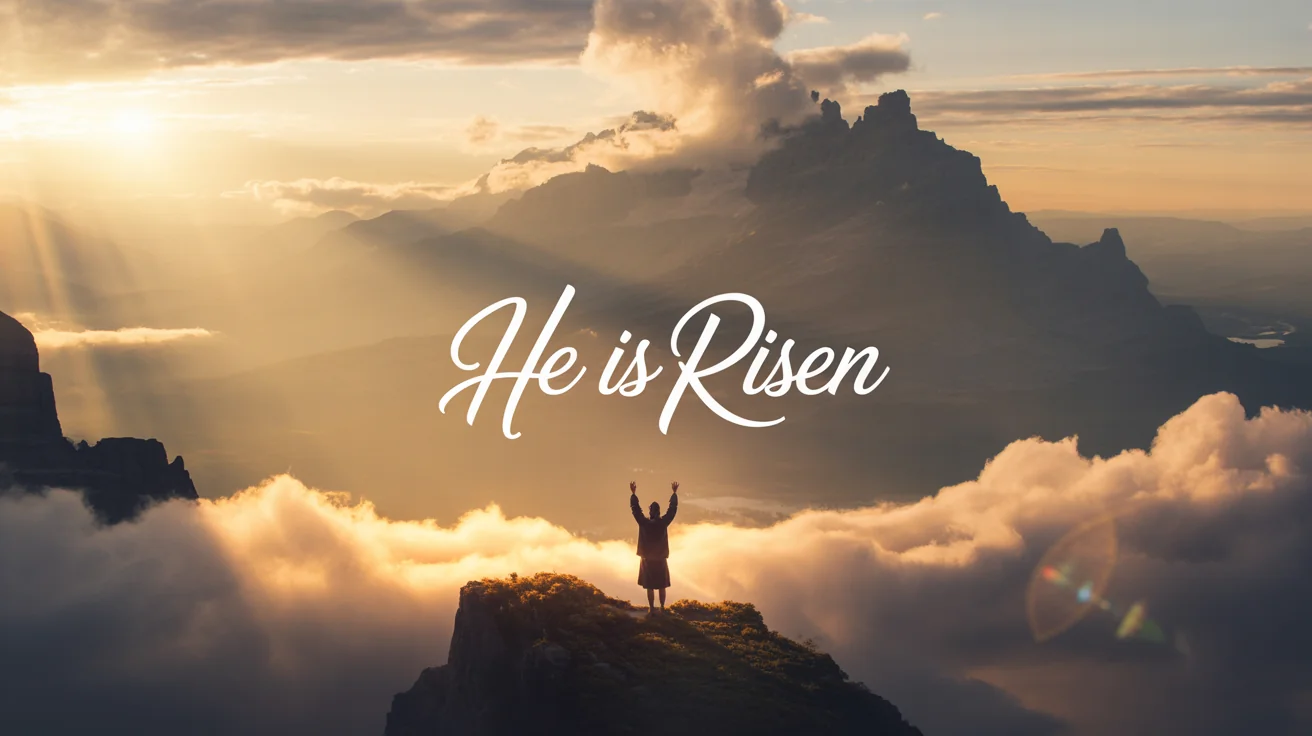
Enter the mood and visuals you want. For example, 'serene ocean at sunset with light beams' or 'abstract blue particles of light'.
Our AI will interpret your text and create a unique worship background tailored to your description for your church.
Your high-resolution background is ready to download. Use it in your presentation software completely watermark-free.




It's a tool that uses artificial intelligence to create images from your text descriptions. You can type what you want to see, like 'a peaceful field at dusk with a wooden cross,' and the AI will generate a unique background image for you to use in your church services.
You can download the high-resolution PNG image created by the generator and then import it into your preferred presentation software, such as ProPresenter, PowerPoint, or Keynote. From there, you can easily add text boxes for lyrics, scripture, or announcement details on top of the image.
Yes, Pixelcut's AI Agent also has video generation capabilities. You can upload an image you've generated and use a text prompt to describe how you want it to animate. For example, you could prompt 'make the clouds move slowly and the light rays shimmer' to add subtle motion to your background. Video downloads are in MP4 format.
Yes, you can try the tool for free. The images you create can be downloaded watermark-free and used for your church's services, livestreams, social media, and other materials. After using your free credits, you have the option to purchase more.
You can create a wide variety of styles simply by describing them in your prompt. This includes photorealistic landscapes like sunrises and mountains, abstract designs with light particles and gentle color gradients, or symbolic imagery. Just include the desired style in your prompt, for example, 'impressionist painting of a field of lilies' or 'dark, textured background with a single beam of light'.
While you cannot add a logo as an overlay directly in the generator, you can upload a reference image to guide the AI's creation. For instance, you could upload a photo of your church's stage and ask the AI to create a background that complements its colors. Logos can be added later in your presentation software.
Great app, easy to use. Helps our small business save time and money to create different marketing materials professionally. Thank you.
I need a good background remover for my work and I've been through them all it feels like. This one is the best by far. It's so easy to use and the results always look amazing. Thank you Pixa!
It's amazingly easy and gives the perfect results for my bags and accessories. It looks like it was done by a professional photographer.