Pixa
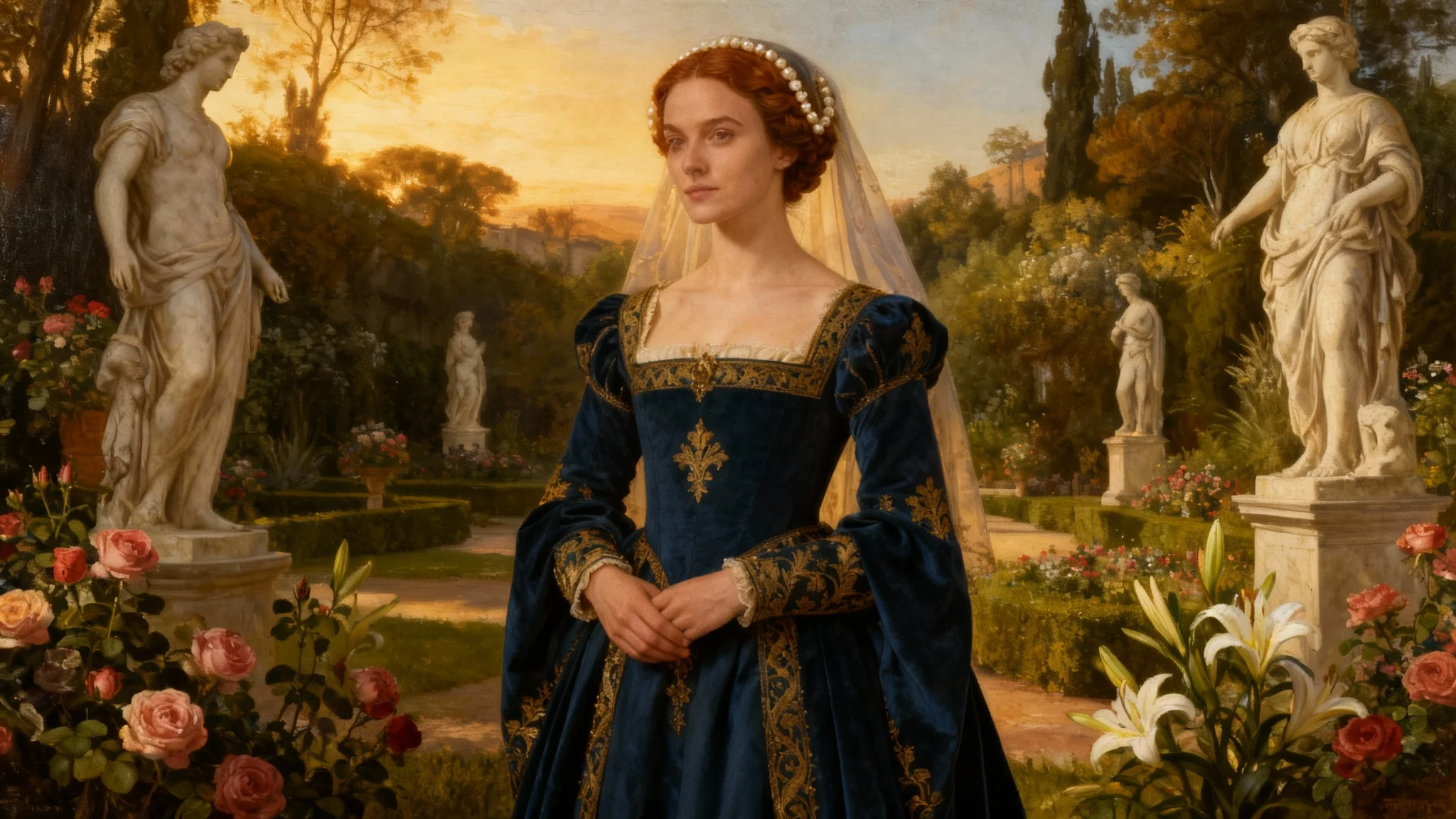
A highly detailed digital painting in the Renaissance style of a noblewoman in an ornate blue and gold dress, standing in a beautiful garden at sunset.

AI Renaissance Portrait Generator

Create a timeless Renaissance portrait from a photo or text prompt. Our AI can paint you as a noble, knight, or royal in just a few seconds.
Easy to use - just write a prompt
Trusted by 70 million people
Powered by Pixa AI Agent
171,800 Reviews

How to Create Your Renaissance Portrait

  1. 1

    Upload your photo

    Start by uploading a clear photo of yourself, a friend, or a family member. A well-lit, high-quality image works best for the transformation.

  2. 2

    Describe your vision

    In the prompt box, describe the Renaissance portrait you want to create. For example, 'Turn me into a knight with silver armor in a dark forest.'

  3. 3

    Generate your portrait

    Click the generate button and let the AI work its magic. It will analyze your photo and prompt to repaint your image in the style of a Renaissance master.

  4. 4

    Download your masterpiece

    Your new portrait is ready! Download the high-resolution PNG image, watermark-free, and ready to be shared, printed, or framed.

Transform a modern selfie or family photo into a classical work of art. Upload your image and watch as our AI reimagines it in the iconic Renaissance style. The generator captures the essence of the era, focusing on dramatic lighting, rich textures, and authentic period attire to create a portrait that looks like it belongs in a gallery. You don't need any artistic skill; just provide a photo, and the AI will handle the brushstrokes, turning your picture into a timeless piece of art you can treasure.

Turn Your Photo into a Masterpiece

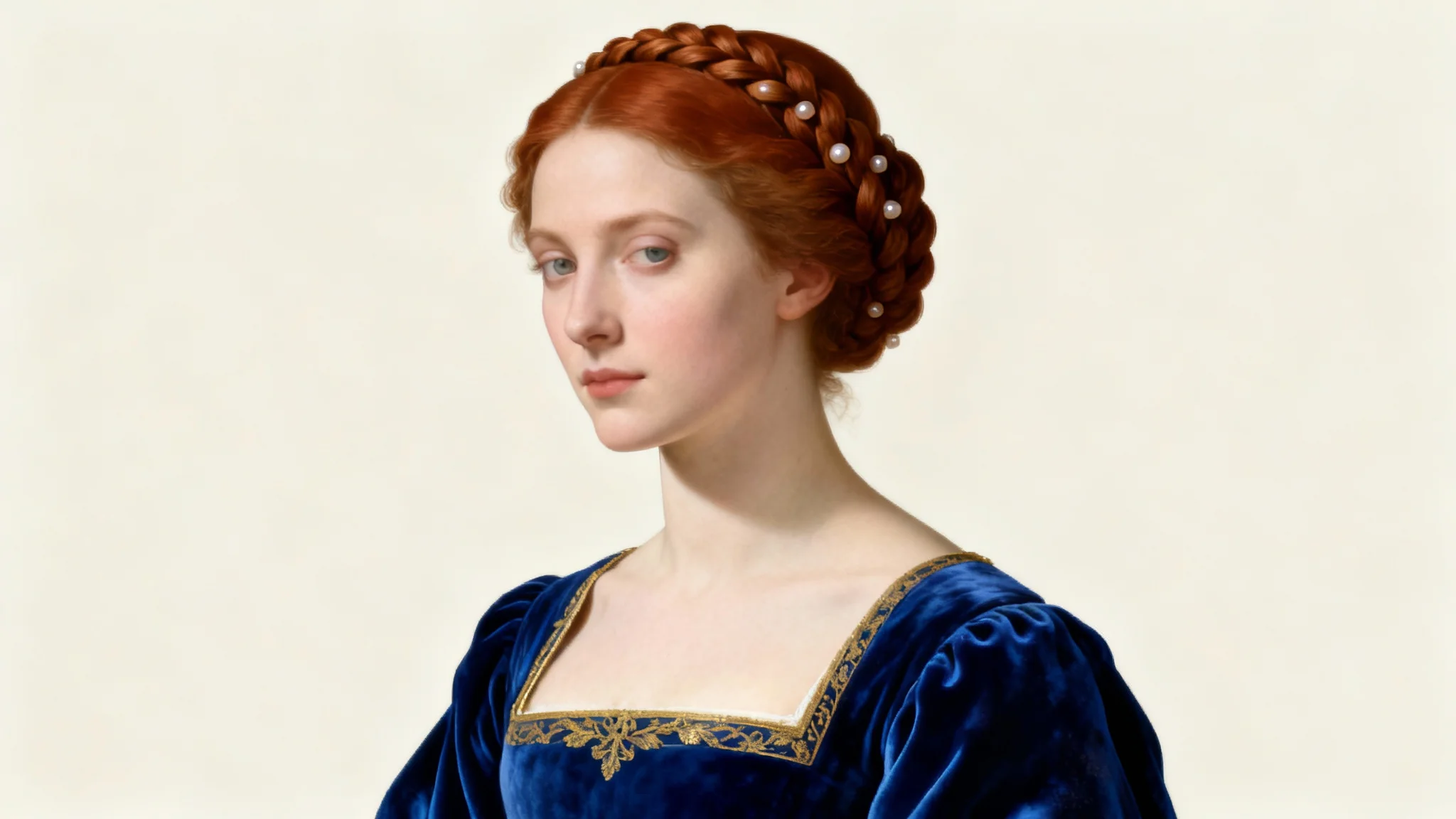
A Renaissance-style digital portrait of a noblewoman with braided auburn hair and a blue velvet gown, set against a plain off-white background.
Go beyond simple filters and take full control of your artistic transformation. Describe the exact portrait you envision, from the clothing to the background. You can specify details like 'a knight in shining armor' or 'a duchess in a silk gown adorned with sapphires'. Tell the AI to place your subject in a 'castle library' or a 'serene Tuscan garden'. This level of customization allows you to create a unique character and a historical alter ego that truly reflects your creative vision.

Design Your Own Noble Persona

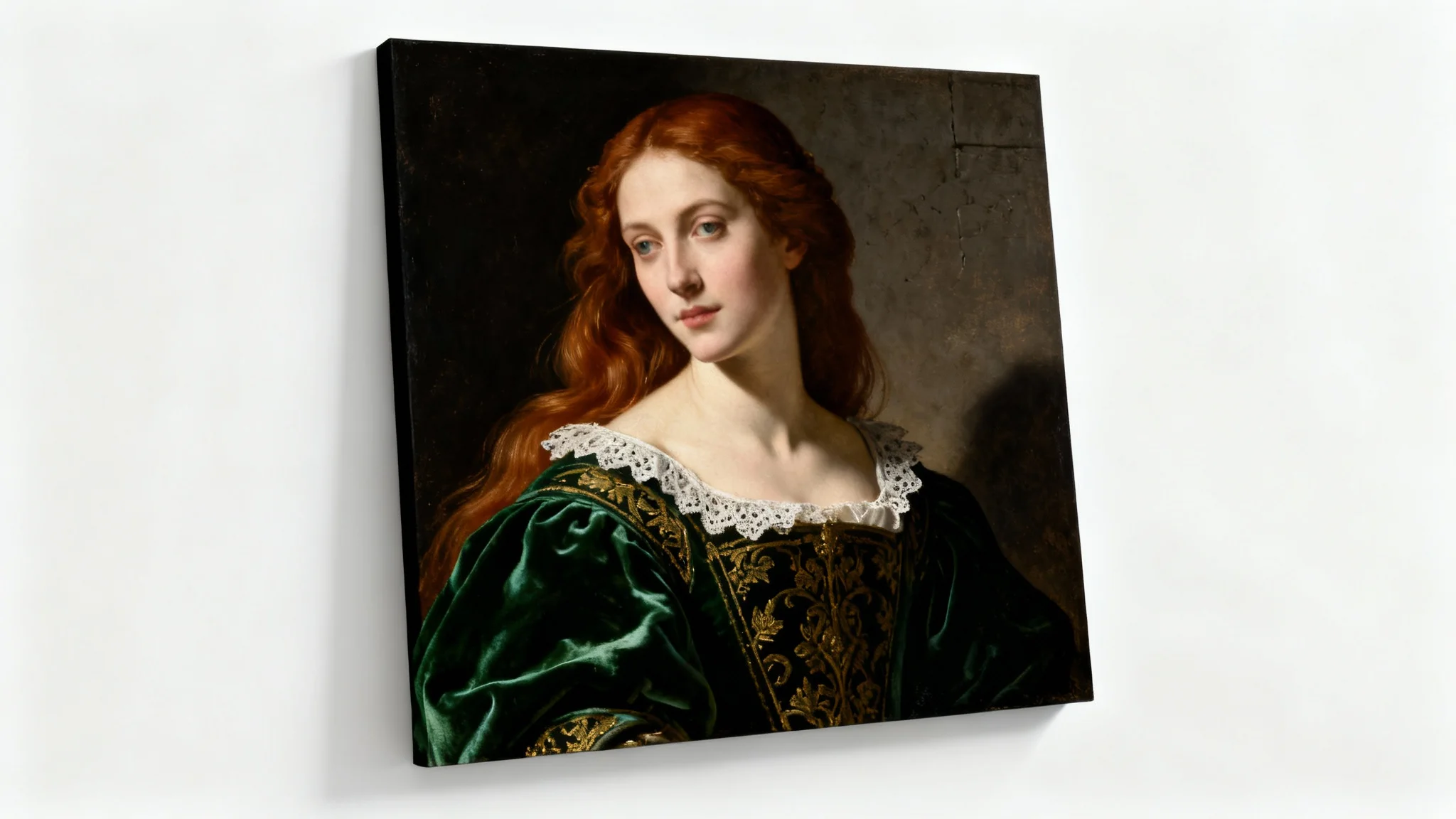
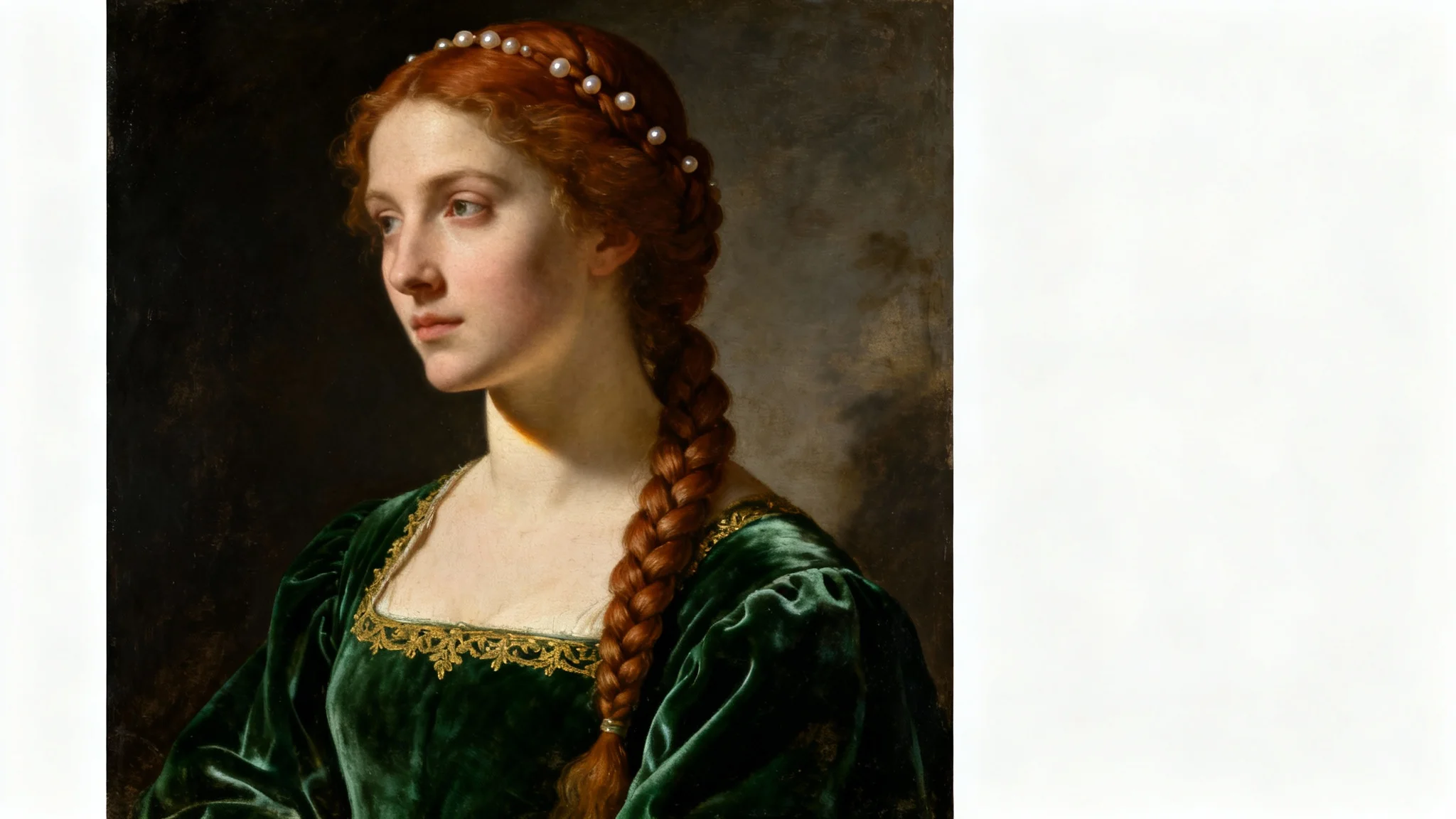
A stunning, highly detailed Renaissance-style portrait of a woman in an emerald green velvet dress, featuring dramatic lighting and a dark background. The portrait is displayed as a mockup on a plain white surface.
Download your finished portrait in a high-resolution PNG format, perfect for printing and framing. The images are generated with crisp detail and rich colors, ensuring they look stunning as physical wall art, on custom gifts, or in any digital project. Whether you're decorating your home with a touch of classical elegance or creating a memorable present for a loved one, your AI-generated masterpiece will be sharp, vibrant, and ready for display. All downloads are watermark-free.

Print-Ready, High-Resolution Art

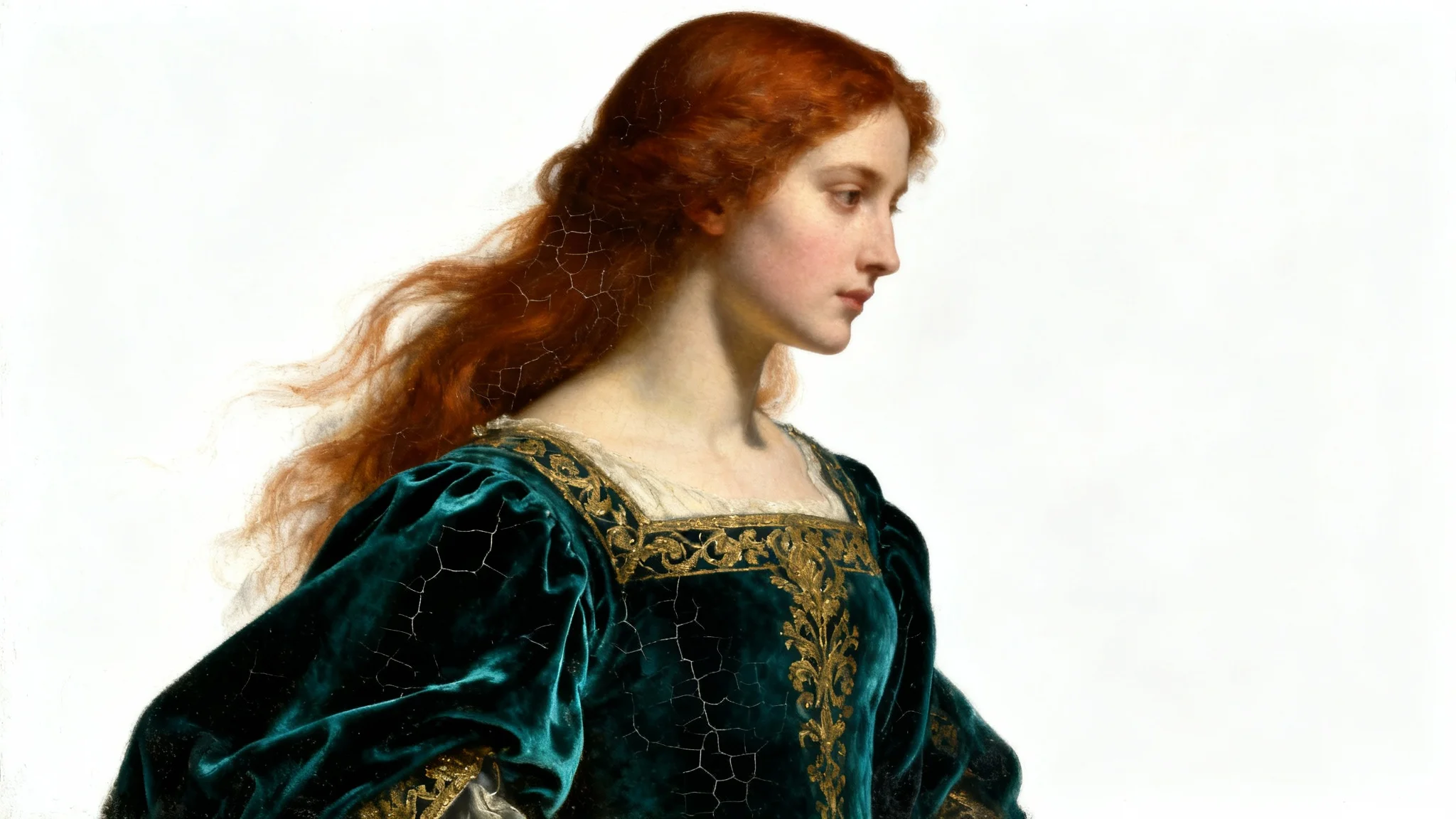
A Renaissance-style oil portrait of a woman with auburn hair and a teal velvet dress, depicted with dramatic lighting and displayed against a plain white background.
It’s Fast: Go from a simple photo to a fully rendered Renaissance painting in seconds. It’s Easy to Use: Just upload a photo and type a simple prompt. No complex tools or art skills are needed. It's Customizable: Be the artist. Specify the clothing, background, and mood to create a portrait that is uniquely yours. AI-Powered Artistry: Our tool analyzes your image and prompt to replicate the techniques of Renaissance masters, from lighting to texture. Perfect for Gifts: Create a one-of-a-kind personalized gift for friends and family that is both fun and elegant.

Why use Pixelcut's AI Renaissance Style Portrait Generator?

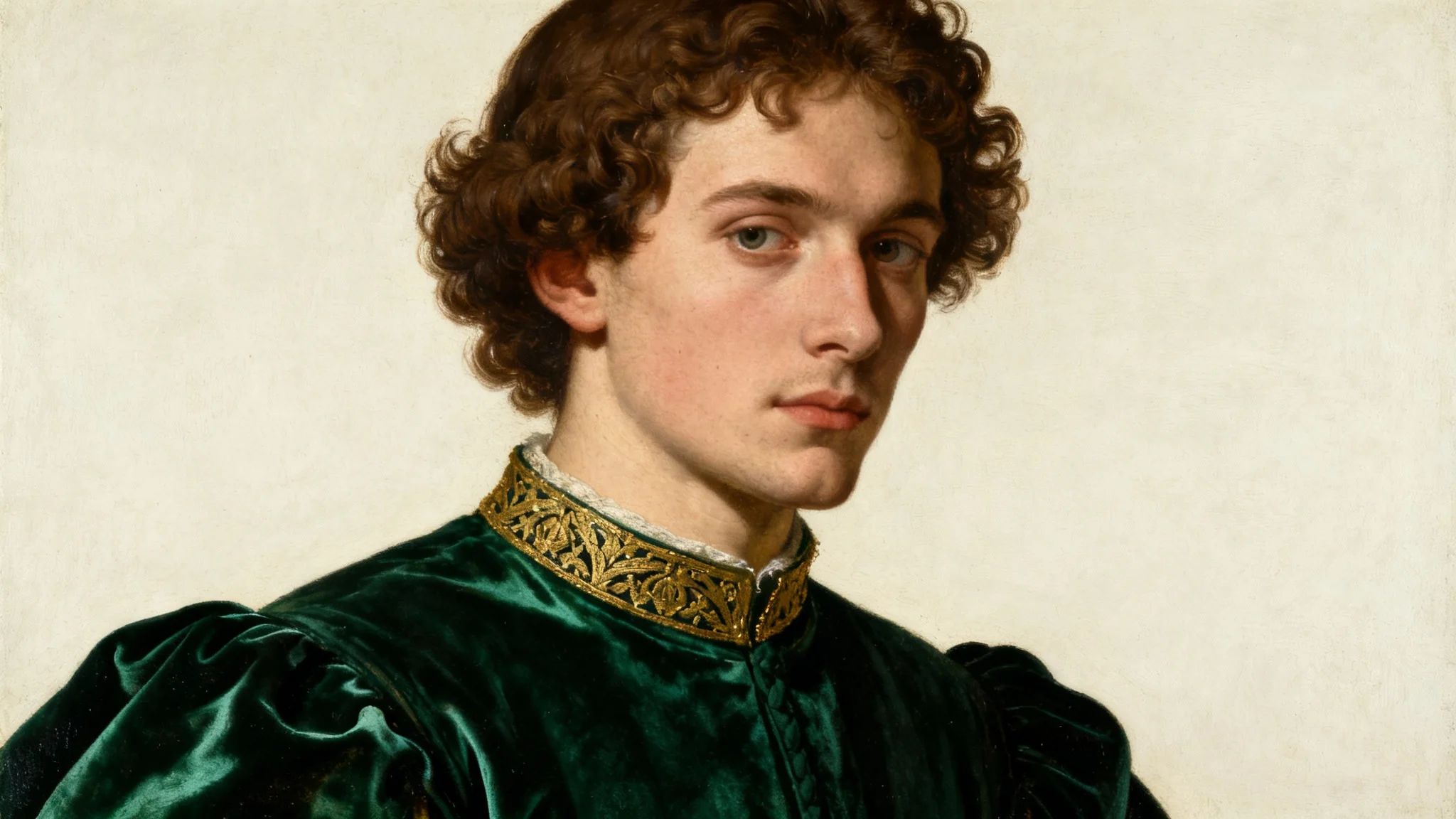
A hyper-realistic Renaissance-style portrait of a young man in an ornate green doublet, set against a plain white background, illustrating a classic art style.
Unique Profile Pictures: Stand out on social media with a profile picture that looks like a classical oil painting. Personalized Gifts: Surprise friends and family by turning their photos into beautiful Renaissance portraits for birthdays or holidays. Home Decor: Print and frame your creations to add a touch of historical sophistication to your home or office walls. Character Visualization: Writers and game developers can bring their characters to life by generating realistic portraits in a historical style. Creative Projects: Use your portraits for art projects, presentations, or as a fun way to explore history and art.

Renaissance Style Portrait Use Cases

A Renaissance-style oil painting of a woman with braided hair, wearing a green velvet gown, set against a dark background. The portrait is displayed on a white surface.

Frequently Asked Questions

Pixa is loved by over 2 million people

  • My favorite app

    Great app, easy to use. Helps our small business save time and money to create different marketing materials professionally. Thank you.
    Shaelyn D.
  • Best background remover

    I need a good background remover for my work and I've been through them all it feels like. This one is the best by far. It's so easy to use and the results always look amazing. Thank you Pixa!
    Kira H.
  • Love it

    It's amazingly easy and gives the perfect results for my bags and accessories. It looks like it was done by a professional photographer.
    Mary J.