My favorite app
Great app, easy to use. Helps our small business save time and money to create different marketing materials professionally. Thank you.
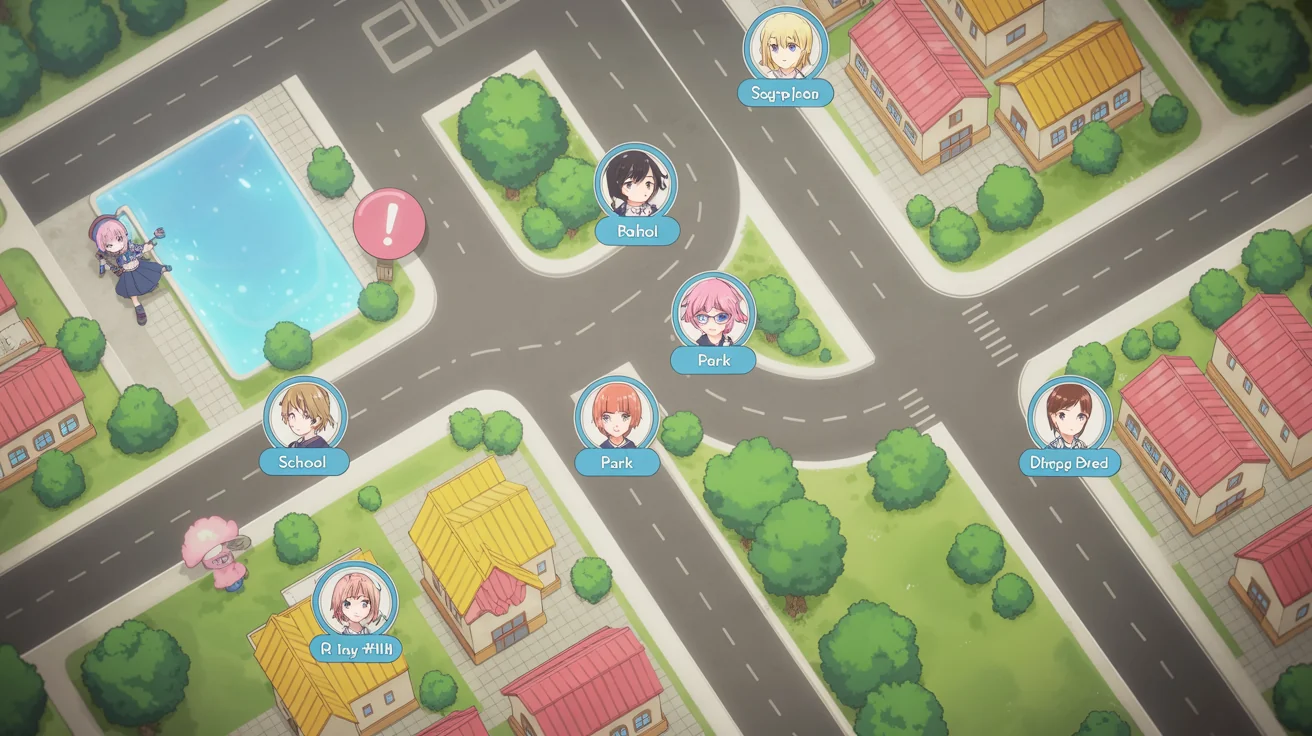
Start by writing a detailed description of your map. Include locations, style, and mood. For example: 'A cute, cartoon-style map of a magic academy with a main castle, a greenhouse, and a library.'
Click the generate button and our AI will create a unique map based on your prompt. If it's not quite right, you can adjust your prompt and generate a new version in seconds.
Download your high-resolution map image. Add it to your game's 'images' folder and use it as the background for an interactive map screen in your Ren'Py project.
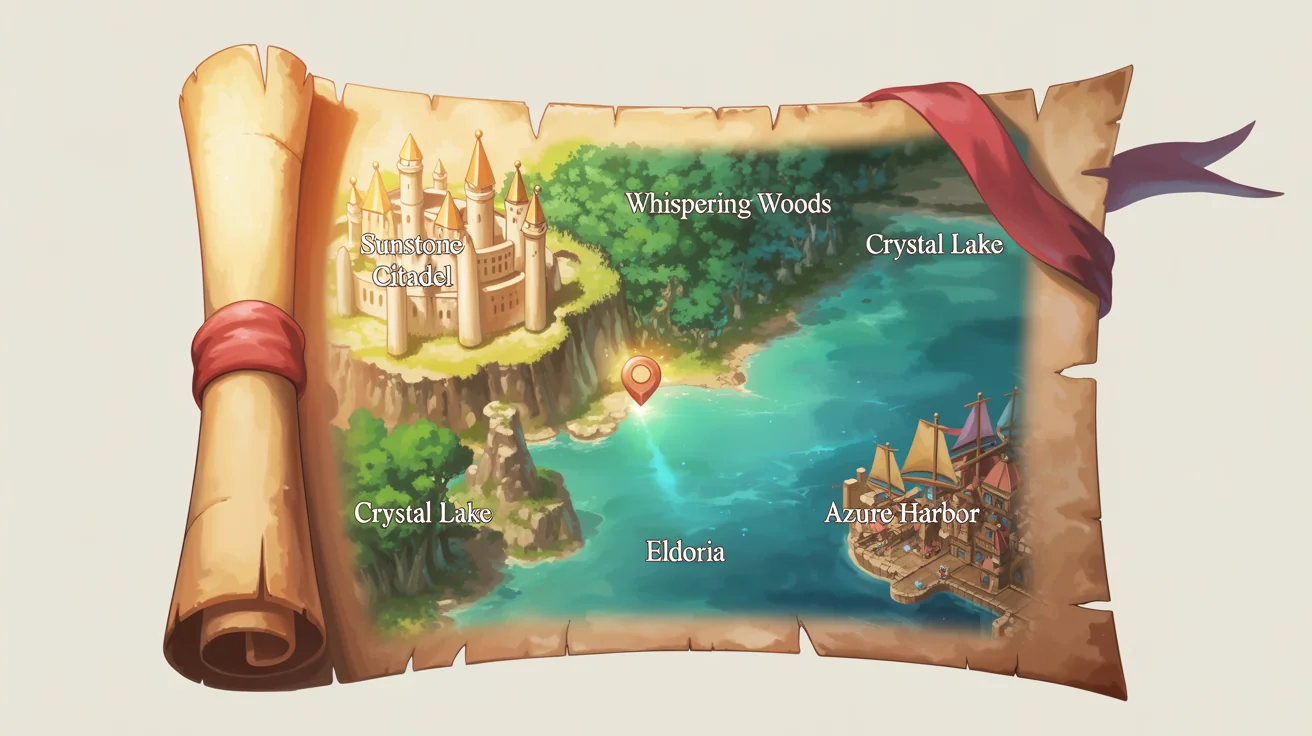
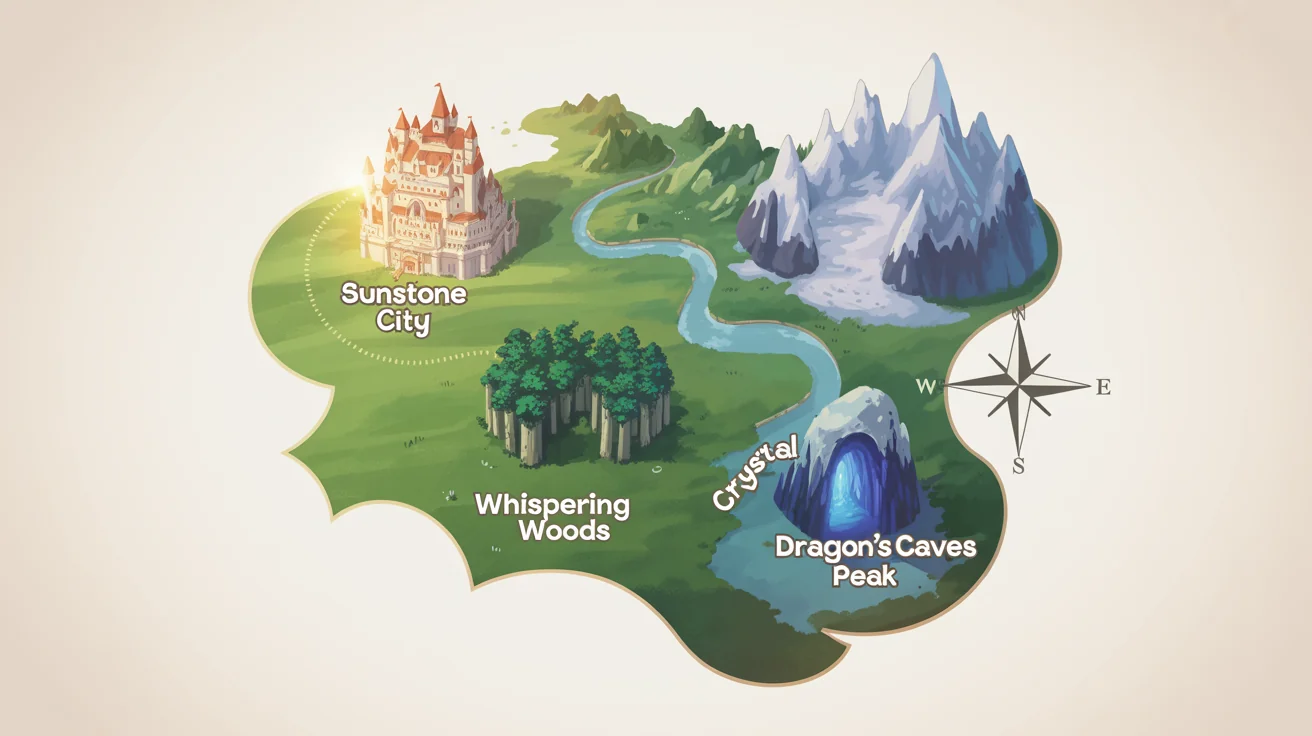
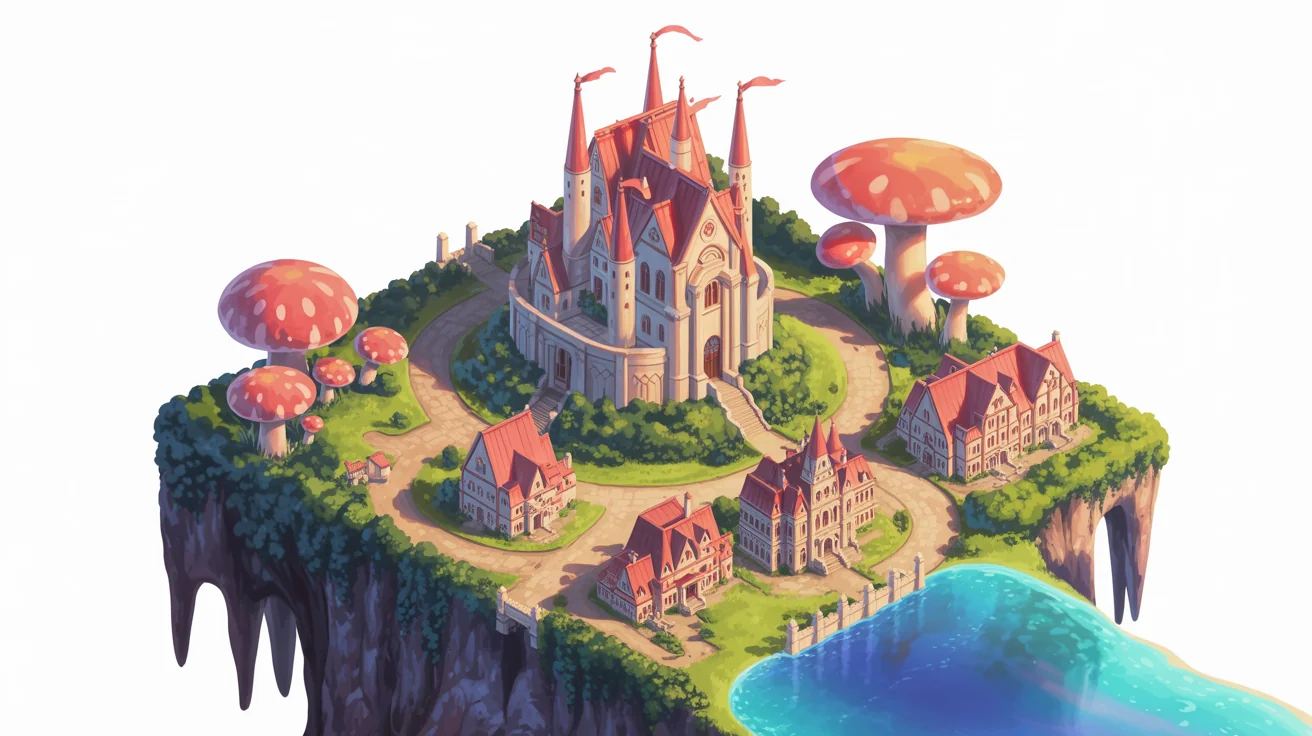
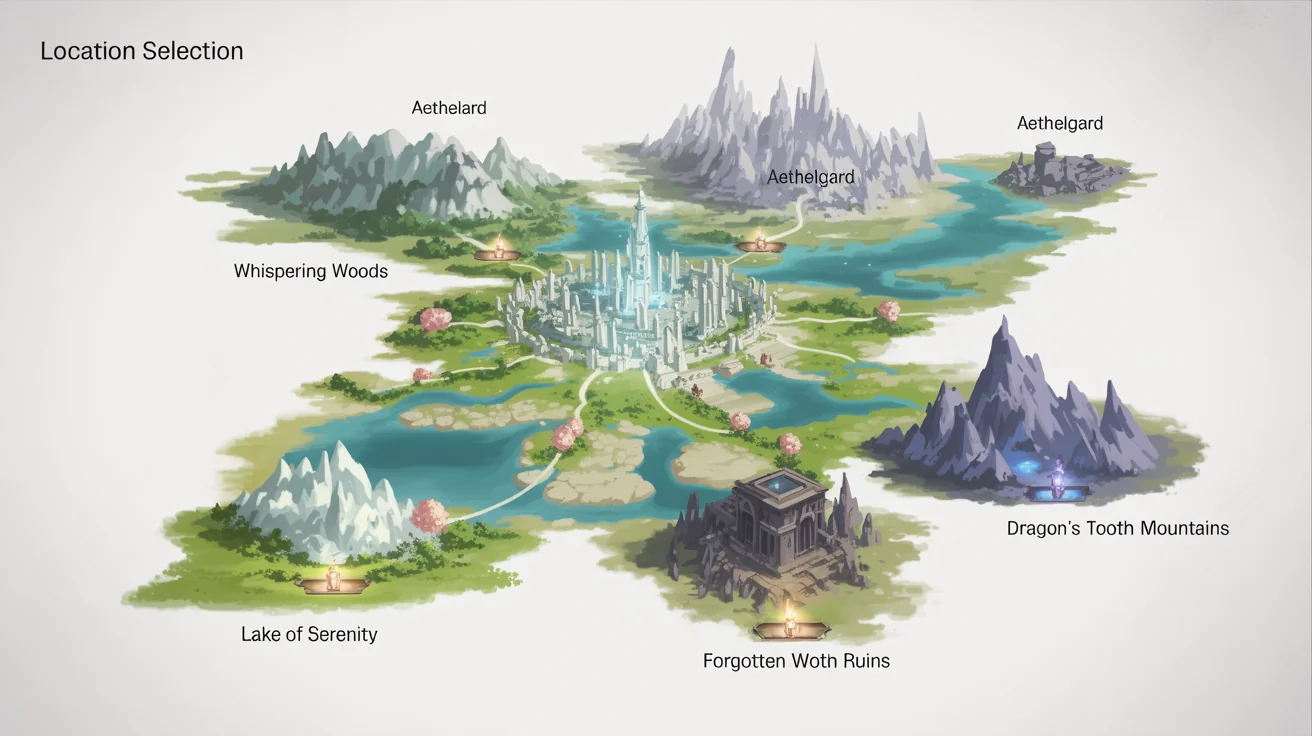
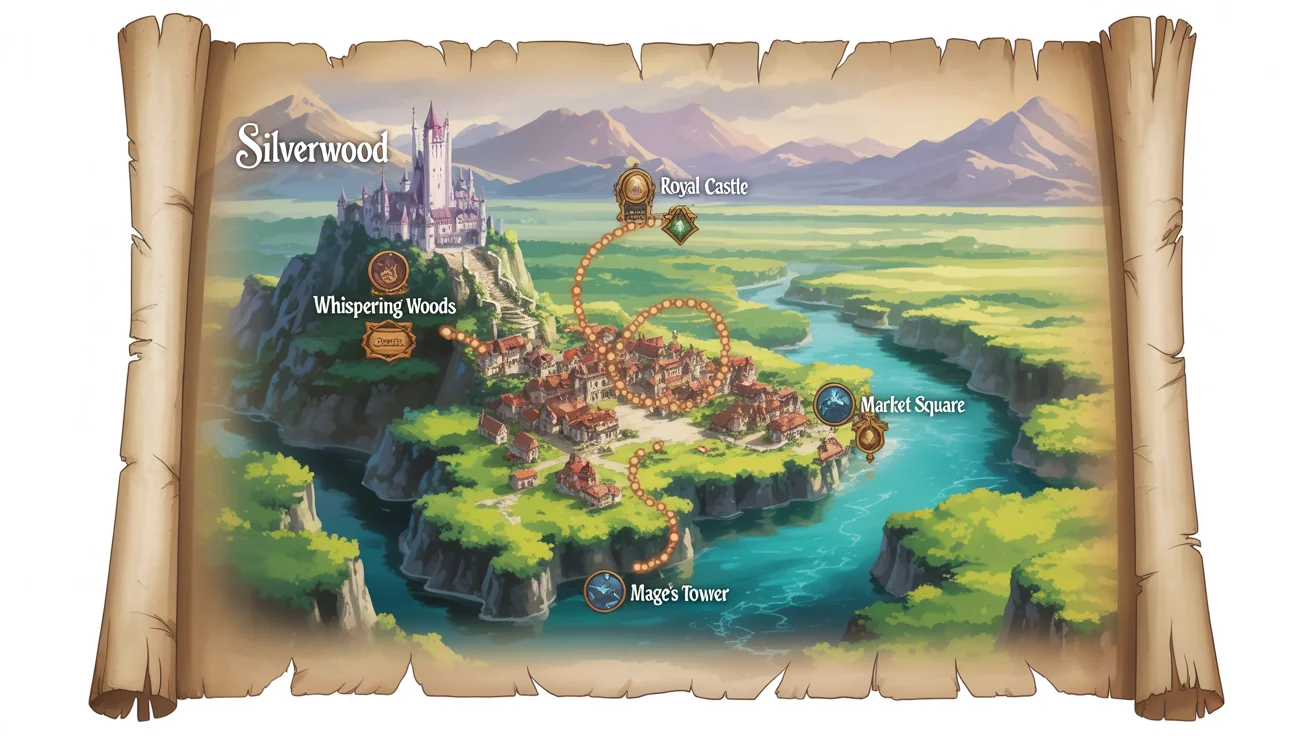
An AI Ren'Py map screen generator is a tool that uses artificial intelligence to create map images for visual novels based on text descriptions. Developers can describe the desired style, locations, and theme, and the AI will generate a unique map asset that can be used within the Ren'Py game engine.
Our tool generates the static map image. To make it interactive, you import the image into your Ren'Py project and use screen language. You can define 'imagebutton' or 'hotspot' elements on the map screen, placing them over locations you want players to click. These buttons can then trigger actions, like jumping to a new scene or label.
Yes. You can guide the AI to generate maps in various styles by including keywords in your prompt. For example, you can specify 'pixel art style', 'watercolor fantasy map', 'Ghibli-inspired town', or 'cyberpunk city blueprint' to match your game's aesthetic.
Yes, the map images you generate are watermark-free and can be used for both personal and commercial projects. This makes it a great resource for indie developers looking for affordable, high-quality game assets.
For the best results, be descriptive. Include the overall setting (e.g., 'forest village', 'desert outpost'), key landmarks ('a glowing crystal cave', 'an old clock tower', 'a high school by the sea'), the desired art style ('anime', 'hand-drawn', 'cartoonish'), and the overall mood ('bright and cheerful', 'dark and mysterious').
No coding experience is needed to generate the map image itself. You only need to type a description of the map you want. However, to implement the map as a clickable, interactive screen in your game, you will need to use Ren'Py's scripting language.
Great app, easy to use. Helps our small business save time and money to create different marketing materials professionally. Thank you.
I need a good background remover for my work and I've been through them all it feels like. This one is the best by far. It's so easy to use and the results always look amazing. Thank you Pixa!
It's amazingly easy and gives the perfect results for my bags and accessories. It looks like it was done by a professional photographer.