My favorite app
Great app, easy to use. Helps our small business save time and money to create different marketing materials professionally. Thank you.
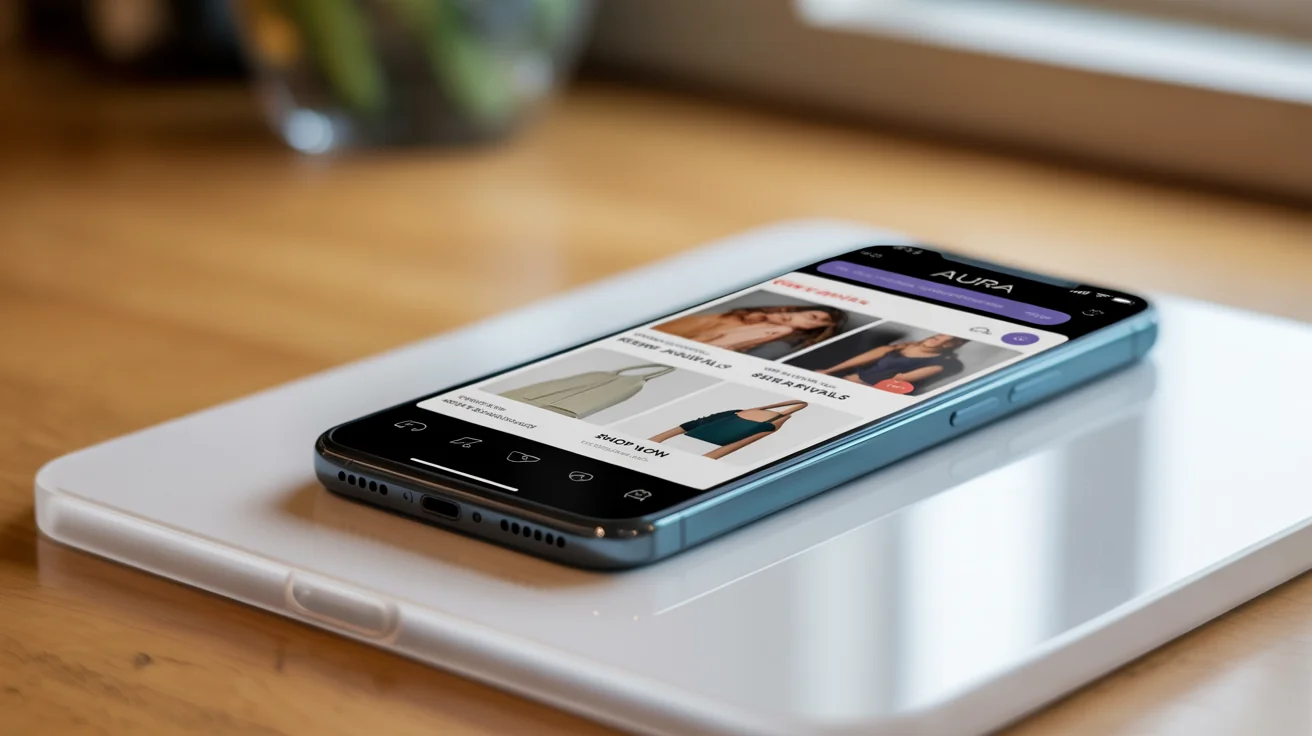
Start by uploading your background image (like a blank t-shirt or phone) and your separate design file (like a logo or screenshot).
In the prompt box, tell the AI where to place your design. For example, 'Place my logo on the front of this t-shirt'.
Click the generate button and let the AI create your professional mockup, automatically adjusting your design to fit the scene realistically.
Your high-resolution mockup is ready to be downloaded. Use it for your website, social media, or online store.
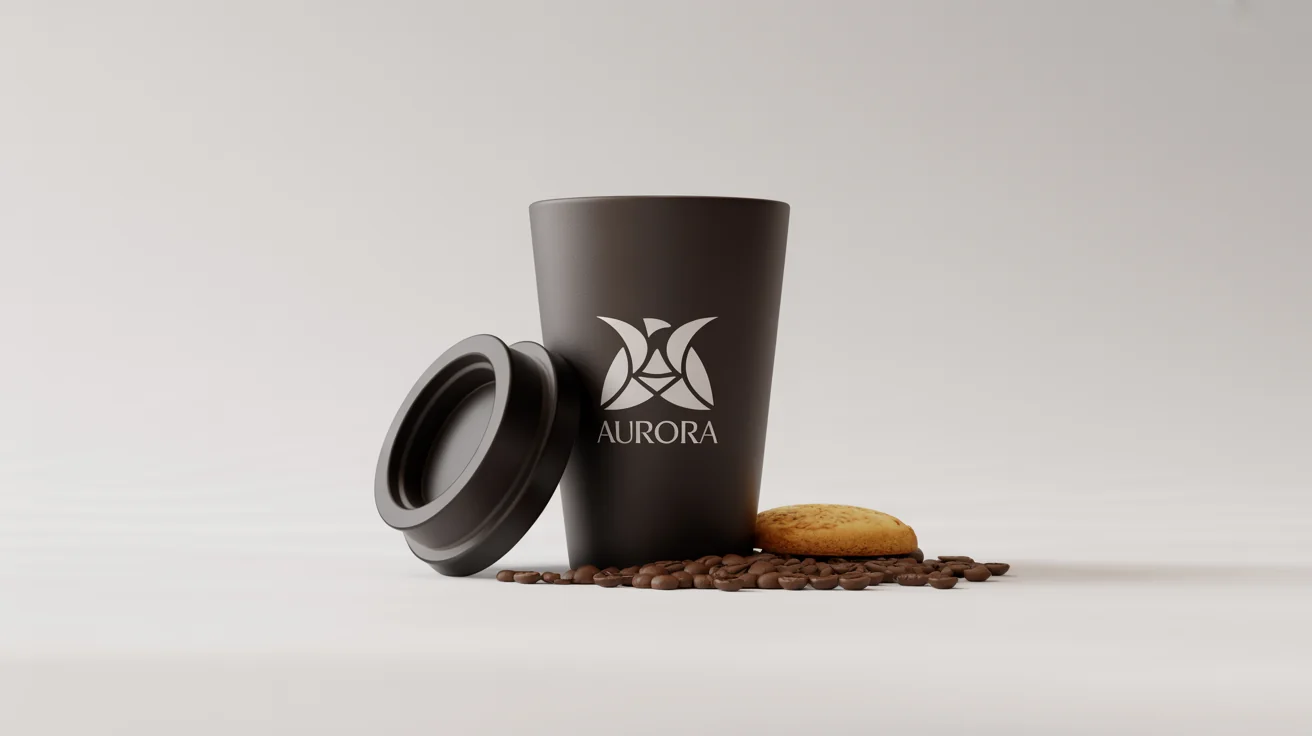
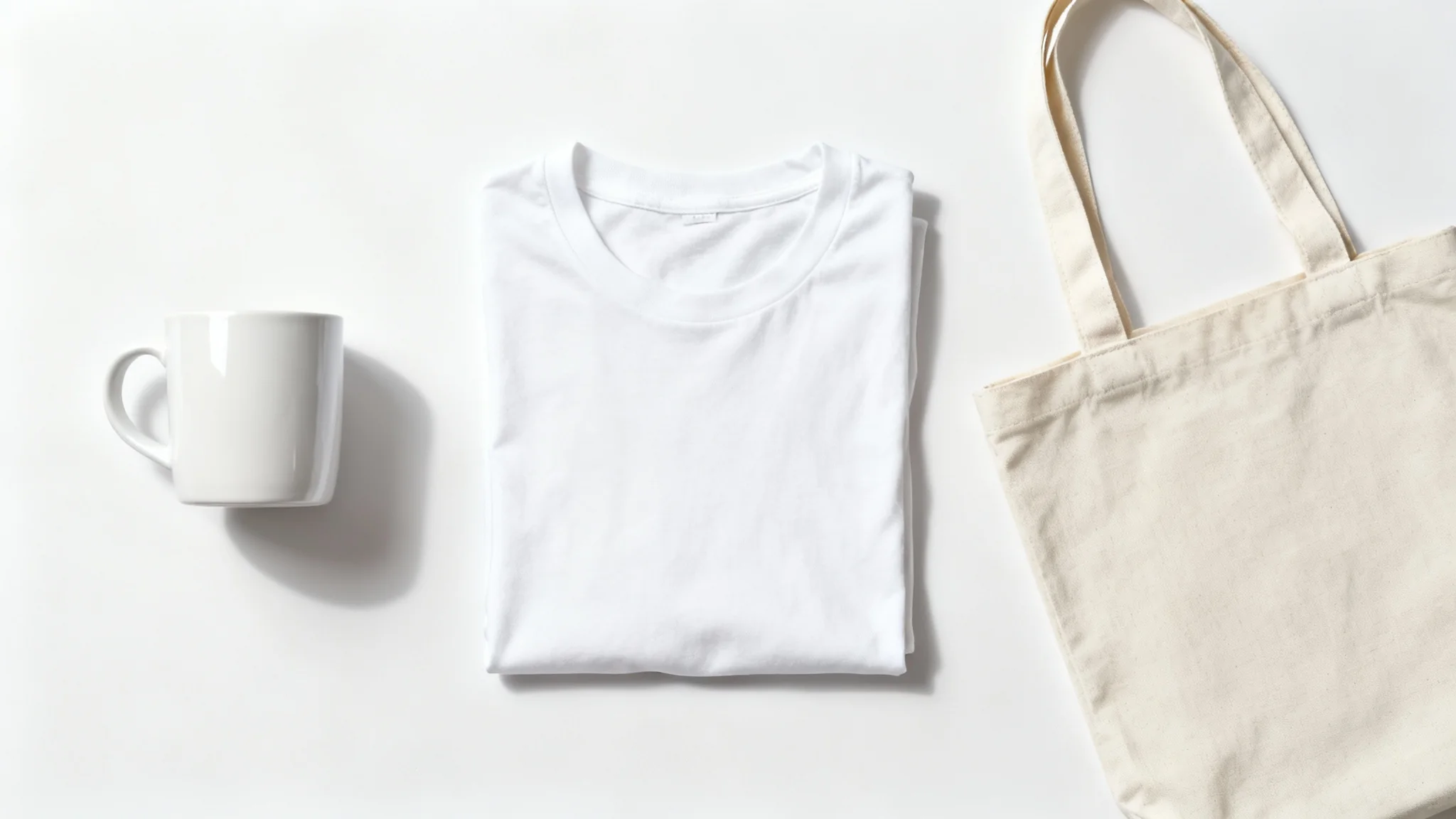
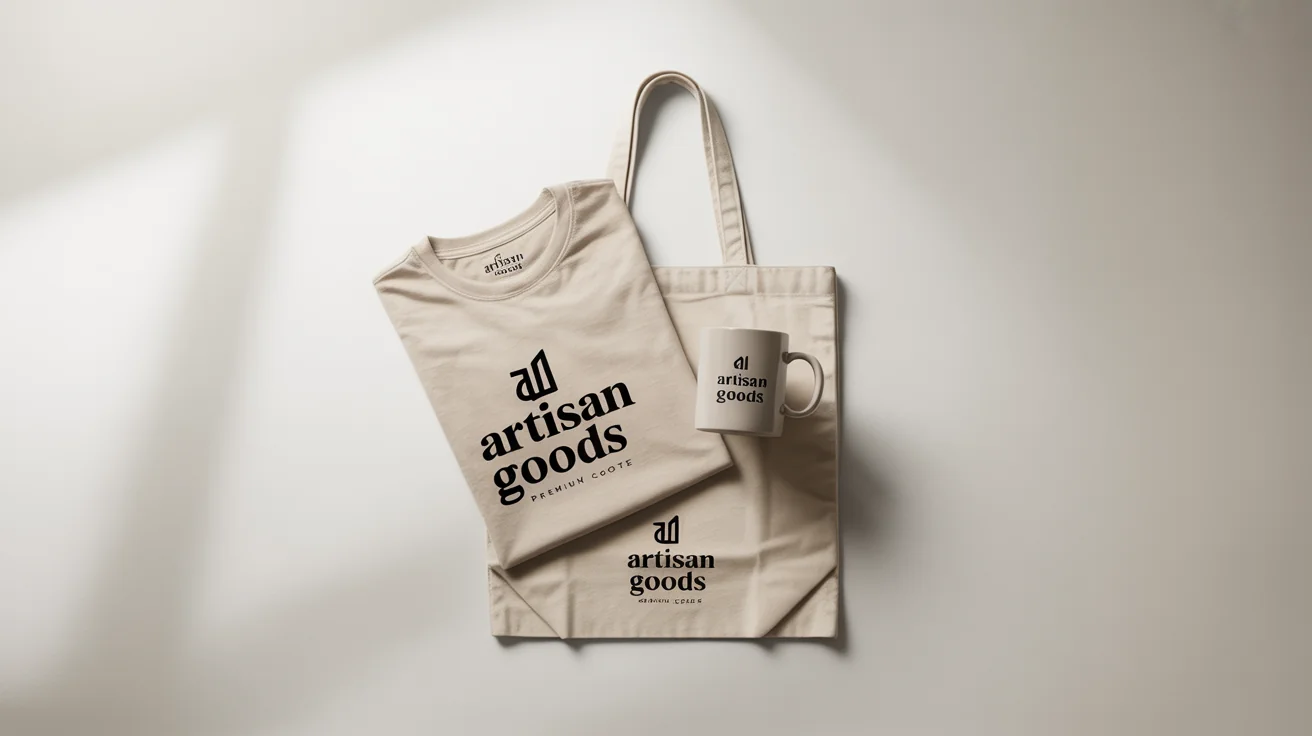
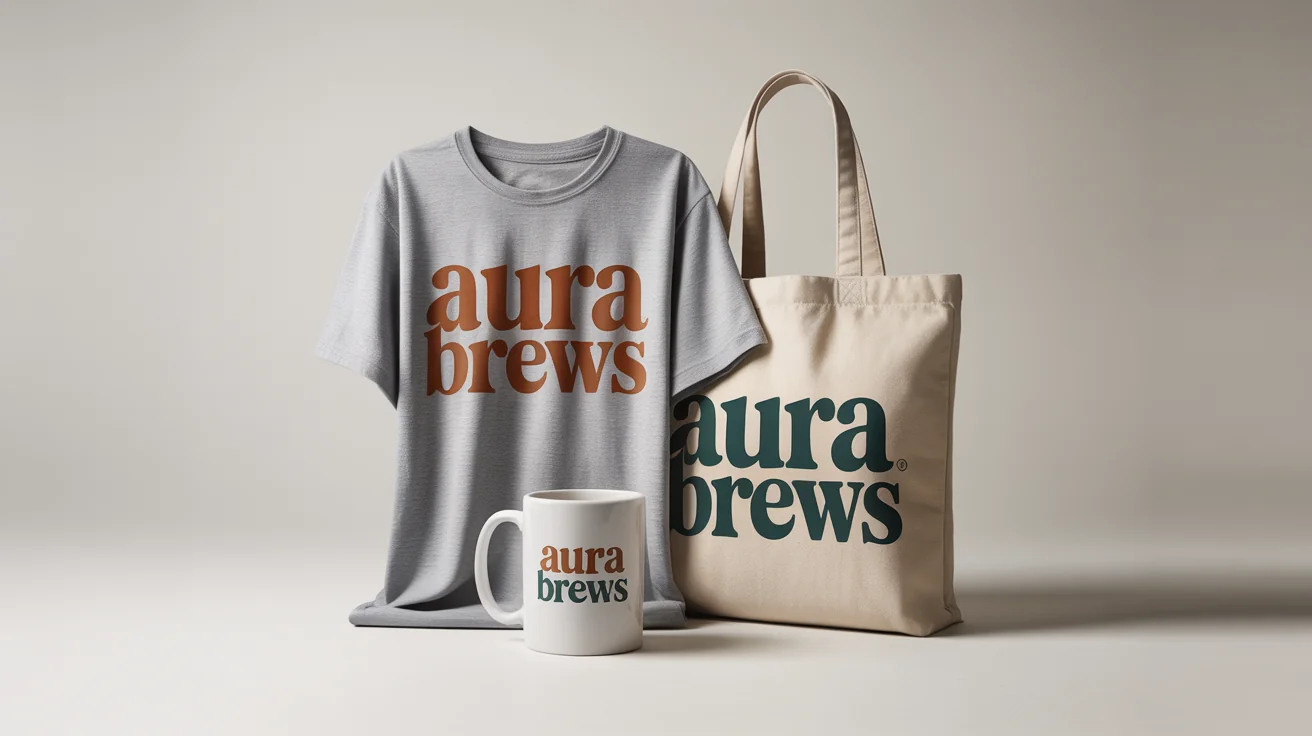
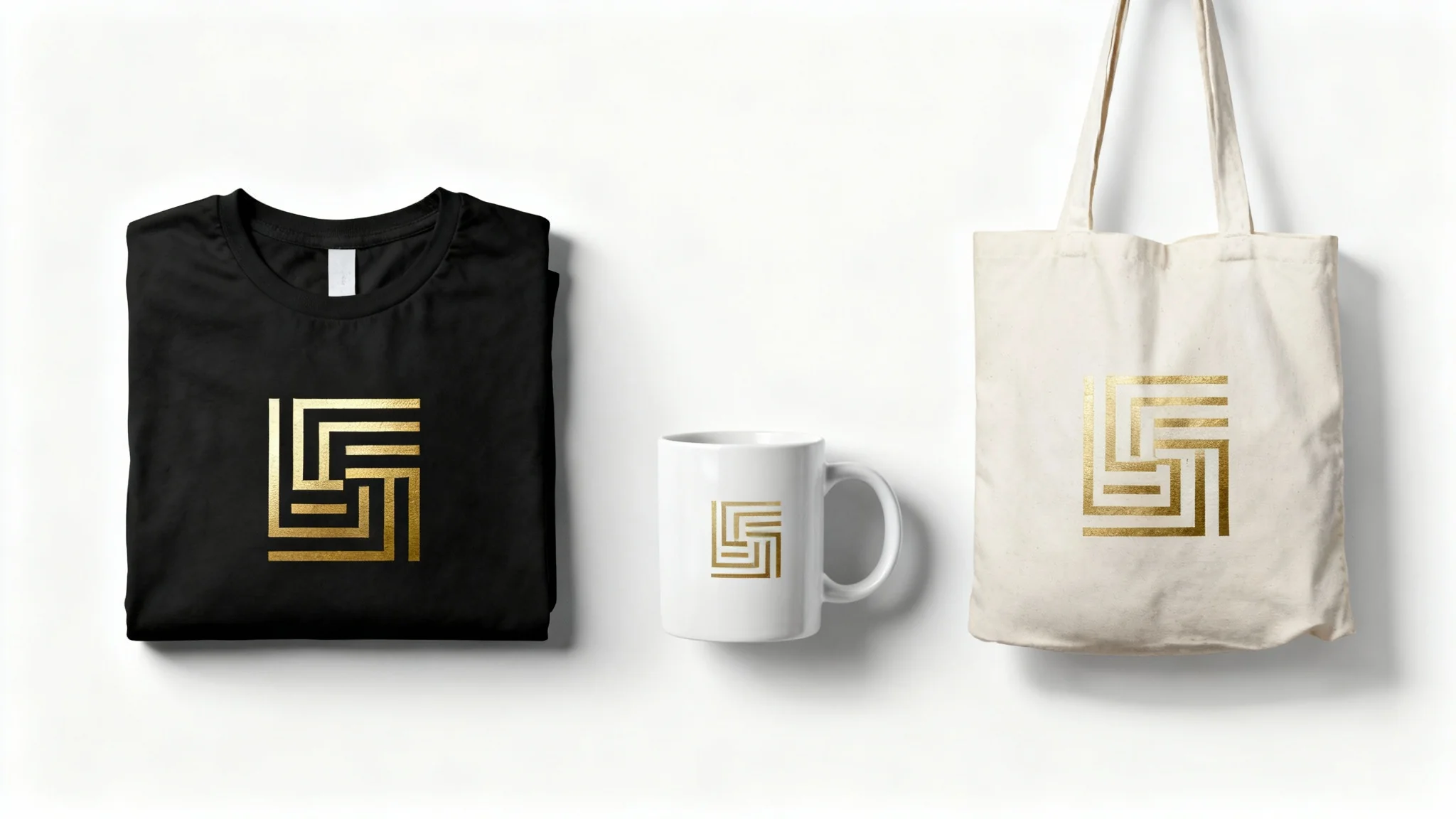
A smart object mockup is a way to showcase a design on a product or in a scene realistically. Traditionally, this is done in Photoshop using a special layer called a 'smart object' that allows you to place your design and have it automatically conform to the perspective and shape of the underlying image.
An AI mockup generator simplifies the process by automating the placement of your design. You upload a background image and your design, and the AI analyzes the scene to realistically integrate your design onto the specified object, adjusting for lighting, shadows, and perspective without needing manual editing.
No, you do not need Photoshop. Tools like Pixelcut's AI Mockup Generator allow you to create high-quality, realistic mockups directly in your browser, providing an easy-to-use alternative to complex software like Photoshop.
You will need to upload two images. First, upload the background image where you want your design to appear, such as a photo of a blank t-shirt or a smartphone. Second, upload the design file itself, like your logo or app screenshot.
Yes, you can instruct the AI to place your design on virtually any object within your uploaded photo. By describing where the design should go in your text prompt, the AI can create a mockup on everything from clothing and devices to packaging and posters.
You can create mockups for a wide range of products, including apparel (t-shirts, hoodies), technology (smartphones, laptops), print materials (posters, business cards), and packaging (boxes, mugs). The tool is versatile enough for many different branding and e-commerce needs.
Great app, easy to use. Helps our small business save time and money to create different marketing materials professionally. Thank you.
I need a good background remover for my work and I've been through them all it feels like. This one is the best by far. It's so easy to use and the results always look amazing. Thank you Pixa!
It's amazingly easy and gives the perfect results for my bags and accessories. It looks like it was done by a professional photographer.