My favorite app
Great app, easy to use. Helps our small business save time and money to create different marketing materials professionally. Thank you.
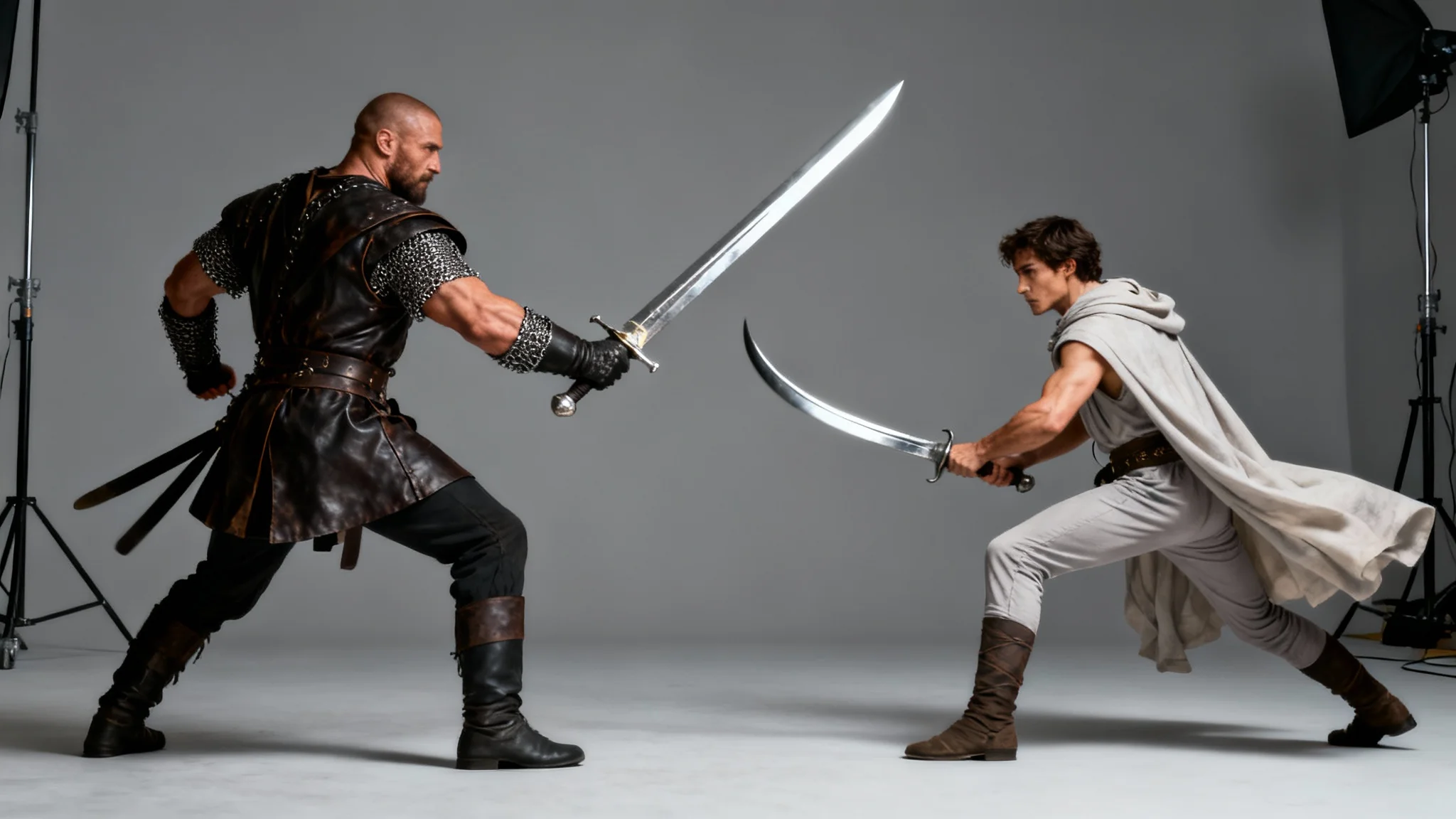
Write a detailed prompt of the sword fighting pose you want. Include details on characters, weapons, action, and setting.
Click the generate button and let the AI interpret your description to create a unique visual of your combat scene in seconds.
Your high-resolution sword fighting pose is ready to download. Use it as inspiration or as a reference for your next creative project.
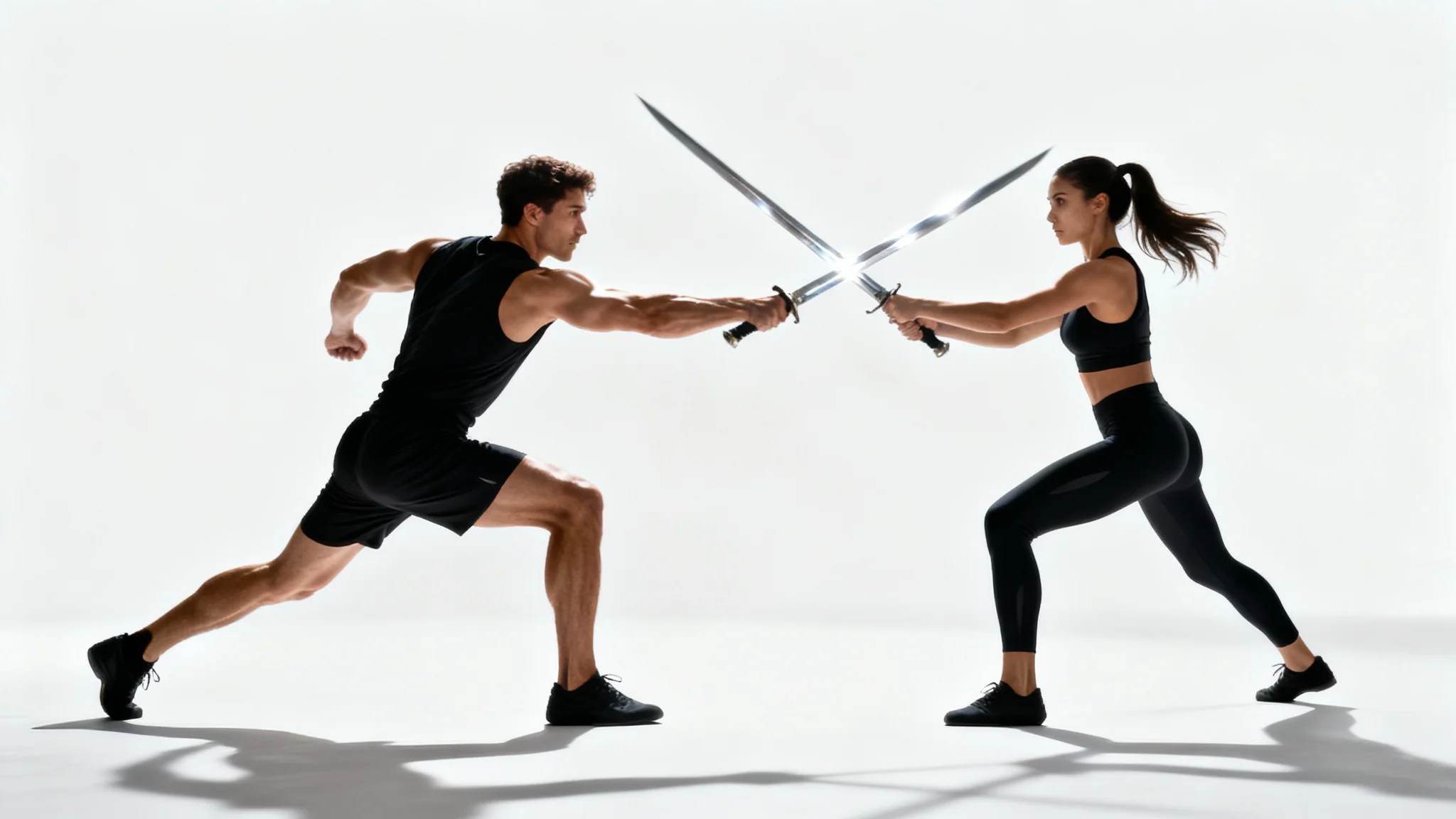

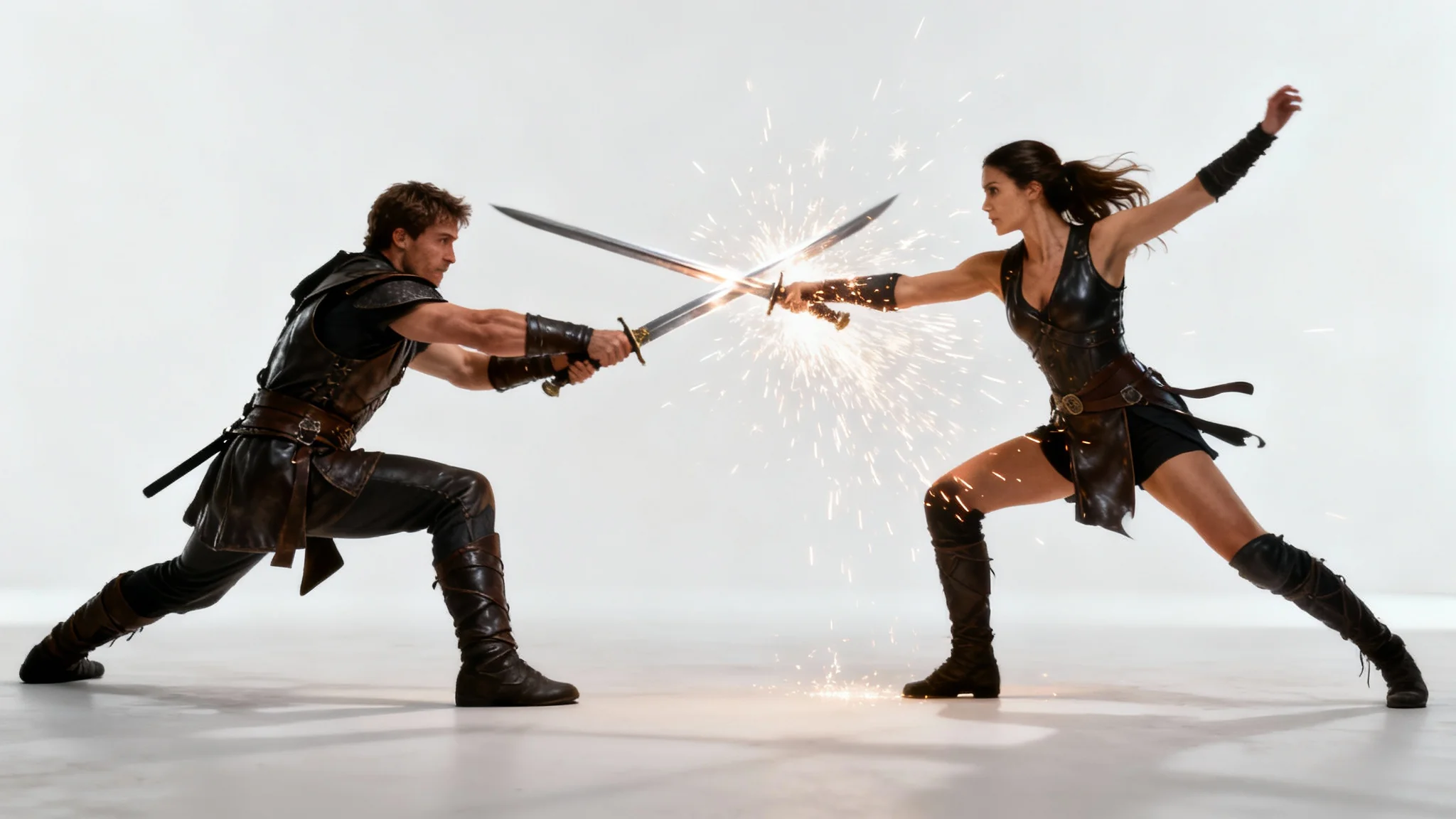

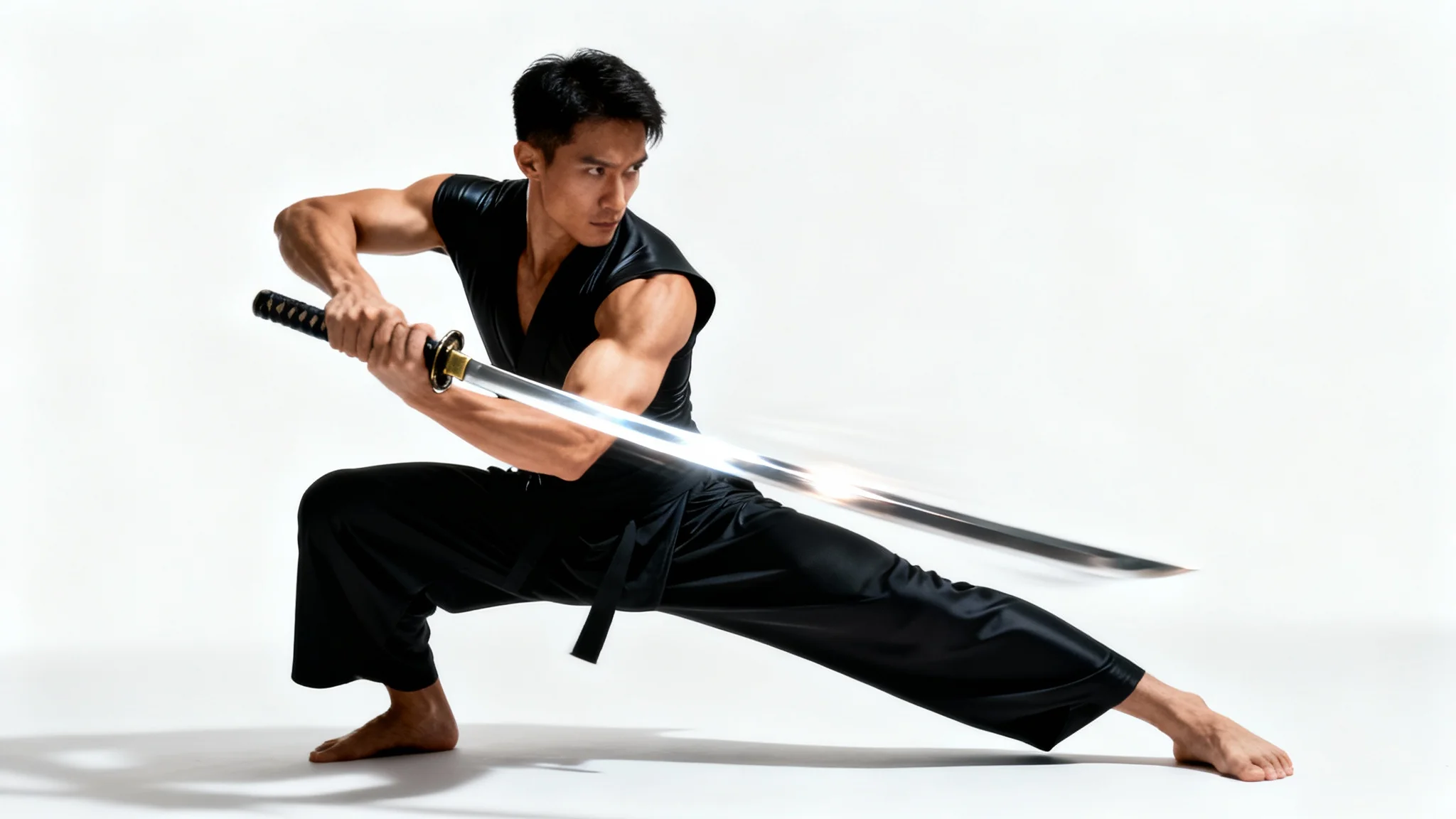
An AI sword fighting pose generator is a tool that uses artificial intelligence to create images of characters in combat poses from text descriptions. You can specify characters, actions, weapons, and settings to generate a custom visual reference.
To create a dynamic pose, use vivid action verbs and descriptive language in your prompt. For instance, instead of 'two people fighting,' try 'a knight parrying a blow from an agile warrior with a curved saber, sparks flying from the blades'.
Yes, you can be as specific as you like in your prompt. Mention the type of sword (e.g., katana, greatsword, rapier) and the style of armor (e.g., leather tunic, full plate mail, fantasy armor) to guide the AI.
Absolutely. You can describe a duel between two characters or a larger battle scene with multiple combatants. Just detail the interaction between them in your prompt for the AI to visualize the scene.
Yes, many artists use the generated images as a starting point or reference for their illustrations. The tool can help you visualize complex angles, lighting, and anatomy for action-packed scenes, which can help overcome creative blocks.
If the first result isn't quite right, you can regenerate the image or adjust your text prompt to be more specific. Try adding more detail about the camera angle, the characters' expressions, or the exact action you want to see.
Great app, easy to use. Helps our small business save time and money to create different marketing materials professionally. Thank you.
I need a good background remover for my work and I've been through them all it feels like. This one is the best by far. It's so easy to use and the results always look amazing. Thank you Pixa!
It's amazingly easy and gives the perfect results for my bags and accessories. It looks like it was done by a professional photographer.