Pixa
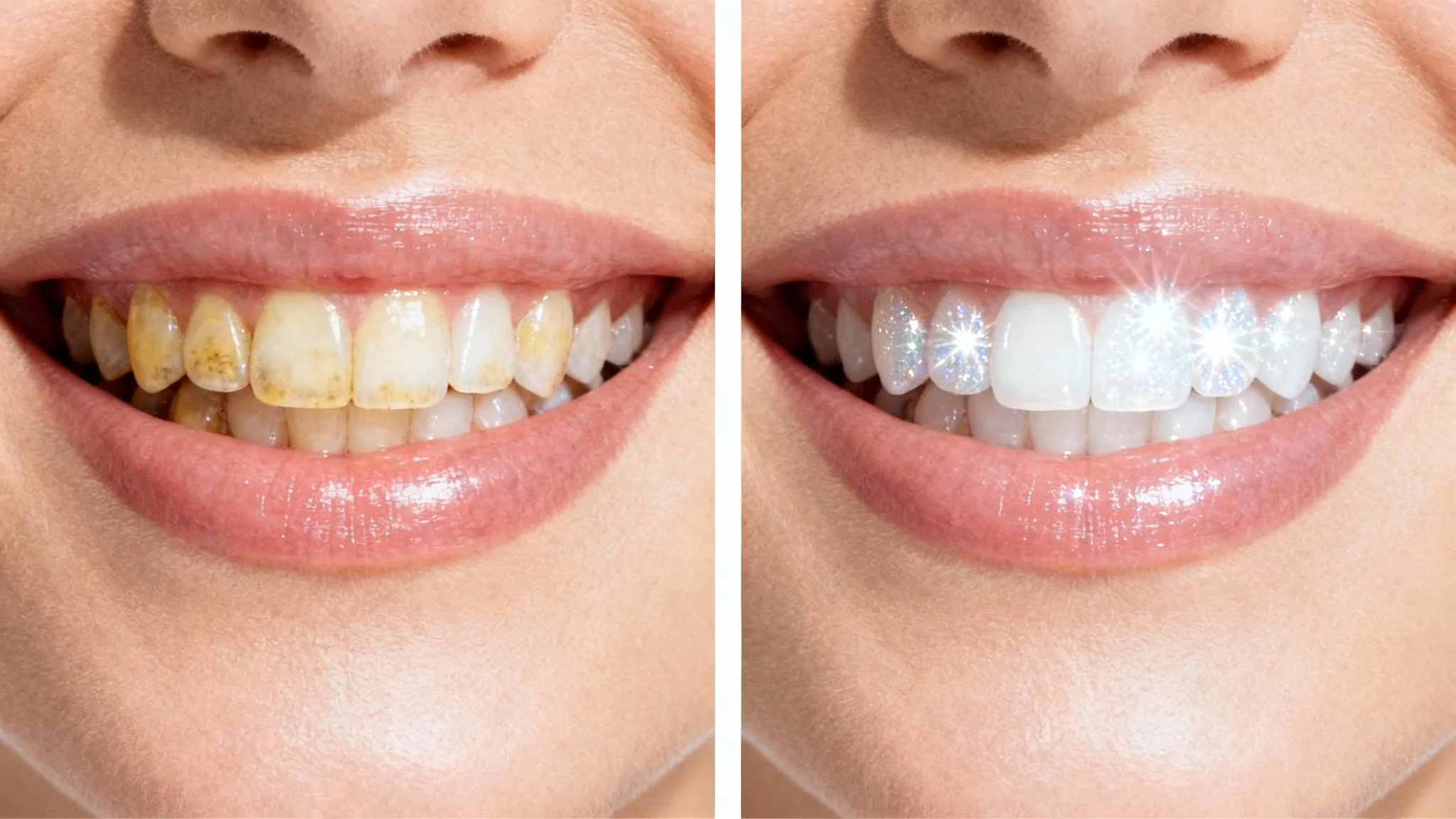
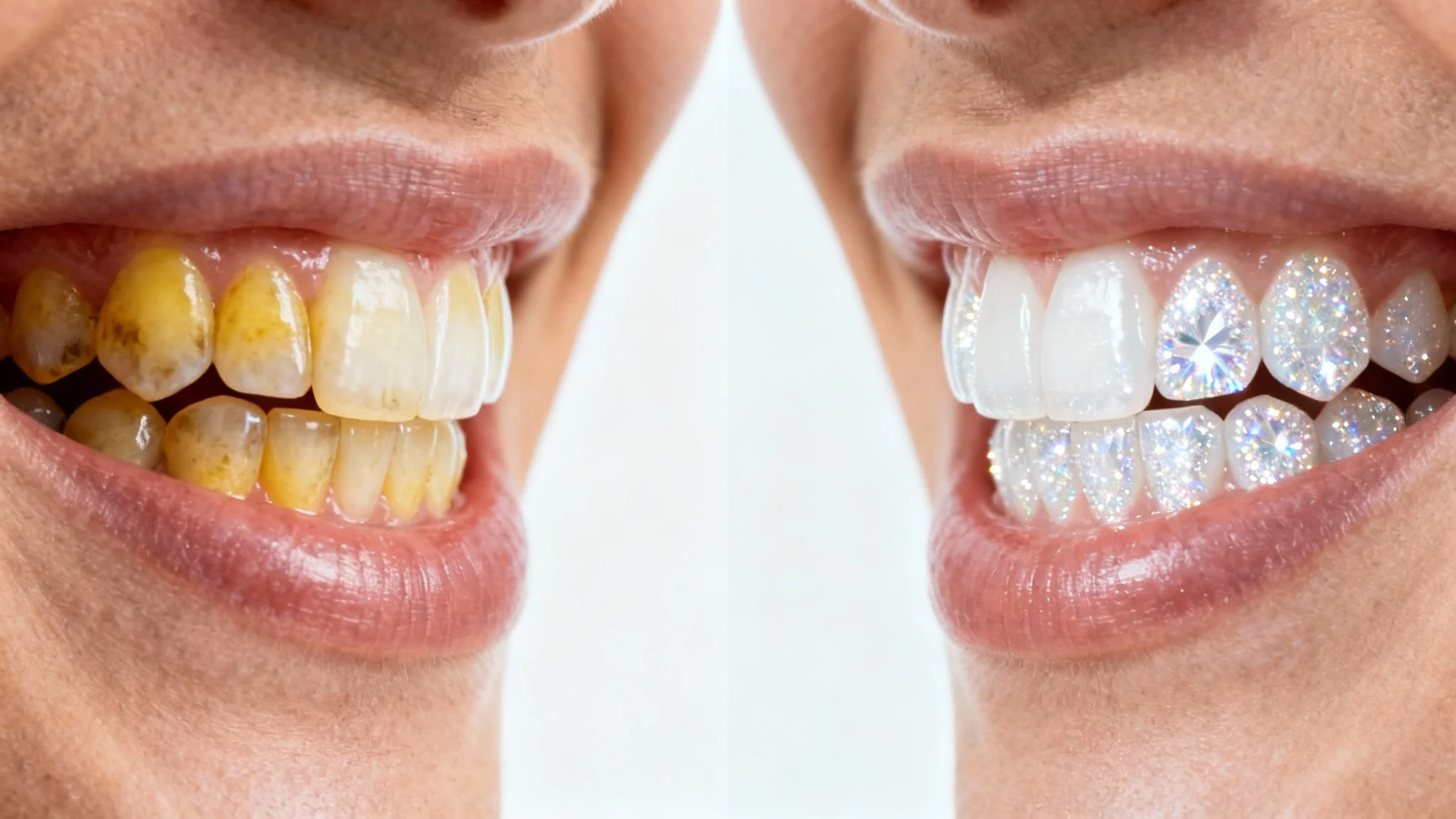
A split-screen close-up of a smile showing the results of teeth whitening. The left side shows yellowed teeth before the procedure, and the right side shows the same smile with brilliantly white teeth after the procedure.

AI Teeth Whitening Before After Simulator

Visualize a brighter, whiter smile instantly. Upload your photo and let our AI show you a realistic before and after of your whitened teeth.
Easy to use - just write a prompt
Trusted by 70 million people
Powered by Pixa AI Agent
171,800 Reviews

How to Preview Your Whitened Smile

  1. 1

    Upload your photo

    Click to select a photo of your smile from your device. For best results, use a clear, well-lit image.

  2. 2

    Describe the edit

    In the text box, simply type 'whiten my teeth' or a similar instruction. The AI will handle the rest.

  3. 3

    Generate your new smile

    Click the generate button and let the AI create a before-and-after preview of your brighter smile in just a few seconds.

  4. 4

    Download your photo

    Your edited, high-resolution photo is ready to be downloaded. Share it with friends or keep it for your reference.

Ever wondered what you would look like with a brighter, whiter smile? Our AI teeth whitening tool gives you a quick and easy way to find out. Simply upload a selfie or portrait, and our simulator will generate a realistic 'after' image in seconds. There's no need to guess or book a dental appointment to satisfy your curiosity. This tool is perfect for anyone considering a whitening treatment who wants a sneak peek at their potential results, all from the comfort of home.

Get an Instant Smile Preview

A close-up split-image showing a before-and-after of teeth whitening. The left side shows yellowed, stained teeth, and the right side shows the same smile with brilliantly white teeth.
Achieve a natural-looking enhancement without the artificial look of basic filters. Our AI is designed to whiten teeth realistically, preserving natural texture and shadows for a believable result. You can guide the AI with simple text prompts to control the level of brightness, whether you want a subtle lift or a more dazzling smile. The technology intelligently analyzes the lighting and subjects in your photo to produce a high-quality, authentic-looking smile makeover that looks like it was done by a professional.

Create Realistic Whitening Effects

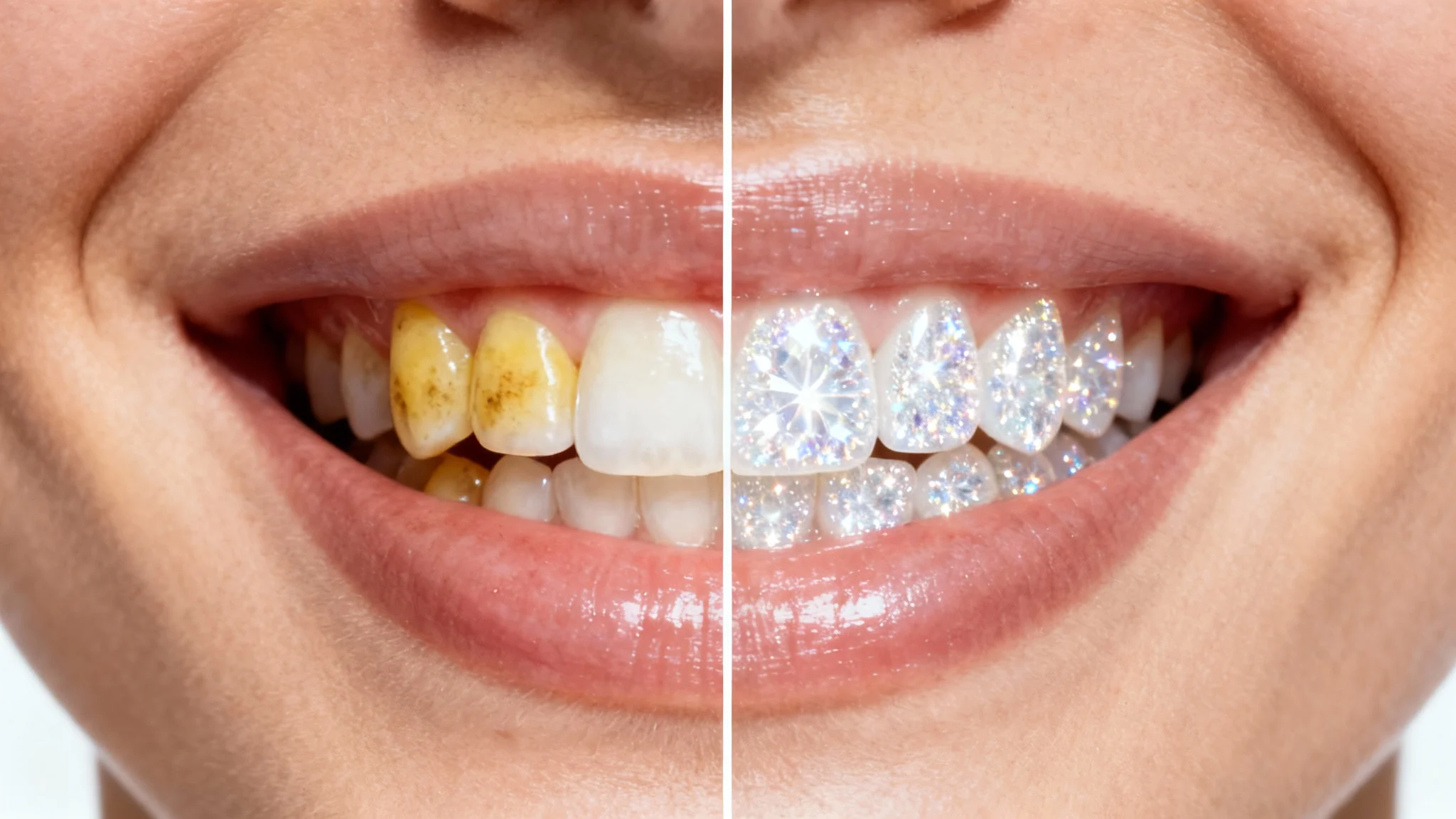
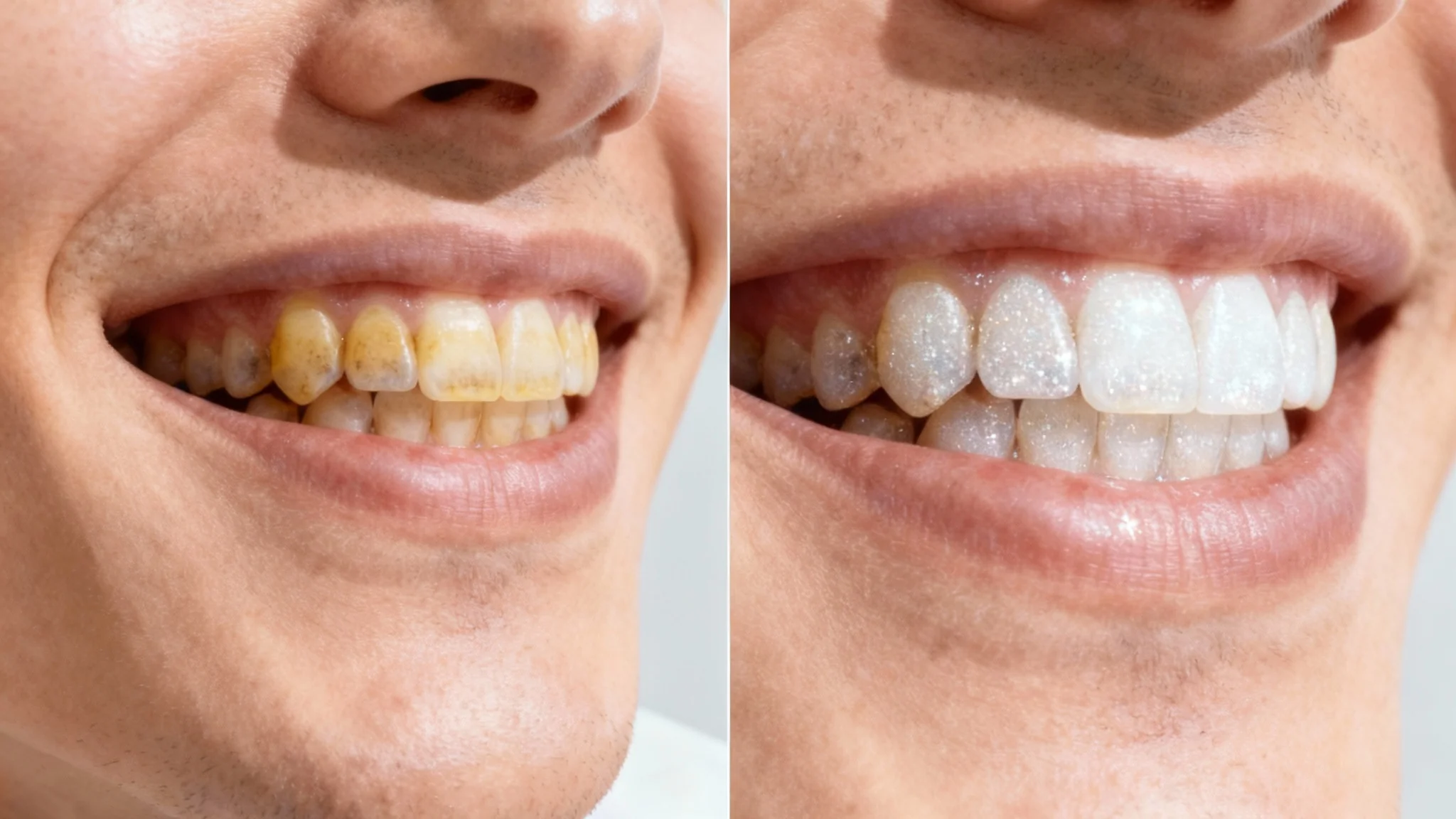
A close-up before-and-after image demonstrating the effects of teeth whitening. The left half shows yellowed teeth, while the right half shows the same teeth looking brilliantly white and clean.
Forget complicated photo editing software. Our teeth whitening simulator is completely free to try and incredibly user-friendly. In just a few clicks, you can upload your picture, let the AI work its magic, and see your simulated results. It’s an ideal tool for personal use, whether you’re touching up a profile picture for social media or deciding if professional teeth whitening is right for you. Get a preview of your enhanced smile without any cost or commitment.

A Free and Simple Visualization Tool

A close-up split-screen image demonstrating the effects of teeth whitening. The left side shows yellowed teeth before treatment, and the right side shows the same teeth as sparkling white after treatment.
It’s Fast: Go from your current smile to a brighter one in just a few seconds. It’s Realistic: Our AI provides a natural-looking whitening effect, not an over-the-top fake smile. It’s Easy: No complicated tools or editing skills needed. Just upload your photo and type a simple prompt. Decision-Making Tool: Use your before-and-after image to help you decide if you want to pursue professional whitening options. Free to Preview: Visualize your potential new smile without any cost or sign-up required.

Why use Pixelcut's AI Teeth Whitening Simulator?

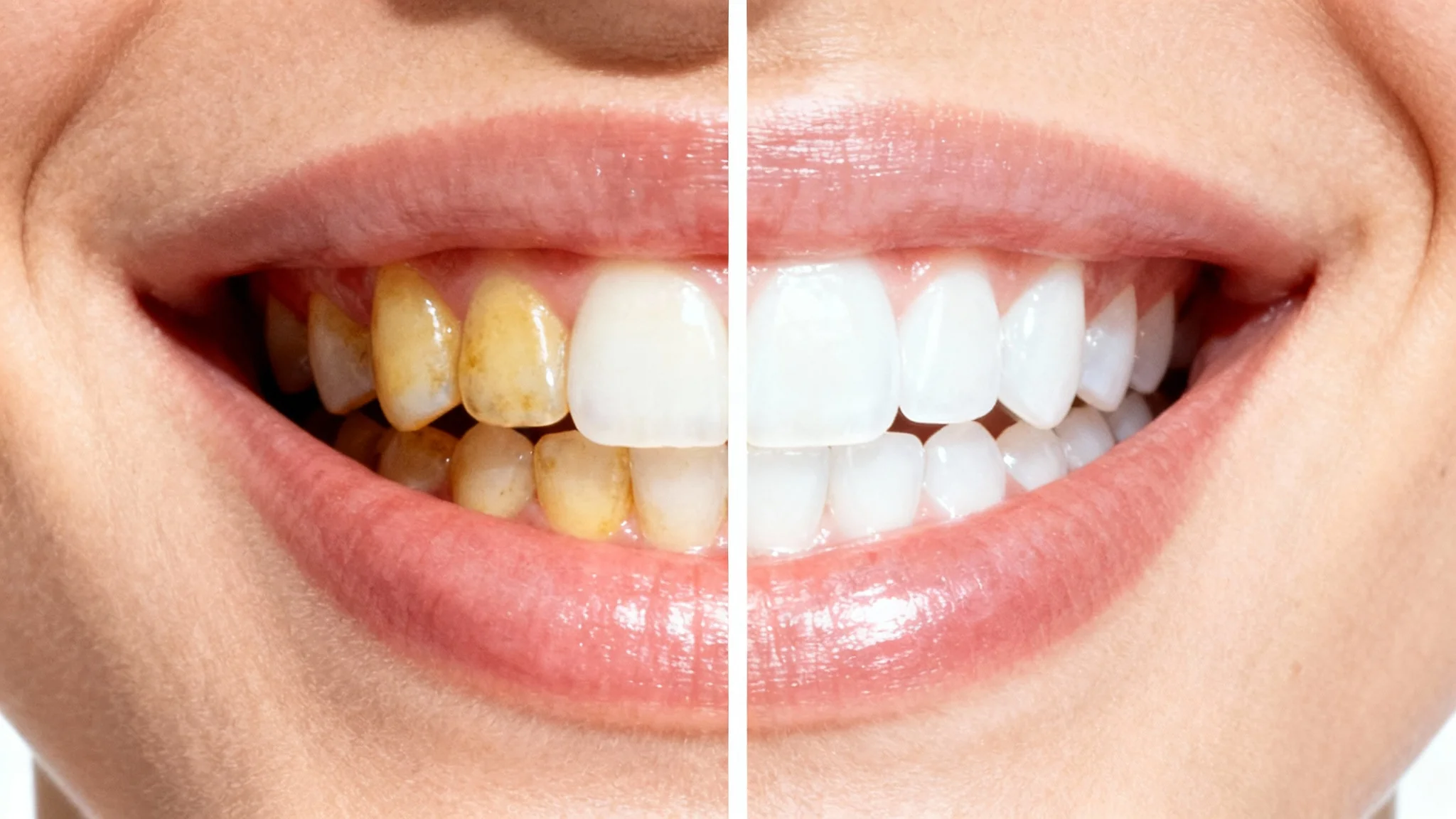
A before-and-after comparison image of teeth whitening. The left half shows yellowed teeth, and the right half shows the same teeth looking bright white and clean.
Enhance Social Media Photos: Give your selfies and profile pictures a quick touch-up for a brighter, more confident smile. Preview Professional Treatments: See what you might look like after a professional whitening procedure before you commit to the cost. For Fun and Curiosity: Easily see how a whiter smile changes your look without any permanent alteration. Improve Headshots: Ensure your professional headshots look polished and clean with a subtly brightened smile.

Teeth Whitening Simulator Use Cases

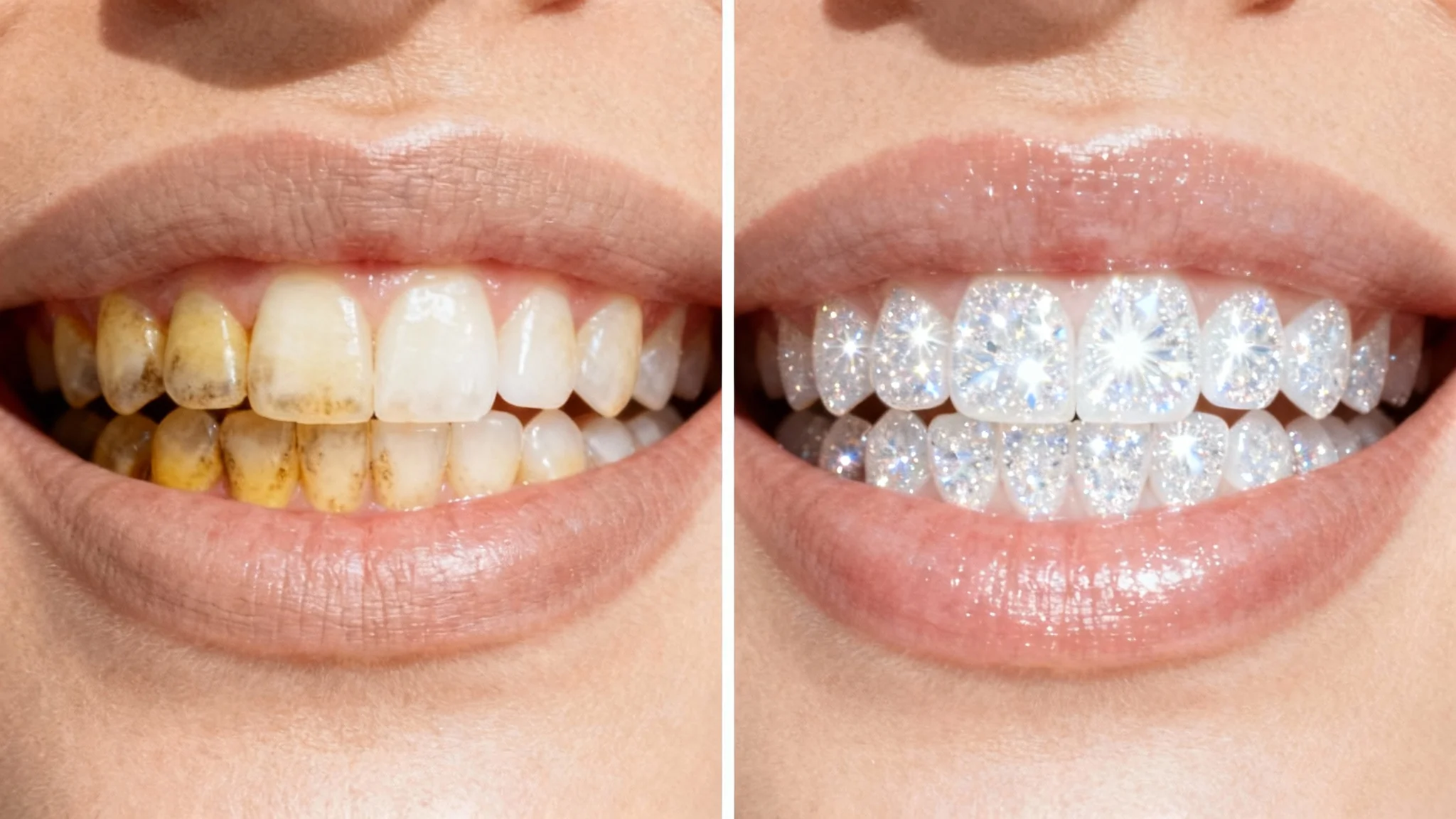
A split-screen image comparing teeth before and after a whitening treatment. The 'before' side shows yellowed teeth, and the 'after' side shows the same teeth but bright and pearly white.

Frequently Asked Questions

Pixa is loved by over 2 million people

  • My favorite app

    Great app, easy to use. Helps our small business save time and money to create different marketing materials professionally. Thank you.
    Shaelyn D.
  • Best background remover

    I need a good background remover for my work and I've been through them all it feels like. This one is the best by far. It's so easy to use and the results always look amazing. Thank you Pixa!
    Kira H.
  • Love it

    It's amazingly easy and gives the perfect results for my bags and accessories. It looks like it was done by a professional photographer.
    Mary J.