Pixa
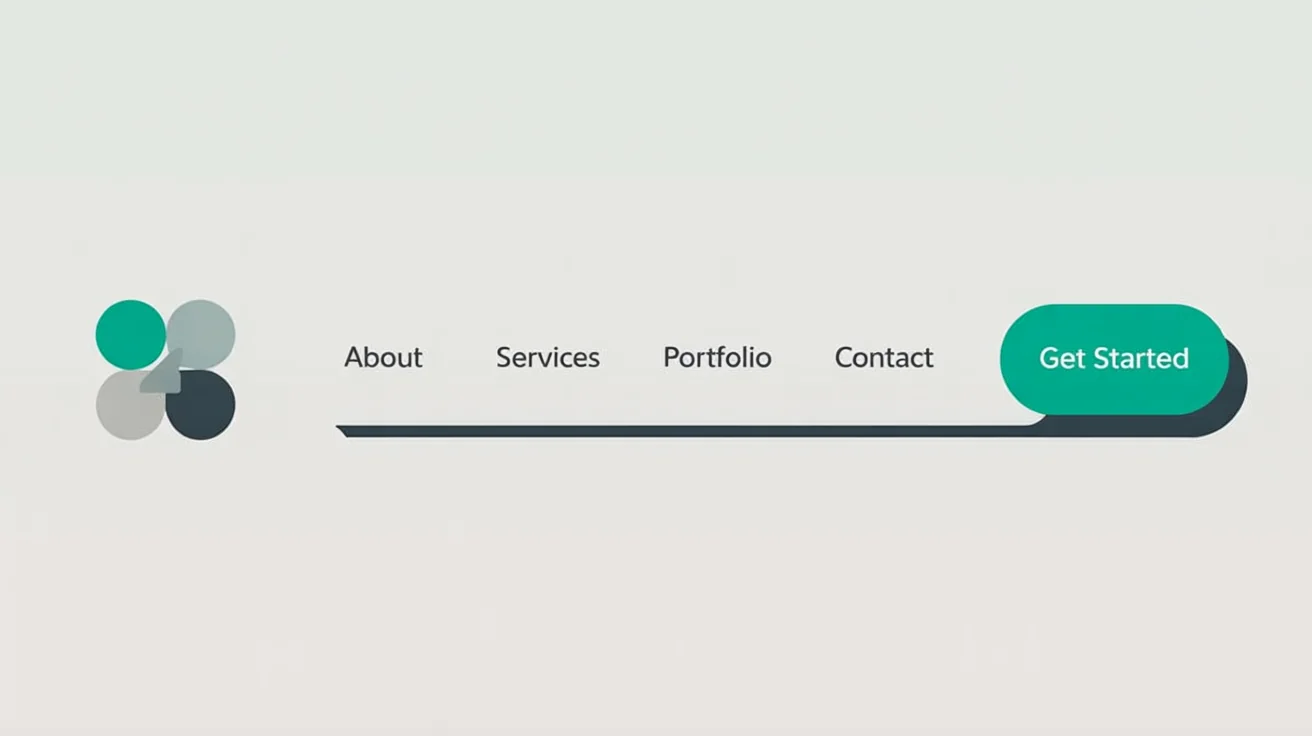
A professionally designed website header featuring a logo, a navigation menu with links for Home, About, Services, Portfolio, and Contact, and a vibrant call-to-action button labeled 'Get Started', showcasing a final website design result.

AI Website Header Design Generator

Create unique website header designs in seconds. Describe your brand and style, and our AI will generate professional headers for you.
Easy to use - just write a prompt
Trusted by 70 million people
Powered by Pixa AI Agent
171,800 Reviews

How to design a website header

  1. 1

    Upload your logo

    Start by uploading your business logo or any other brand asset you want to include in your header design.

  2. 2

    Describe your header design

    Write a prompt detailing your vision. Include style, colors, navigation menu items, and call-to-action text for a complete design.

  3. 3

    Generate your header

    Click the generate button and let our AI create a variety of custom website header designs based on your description.

  4. 4

    Download your design

    Choose your favorite design and download it as a high-resolution PNG, ready to be uploaded to your website.

Say goodbye to creative blocks and generic templates. Our AI header generator empowers you to visualize countless design possibilities in seconds. Simply describe the style you're aiming for, whether it's minimalist, bold, or illustrative, and watch as unique concepts come to life. This is the perfect tool for brainstorming visual directions for your brand's online presence, allowing you to explore different layouts, color schemes, and typographic combinations without needing any design software or expertise. Get inspired and find the perfect first impression for your site.

Instant Header Concepts for Any Website

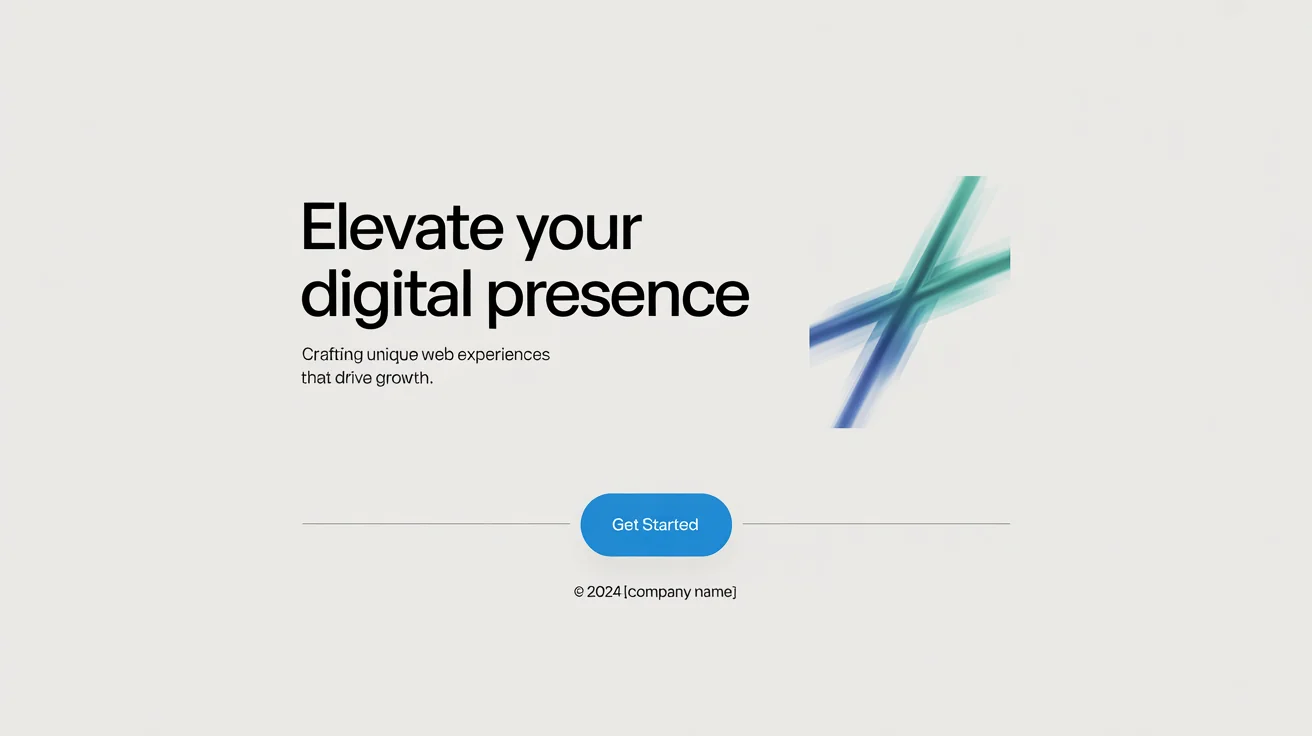
A professional mockup of a modern website header with the headline 'Elevate Your Digital Presence' and a blue 'Get Started' button, displayed on a clean white background.
Your words are the building blocks of your design. Take control by detailing every element you want to see in your website header. Specify the navigation menu items, the text and color for your call-to-action button, and the overall mood. You can even guide the placement of your logo. For instance, prompt the AI to create a header with a centered logo, vertical navigation, or a prominent hero image. This level of text-based direction ensures the final design aligns perfectly with your functional needs and brand identity.

Full Control Through Descriptive Prompts

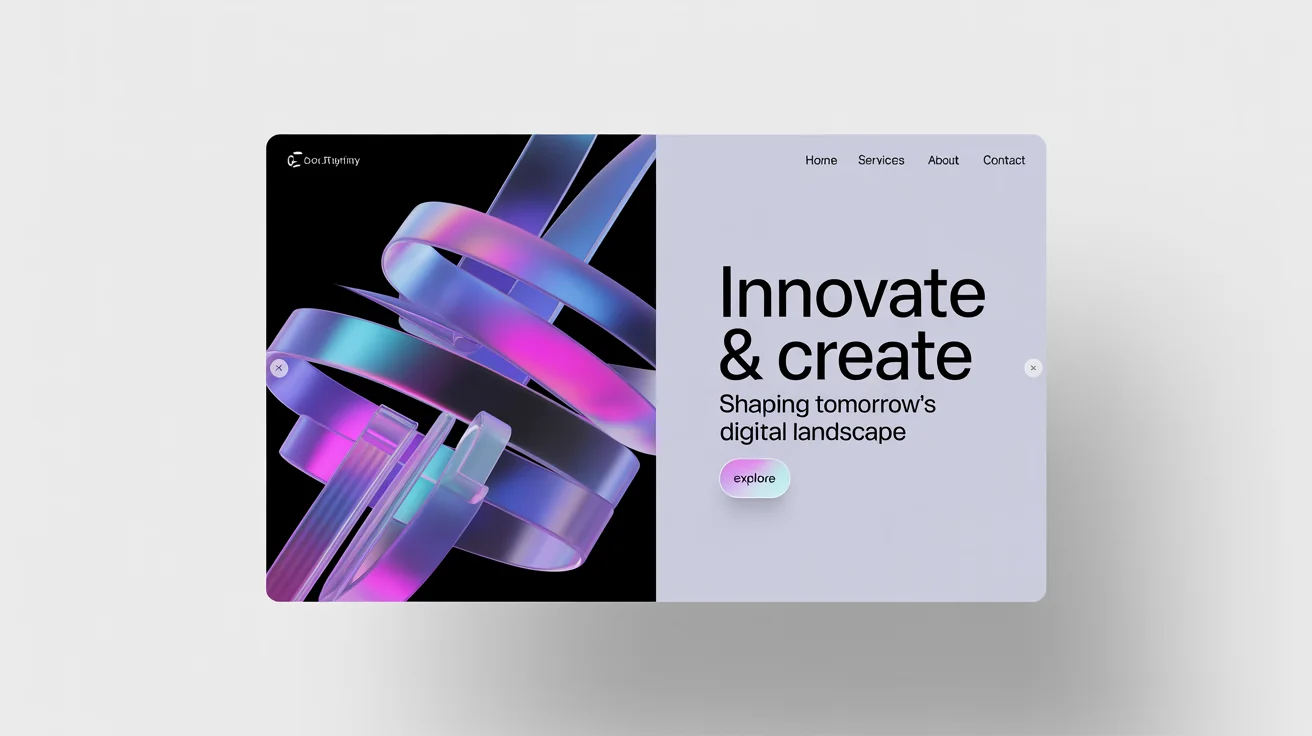
A mockup of a modern, high-tech website header with abstract blue and magenta shapes and the headline 'Innovate & Create' against a white background.
A consistent look and feel across your website builds trust and recognition. Use our AI tool to generate headers that seamlessly match your existing brand guidelines. Upload your logo to have it incorporated directly into the design concepts. In your prompt, define your brand's color palette and preferred font styles to ensure every generated header feels like a natural extension of your brand. This process helps create a visually unified experience for your visitors from the very first glance, reinforcing your brand's personality and professionalism.

Maintain a Cohesive Brand Identity

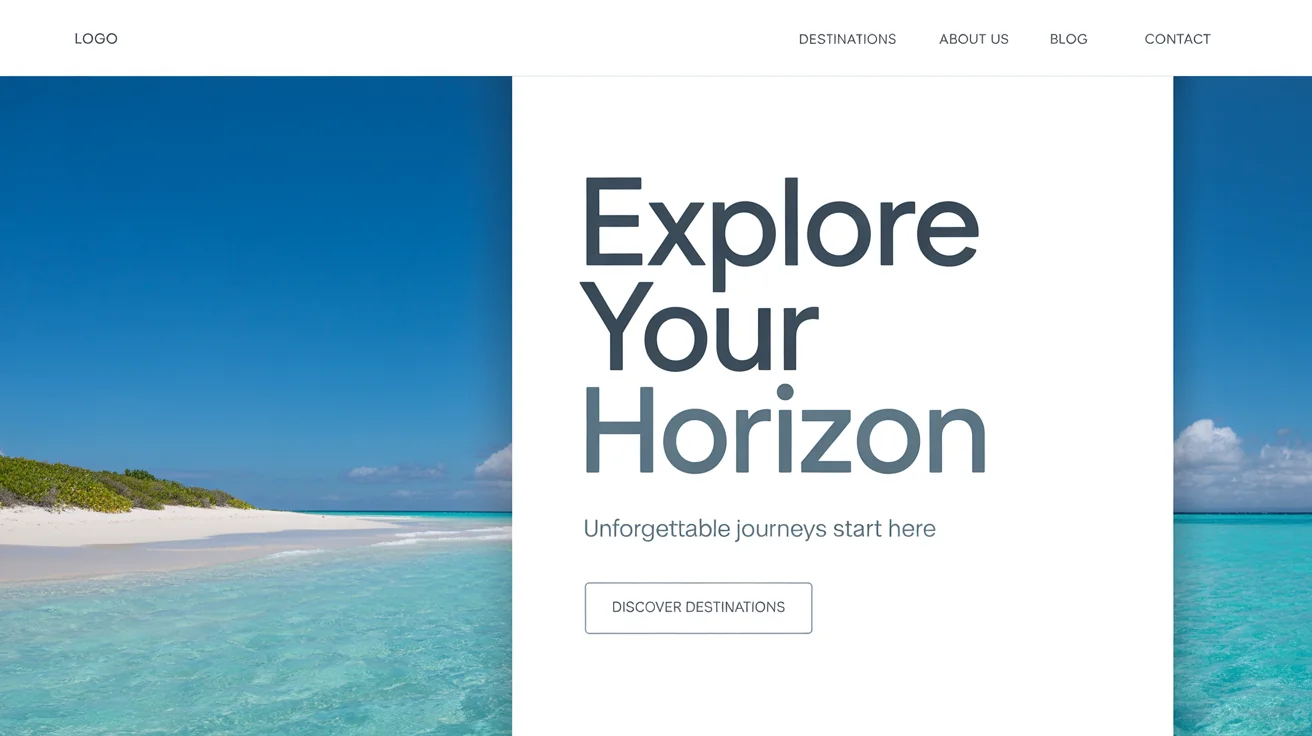
A modern website header mockup for a travel company, featuring a beautiful beach photo on the left and the headline 'Explore Your Horizon' on the right.
It’s Fast: Generate multiple header design options in just a few seconds. It’s Easy to Use: No design skills are needed. If you can describe it, you can create it. Simply write a prompt and let the AI do the work. It’s Customizable: From navigation links to button colors, you have fine-tuned control over the final look. AI-Powered: Leverage AI to create unique and professional layouts that make your website stand out. Brand-Aligned: Upload your logo and specify brand colors to ensure every design is a perfect fit for your business.

Why use Pixelcut's AI Website Header Design?

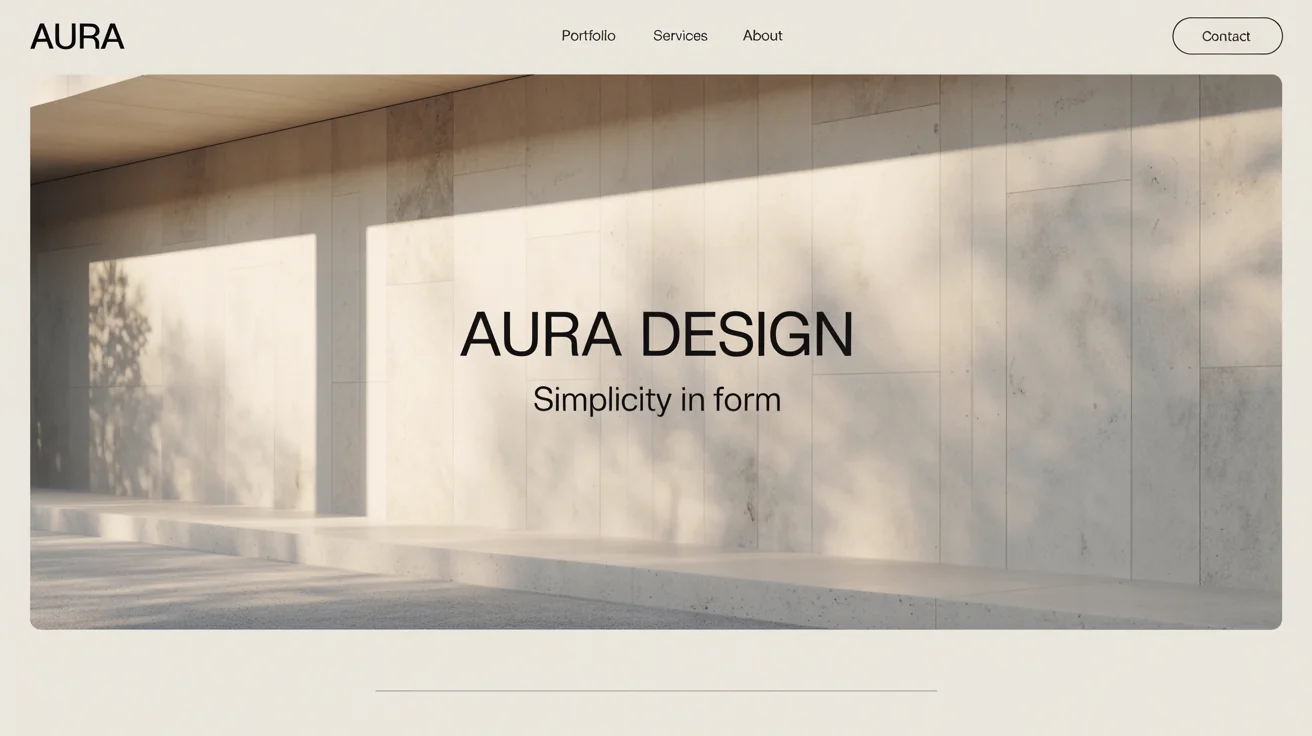
A modern website header design mockup for 'AURA DESIGN', showing a textured white wall with soft light and shadows, embodying a minimalist and sophisticated aesthetic.
E-commerce Stores: Create a header featuring your logo, key product categories, a search bar, and a shopping cart icon to streamline the customer journey. Corporate & Business Sites: Design a professional header with clear navigation to 'Services', 'About Us', and 'Contact', along with a prominent 'Request a Quote' button. Blogs and Portfolios: Generate a clean, minimalist header that puts the focus on your work, with simple navigation and links to your social media profiles. Tech Startups: Visualize a modern, dynamic header that reflects your innovative product, complete with a 'Sign Up for Free' call-to-action.

Website Header Use Cases

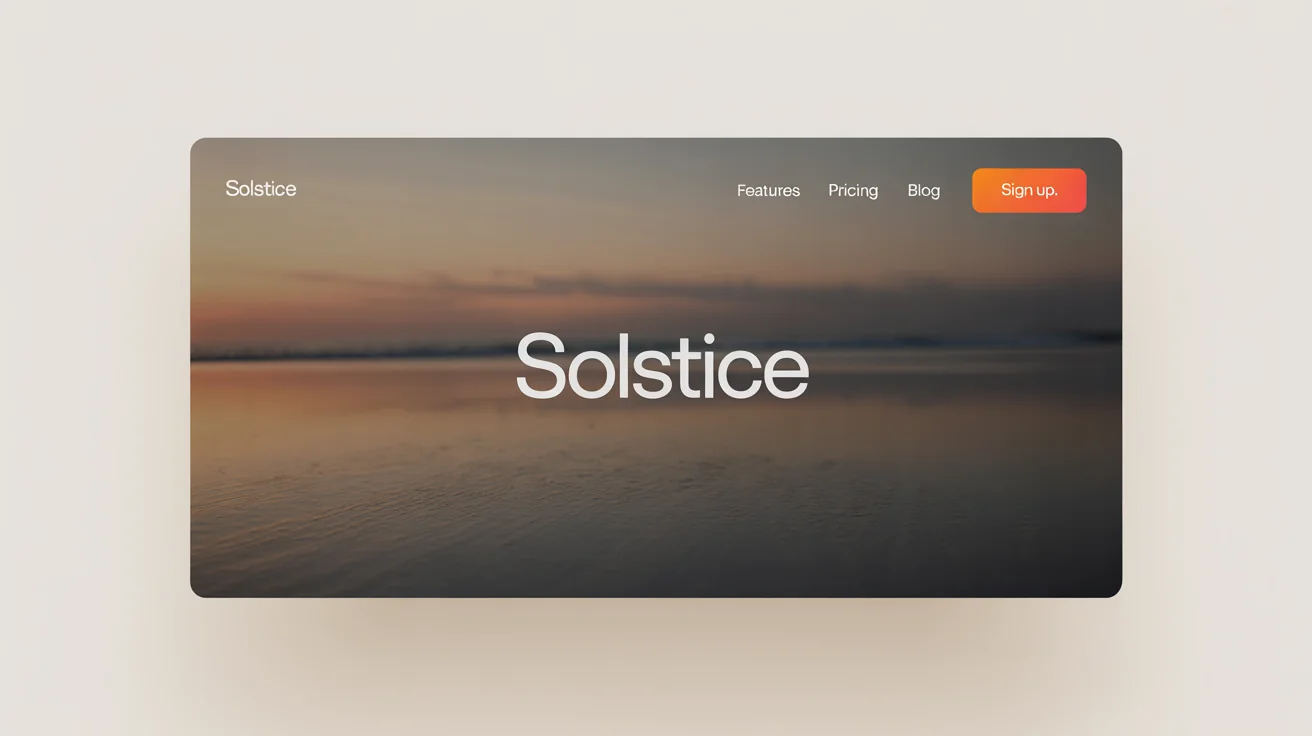
A mockup of a modern website header for a fictional brand named 'Solstice', featuring a beach sunset photo and navigation links, on a white background.

Frequently Asked Questions

Pixa is loved by over 2 million people

  • My favorite app

    Great app, easy to use. Helps our small business save time and money to create different marketing materials professionally. Thank you.
    Shaelyn D.
  • Best background remover

    I need a good background remover for my work and I've been through them all it feels like. This one is the best by far. It's so easy to use and the results always look amazing. Thank you Pixa!
    Kira H.
  • Love it

    It's amazingly easy and gives the perfect results for my bags and accessories. It looks like it was done by a professional photographer.
    Mary J.