Pixa
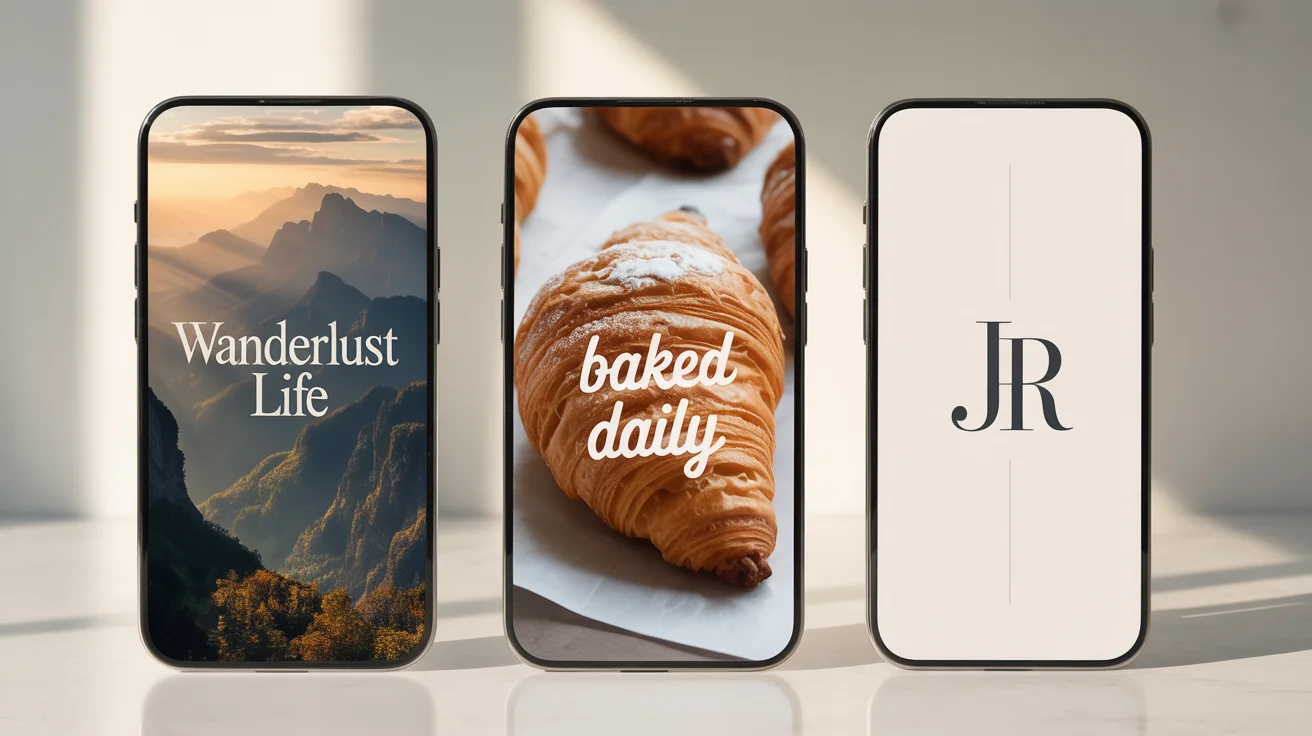
Three examples of final, professionally designed WhatsApp cover photos for a travel blogger, a bakery, and a personal profile, shown as the output of a design tool.

AI WhatsApp Cover Photo Design Generator

Create stunning and unique cover photos for your WhatsApp profile or group chat. Just describe the design you want, and our AI will bring it to life.
Easy to use - just write a prompt
Trusted by 70 million people
Powered by Pixa AI Agent
171,800 Reviews

How to design a WhatsApp cover photo

  1. 1

    Describe your cover photo

    Start by typing a description of the design you want. Be specific about colors, subjects, and style. For instance, 'A futuristic cityscape at night with neon lights'.

  2. 2

    Generate your design

    Our AI will interpret your text prompt and create a unique cover photo based on your description. Feel free to regenerate if you want to see a different version.

  3. 3

    Download and use

    Your high-resolution WhatsApp cover photo is ready to download. Simply save it and upload it directly to your WhatsApp profile to impress your contacts.

Skip the complicated design software and generic templates. With our AI-powered tool, all you need is an idea. Describe the scene, style, or colors you envision for your WhatsApp cover photo, and watch as a one-of-a-kind image is generated just for you. Whether you want an abstract background for your business profile or a fun illustration for your family group chat, you can create the perfect header image in seconds. This approach saves you time and ensures your profile stands out from the rest.

Instantly Create Unique Cover Photos

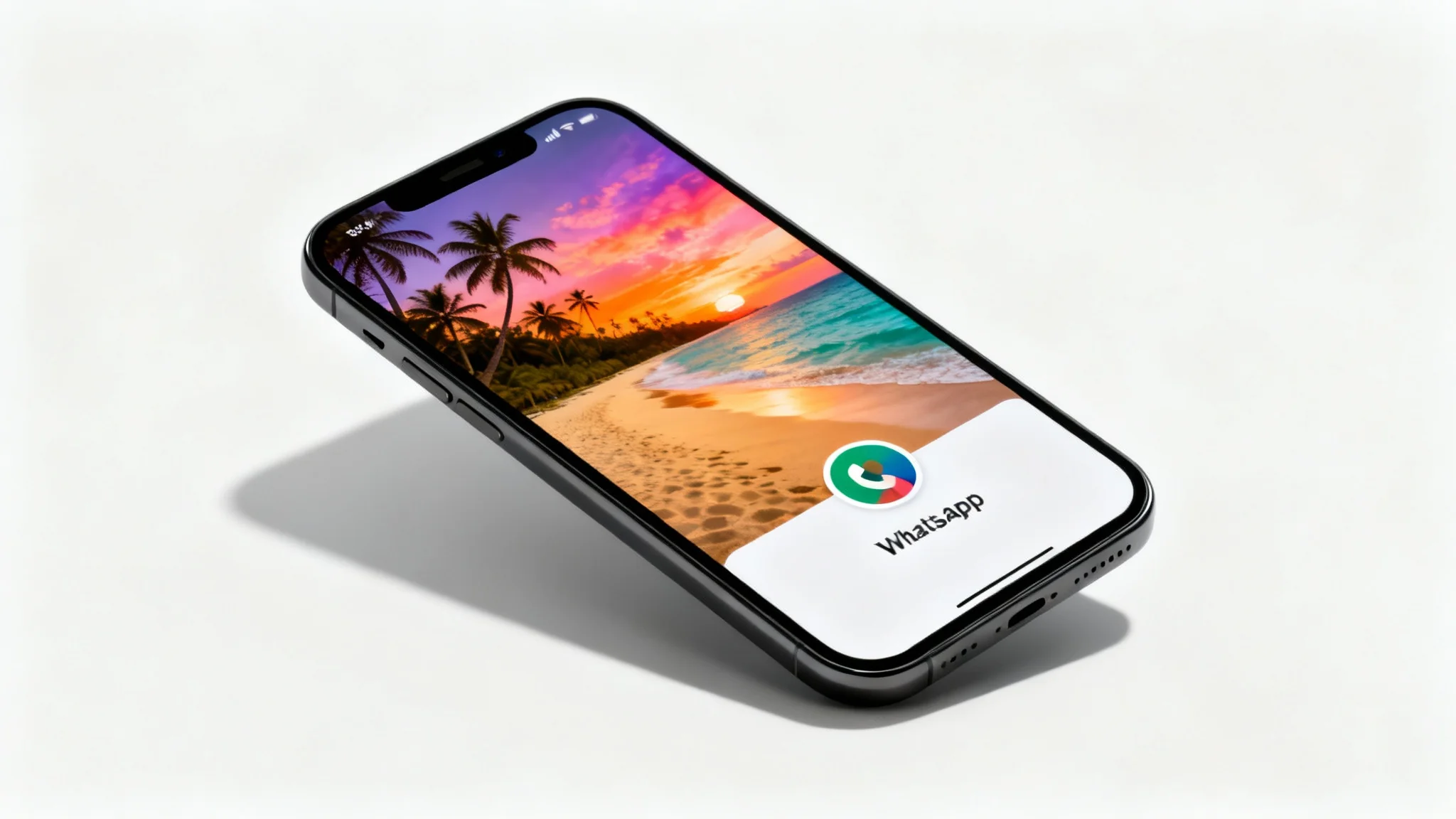
A mockup of a smartphone screen displaying a beautiful tropical beach sunset as a WhatsApp cover photo, set against a clean white background.
Your words are your tools. Guide the AI to create exactly what you need by simply describing it. Ask for a 'serene beach at sunset for a travel group,' a 'sleek carbon fiber pattern for a tech channel,' or 'a birthday-themed design with balloons and confetti.' You can even specify text you'd like included, such as a group name or business slogan. This level of control means your final design is truly personalized and perfectly tailored to the purpose of your WhatsApp profile or group.

Total Creative Freedom with Text Prompts

A mockup of a WhatsApp cover photo featuring a beautiful tropical beach sunset, displayed as a wide banner against a clean white background.
Make a great first impression. Our AI generates high-resolution cover photos that look sharp and professional on any device. A well-designed banner elevates your profile, making your business account appear more credible or your group chat more inviting. You don't need any graphic design experience to achieve a polished look. The AI handles the composition, color balance, and details, delivering a quality image that enhances your WhatsApp presence and effectively communicates your identity or brand.

Professional Designs for Any Profile

A mockup of a WhatsApp cover photo featuring a stunning tropical beach sunset with a palm tree, displayed on a clean white background.
It’s Effortless: Create a compelling cover photo without any design skills. Just type what you want. It’s Fast: Go from a simple idea to a downloadable image in moments. It's Fully Customizable: Your prompt dictates everything, from the theme and mood to specific objects and text. AI-Powered Creativity: Generate visuals that you won't find anywhere else, ensuring your profile is distinctive. Look Polished: Instantly upgrade the look of your personal, business, or group profile with a high-quality banner.

Why use Pixelcut's AI WhatsApp Cover Photo Designer?

A mockup of a WhatsApp cover photo, showing a beautiful sunset beach scene with a palm tree, presented on a clean white background.
For Business: Create a branded cover photo that showcases your logo, products, or business hours. For Family & Friends: Design a fun banner for your family group chat with a favorite shared memory or inside joke. For Clubs & Hobbies: Make a cover that reflects your group's interests, like a stack of books for a book club or gaming controllers for a gaming team. For Events: Announce a party, meeting, or special event with a custom-designed header that includes key details. For Personal Expression: Change your cover photo to match your mood, the season, or your current interests.

WhatsApp Cover Photo Use Cases

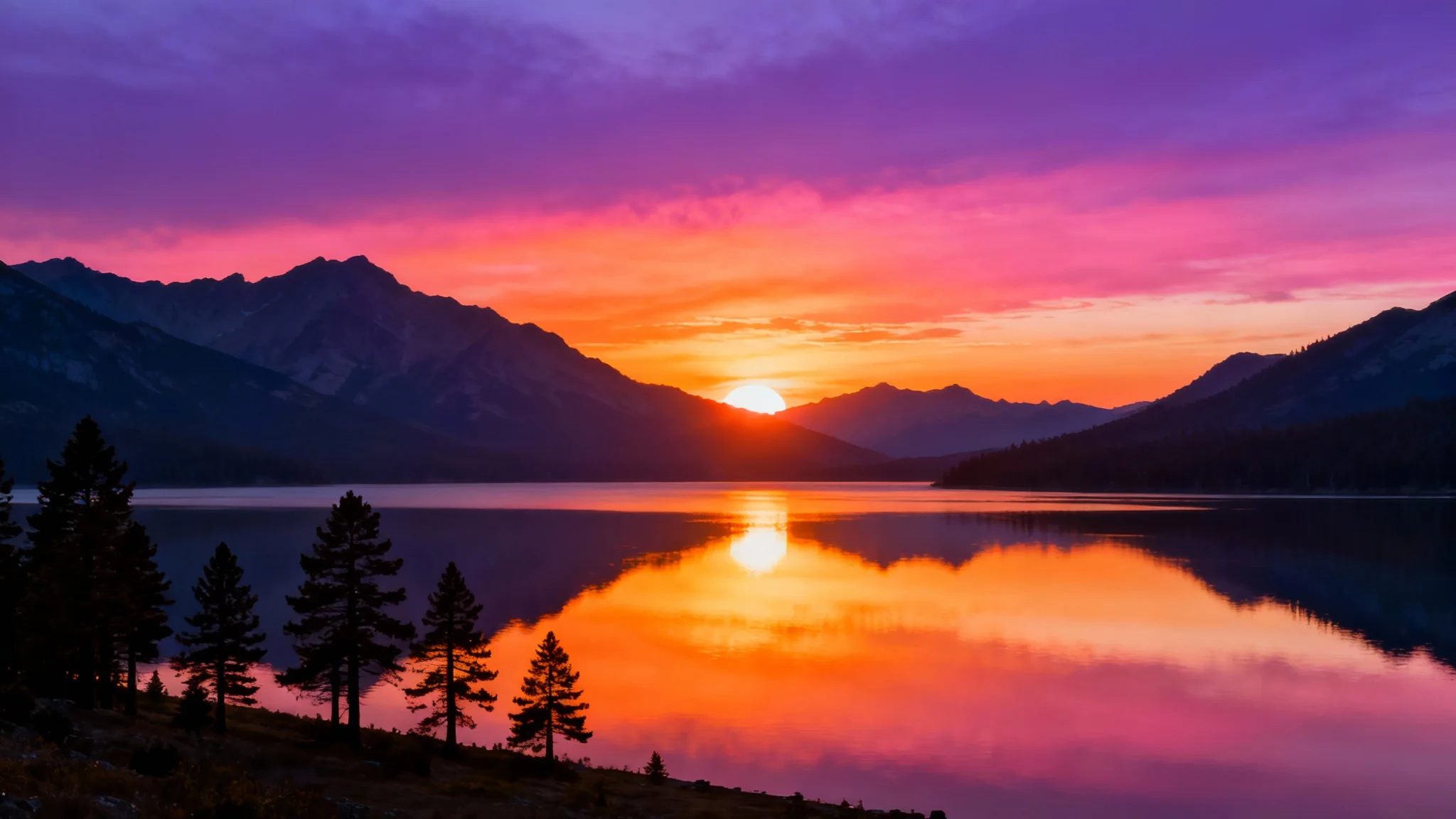
A mockup of a WhatsApp cover photo showing a majestic mountain lake at sunset, with the colorful sky and mountains reflected in the calm water. The image is set against a plain white background.

Frequently Asked Questions

Pixa is loved by over 2 million people

  • My favorite app

    Great app, easy to use. Helps our small business save time and money to create different marketing materials professionally. Thank you.
    Shaelyn D.
  • Best background remover

    I need a good background remover for my work and I've been through them all it feels like. This one is the best by far. It's so easy to use and the results always look amazing. Thank you Pixa!
    Kira H.
  • Love it

    It's amazingly easy and gives the perfect results for my bags and accessories. It looks like it was done by a professional photographer.
    Mary J.