Pixa
A split-screen comparison showing AI face restoration. The left side features a blurry, low-quality portrait, while the right side displays the same portrait restored to crystal-clear high definition.

AI Face Restoration and Photo Enhancer

Bring clarity back to your photos. Automatically fix blurry faces, restore old pictures, and enhance details with the power of AI.
Easy to use - just write a prompt
Trusted by 70 million people
Powered by Pixa AI Agent
171,800 Reviews

How to Restore Your Photos with AI

  1. 1

    Upload your photo

    Start by uploading the image you want to restore. It can be an old family picture, a blurry selfie, or any photo with a face that needs enhancement.

  2. 2

    Enter your prompt

    Type a simple command to guide the AI, such as 'restore the face' or 'fix the blur and enhance details.' This tells the tool what action to perform.

  3. 3

    Generate your restoration

    With one click, the AI will process your image. It identifies the faces and automatically applies advanced algorithms to repair damage and improve clarity.

  4. 4

    Download your enhanced image

    Your photo is now restored and ready to download. Save the high-resolution, watermark-free image to share with family and friends or use in your projects.

Breathe life back into your cherished memories. Our AI face restoration tool intelligently analyzes blurry or low-resolution photos to sharpen and reconstruct facial features. From the subtle textures of skin to the fine strands of hair and the sparkle in an eye, our AI brings back the details that time or technology has hidden. Whether it's a faded family portrait or a slightly out-of-focus shot, you can recover the clarity and character of the faces in your most important pictures, making them sharp and clear once again.

Rediscover Lost Facial Details

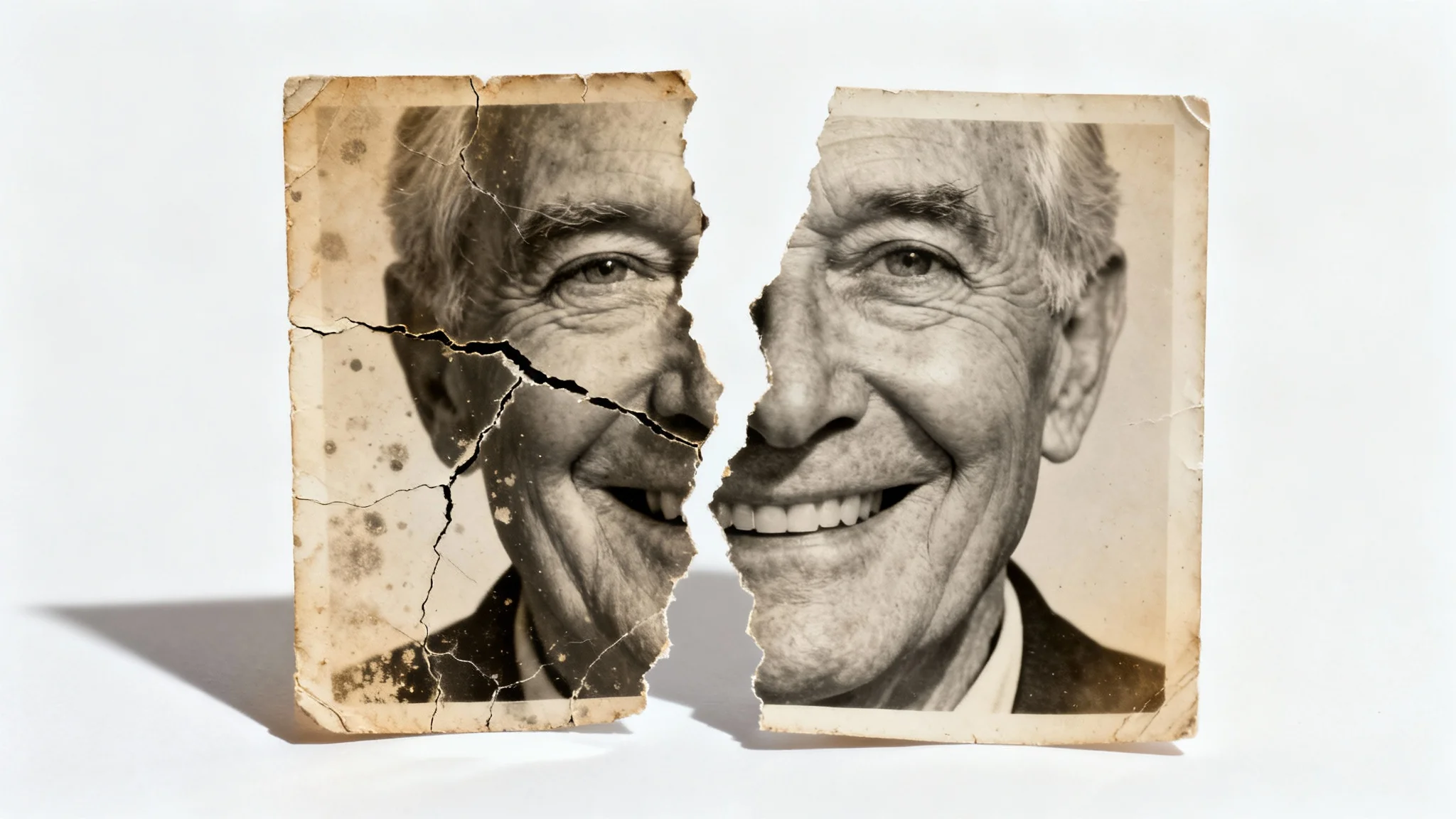
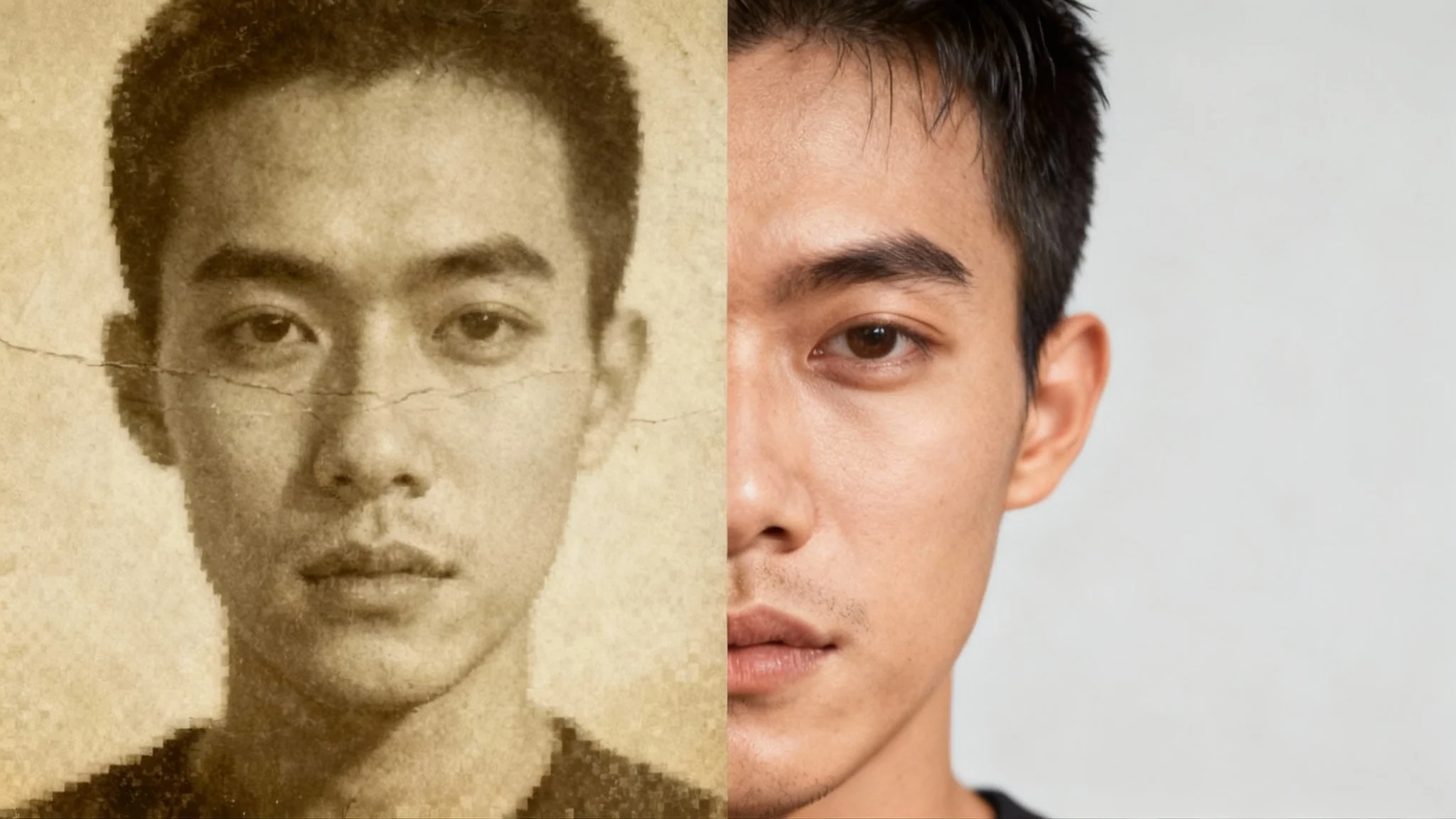
A side-by-side comparison showing a vintage photo being restored. The left side is a cracked and faded photo of a man's face, while the right side is the perfectly clear, high-definition restored version.
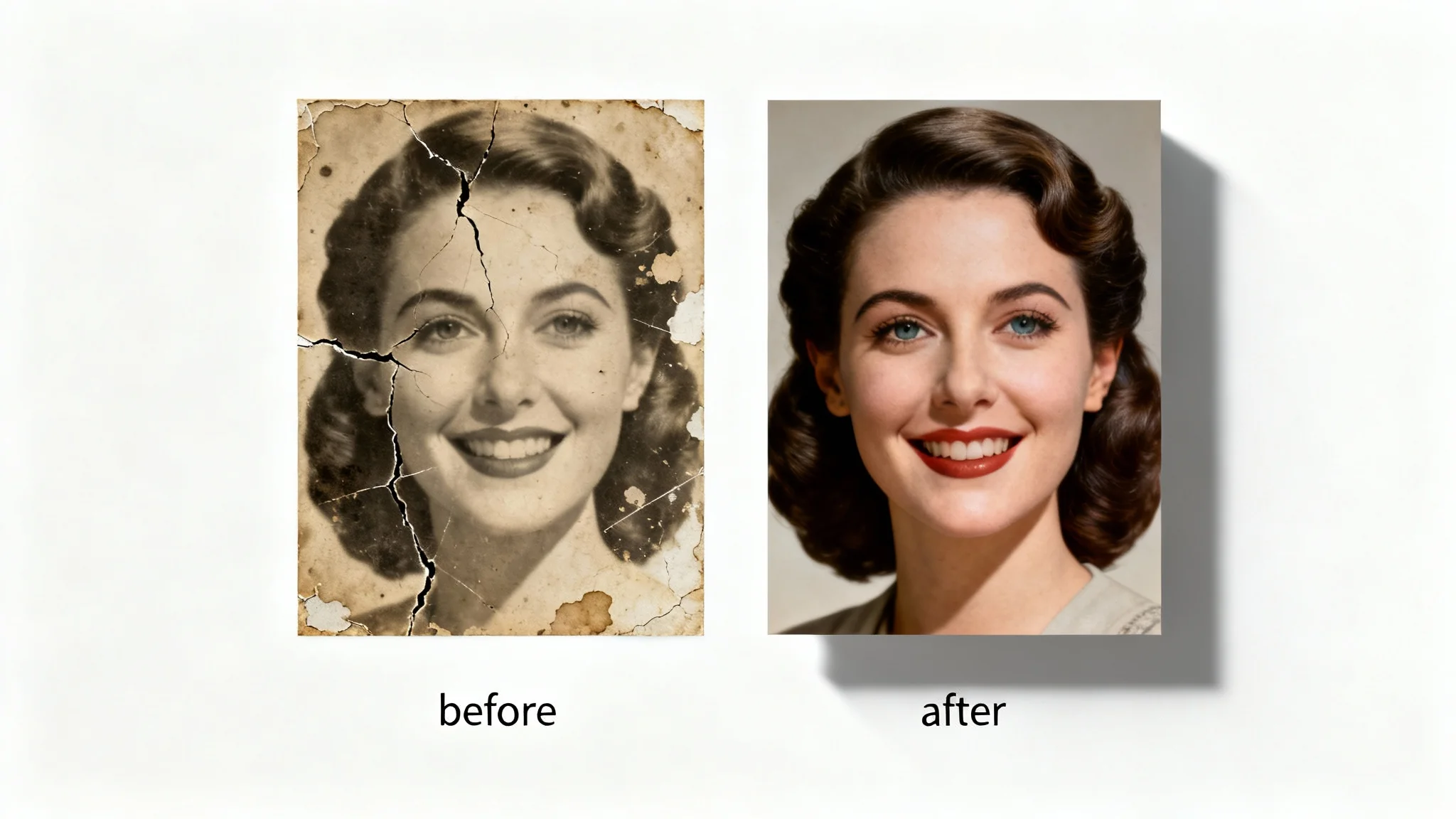
Preserve your history by repairing old and damaged photographs in just a few seconds. This AI-powered tool is designed to fix common issues found in vintage pictures, including blur, noise, and general degradation from age. You no longer need complex software or professional editing skills to restore your family archives. Simply upload a scanned photo, and our AI will automatically enhance its quality, fix imperfections, and bring a new level of vibrancy to your treasured images.

Repair Old and Damaged Photos Instantly

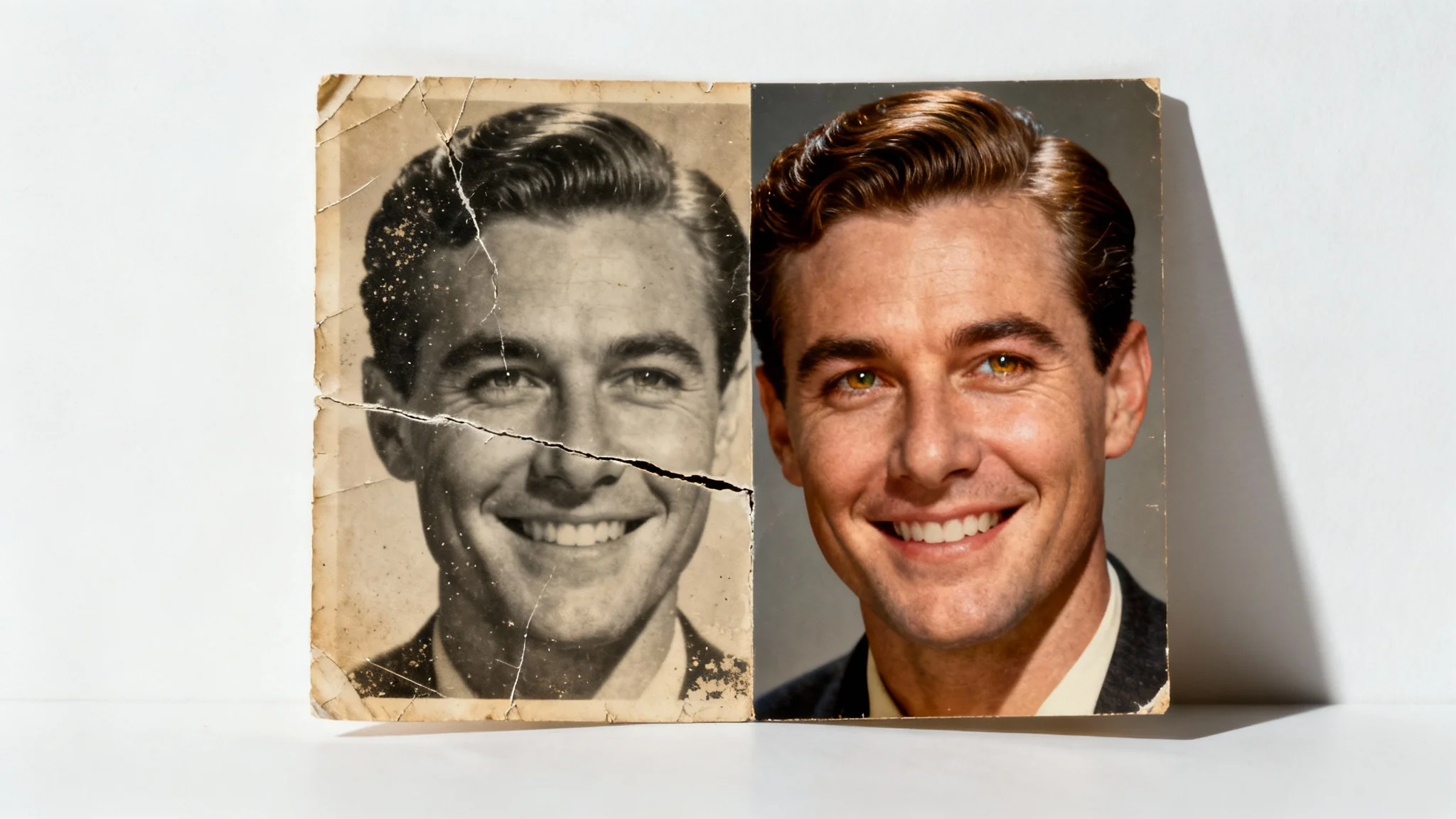
A split-screen image showing AI face restoration. The left side displays an old, scratched, sepia photo of a man. The right side shows the same photo, perfectly restored to a crisp, high-definition color image.
Turn your blurry photos into crystal-clear portraits without any manual effort. Our AI tool is perfect for fixing images affected by camera shake, motion blur, or incorrect focus. Just upload your picture, and the AI will automatically detect and sharpen the faces, providing a clear and high-definition result. It's the ideal solution for improving social media profile pictures, fixing group photos where some faces are out of focus, or enhancing any shot where you need to ensure the subject is perfectly sharp.

Effortless Blurring and Focus Correction

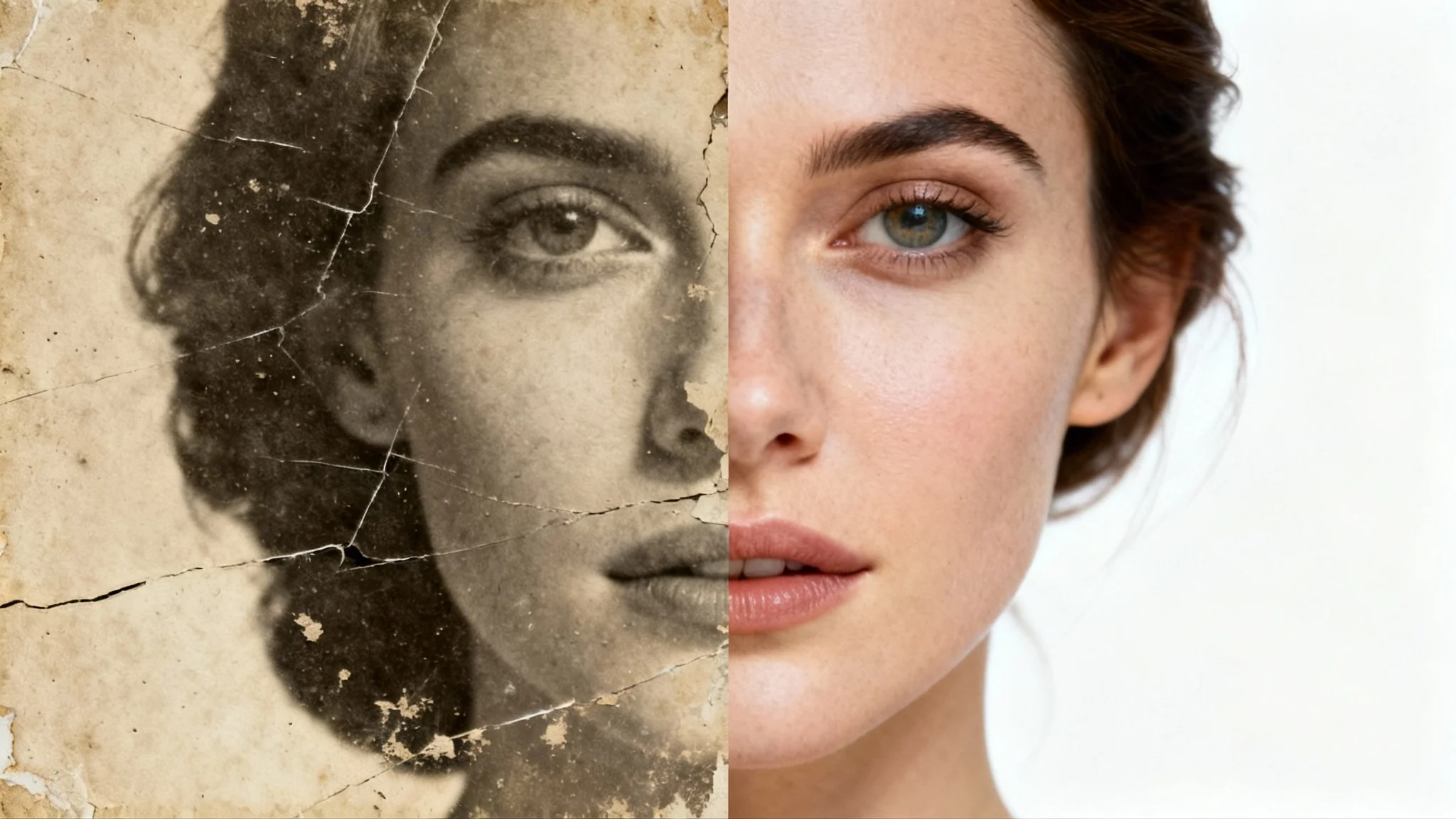
A split image showing the result of AI face restoration. The left side is an old, scratched sepia photo of a woman's face. The right side is the same photo, but fully restored, clear, and in color.
It's Fast: Go from a blurry, unclear image to a beautifully restored photo in seconds. It’s Easy to Use: No complicated tools or editing experience needed. Just upload your image and let our AI do the work. AI-Powered: Uses advanced algorithms to intelligently reconstruct and enhance facial details for a natural look. High-Quality Results: Download a high-resolution, watermark-free image ready to be shared and printed. Versatile: Perfect for restoring old family photos, improving modern portraits, and fixing blurry shots.

Why use Pixelcut's AI Face Restoration?

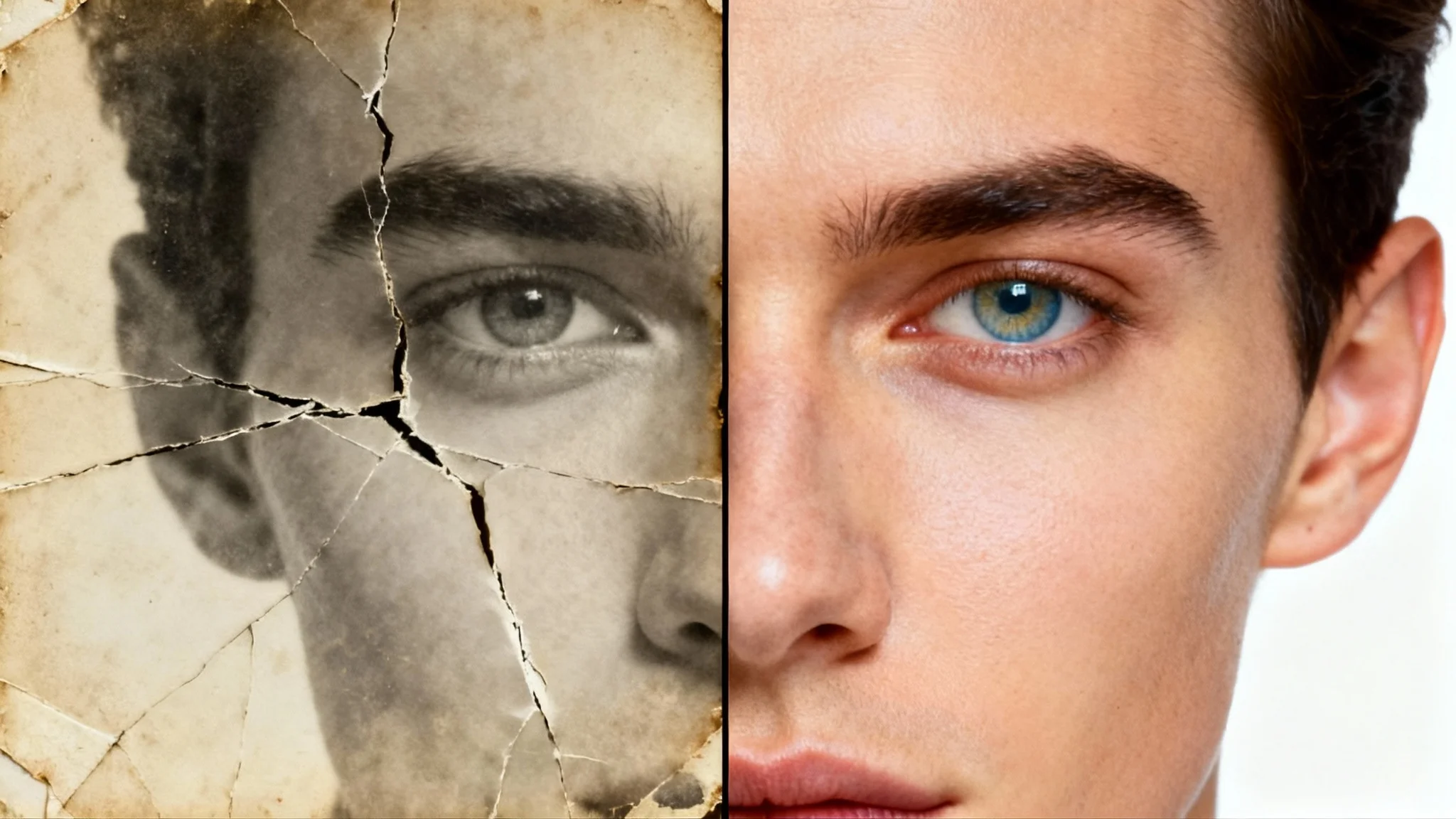
A close-up image of a face, split down the middle. The left side is a faded, cracked, sepia-toned old photograph. The right side is the same face, fully restored in sharp, high-definition color, demonstrating AI face restoration.
Preserve Family Memories: Restore old, faded, or damaged family photos to their former glory, making them perfect for albums and frames. Enhance Social Media Profiles: Ensure your profile pictures are sharp, clear, and professional by fixing any blurriness or low-quality issues. Improve Professional Headshots: Sharpen corporate headshots and professional portraits to make a great impression. Fix Event Photography: Rescue blurry photos from weddings, parties, and other important events where a perfect shot was missed.

AI Face Restoration Use Cases

A before-and-after image demonstrating AI face restoration. The left side shows a cracked and faded old sepia photo of a woman, while the right side shows the same photo perfectly restored in crisp, subtle color.

Frequently Asked Questions

Pixa is loved by over 2 million people

  • My favorite app

    Great app, easy to use. Helps our small business save time and money to create different marketing materials professionally. Thank you.
    Shaelyn D.
  • Best background remover

    I need a good background remover for my work and I've been through them all it feels like. This one is the best by far. It's so easy to use and the results always look amazing. Thank you Pixa!
    Kira H.
  • Love it

    It's amazingly easy and gives the perfect results for my bags and accessories. It looks like it was done by a professional photographer.
    Mary J.