Pixa
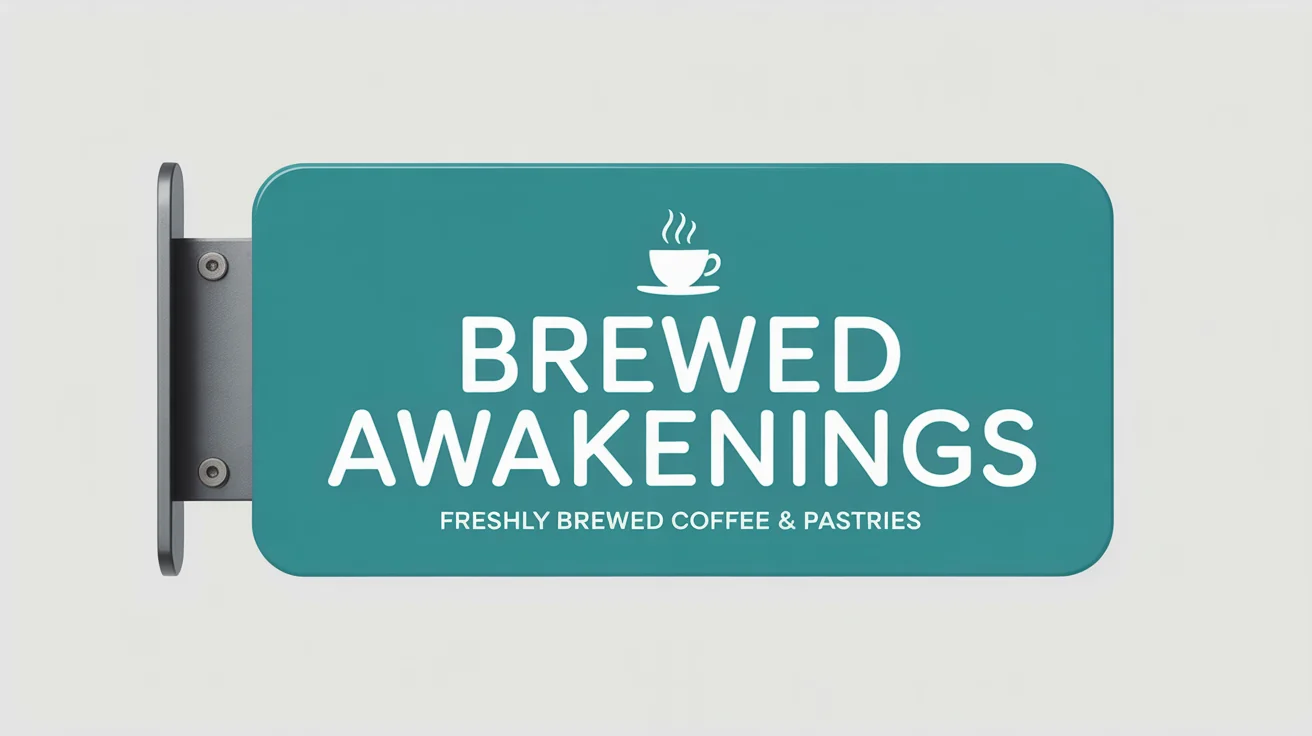
A photorealistic mockup of a vibrant teal blade sign for a café named 'Brewed Awakenings', mounted on a brick wall on a city street.

Free AI Blade Sign Mockup Generator

Visualize your logo on a realistic blade sign. Upload your design and let our AI create a professional storefront mockup in seconds.
Easy to use - just write a prompt
Trusted by 70 million people
Powered by Pixa AI Agent
171,800 Reviews

How to Create a Blade Sign Mockup

  1. 1

    Upload Your Design

    Start by uploading the logo or artwork you want to feature on the blade sign. A clear image will produce the best results.

  2. 2

    Describe Your Mockup

    In the text prompt, describe the sign and its environment. For example, "A round, wooden blade sign on a red brick coffee shop."

  3. 3

    Generate Your Mockup

    Click the generate button and let our AI create a photorealistic mockup of your blade sign based on your image and prompt.

  4. 4

    Download and Share

    Your high-resolution blade sign mockup is ready to download as a PNG. Use it for client presentations, marketing, or your portfolio.

See your brand come to life before you commit to costly production. Our AI blade sign mockup generator lets you instantly preview your logo or design on a realistic projecting sign. Simply upload your artwork and describe the scene you envision. This powerful tool helps you test different designs, ensuring your storefront makes the perfect first impression. Visualize how your sign will look on a bustling street or a quiet avenue, making design decisions faster and with greater confidence. It’s the ideal way to perfect your physical branding.

Instant Storefront Visualization

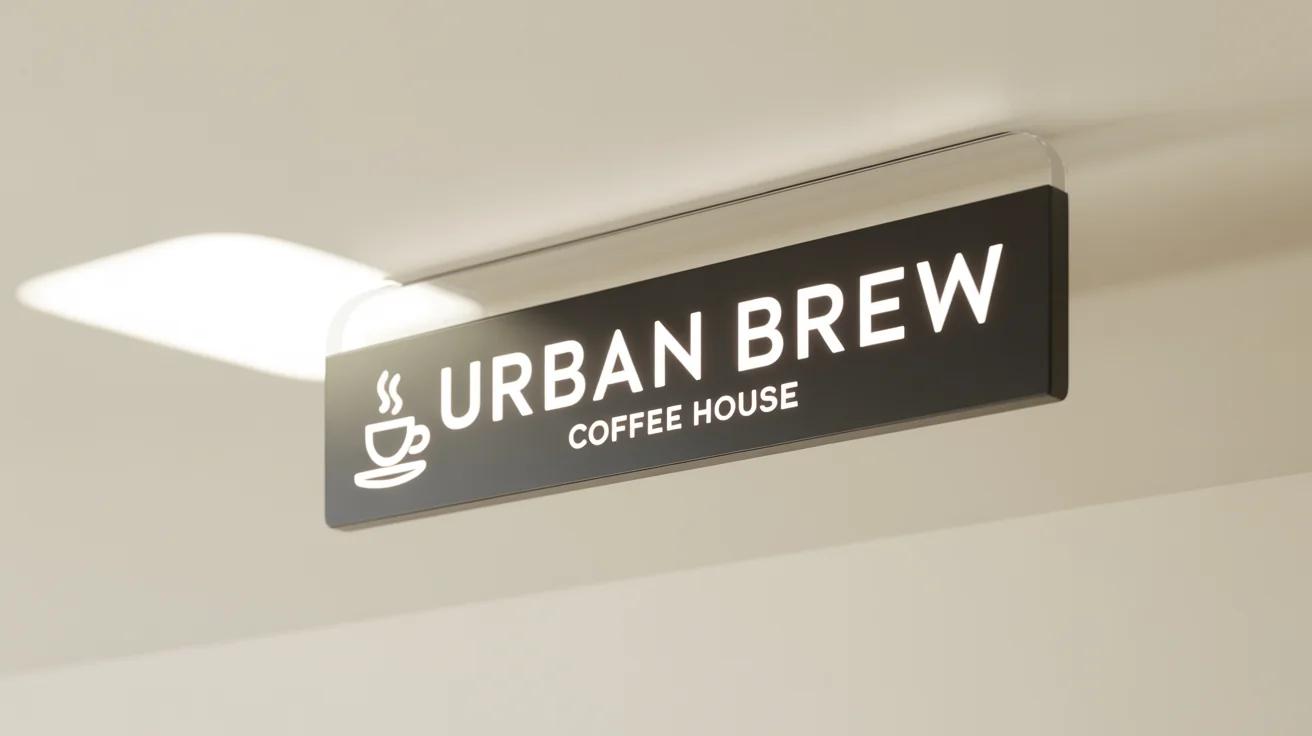
A photorealistic mockup of a modern rectangular black metal blade sign with the text 'Urban Brew Coffee House' mounted on a white wall.
Create stunning, high-resolution mockups perfect for client presentations, marketing materials, and your online portfolio. A realistic blade sign mockup shows stakeholders exactly how a brand will appear in the real world, helping to get buy-in for your designs. Whether you're a designer showcasing work to a cafe owner or a marketing manager planning a retail launch, these mockups provide a clear and professional preview. Present your vision with mockups that look like they were photographed on location, giving your work the polished context it deserves.

Present Your Brand Professionally

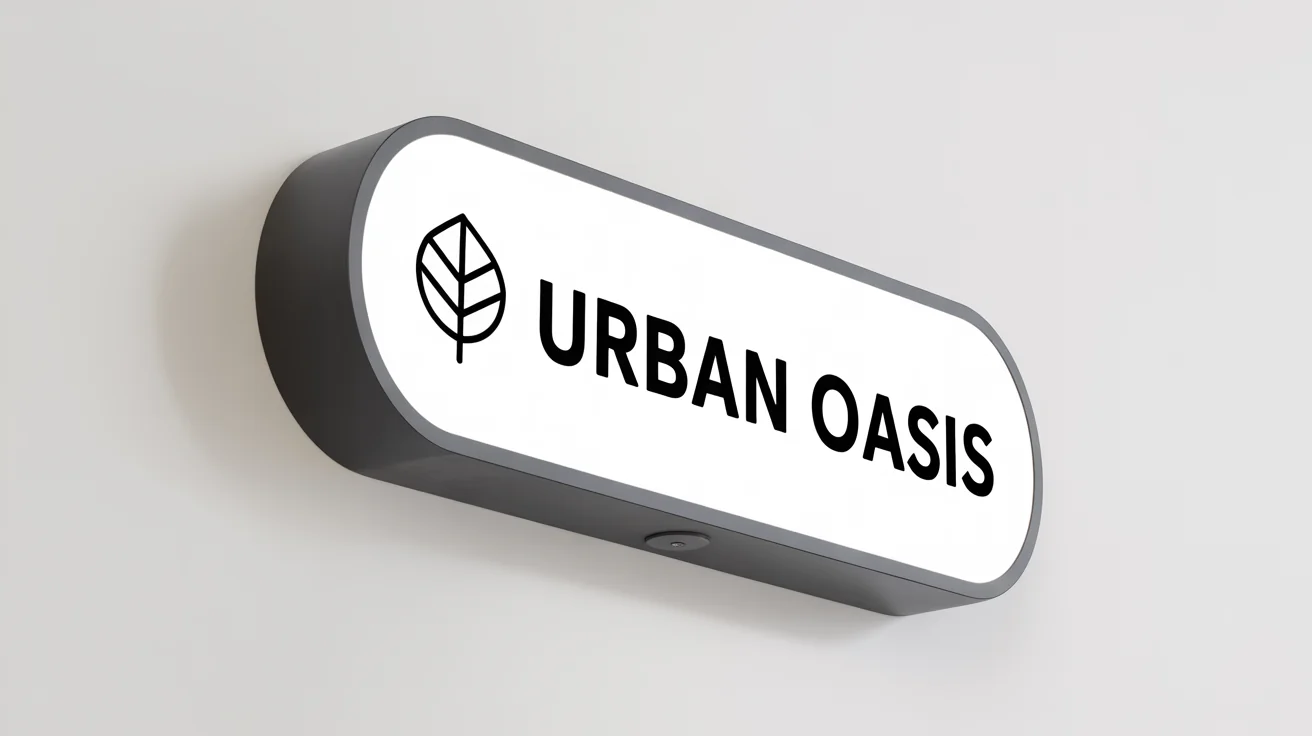
A photorealistic mockup of a modern, rectangular black and white blade sign for a brand called 'URBAN OASIS', shown projecting from a white wall.
A sign’s environment is just as important as the sign itself. Our generator allows you to place your blade sign in a variety of settings. Just describe the backdrop you want, whether it’s a vintage brick wall, a modern glass facade, or a rustic wooden exterior. This feature lets you see how your sign's colors and design contrast with different surroundings, ensuring it grabs attention and remains legible. Tailor the mockup to match your business's aesthetic, from a trendy coffee shop to a high-end boutique or a corporate office entrance.

Contextual Mockups for Any Business

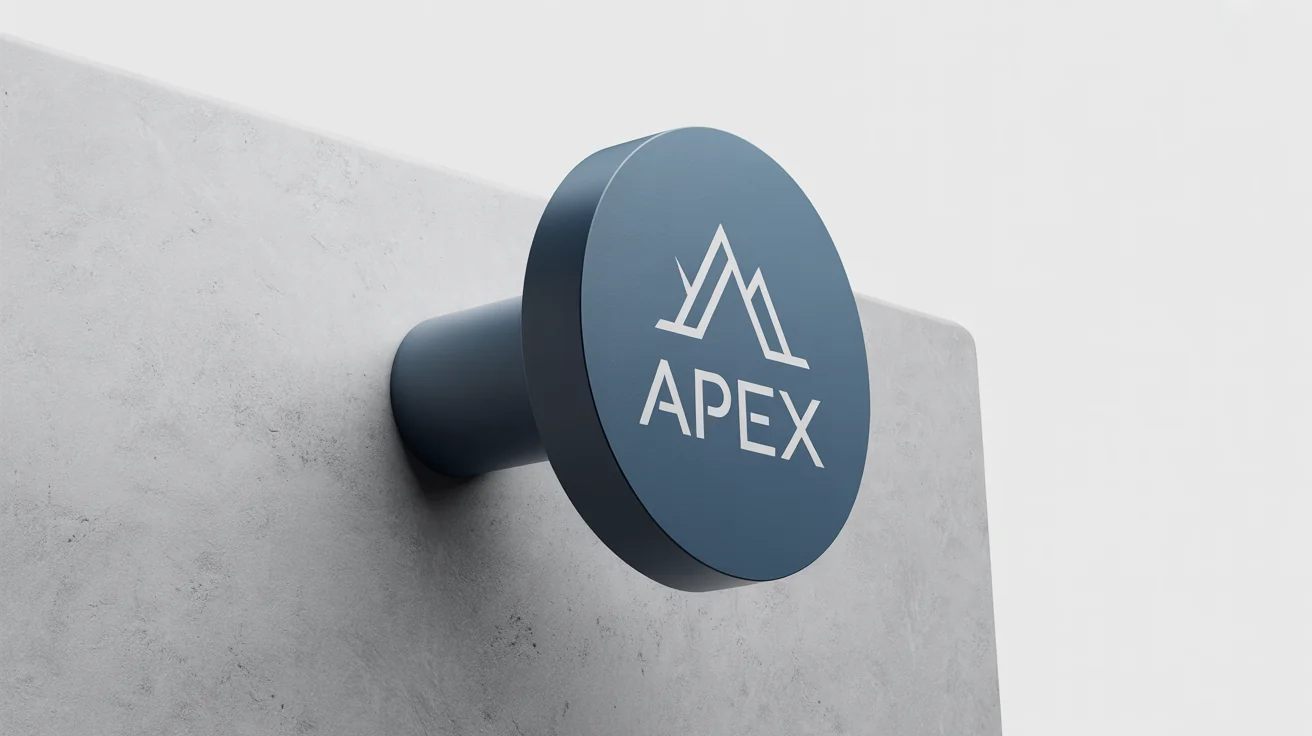
A photorealistic mockup of a round black blade sign with the brand name 'APEX' and a mountain logo, mounted on a light gray wall against a solid white background.
It’s Fast: Go from a simple design file to a photorealistic mockup in just a few seconds. It’s Easy to Use: Upload your logo, write a simple prompt, and let the AI do the rest. No complex software needed. AI-Powered Context: Describe the building, time of day, or street style, and our AI will create a fitting environment for your sign. Professional Quality: Download a high-resolution, watermark-free PNG file ready for your presentations or marketing campaigns. Test and Refine: Quickly generate multiple variations to find the most effective design for your storefront.

Why use Pixelcut's AI Blade Sign Mockup Generator?

A photorealistic mockup of a rectangular black blade sign with 'THE ALCHEMIST'S BREW' written on it, mounted on a light grey wall against a white background.
Retail Store Branding: Preview new logos on your storefront to see how they will attract passing foot traffic. Cafe and Restaurant Signage: Visualize your cafe's name and logo on a hanging sign to create an inviting atmosphere. Corporate Office Entrances: Present a professional image by mocking up a sleek blade sign for your building's exterior. Client Design Pitches: Show graphic design clients how their new branding will look in a real-world setting. Portfolio Building: Enhance your design portfolio with realistic mockups that showcase your branding skills in context.

Blade Sign Mockup Use Cases

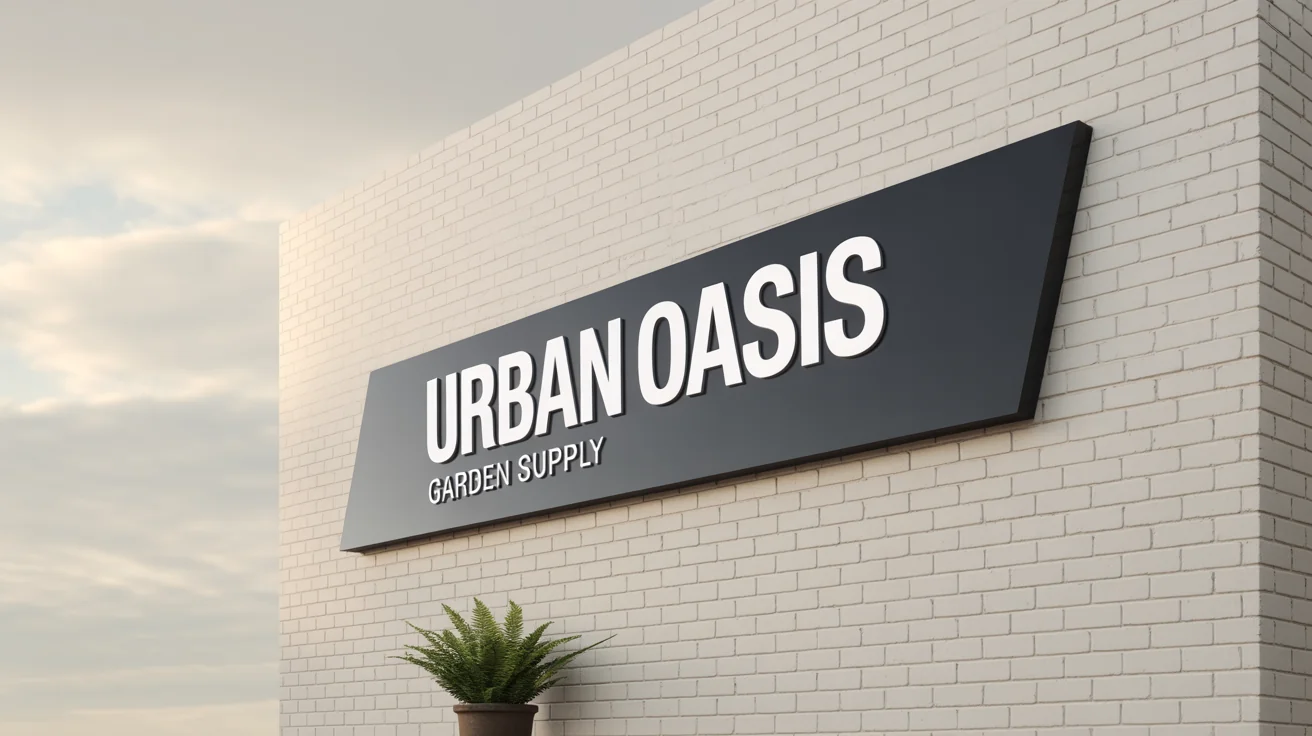
A photorealistic mockup of a rectangular black blade sign mounted on a white wall, displaying the text 'URBAN OASIS GARDEN SUPPLY' in white.

Frequently Asked Questions

Pixa is loved by over 2 million people

  • My favorite app

    Great app, easy to use. Helps our small business save time and money to create different marketing materials professionally. Thank you.
    Shaelyn D.
  • Best background remover

    I need a good background remover for my work and I've been through them all it feels like. This one is the best by far. It's so easy to use and the results always look amazing. Thank you Pixa!
    Kira H.
  • Love it

    It's amazingly easy and gives the perfect results for my bags and accessories. It looks like it was done by a professional photographer.
    Mary J.