Pixa
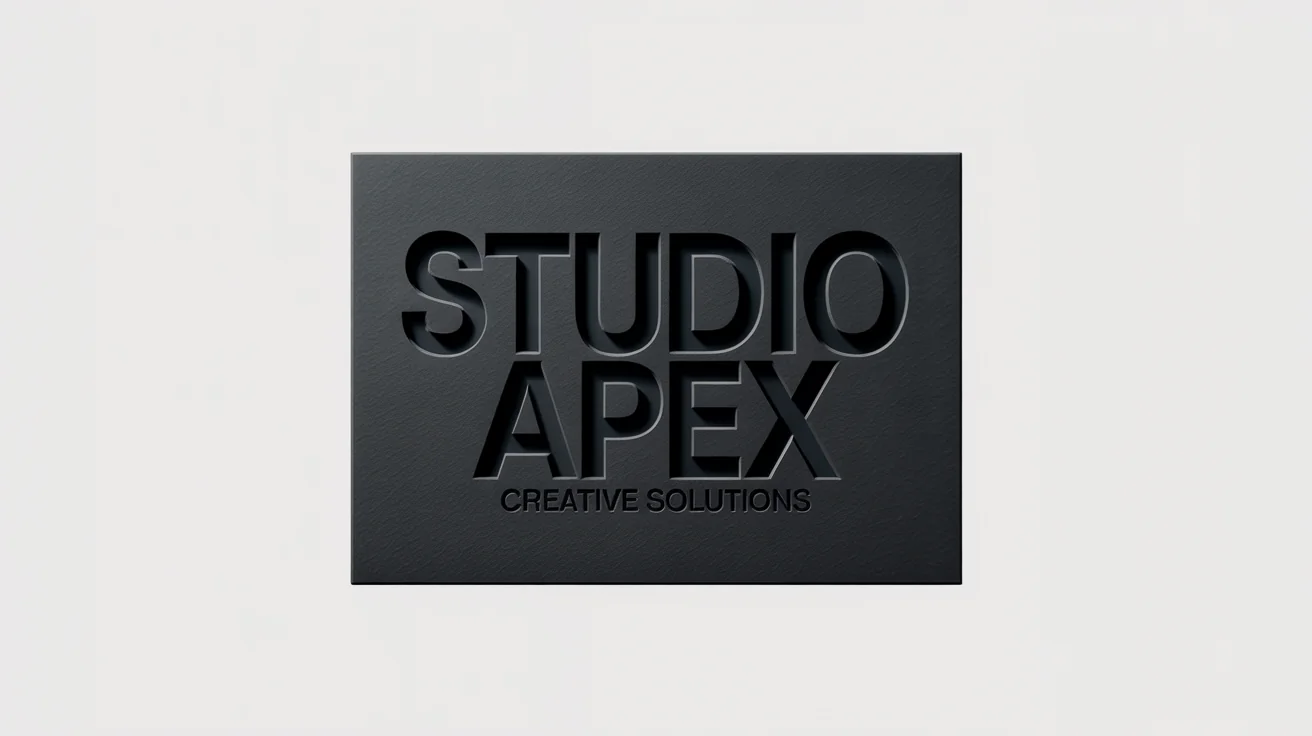
A close-up, photorealistic hero image of a logo for 'STUDIO APEX' debossed onto dark, textured cardstock, demonstrating a professional logo mockup.

AI Debossed Logo Mockup Generator

Instantly generate realistic debossed logo mockups. Upload your logo and see it beautifully indented on various materials in seconds.
Easy to use - just write a prompt
Trusted by 70 million people
Powered by Pixa AI Agent
171,800 Reviews

How to Create a Debossed Logo Mockup

  1. 1

    Upload your logo

    Start by uploading your logo file. A high-resolution image with a transparent background will produce the best results.

  2. 2

    Describe the mockup scene

    In the prompt box, tell the AI what you want. For example, 'Deboss my logo on a white business card' or 'Create a debossed logo on a cardboard box.'

  3. 3

    Generate your mockup

    Click the generate button and our AI will create a realistic mockup with your logo debossed onto the surface you described.

  4. 4

    Download your mockup

    Your professional, high-resolution debossed logo mockup is ready. Download the PNG file watermark-free and use it for your project.

Present your brand with the subtlety and elegance it deserves. Our AI tool lets you create high-quality debossed logo mockups without the need for complex design software. Just upload your logo, and watch as it gets a realistic, indented effect on materials like textured paper, cardboard, or leather. This is the perfect way to visualize your branding for client presentations, portfolio showcases, or marketing materials. Achieve a professional look that communicates quality and sophistication, all within a matter of seconds.

Create Instant, Professional Mockups

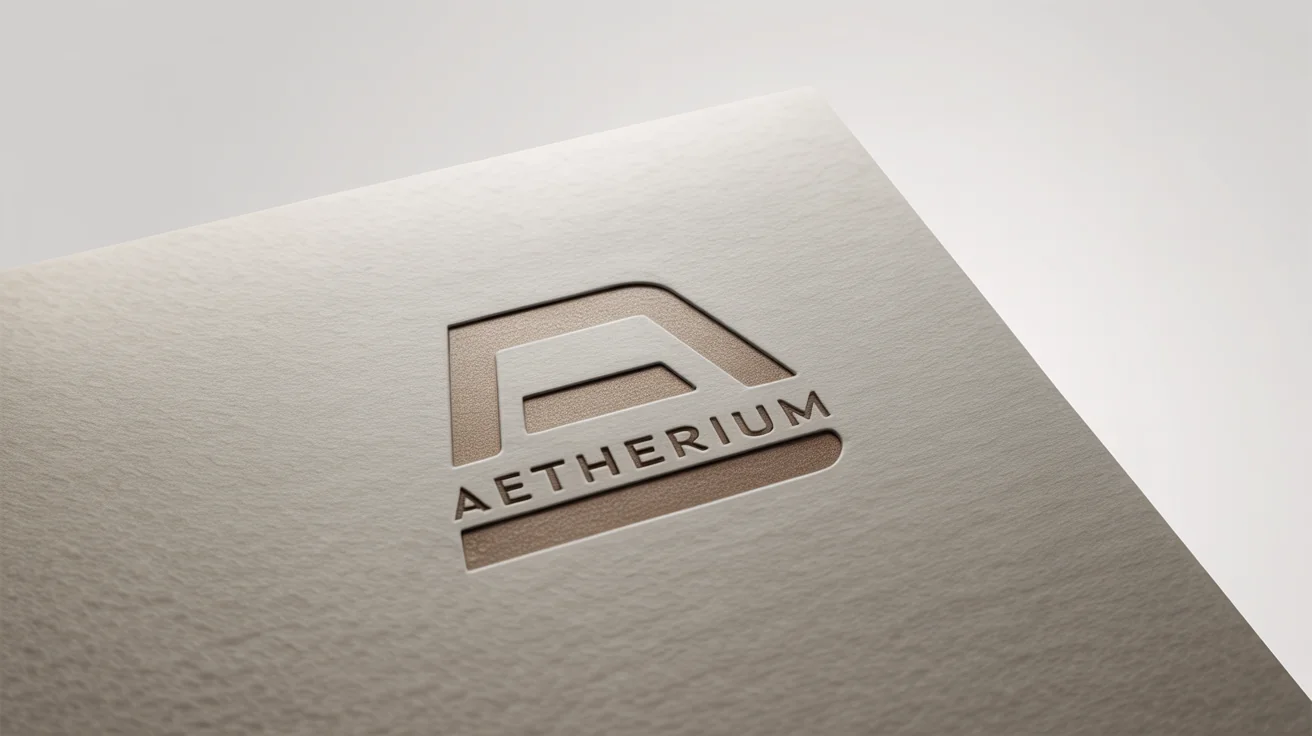
A close-up, angled shot of a logo for the fictional brand 'Aetherium' debossed into thick, textured, off-white paper, set against a plain white background, highlighting the premium and tactile effect.
Our AI mockup generator focuses on realism. It intelligently applies lighting and shadows to create a convincing 3D indentation on the surface you choose. Inspired by the tactile quality of physical debossing, the tool renders your logo with a sense of depth that makes it look like a real photograph. The subtle rounded edges and shadow effects give your logo a soft, professional appearance. Show clients exactly how a finished product will look and feel, helping them connect with your design on a deeper level.

Achieve Lifelike Detail and Texture

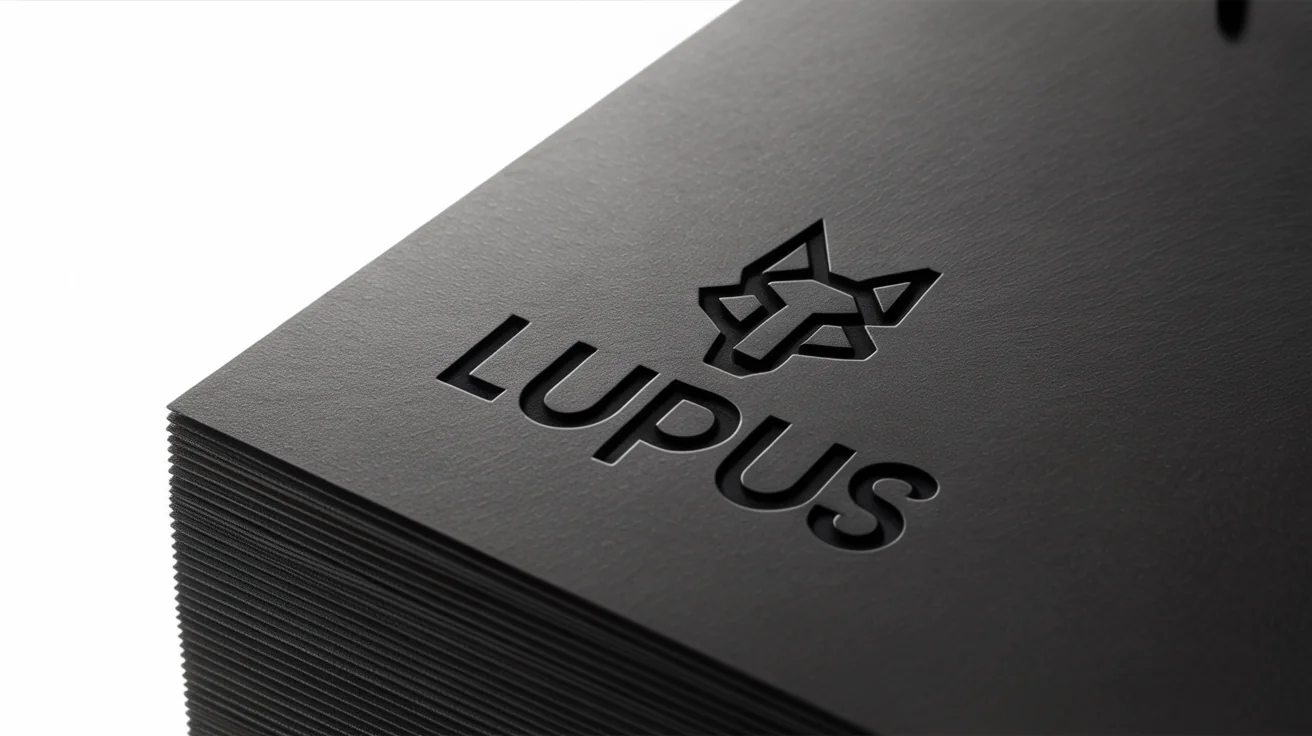
A photorealistic mockup of a luxury brand's logo, 'LUPUS', with a wolf icon, debossed into thick, black textured paper on a white background.
Forget spending hours with complicated software and PSD files to create a simple mockup. With this tool, the process is streamlined. You only need to upload your logo and write a quick description of the scene you imagine. Want to see your logo on a black leather journal or a kraft paper box? Just ask. The AI handles the technical details, giving you more time to focus on the creative aspects of your branding projects. It's a straightforward way to produce professional results quickly.

Simplify Your Design Workflow

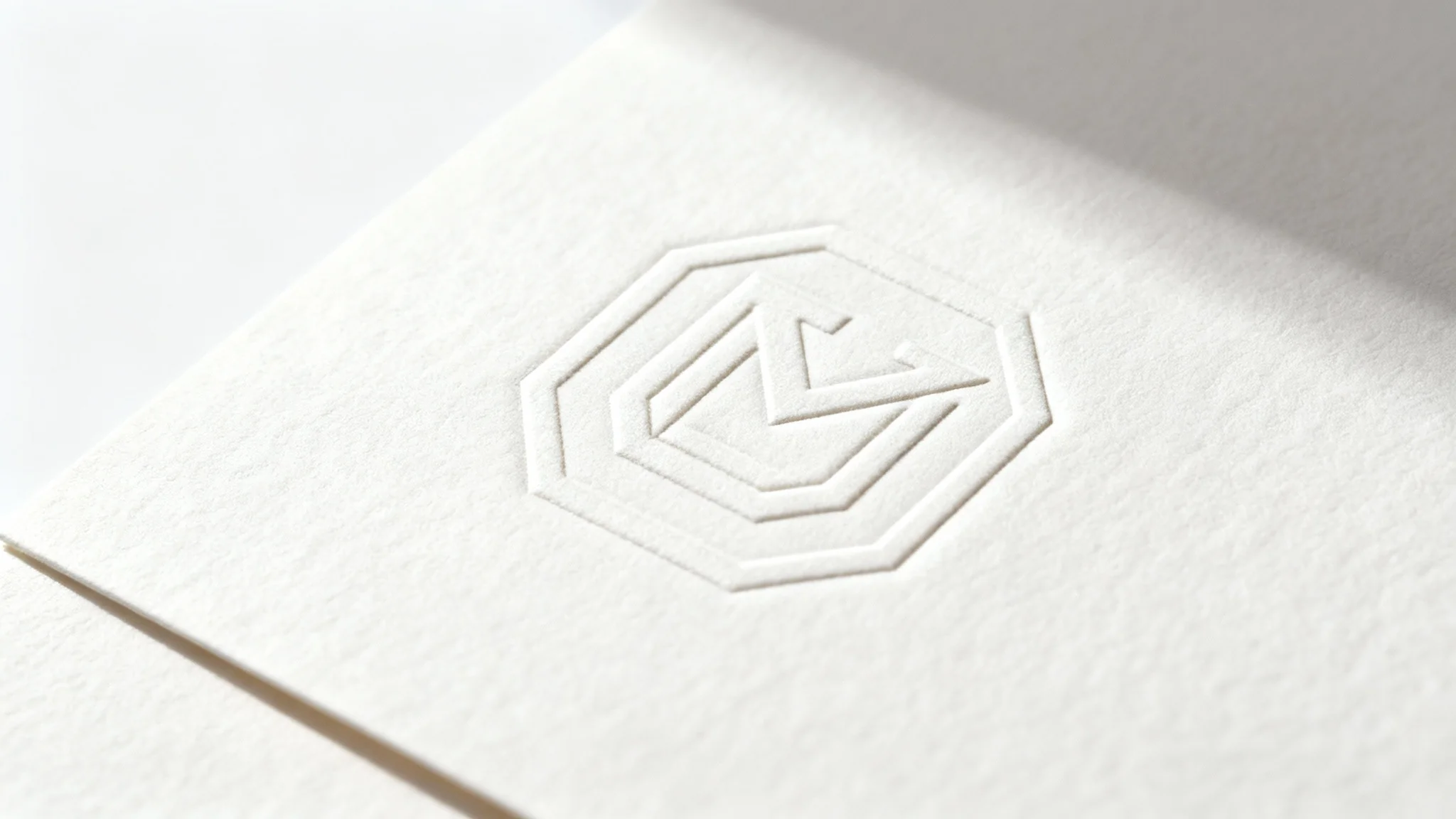
A close-up, professional photograph showing an elegant logo debossed into thick, textured off-white paper against a clean white background, highlighting the tactile quality of the effect.
It’s Fast: Generate a high-resolution mockup in seconds, not hours. It's Easy to Use: Simply upload your logo and describe the mockup you want. AI-Powered: Our AI creates realistic textures, shadows, and indentations for a professional result. Versatile Materials: Preview your logo on different surfaces like paper, cardstock, and leather to find the perfect look. Professional Presentations: Elevate your branding projects and client pitches with mockups that highlight the quality and detail of your work.

Why use Pixelcut's AI Debossed Logo Mockup Generator?

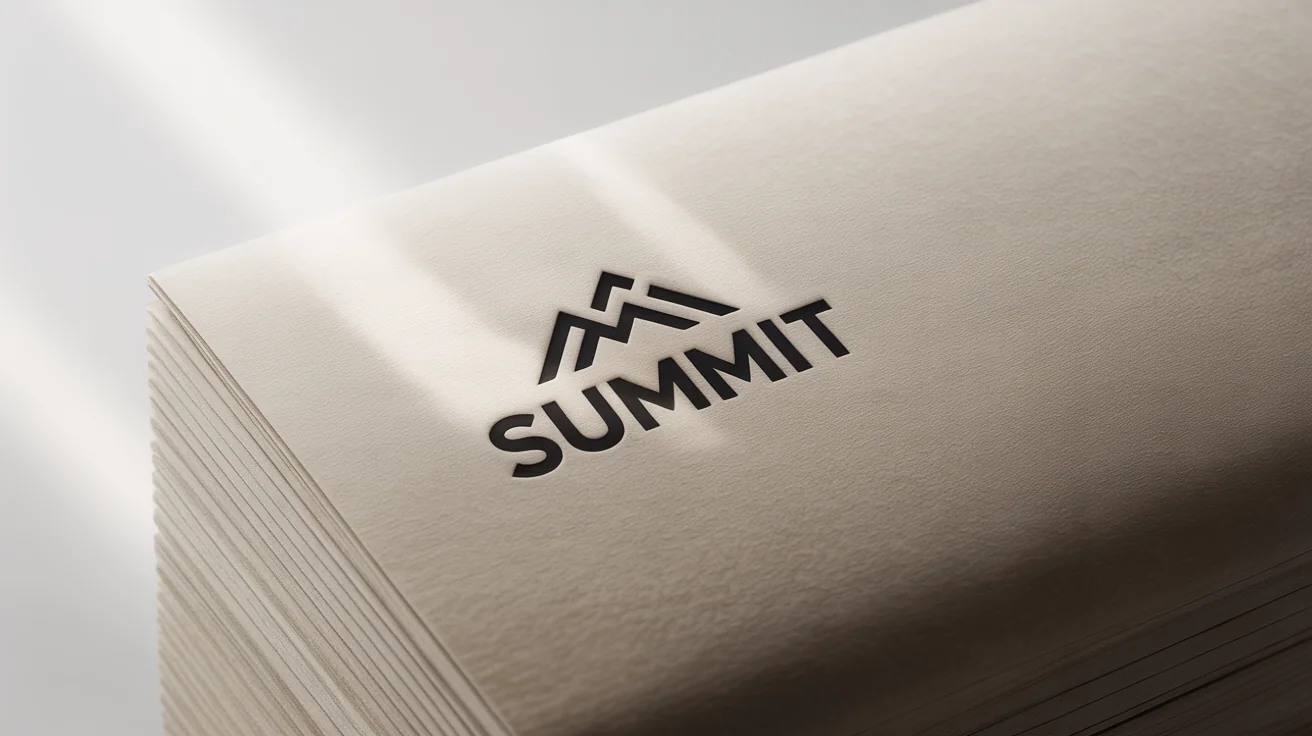
A photorealistic close-up of a logo for the brand 'SUMMIT' debossed into thick, textured off-white paper. The logo shows a mountain icon and the brand name, with subtle shadows creating a 3D effect.
Client Presentations: Show clients a realistic preview of their branding on stationery, packaging, or products. Portfolio Building: Enhance your design portfolio with professional and elegant logo mockups. Brand Visualization: See how your logo looks on different materials before committing to production. Social Media Content: Create eye-catching posts that showcase your brand's identity with a sophisticated touch. Website Graphics: Use mockups for your website to display branding in a clean, professional context.

Debossed Logo Mockup Use Cases

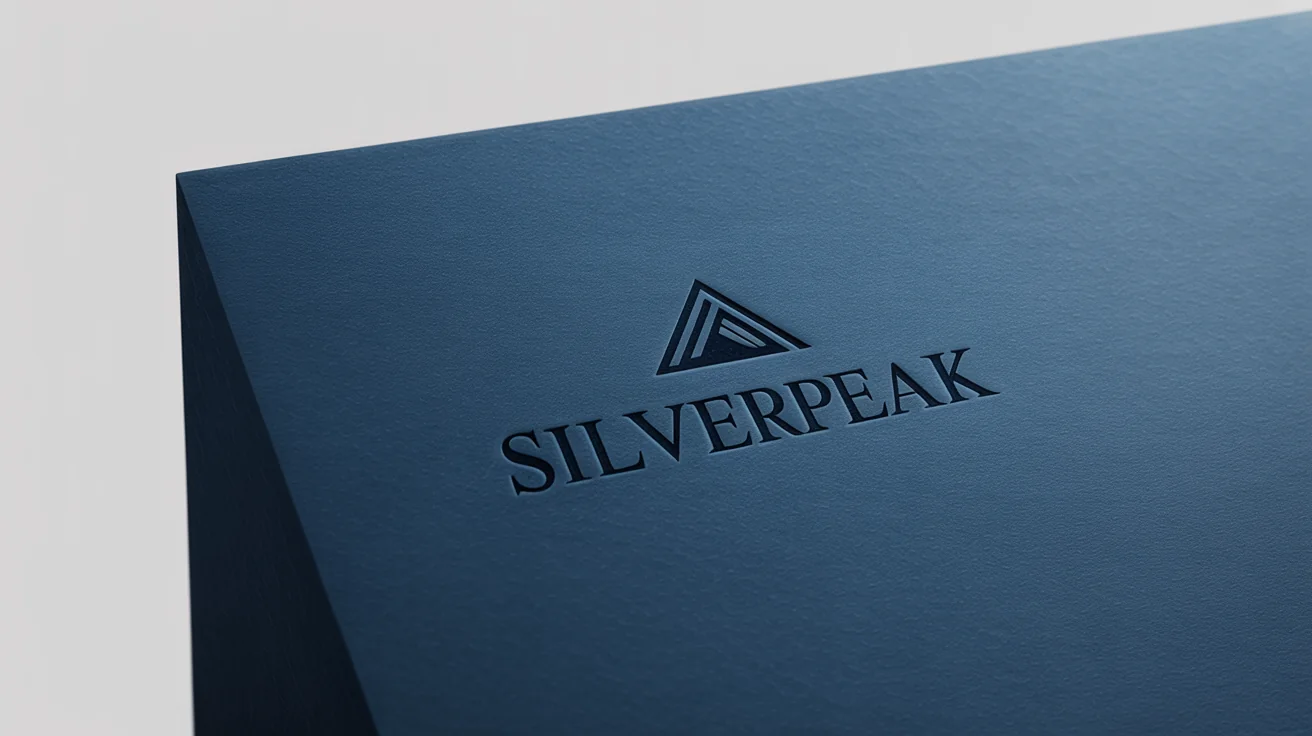
A close-up mockup of a logo for "SILVERPEAK" elegantly debossed into a thick, navy blue paper, highlighting the depth and texture against a stark white background.

Frequently Asked Questions

Pixa is loved by over 2 million people

  • My favorite app

    Great app, easy to use. Helps our small business save time and money to create different marketing materials professionally. Thank you.
    Shaelyn D.
  • Best background remover

    I need a good background remover for my work and I've been through them all it feels like. This one is the best by far. It's so easy to use and the results always look amazing. Thank you Pixa!
    Kira H.
  • Love it

    It's amazingly easy and gives the perfect results for my bags and accessories. It looks like it was done by a professional photographer.
    Mary J.