Pixa
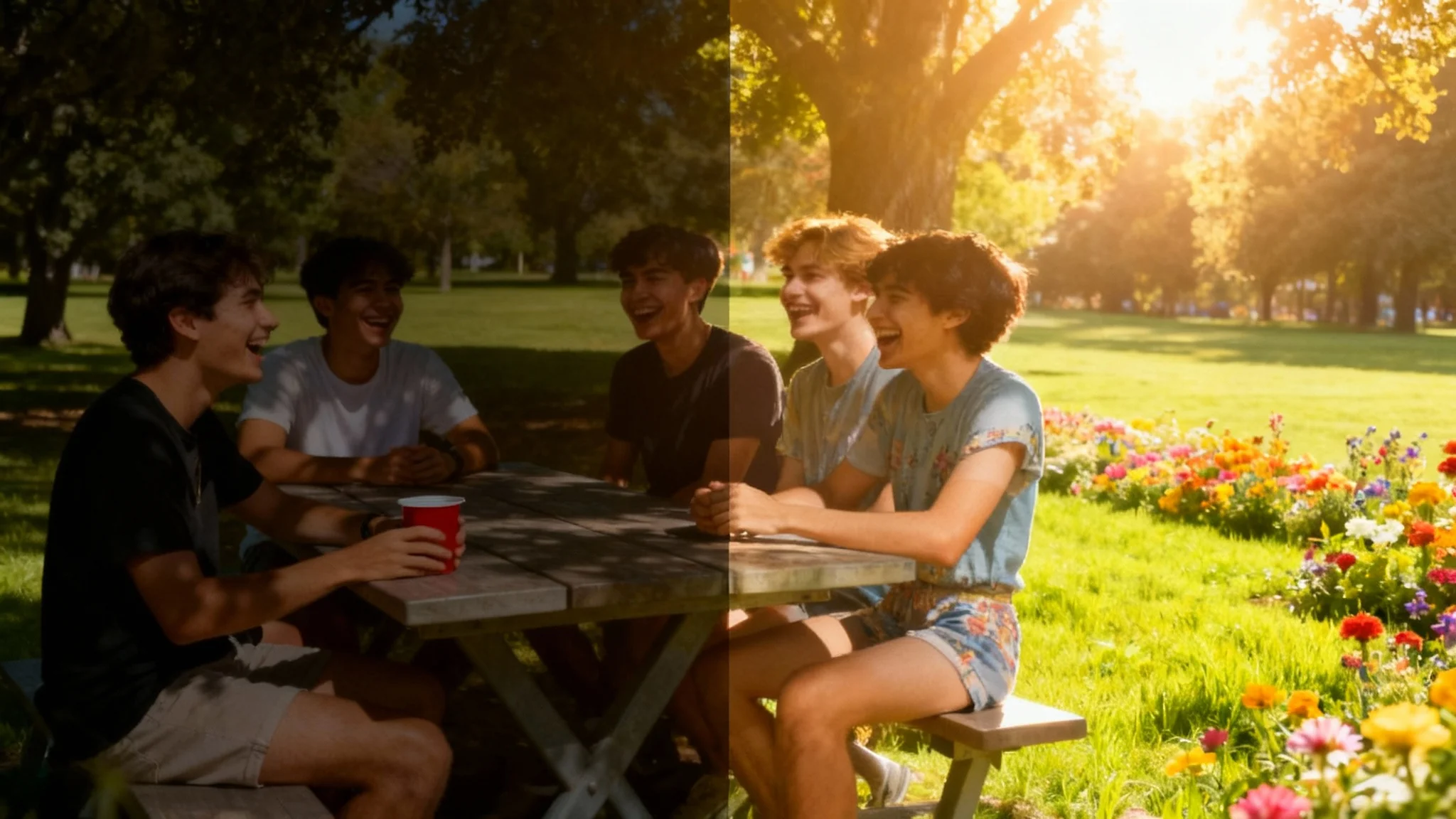
A split-screen image demonstrating a photo brightener tool. The left side shows a dark, underexposed photo of friends at a picnic, while the right side shows the same photo transformed to be bright, vibrant, and clear.

Instantly Brighten Dark Photos with AI

Fix underexposed images in seconds. Upload your photo, tell our AI how to brighten it, and download a perfectly lit picture.
Easy to use - just write a prompt
Trusted by 70 million people
Powered by Pixa AI Agent
171,800 Reviews

How to Brighten a Dark Photo

  1. 1

    Upload your photo

    Start by uploading the dark or underexposed image you want to fix. Our tool accepts standard image formats.

  2. 2

    Enter your prompt

    Tell the AI how you want to brighten your photo. For example, type 'Make this photo brighter and clearer' or 'Lighten the shadows'.

  3. 3

    Generate your edit

    Click the generate button and let the AI work. It will analyze your photo and prompt to apply the perfect lighting adjustments.

  4. 4

    Download your brightened photo

    Your enhanced, high-resolution photo is ready to be downloaded in PNG format, free of watermarks.

No more wrestling with confusing sliders for brightness, contrast, and exposure. Simply upload your dark photo and describe the result you want. Ask the AI to 'brighten the foreground' or 'make the image look like it was taken in daylight,' and watch it happen. Our tool intelligently analyzes and adjusts your image to rescue details hidden in the shadows. This intuitive process makes professional-level lighting correction accessible to everyone, regardless of your photo editing experience. The conversation-based approach makes editing fast and simple.

Effortless Lighting Correction

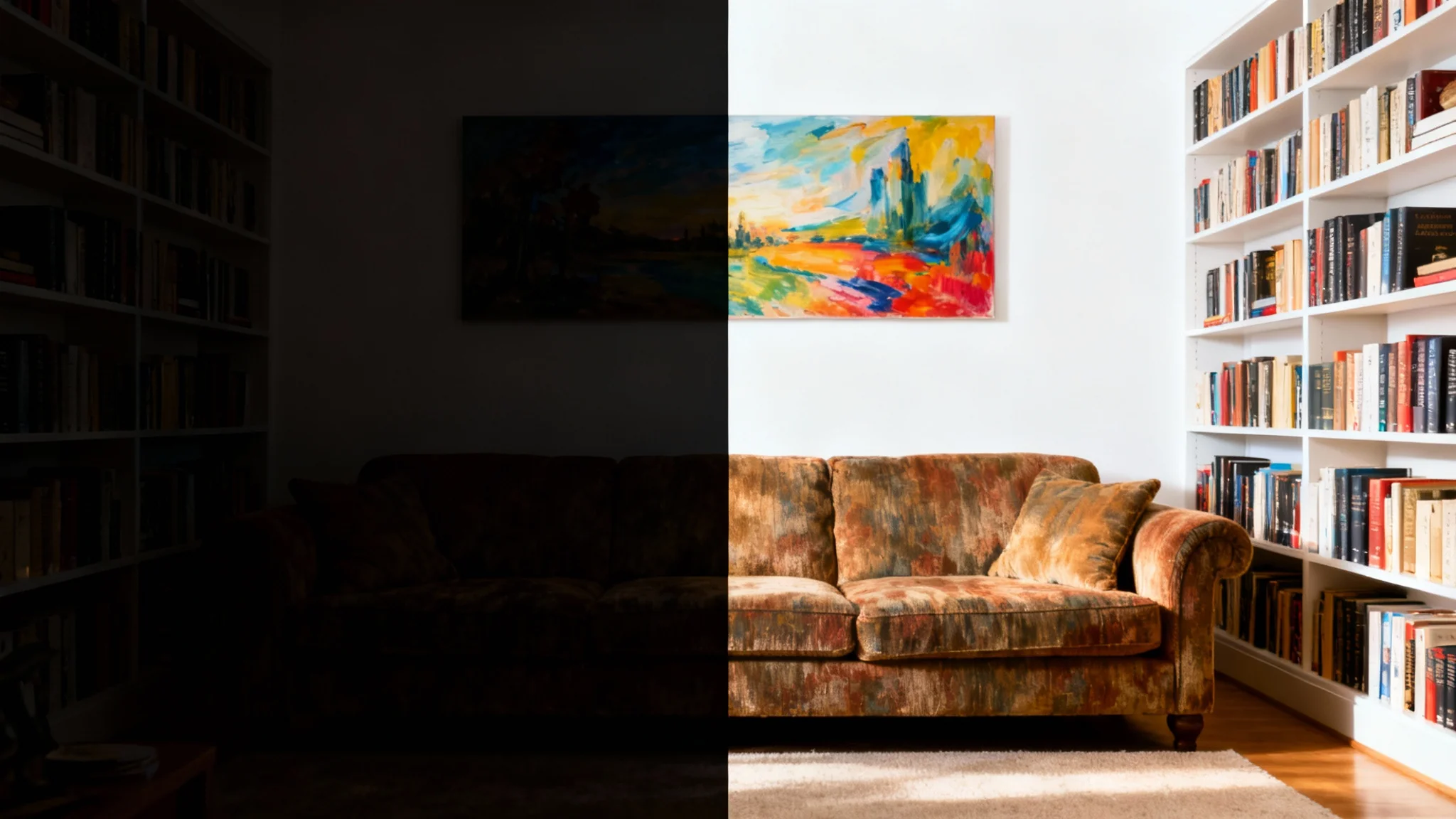
A split image demonstrating a photo brightener. The left side shows a dark, underexposed photo of a living room, while the right side shows the same photo made bright, clear, and full of vibrant color and detail.
Our AI photo brightener does more than just increase the overall light. It selectively targets underexposed areas, lifting shadows while protecting the highlights from getting washed out. This ensures your brightened photo looks balanced and natural, not artificial or overexposed. Imagine recovering the details of a friend's smile in a dimly lit room or the textures of a landscape captured at dusk. Our tool brings back the clarity and depth that poor lighting obscured, revealing the true quality of your original shot.

Reveal Hidden Details Naturally

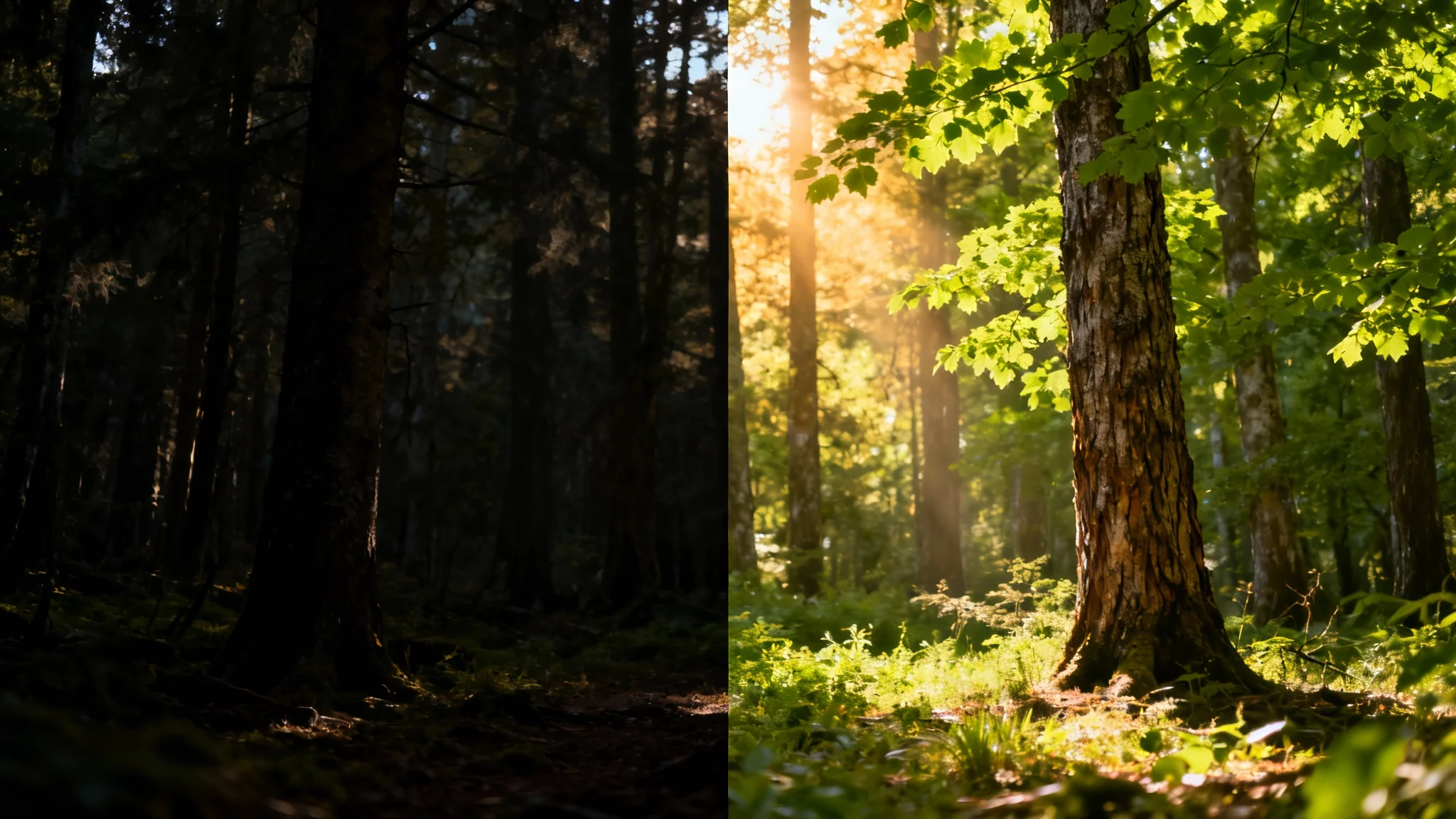
A before-and-after image of a forest landscape. The left half is dark and underexposed, while the right half is bright, clear, and vibrant, demonstrating a photo brightening effect.
Don't delete those dark, blurry photos from your favorite moments. Give them a second chance with our AI brightener. Whether it’s a candid shot from a nighttime concert, a cozy indoor family gathering, or a beautiful sunset that your camera couldn't quite capture, our tool can help. It transforms seemingly unusable images into vibrant, shareable memories. Fix photos that were taken against the light or in rooms with poor illumination. Turn your collection of forgotten shots into a gallery of perfectly lit moments.

Save Your Cherished Memories

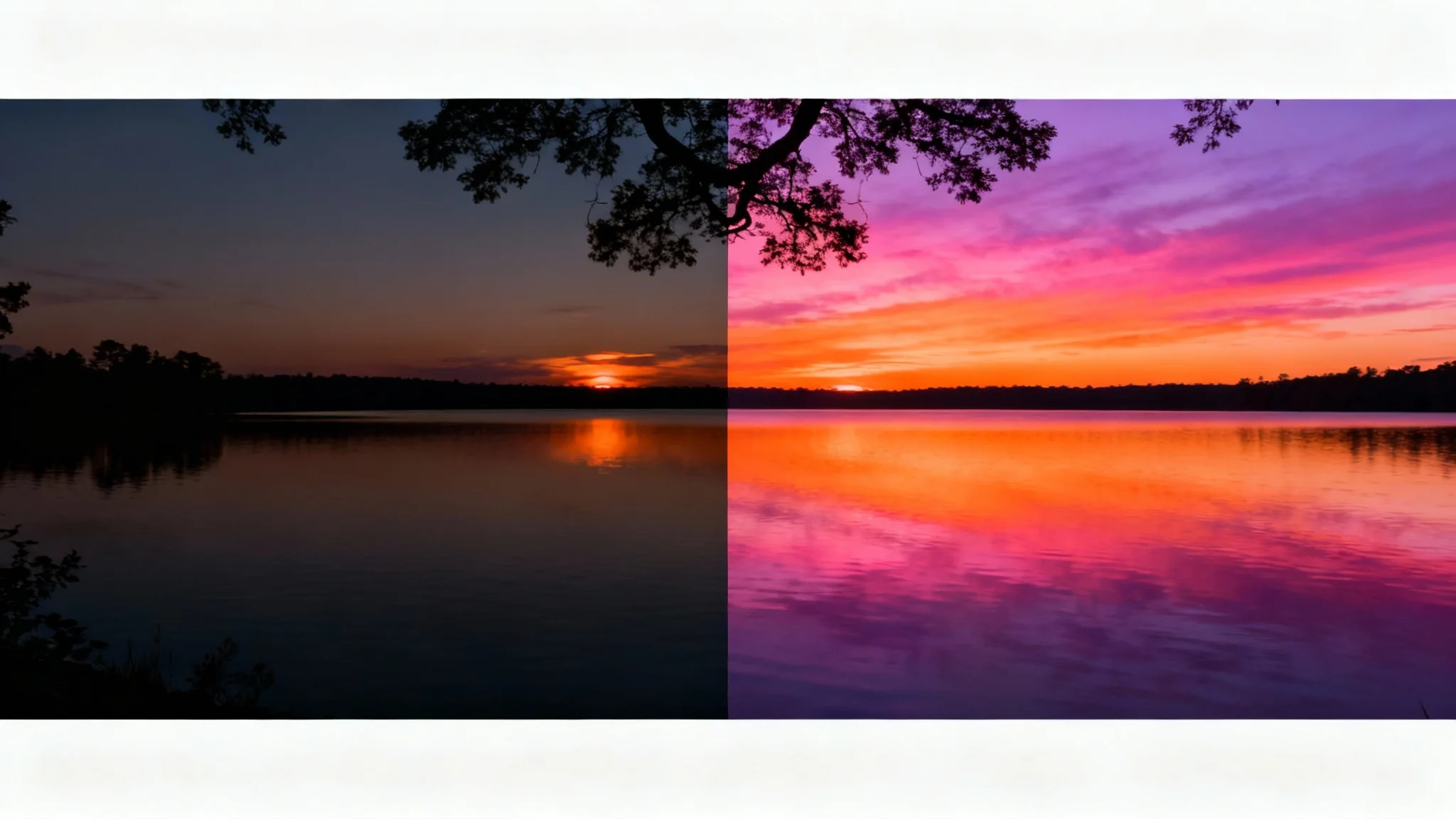
A before-and-after image demonstrating a photo brightener. The left side shows a dark, underexposed sunset over a lake, while the right side is bright, vibrant, and full of detail.
It’s Fast: Go from a dark, underexposed image to a bright, clear photo in seconds. It’s Intuitive: No technical skills needed. Just upload your photo and type what you want to change. AI-Powered: Uses advanced AI to intelligently adjust lighting and enhance details for a natural look. Precision Control: Describe exactly which parts of the photo you want to brighten for targeted edits. Free to Try: Experiment with the tool and see how it can improve your photos before committing.

Why use Pixelcut's AI to Brighten Photos?

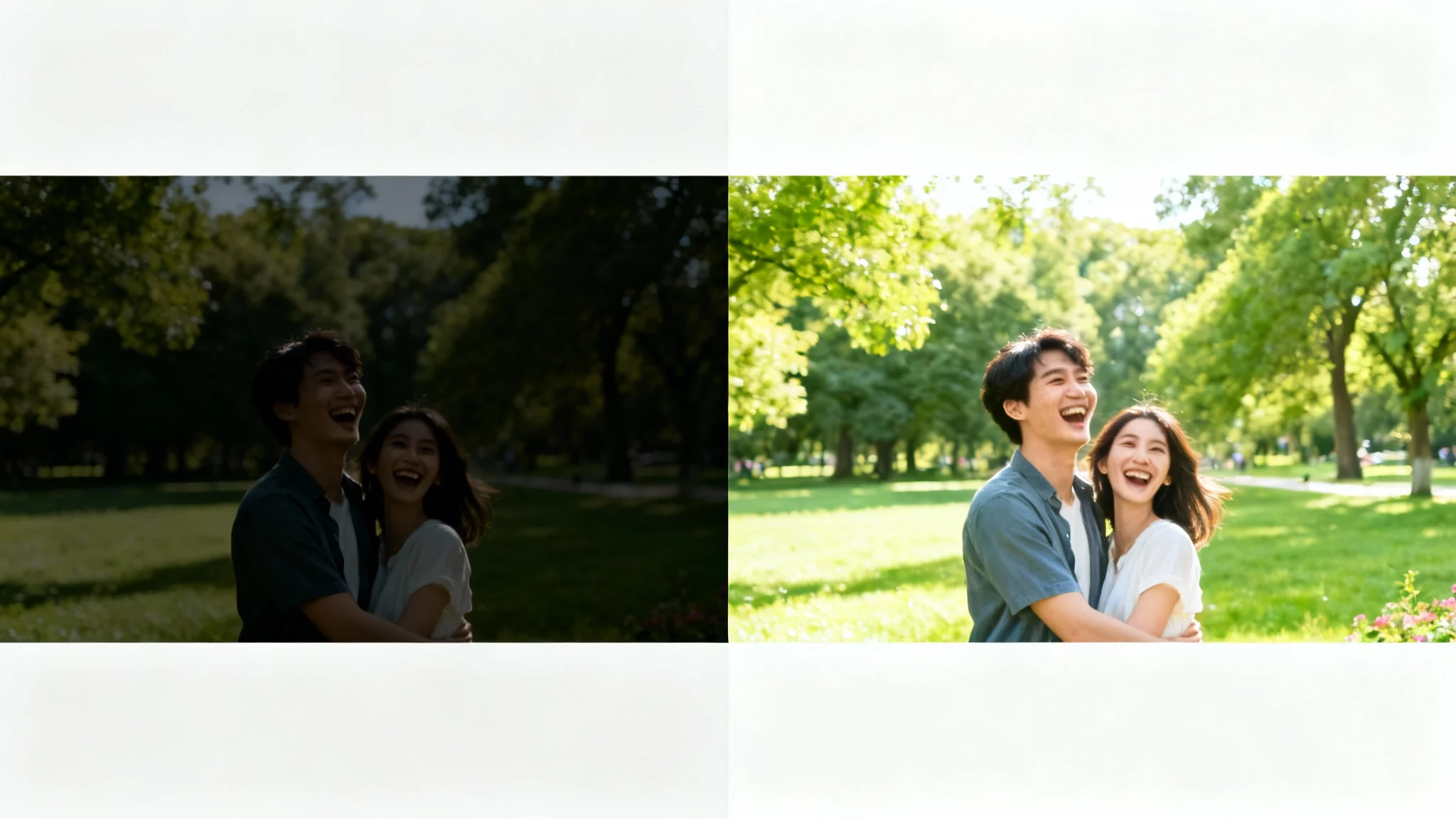
A before-and-after split image showing a photo being brightened. The left side is a dark, underexposed photo of a couple, and the right side is the same photo made bright, clear, and vibrant.
Social Media Posts: Make your Instagram or Facebook photos pop, even if they were taken in tricky lighting. Real Estate Photography: Brighten up interior shots of rooms to make properties look more inviting to potential buyers. Product Photography: Ensure your product photos are bright and clear, showing off every important detail. Vacation Snapshots: Rescue those beautiful travel moments captured during twilight or on overcast days. Event Photos: Fix dark pictures from concerts, parties, and weddings so you can relive the memories clearly.

Photo Brightening Use Cases

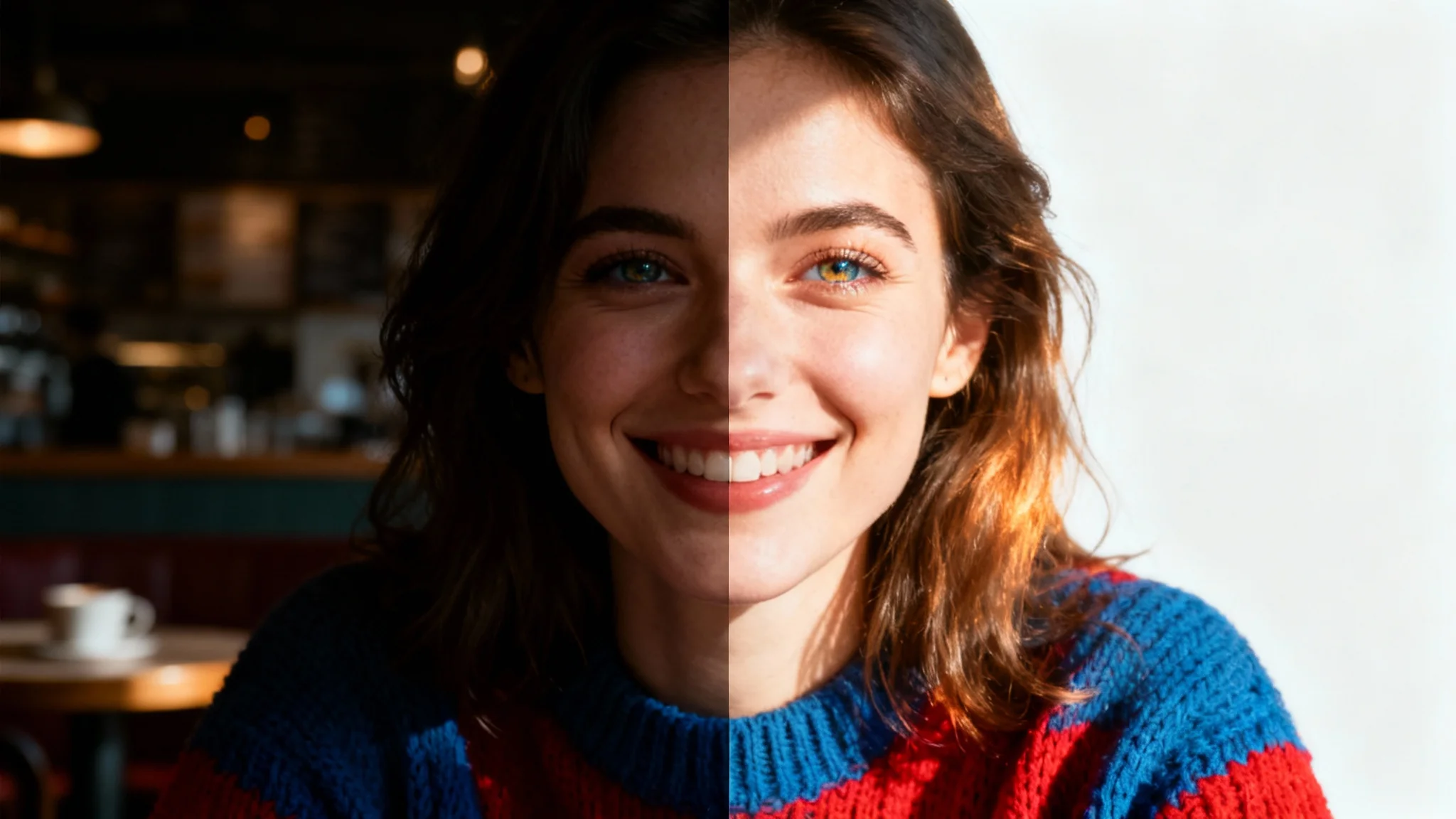
A split-screen photo demonstrating a photo brightener. The left side is a dark, underexposed portrait of a woman, while the right side shows the same photo made bright, clear, and vibrant.

Frequently Asked Questions

Pixa is loved by over 2 million people

  • My favorite app

    Great app, easy to use. Helps our small business save time and money to create different marketing materials professionally. Thank you.
    Shaelyn D.
  • Best background remover

    I need a good background remover for my work and I've been through them all it feels like. This one is the best by far. It's so easy to use and the results always look amazing. Thank you Pixa!
    Kira H.
  • Love it

    It's amazingly easy and gives the perfect results for my bags and accessories. It looks like it was done by a professional photographer.
    Mary J.