My favorite app
Great app, easy to use. Helps our small business save time and money to create different marketing materials professionally. Thank you.
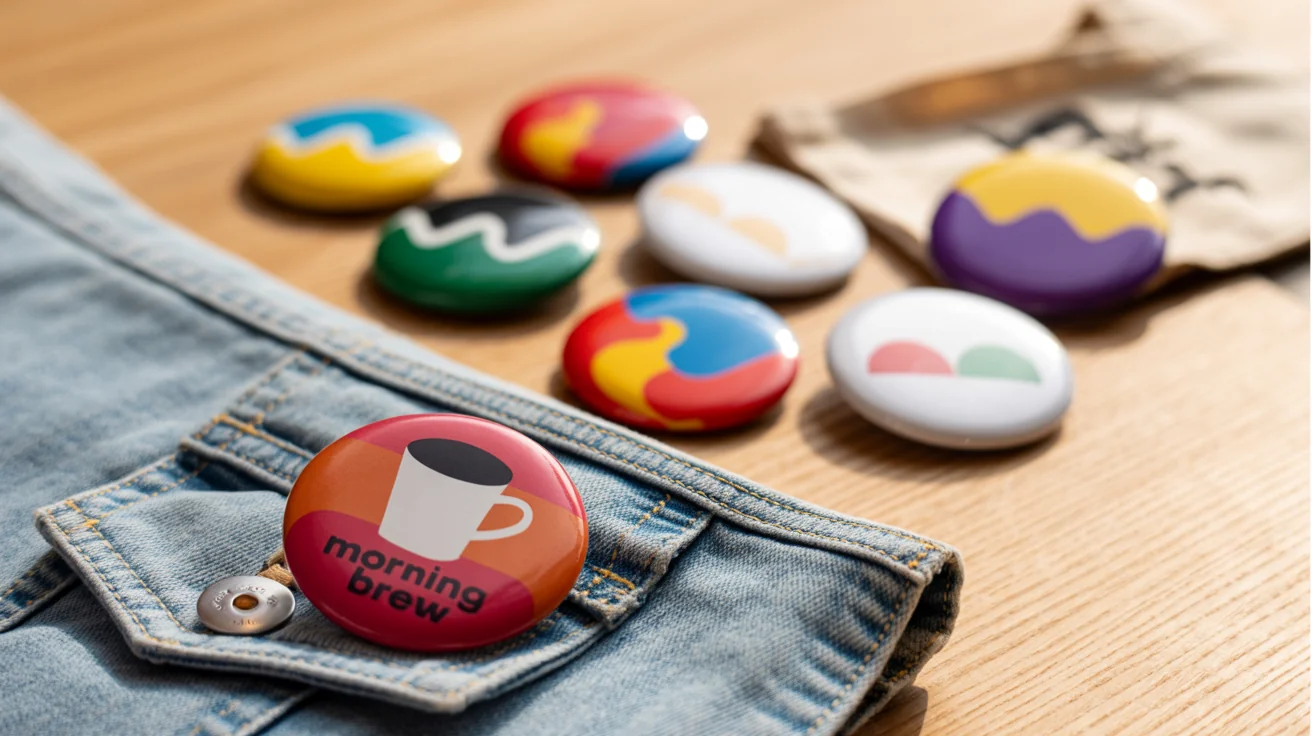
Start by uploading the artwork, logo, or illustration you want to feature on the button badge.
In the text prompt, describe the ideal setting for your badge. For instance, 'a button badge on a band t-shirt.'
Click the generate button and let our AI create a unique, realistic mockup based on your design and description.
Your high-resolution button badge mockup is ready to be downloaded as a PNG and used for your online store or portfolio.
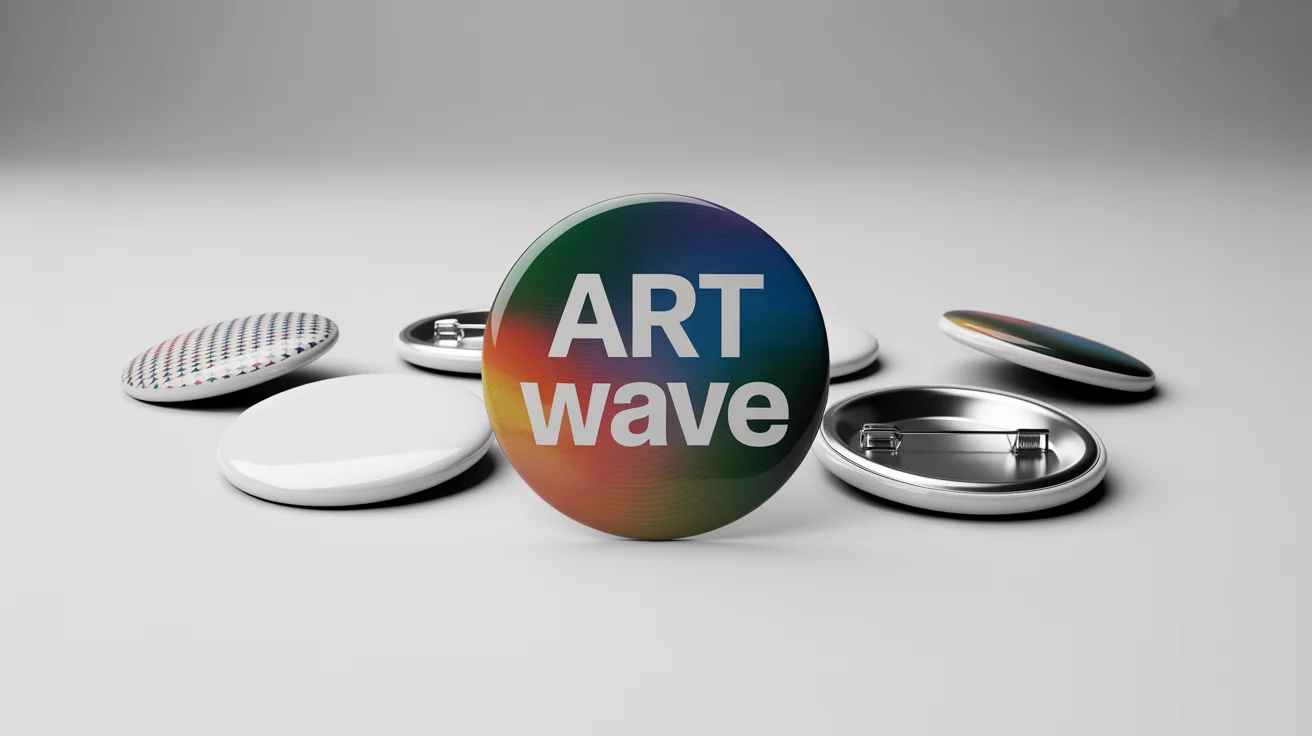
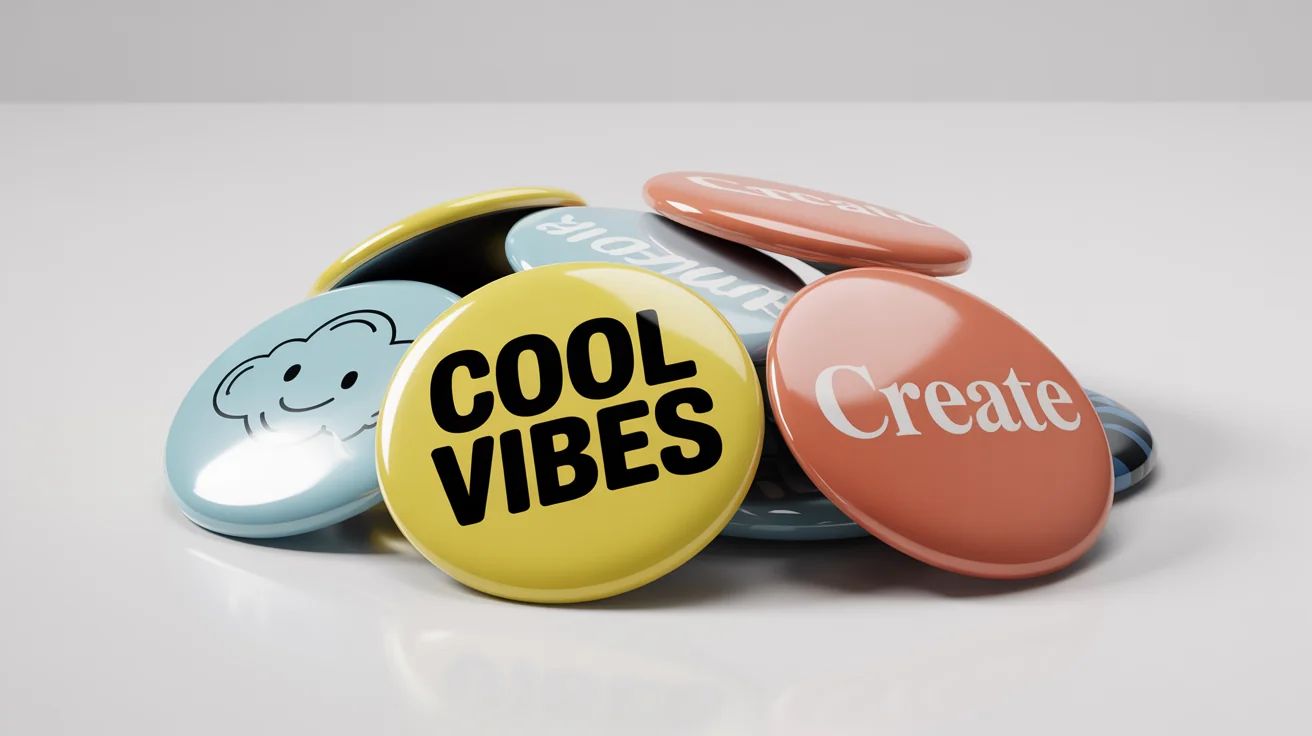
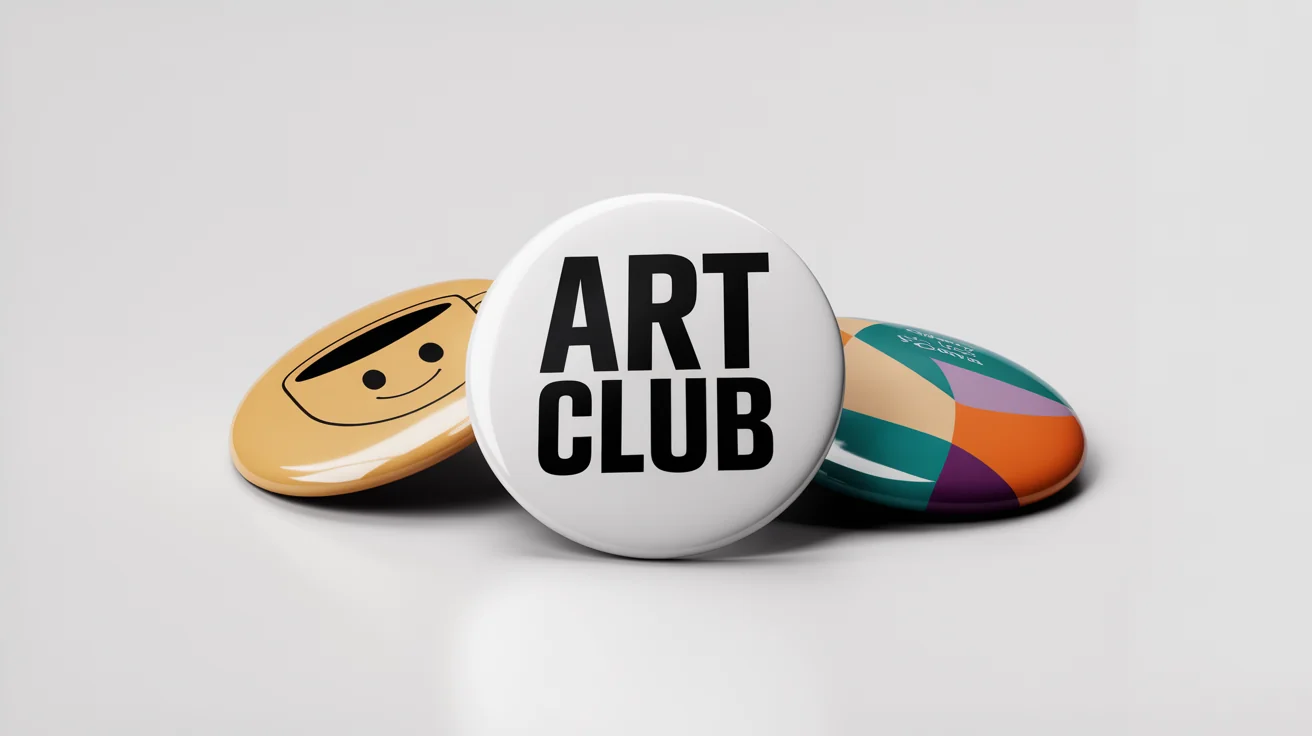
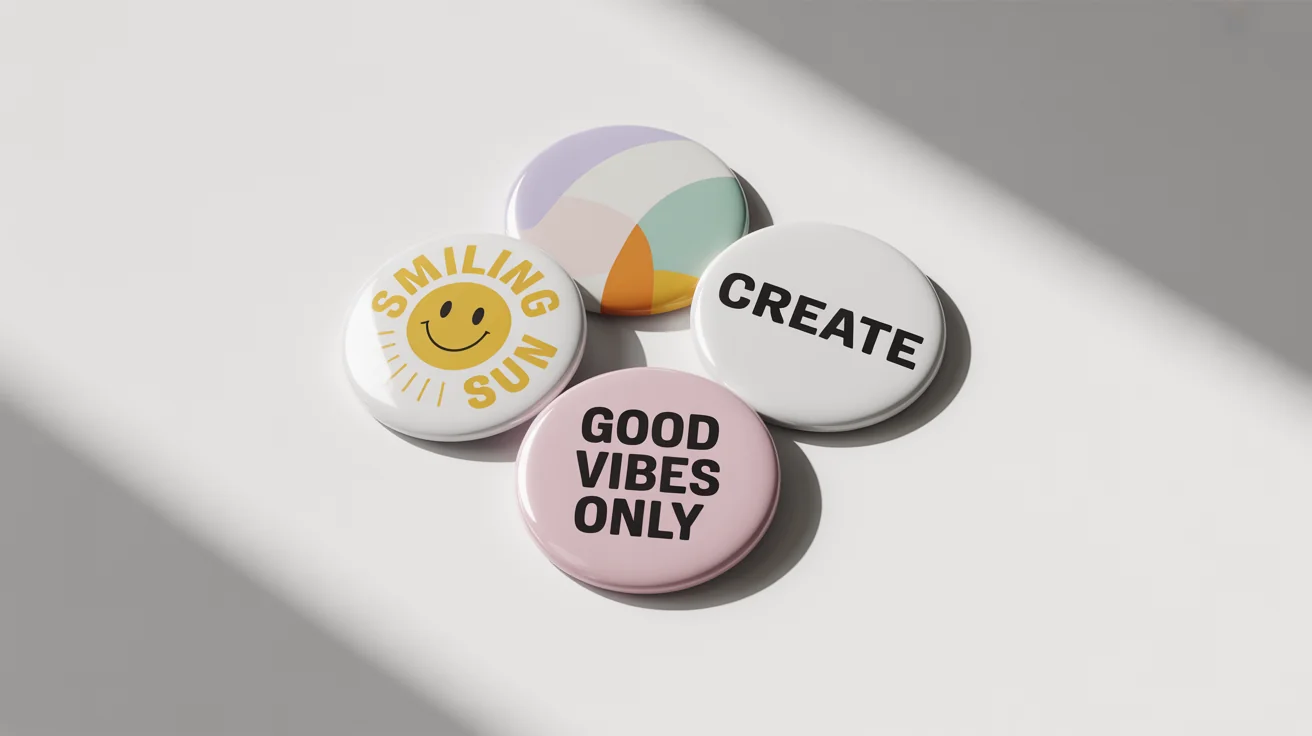
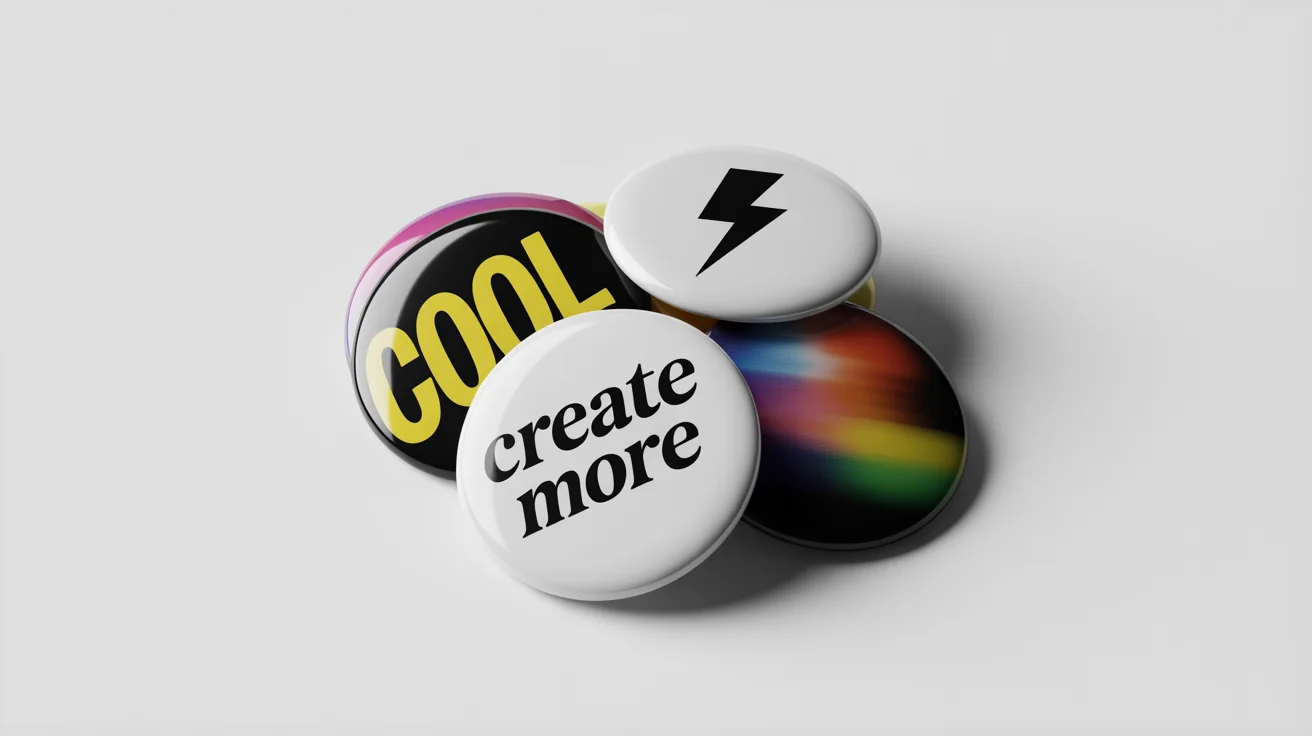
To create a mockup, you first upload the image file of your button design. Then, you write a text prompt describing how you want the mockup to look. For example, you could write 'A close-up of a button badge with my design on a blue backpack.' The AI will then generate the scene.
For best results, you should upload a clear, high-quality image of your button design. The tool works with standard image formats. The AI will then realistically apply your design to the badge in the generated mockup scene.
You can download your generated button badge mockup as a high-resolution PNG file. All downloads are watermark-free.
Great app, easy to use. Helps our small business save time and money to create different marketing materials professionally. Thank you.
I need a good background remover for my work and I've been through them all it feels like. This one is the best by far. It's so easy to use and the results always look amazing. Thank you Pixa!
It's amazingly easy and gives the perfect results for my bags and accessories. It looks like it was done by a professional photographer.