Pixa
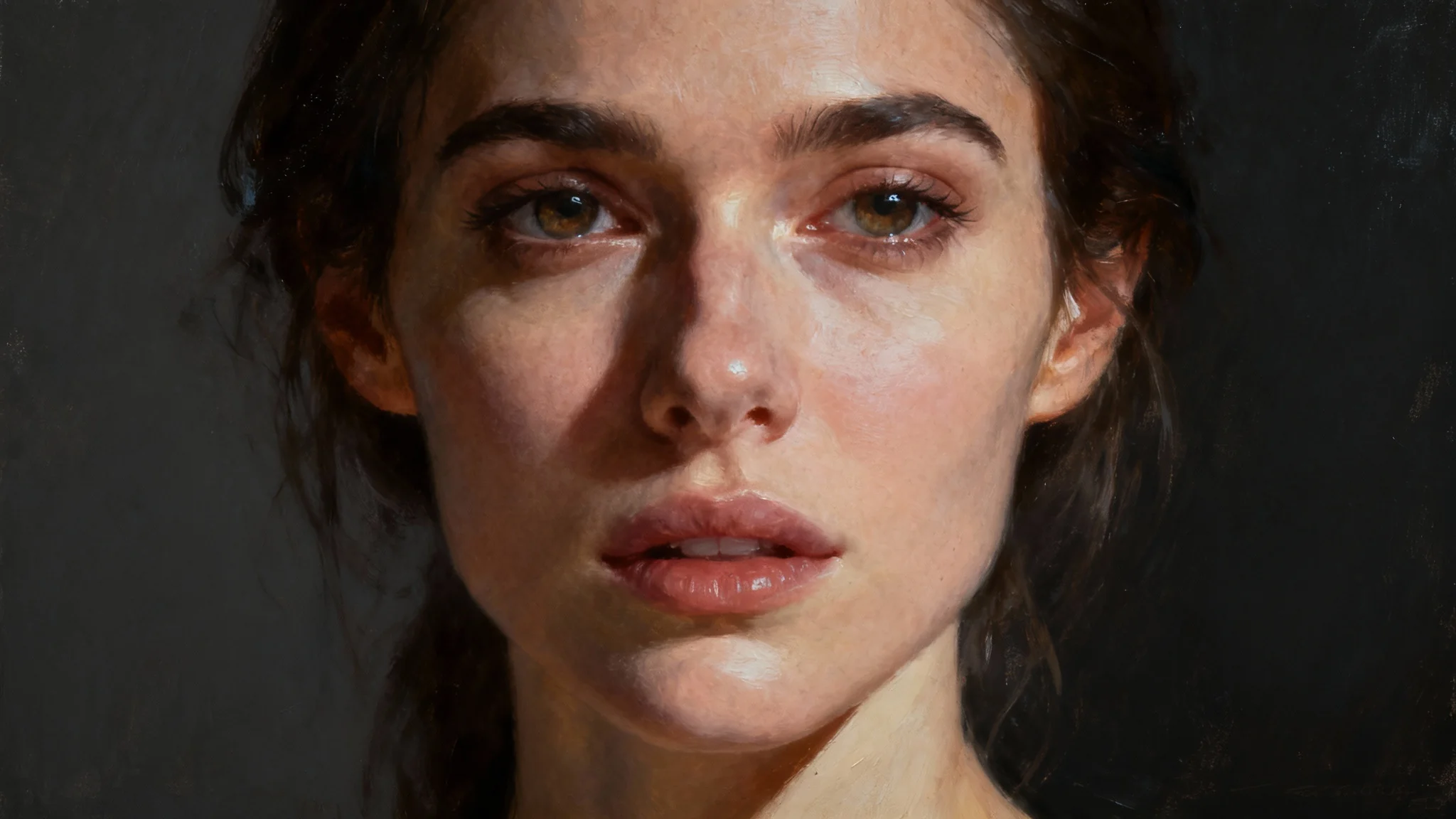
A hyper-realistic digital oil painting portrait of a woman, serving as a beautiful example of a photo-to-portrait transformation.

AI Photo to Portrait Converter

Easily transform your favorite photos into beautiful, unique portraits. Upload a picture and let our AI create a work of art for you in seconds.
Easy to use - just write a prompt
Trusted by 70 million people
Powered by Pixa AI Agent
171,800 Reviews

How to Convert Your Photo to a Portrait

  1. 1

    Upload your photo

    Start by selecting and uploading the picture you want to transform. A clear, high-quality image will give you the best results.

  2. 2

    Describe your desired portrait style

    In the text box, tell the AI what you want. Be specific about the artistic style, such as 'oil painting', 'pencil sketch', or 'cartoon'.

  3. 3

    Generate your portrait

    Click the generate button and let the AI work its magic. It will analyze your photo and description to create a unique portrait for you.

  4. 4

    Download your new portrait

    Your AI-generated portrait is ready. Download the high-resolution PNG file to share, print, or use however you like, completely watermark-free.

Turn any picture into a piece of art without needing complex software. Our AI portrait generator allows you to convert your photos into various artistic styles. Simply upload your image, describe the look you envision, and watch as the AI reinterprets your photo as a painting, sketch, or digital illustration. This tool makes it easy to create eye-catching, custom portraits that preserve your favorite memories in a creative new format. It’s a simple way to get a studio-quality artistic effect in just a few moments.

Transform Photos into Art Instantly

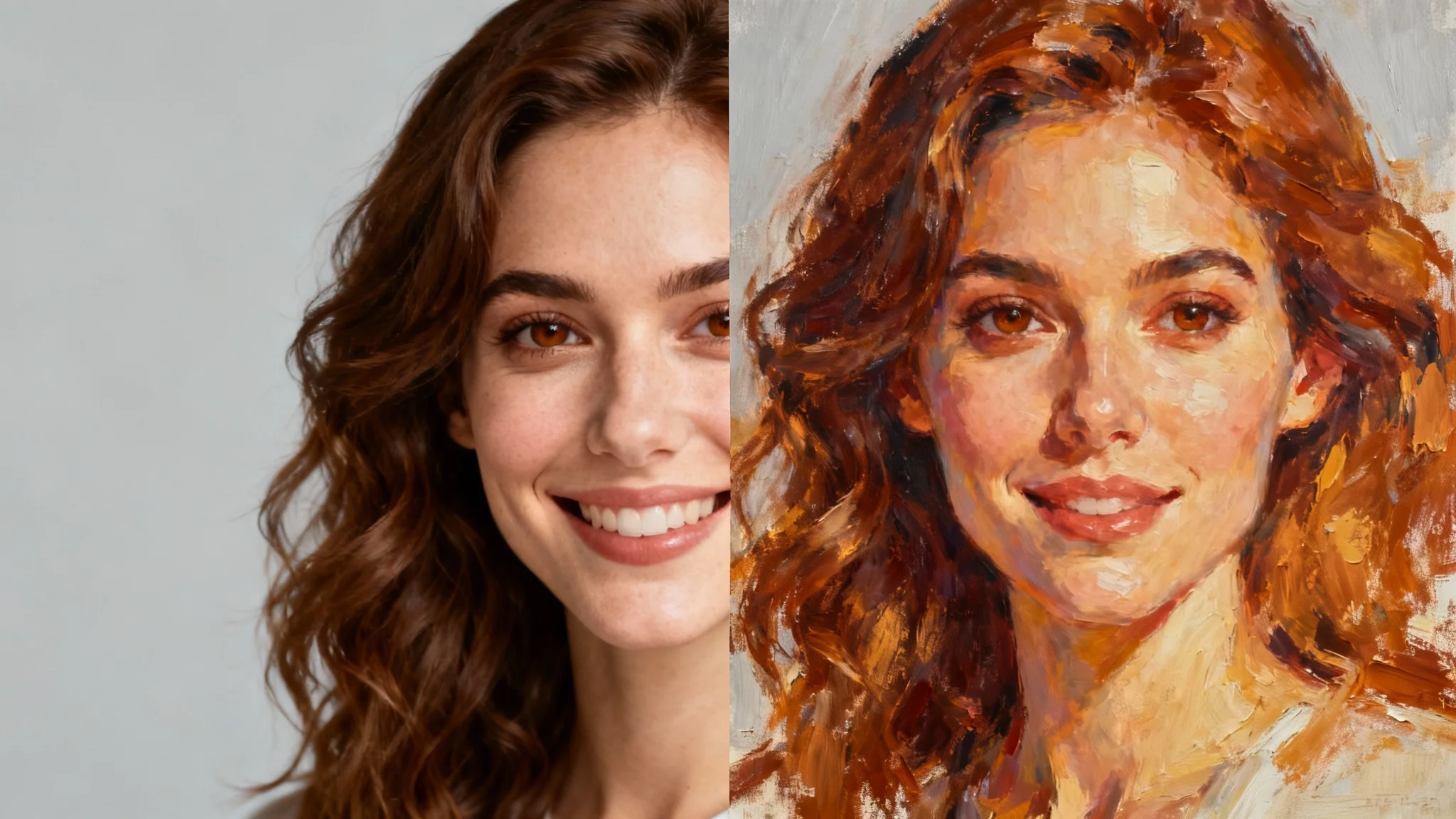
A split image showing the transformation of a woman's photo into a painted portrait. The left side is a photograph, and the right side is a digital oil painting.
Why settle for one look when you can try them all? The AI portrait converter offers a wide array of artistic styles to choose from. Describe classic styles like oil painting or watercolor, or go for something modern like a cartoon or comic book effect. You can even specify the mood, lighting, and color scheme. Whether you want a dramatic, black-and-white sketch or a vibrant, pop-art-inspired image, our tool gives you the creative freedom to experiment and find the perfect style for your photo.

Explore Endless Artistic Styles

A split-image demonstrating a photo-to-portrait service, with the left side showing a real photograph of a woman and the right side showing an artistic digital painting of her.
Create a one-of-a-kind gift or a special piece of decor for your home. By turning a photo into a portrait, you can craft a personalized present for friends and family that they'll treasure. Commemorate a special occasion, celebrate a loved one, or even turn a pet photo into a unique piece of art. The high-resolution downloads are perfect for printing and framing. It’s a thoughtful and creative way to give a memorable gift or to add a personal touch to your own space with custom artwork.

Create Personalized Portraits and Gifts

A split-screen comparison image demonstrating a photo-to-portrait service. The left side shows a realistic photo of a smiling woman, and the right side shows the same image beautifully transformed into a digital oil painting.
It’s Quick: Go from a simple photo to a beautiful portrait in seconds. It’s Easy to Use: No editing skills are needed. Just upload your photo and type a description of the style you want. AI-Powered: The tool uses artificial intelligence to analyze your photo and apply artistic effects that look natural and detailed. Customizable: You have full control over the final look. Describe different art styles, lighting, and moods to match your vision. Versatile: Create professional headshots, artistic images for social media, or beautiful prints for your home.

Why use Pixelcut's AI Photo to Portrait Converter?

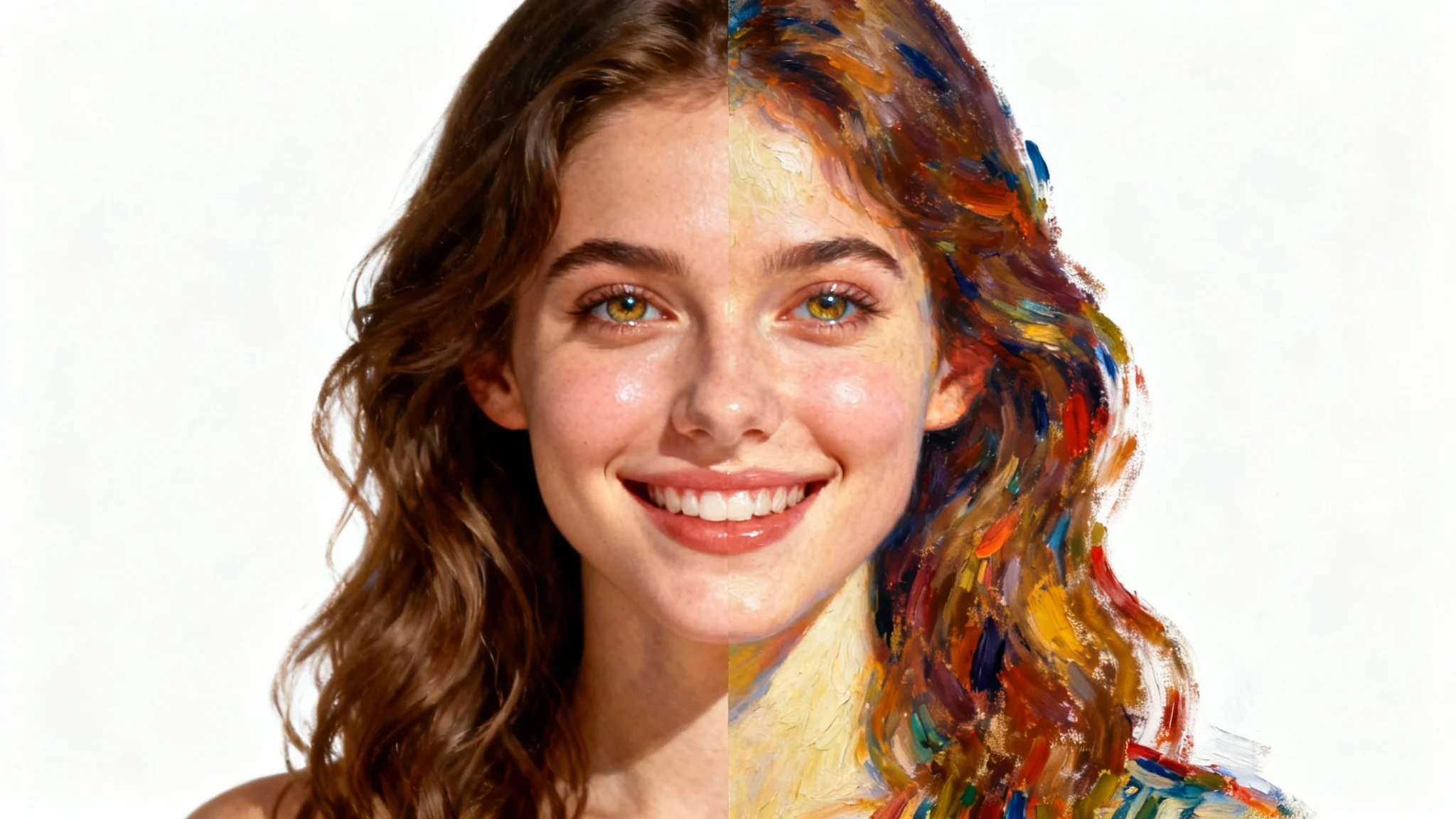
A split-screen image showing the transformation of a woman's face from a photograph on the left to an oil painting on the right, against a clean white background.
Profile Pictures: Refresh your social media or professional profiles with a unique, AI-generated portrait that stands out. Personalized Gifts: Turn a favorite photo into a painted or sketched portrait for a thoughtful and unique gift for birthdays, anniversaries, or holidays. Home Decor: Create custom art for your walls by transforming family photos or travel pictures into beautiful printed portraits. Content Creation: Generate eye-catching artistic visuals for your blog, website, or social media channels to engage your audience in a new way.

Photo to Portrait Use Cases

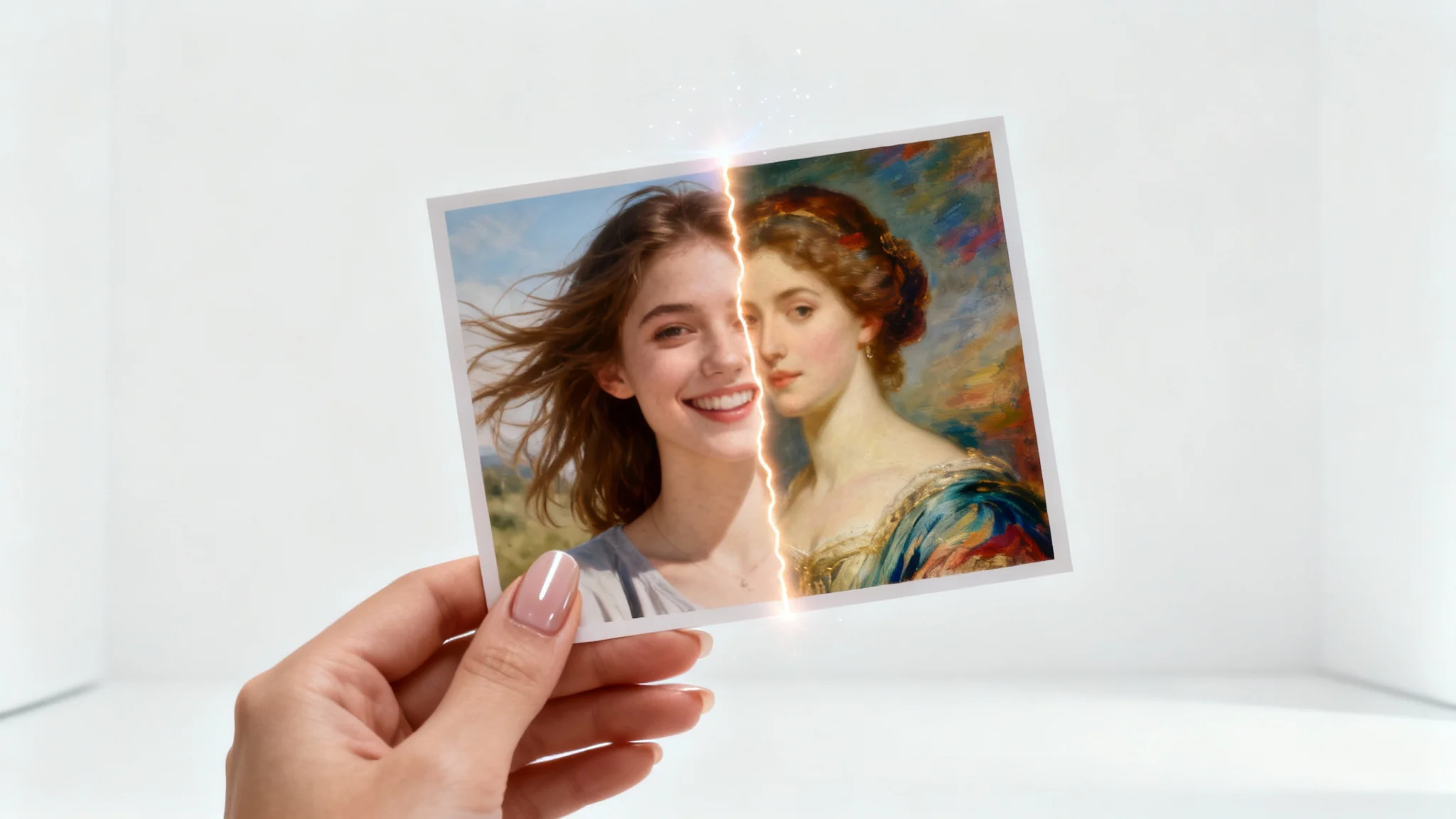
A hand holds a photograph that is halfway transformed from a casual snapshot into an elegant oil painting portrait, symbolizing a photo-to-portrait service.

Frequently Asked Questions

Pixa is loved by over 2 million people

  • My favorite app

    Great app, easy to use. Helps our small business save time and money to create different marketing materials professionally. Thank you.
    Shaelyn D.
  • Best background remover

    I need a good background remover for my work and I've been through them all it feels like. This one is the best by far. It's so easy to use and the results always look amazing. Thank you Pixa!
    Kira H.
  • Love it

    It's amazingly easy and gives the perfect results for my bags and accessories. It looks like it was done by a professional photographer.
    Mary J.