My favorite app
Great app, easy to use. Helps our small business save time and money to create different marketing materials professionally. Thank you.
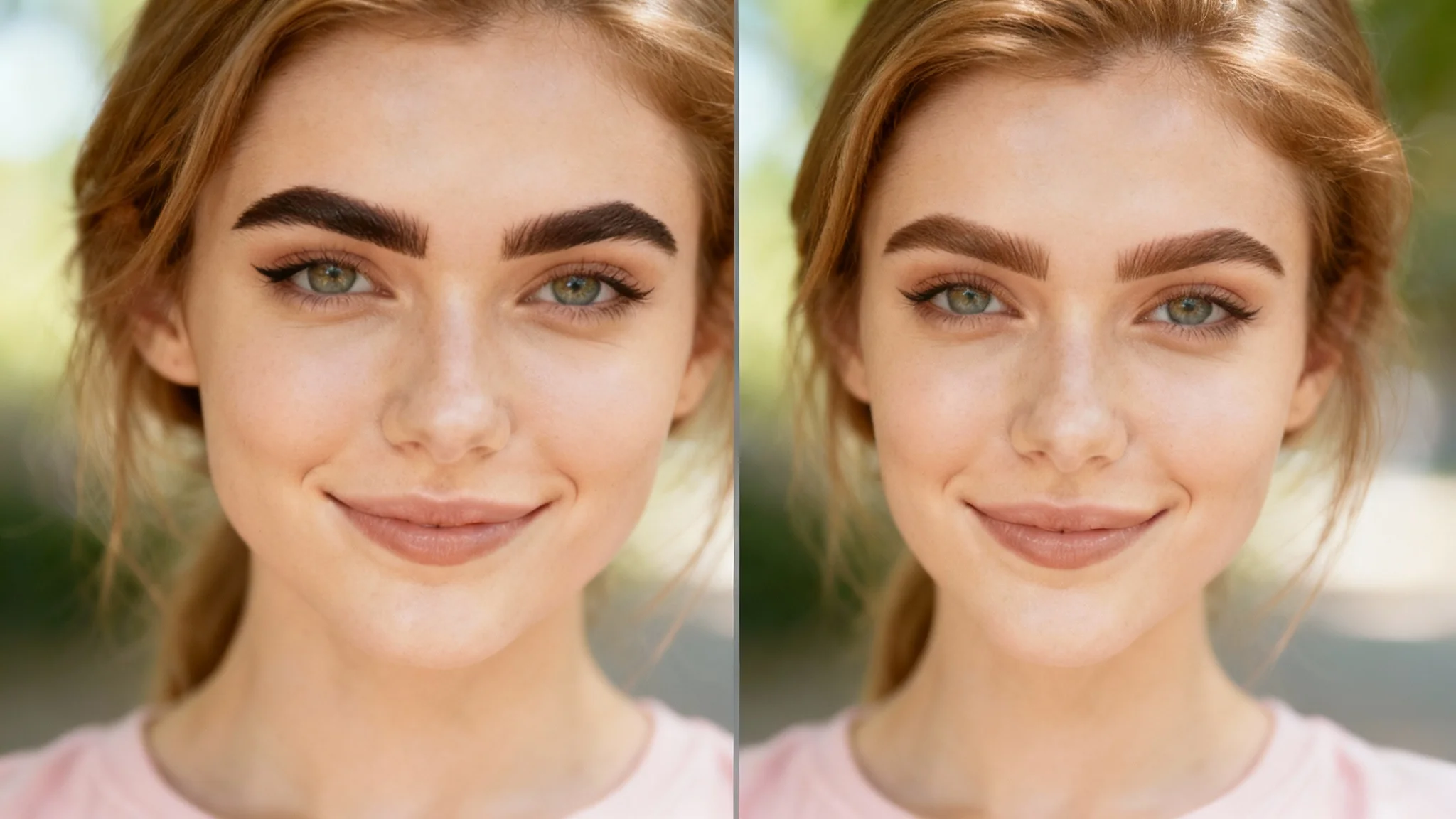
Start by uploading a clear, well-lit portrait where your face and eyebrows are clearly visible.
In the text box, describe the eyebrow color you want to try. For example, 'Make my eyebrows ash brown' or 'Change my brows to auburn'.
Click the generate button and let the AI instantly apply the new color to your eyebrows in the photo.
Happy with your new eyebrow color? Download the high-resolution, watermark-free image to share or take to your salon.
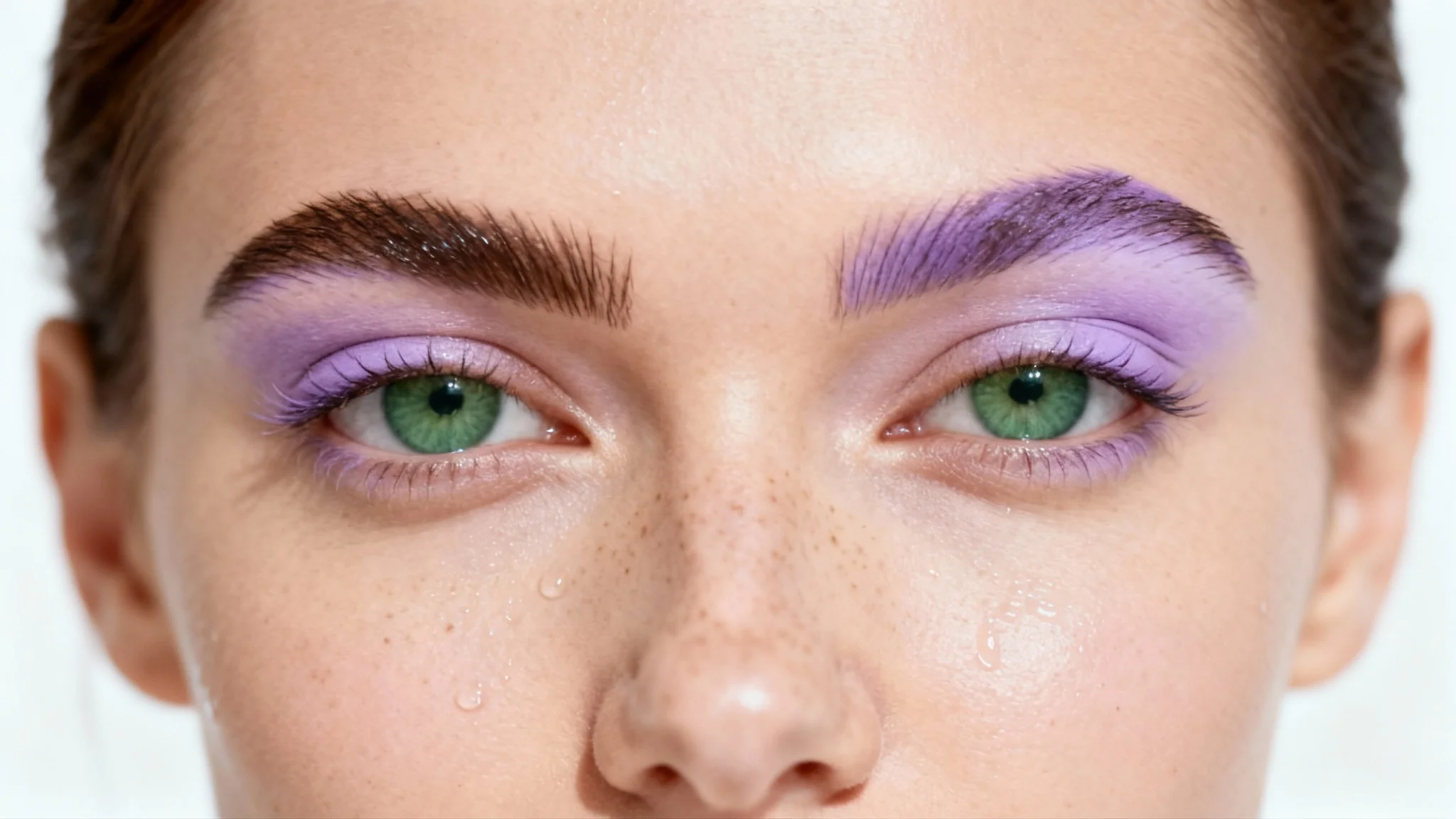
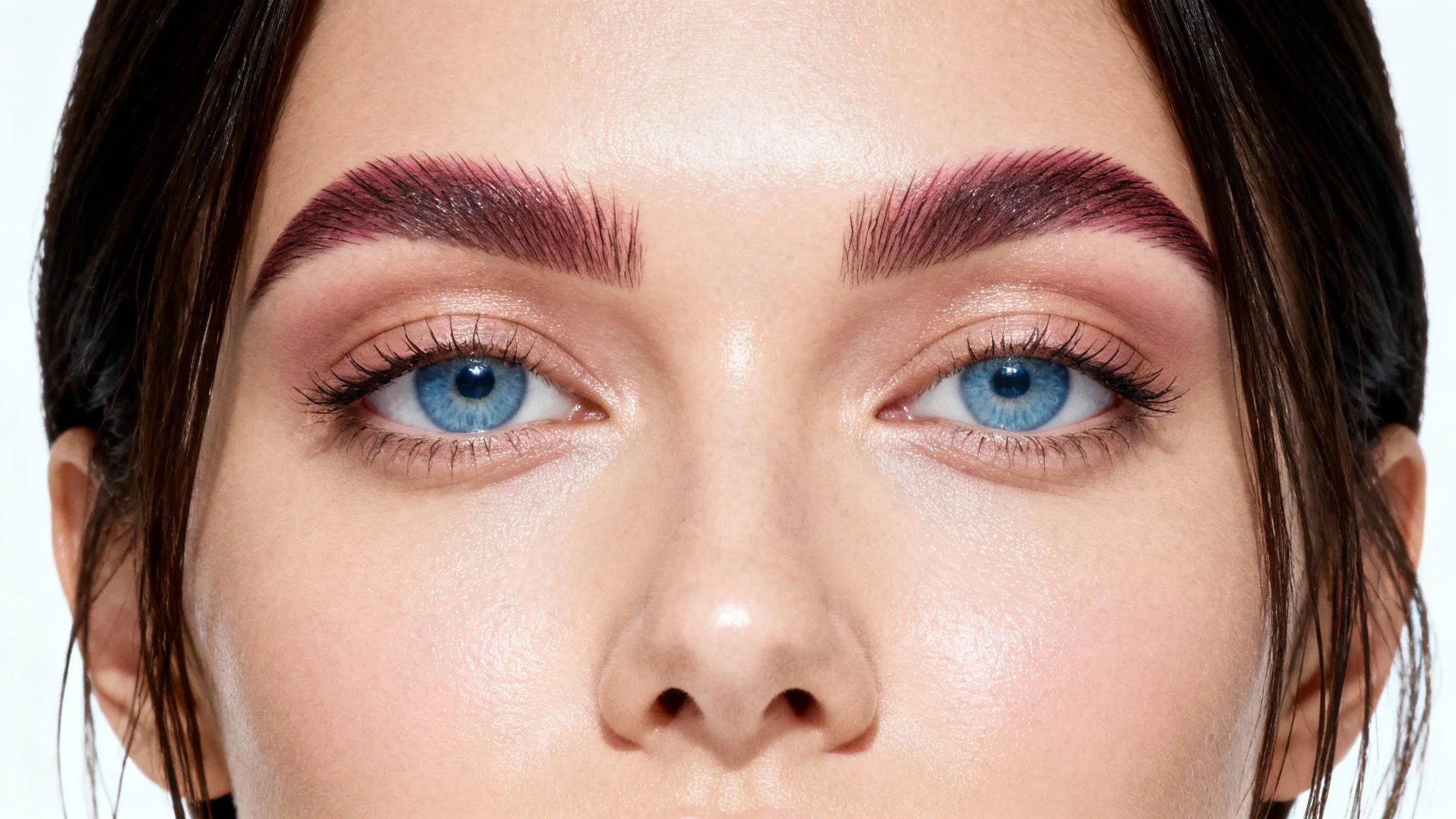
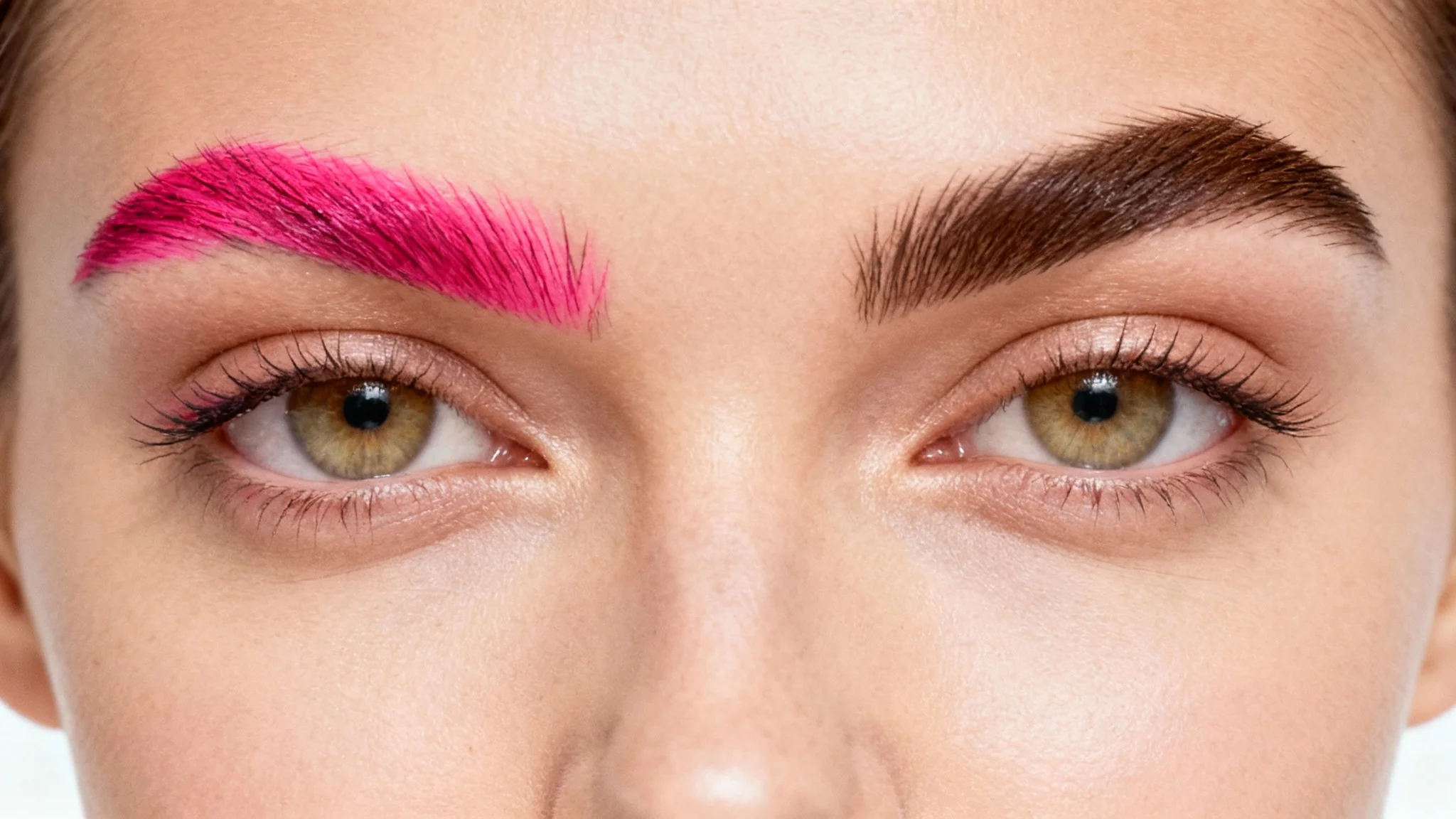
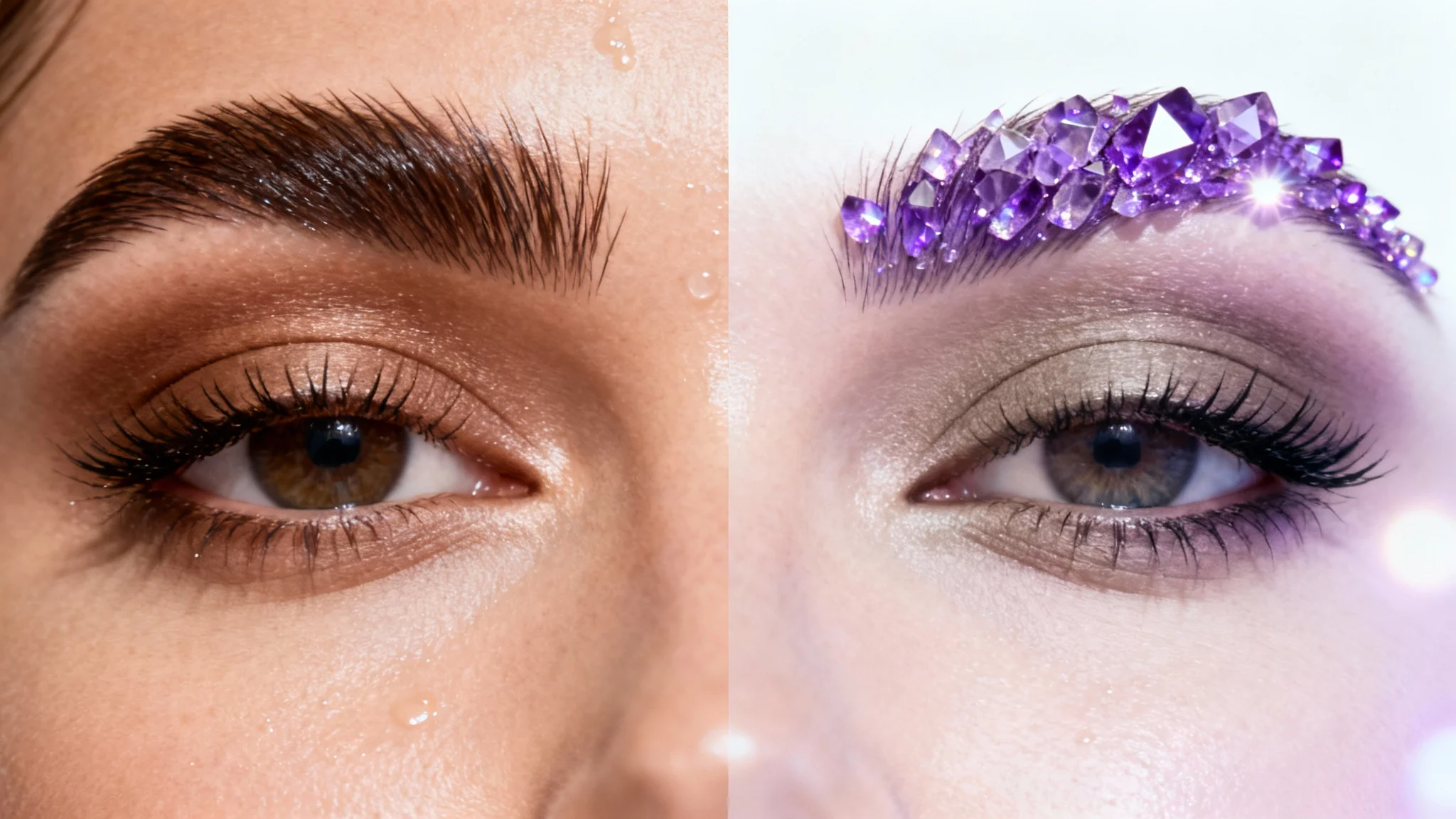
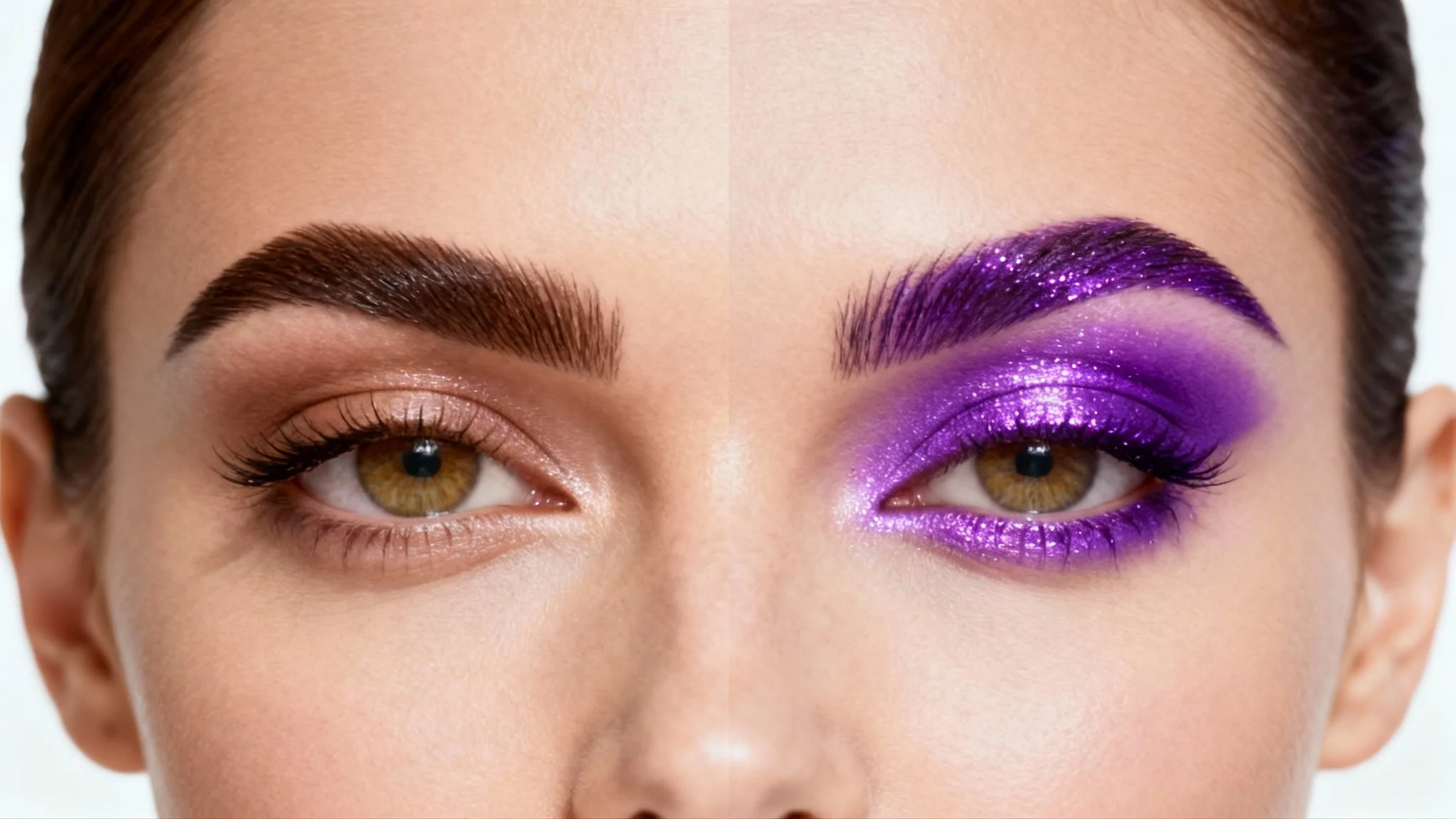
You can use an AI eyebrow color changer to virtually try on different shades. Simply upload a clear, front-facing photo of yourself and enter a text prompt describing the color you want to see, such as 'change my eyebrows to dark brown'. The tool will generate an image of you with the new brow color.
A general rule is to choose a color one or two shades different from your hair. For lighter hair like blonde, a slightly darker brow can add definition, while for darker hair, a slightly lighter brow can create a softer look. Ultimately, it depends on the look you want to achieve, and an AI tool can help you visualize these options.
Yes, the Pixa AI Eyebrow Color Changer is free to try. You can upload your photo and experiment with different colors to find your perfect look. After using your free credits, you have the option to purchase more.
The AI uses advanced algorithms to analyze your uploaded photo. It identifies your eyebrows, skin tone, and existing brow texture. When you enter a prompt, it digitally recolors your brows while maintaining their natural appearance and texture for a realistic result.
This tool is focused on changing eyebrow color. While minor adjustments to shape might occur as the AI renders the color, its primary function is not to reshape your eyebrows. For significant shape changes, you would need a different tool.
Yes, the tool is designed to produce natural-looking results. It blends the new color with your existing brow hairs and considers your photo's lighting to ensure the final image appears realistic.
Great app, easy to use. Helps our small business save time and money to create different marketing materials professionally. Thank you.
I need a good background remover for my work and I've been through them all it feels like. This one is the best by far. It's so easy to use and the results always look amazing. Thank you Pixa!
It's amazingly easy and gives the perfect results for my bags and accessories. It looks like it was done by a professional photographer.