Pixa
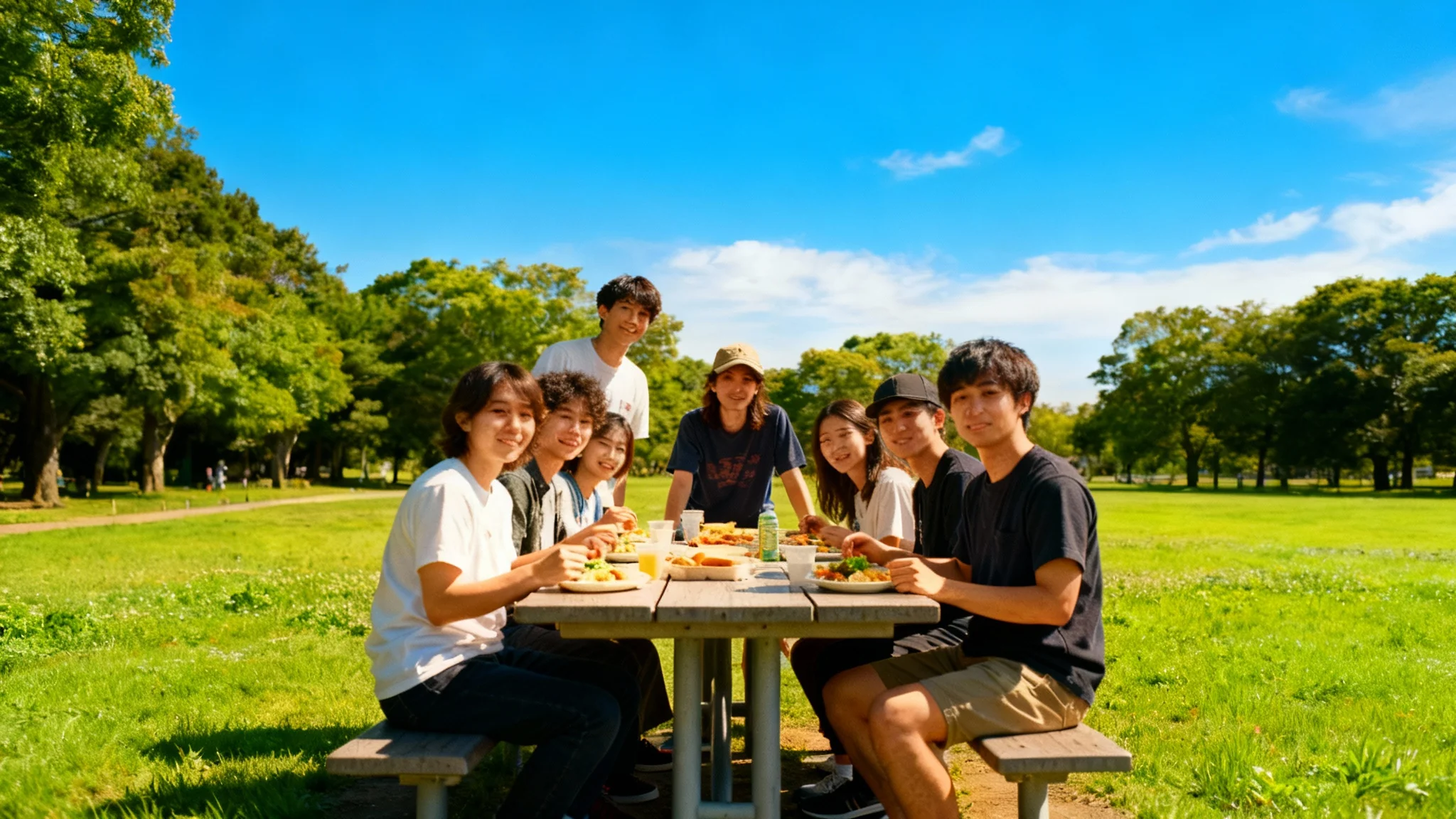
A perfectly exposed and color-corrected photo of a diverse group of friends enjoying a sunny picnic, demonstrating the 'after' result of a photo-fixing tool.

Fix Overexposed Photos with AI

Rescue your washed out images. Our AI tool automatically corrects lighting and recovers lost details in your overexposed photos.
Easy to use - just write a prompt
Trusted by 70 million people
Powered by Pixa AI Agent
171,800 Reviews

How to Fix Your Overexposed Photo

  1. 1

    Upload Your Photo

    Start by uploading the overexposed picture you want to fix.

  2. 2

    Enter Your Prompt

    Briefly describe the issue. For example, 'fix the bright lighting' or 'reduce the harsh sunlight'.

  3. 3

    Generate a Fix

    Our AI will analyze your photo and automatically adjust the exposure to restore balance.

  4. 4

    Download Your Image

    Your perfectly lit, high-resolution photo is ready to download in PNG format.

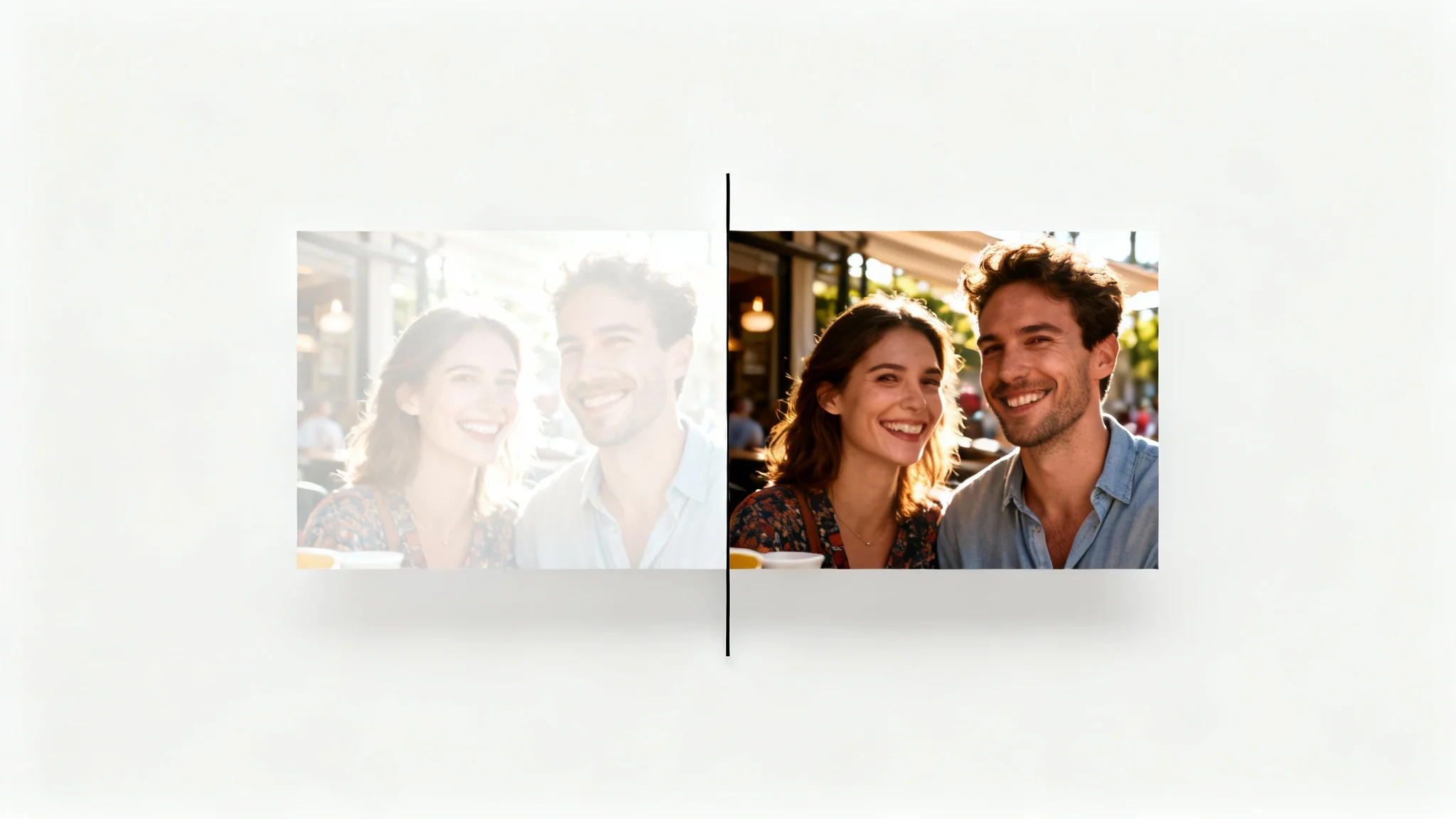
Bright sunlight can often wash out important details, making cherished moments look faded. Our AI tool specifically targets blown out highlights and overly bright areas in your images. It intelligently recovers textures in clothing, subtle facial expressions, and details in bright backgrounds that you thought were lost forever. Stop letting harsh lighting ruin your favorite shots. Upload your photo and watch as our AI brings back the clarity and depth to your pictures, restoring them to their full potential with just one click.

Recover Lost Details in Seconds

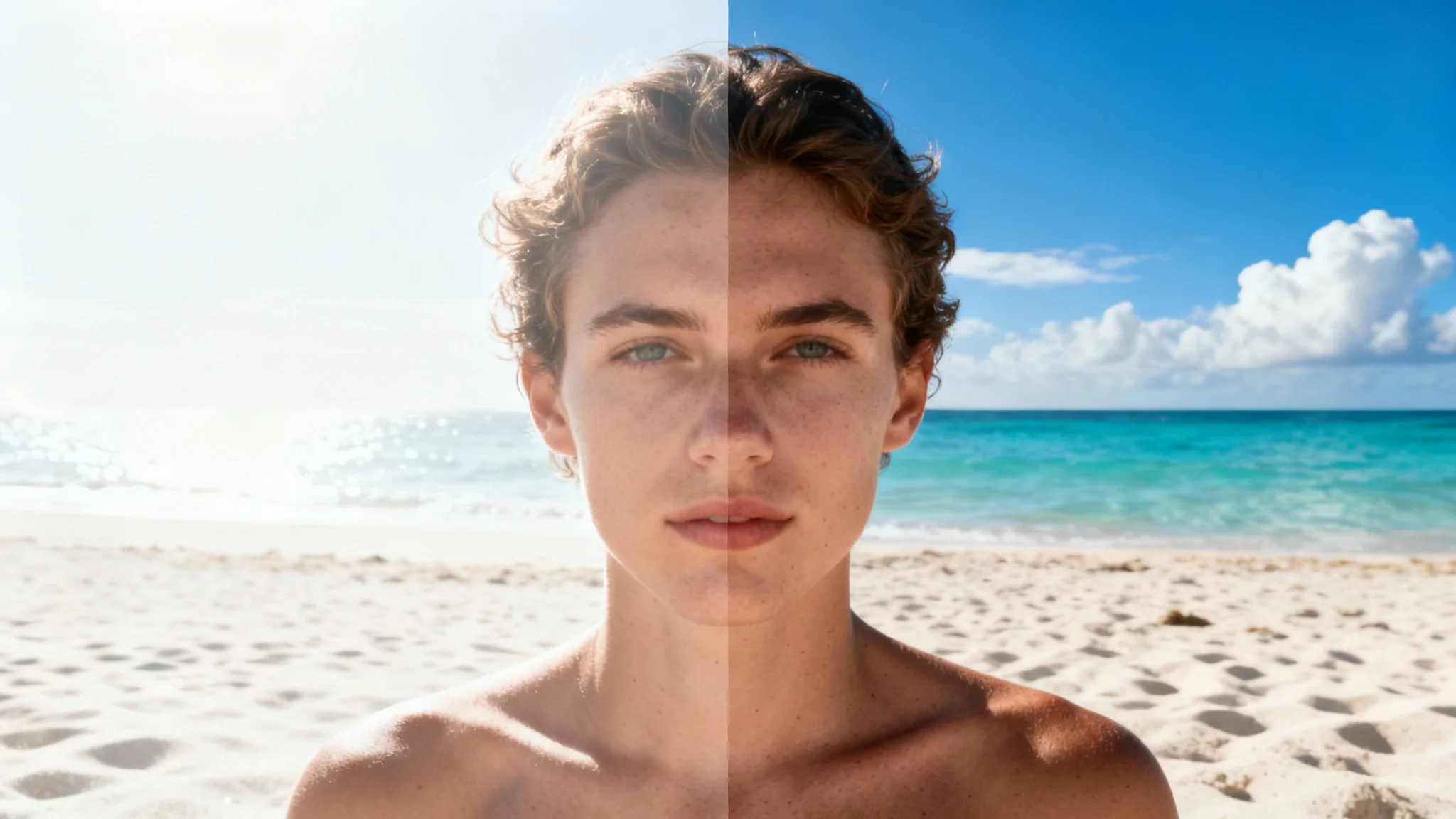
A split-screen image demonstrating photo correction. The left side shows an overexposed, washed-out beach photo, while the right side shows the same photo perfectly balanced with rich colors and clear detail.
Overexposure doesn't just make photos too bright; it also fades vibrant colors and flattens the overall image. Our AI-powered editor goes beyond simple brightness adjustments. It analyzes the scene to restore the natural colors and contrast that were lost. Watch as washed out blue skies regain their richness and muted picnic spreads become vibrant and appealing again. The tool balances the light and color intelligently, ensuring your final image looks vivid and true to life, not artificially edited or darkened.

Restore Natural Color and Contrast

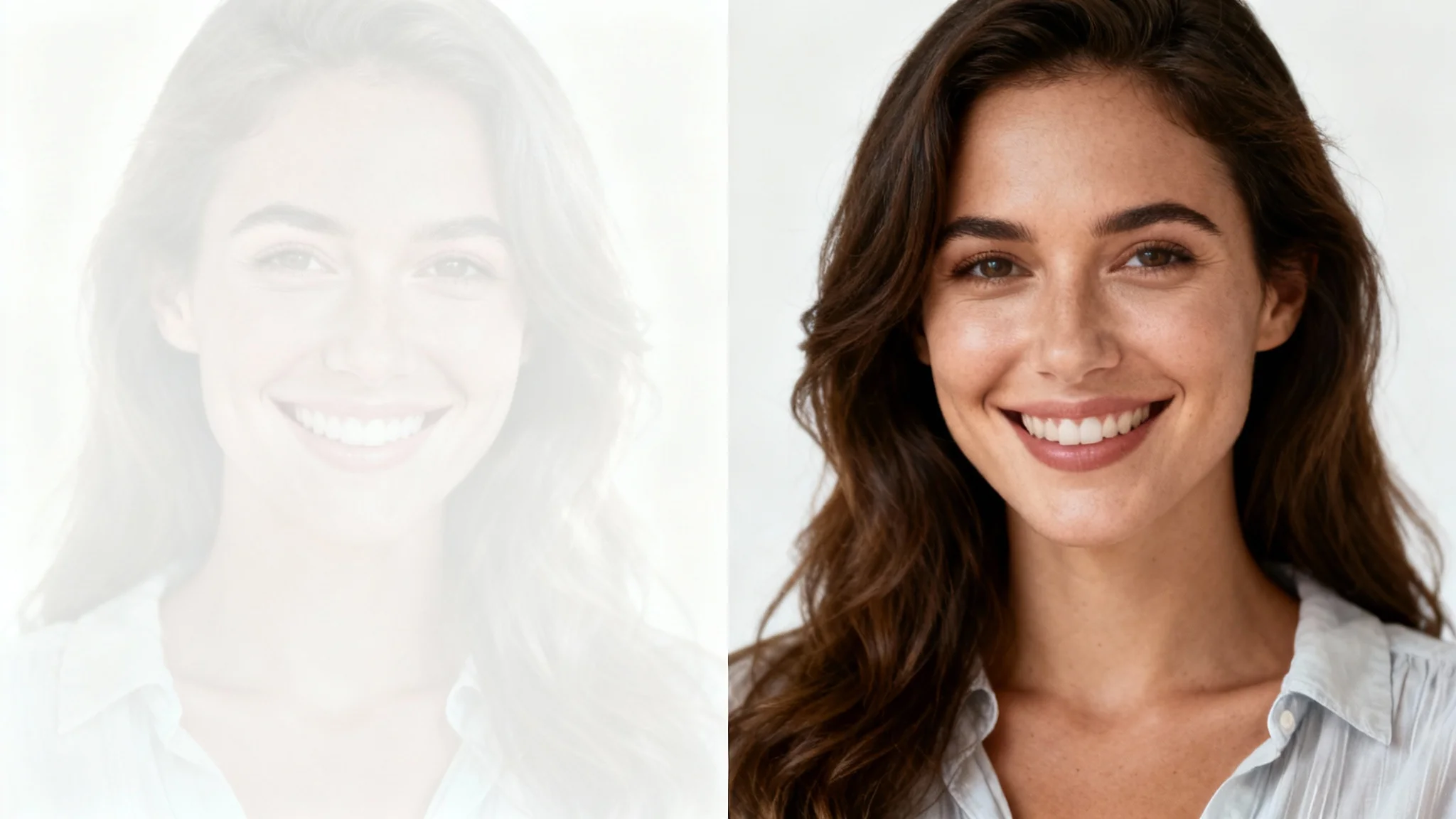
A split image showing a photo being fixed for overexposure. The left half is a bright, washed-out portrait of a woman, and the right half is the same portrait perfectly exposed with balanced colors and clear details.
Forget about complex editing software with confusing sliders for brightness, contrast, and highlights. Our tool makes fixing overexposed photos simple for everyone. There is no need to manually adjust settings or have any technical knowledge. Just upload your image, type a simple instruction like "fix the overexposed areas," and let our AI handle the rest. It provides a professional quality fix automatically, saving you time and frustration. Get beautifully balanced photos in an instant, directly from your browser.

Effortless Correction, No Expertise Needed

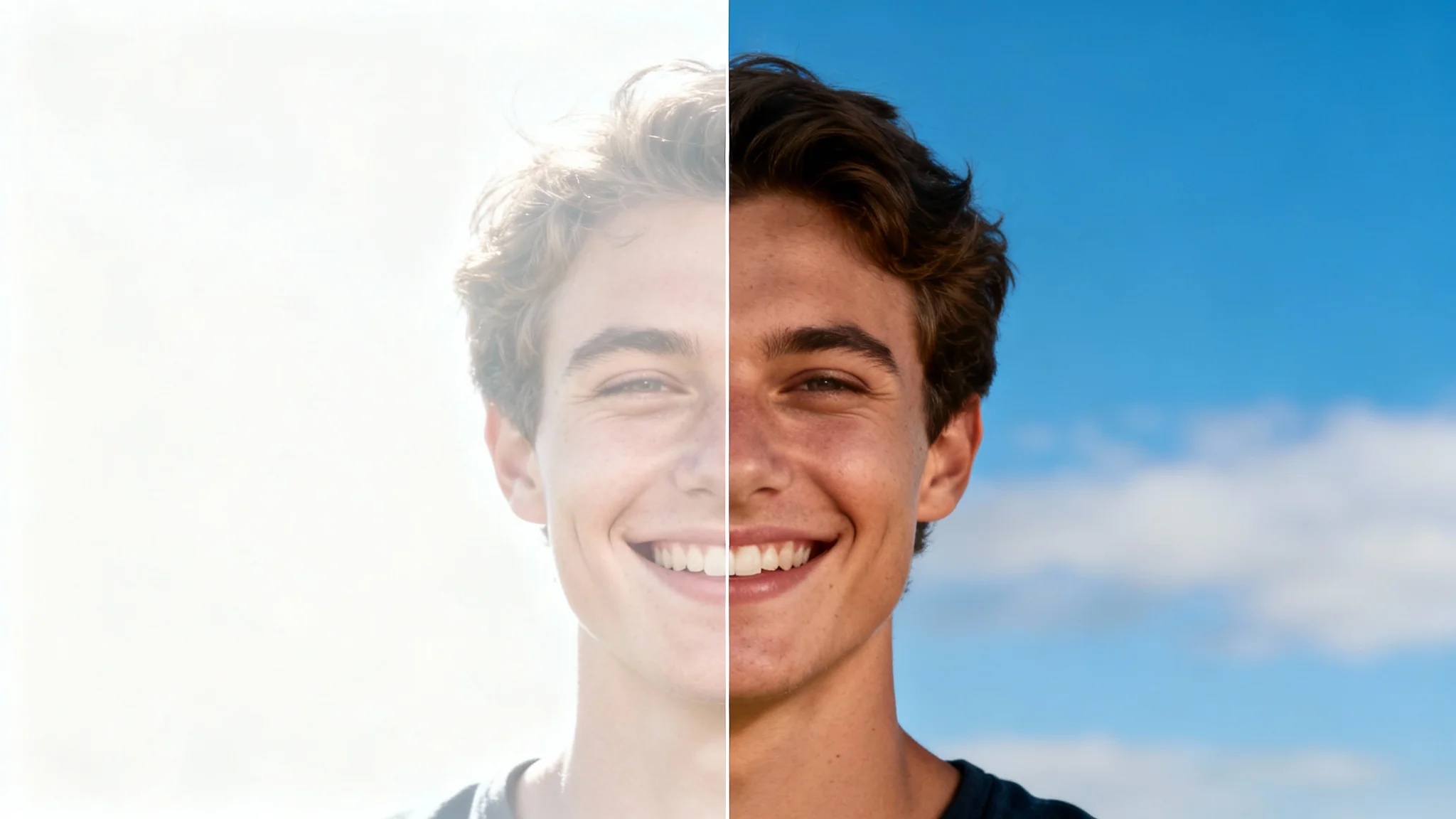
A before-and-after comparison image showing a photo being fixed. The left side is an overexposed, washed-out portrait, and the right side is the same portrait corrected to have balanced, vibrant colors and sharp details.
It’s Automatic: Our AI instantly identifies and corrects overexposed areas without manual tweaking. It’s Smart: The tool recovers lost details and restores natural color, not just darkens the image. It's Accessible: No complicated software needed. Fix your photos online for free. It’s High-Quality: Download your corrected image in high-resolution, ready for sharing or printing. It’s Versatile: Perfect for fixing sunny day portraits, bright indoor shots, and any photo with blown out highlights.

Why use Pixelcut's AI to fix overexposed photos?

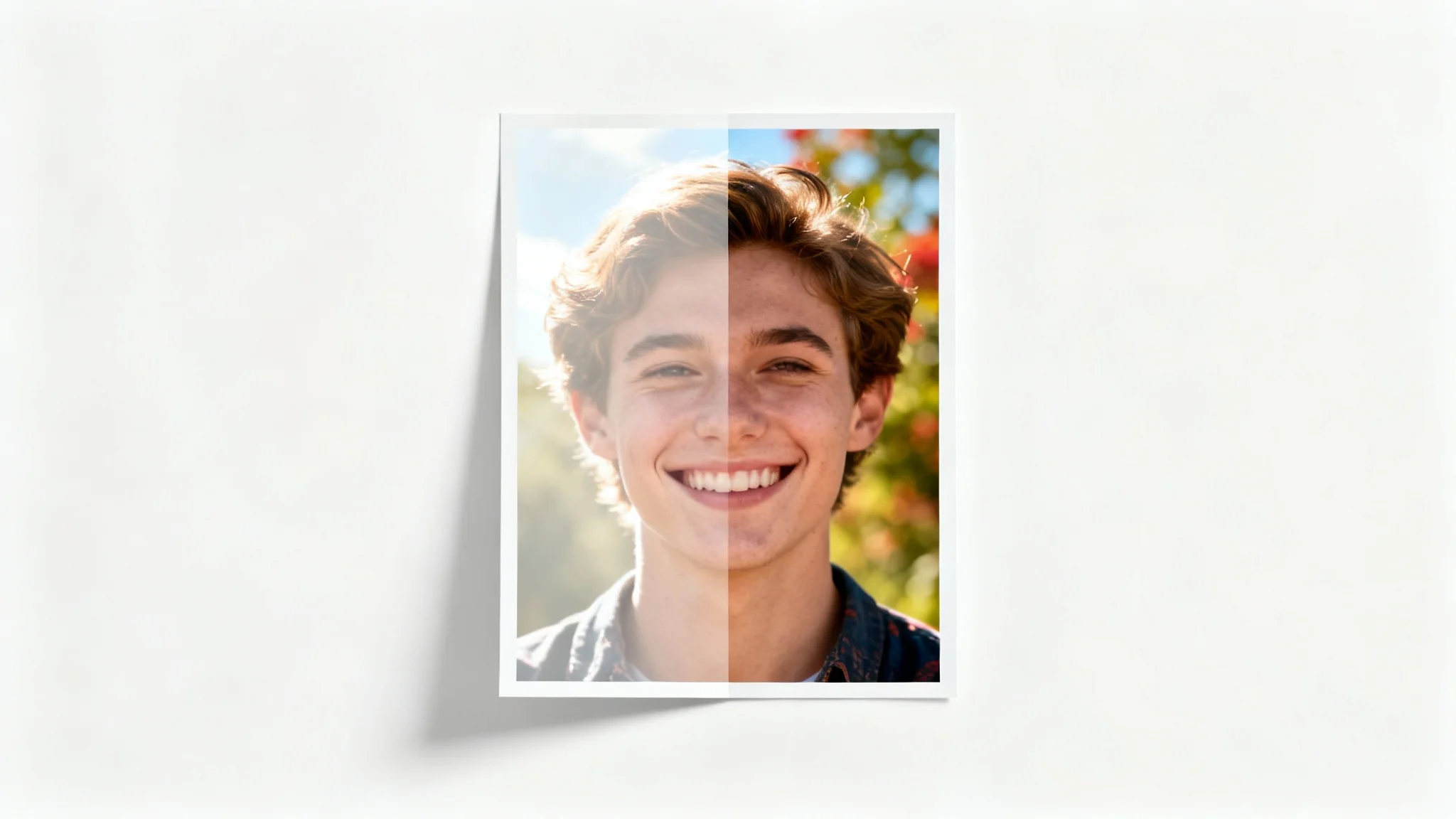
A before-and-after image demonstrating photo correction. The left half shows an overexposed portrait that is washed out, while the right half shows the same portrait perfectly balanced with rich colors and clear details.
Outdoor Portraits: Rescue portraits taken in direct sunlight where faces and features are washed out. Real Estate Photography: Correct brightly lit interiors or exteriors to show property details clearly. Event Photos: Fix pictures from sunny weddings or parties where harsh light is a problem. Vacation Pictures: Recover details in landscape shots where the sky or water is too bright. Product Photography: Ensure your product details are clear and colors are accurate in brightly lit studio shots.

Fix Overexposed Photo Use Cases

A before-and-after image demonstrating overexposure correction. The left half shows a washed-out, overly bright photo of a couple, while the right half shows the same photo with balanced colors and sharp details.

Frequently Asked Questions

Pixa is loved by over 2 million people

  • My favorite app

    Great app, easy to use. Helps our small business save time and money to create different marketing materials professionally. Thank you.
    Shaelyn D.
  • Best background remover

    I need a good background remover for my work and I've been through them all it feels like. This one is the best by far. It's so easy to use and the results always look amazing. Thank you Pixa!
    Kira H.
  • Love it

    It's amazingly easy and gives the perfect results for my bags and accessories. It looks like it was done by a professional photographer.
    Mary J.