My favorite app
Great app, easy to use. Helps our small business save time and money to create different marketing materials professionally. Thank you.
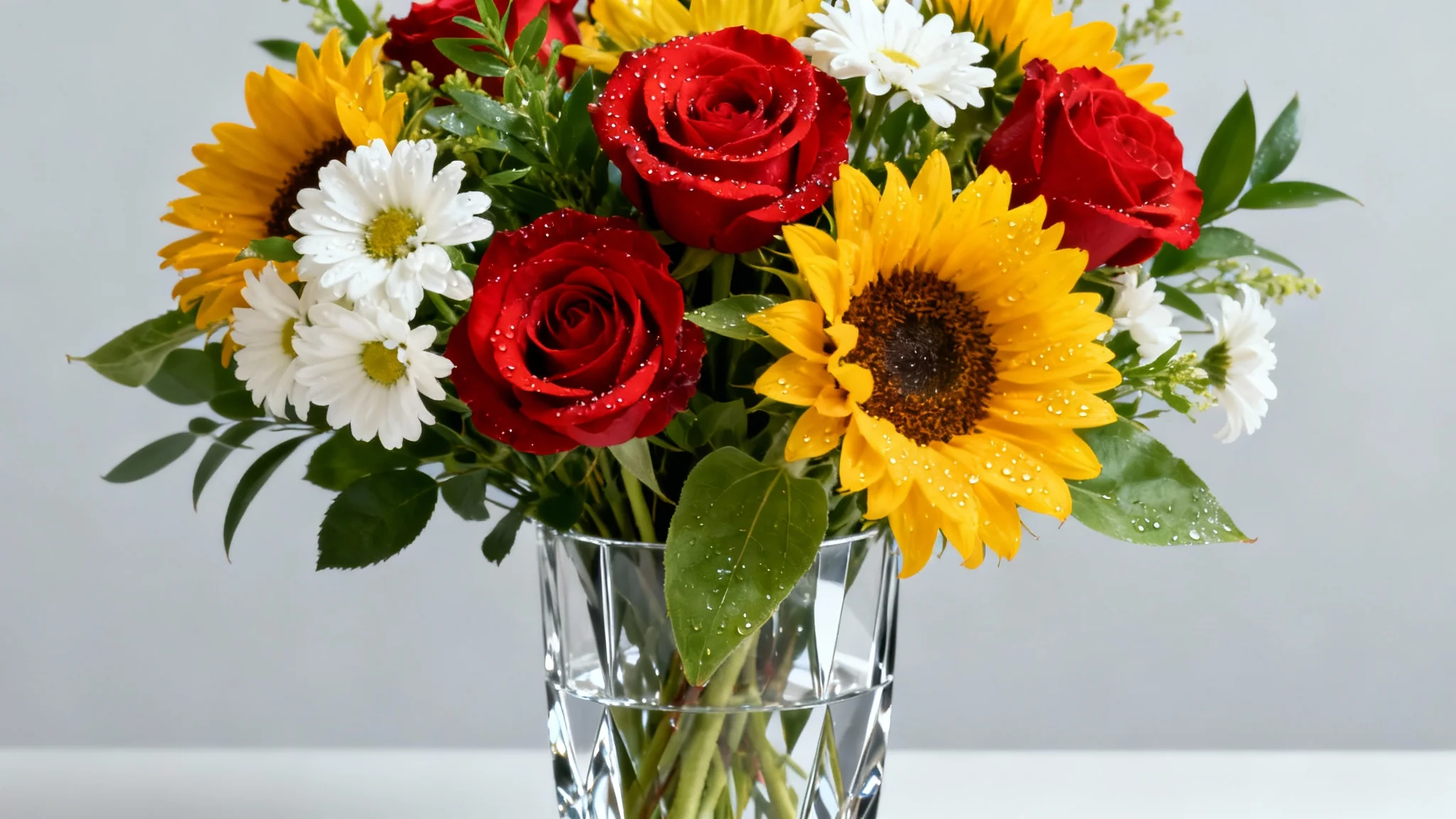
Start by typing a detailed description of your ideal bouquet. Mention flower types, colors, and the overall style you envision.
Click the generate button and let the AI bring your floral vision to life. It will compose a unique image based on your prompt.
Your custom flower bouquet is ready. Download the high-resolution, watermark-free image to use for any creative project.
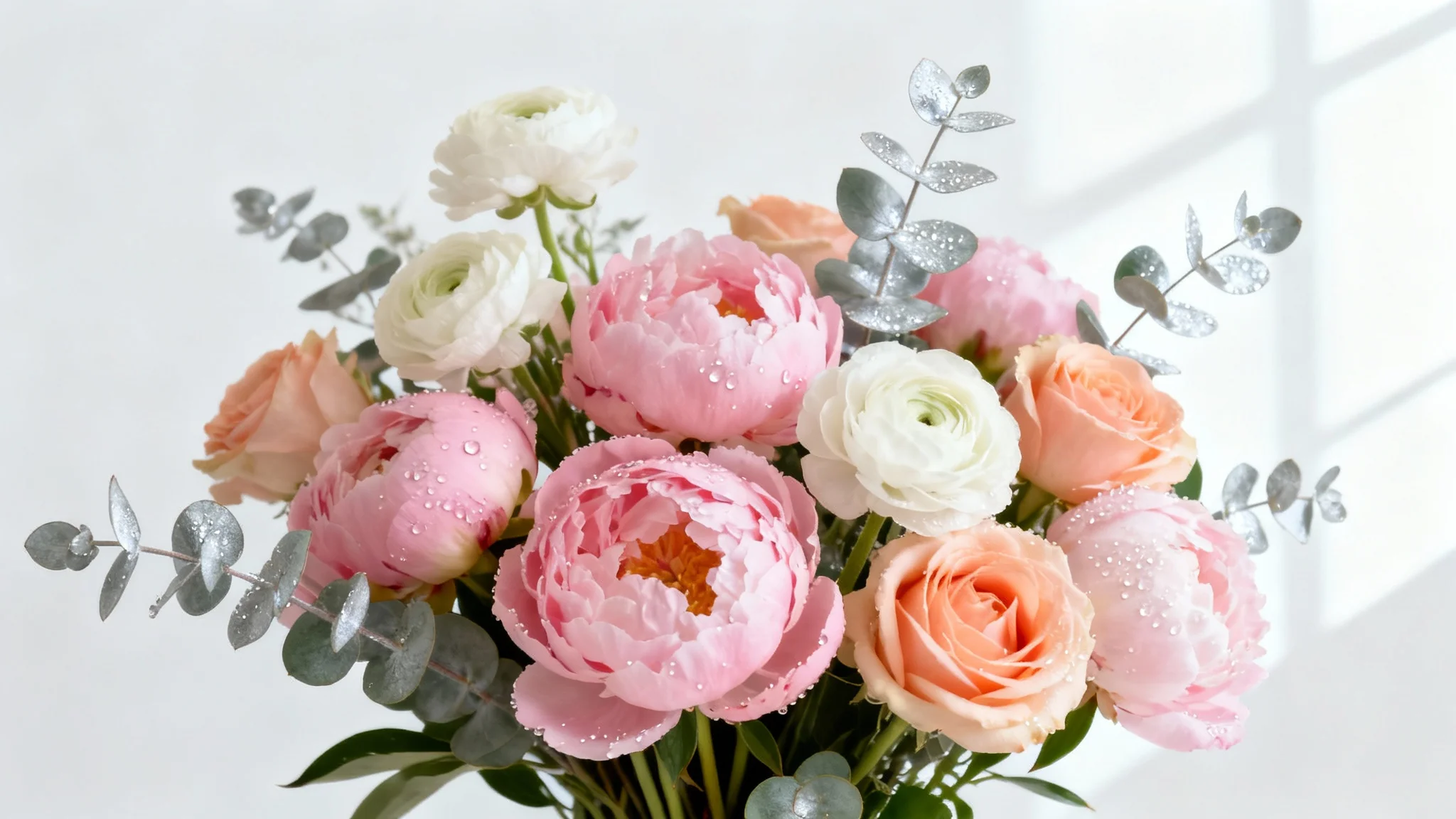
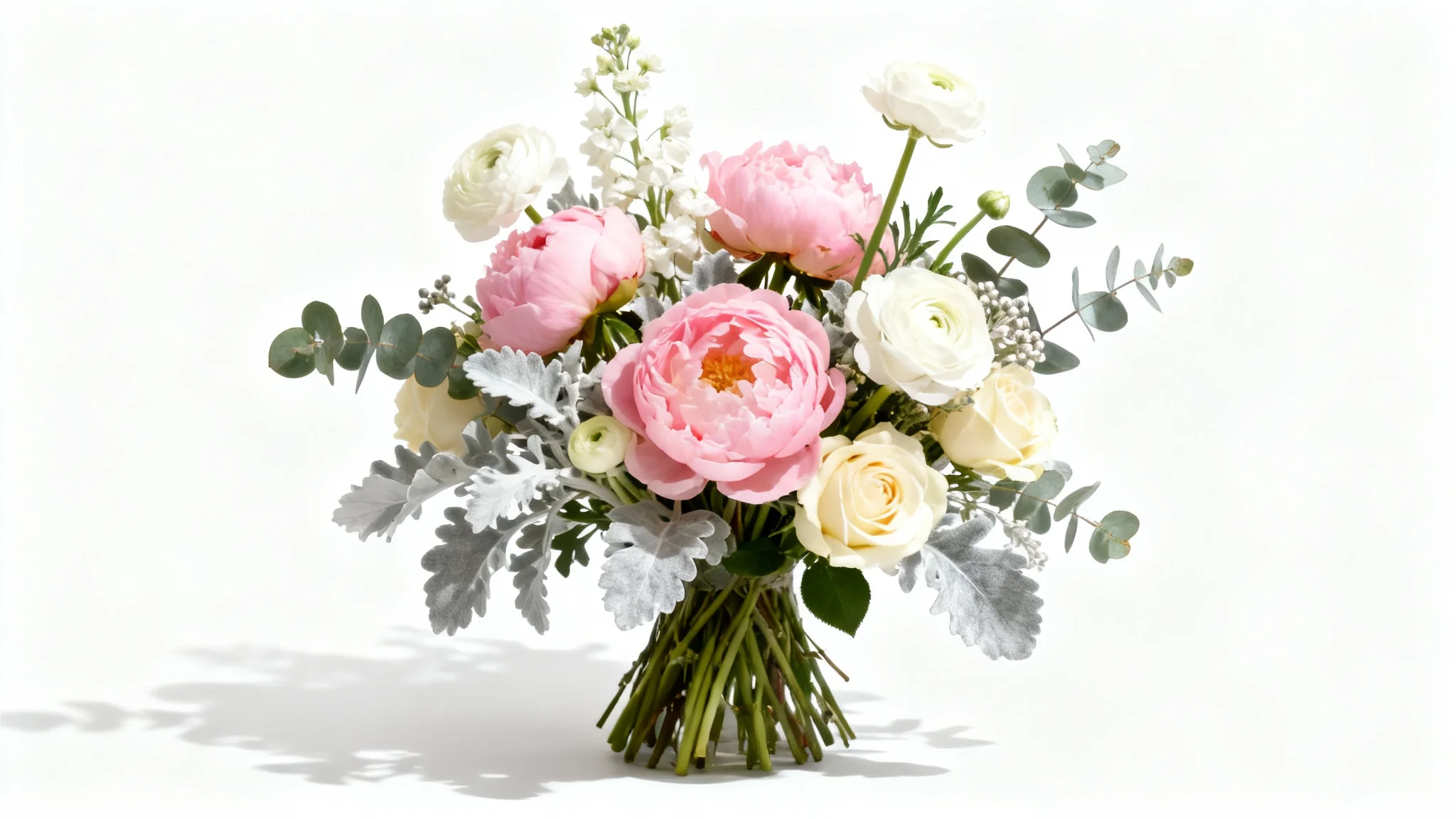

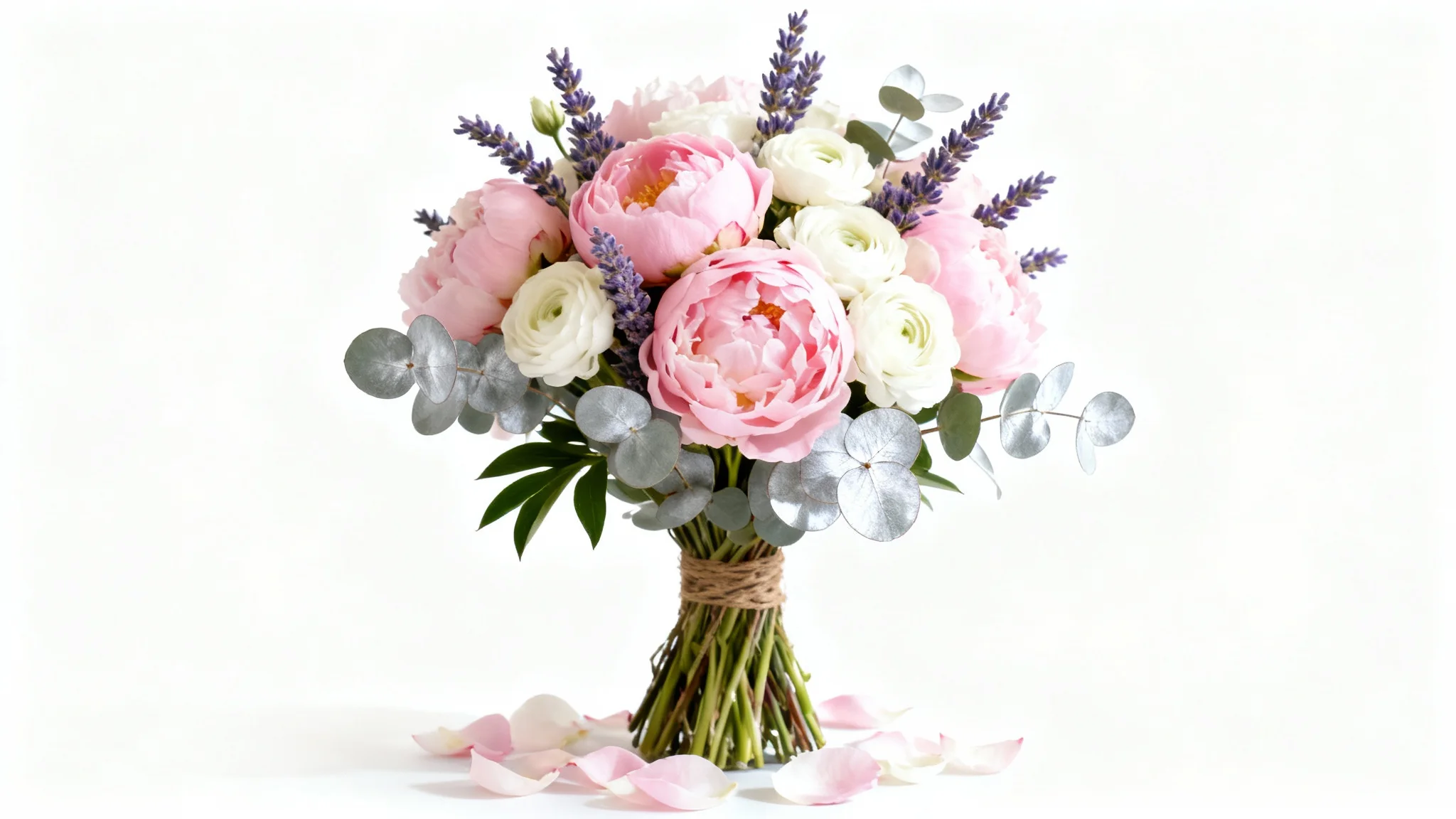

An AI flower bouquet generator is a tool that uses artificial intelligence to create unique images of floral arrangements from text descriptions. You can specify flower types, colors, the style of the bouquet, and even the background to generate a custom floral image.
For the most realistic results, provide a detailed description in your prompt. Include specific flower names like 'peonies' or 'eucalyptus,' describe the colors, mention the type of vase, and specify the lighting, such as 'soft natural light' or 'studio lighting'.
Yes, absolutely. Your text prompt gives you full control. You can request a bouquet with 'pink roses, white lilies, and baby's breath' or even describe a color palette like 'a bouquet with warm sunset colors' to guide the AI.
You can use your AI-generated bouquets for a wide range of personal and professional projects. They are perfect for creating mood boards, designing event invitations, making custom digital greeting cards, or even as inspiration for a real bouquet.
Not at all. The flower bouquet generator is designed for everyone, regardless of design experience. The tool's intuitive interface allows anyone to create beautiful floral arrangements simply by typing what they want to see.
Yes, you can upload an image to inspire the AI. If you have a photo of a bouquet you admire, you can upload it and describe the changes or additions you'd like to see in your new generated image.
Great app, easy to use. Helps our small business save time and money to create different marketing materials professionally. Thank you.
I need a good background remover for my work and I've been through them all it feels like. This one is the best by far. It's so easy to use and the results always look amazing. Thank you Pixa!
It's amazingly easy and gives the perfect results for my bags and accessories. It looks like it was done by a professional photographer.