Pixa
A digital certificate of completion with a large, semi-transparent globe watermark in the center. The text on the certificate is clearly visible through the watermark, demonstrating the final result of the tool.

Make Any Watermark Transparent with AI

Upload your image and tell our AI to make your watermark transparent. Perfect for making documents or photos legible in just a few seconds.
Easy to use - just write a prompt
Trusted by 70 million people
Powered by Pixa AI Agent
171,800 Reviews

How to Make a Watermark Transparent

  1. 1

    Upload your image

    Select the image file from your device that contains the watermark you wish to make transparent.

  2. 2

    Enter your prompt

    In the text box, describe how you want to change the watermark. For example, type 'Make the center watermark semi-transparent'.

  3. 3

    Generate your edit

    Click the generate button and our AI will instantly process your request, adjusting the watermark's opacity for you.

  4. 4

    Download your image

    Your new image with a transparent watermark is ready. Download it in high-resolution, free of our branding.

Forget confusing sliders and complex layer adjustments. With our AI editor, you simply describe the level of transparency you want. Ask to make a watermark semi-transparent or less distracting, and the AI handles the rest. This conversational approach makes it incredibly easy to adjust the opacity of a watermark on any image, whether it's a document, a design proof, or a personal photograph. Achieve the perfect balance between protecting your image and ensuring the content underneath is clearly visible, all with a simple text command.

Effortless Transparency Adjustment

A professional photograph of a magnificent peacock with its feathers displayed. A subtle, transparent watermark in the corner reads 'Featherlight Photos'.
When you make a watermark transparent, the last thing you want is to degrade the quality of the underlying image. Our AI tool is designed to precisely target and adjust only the watermark, leaving the rest of your photo or document untouched. The text on a certificate remains sharp and legible, and the details in a photograph stay crisp. After editing, you can download a high-resolution PNG of your image with the newly transparent watermark, ensuring your final output looks professional and clean without any quality loss.

Maintain Original Image Clarity

A professional photograph of a mountain range at sunrise, protected by a subtle, transparent watermark in the corner that reads 'ANNA SUTTON'.
Our tool uses artificial intelligence to intelligently identify the watermark on your uploaded image. This means you don't need to perform any tedious manual selections or create masks. Just upload your image, type your request, and the AI accurately distinguishes the watermark from the background content. It then applies the transparency adjustment precisely where it's needed. This smart editing process saves you time and effort, delivering professional results that look natural and clean without requiring any technical skill from you.

AI-Powered Precision Editing

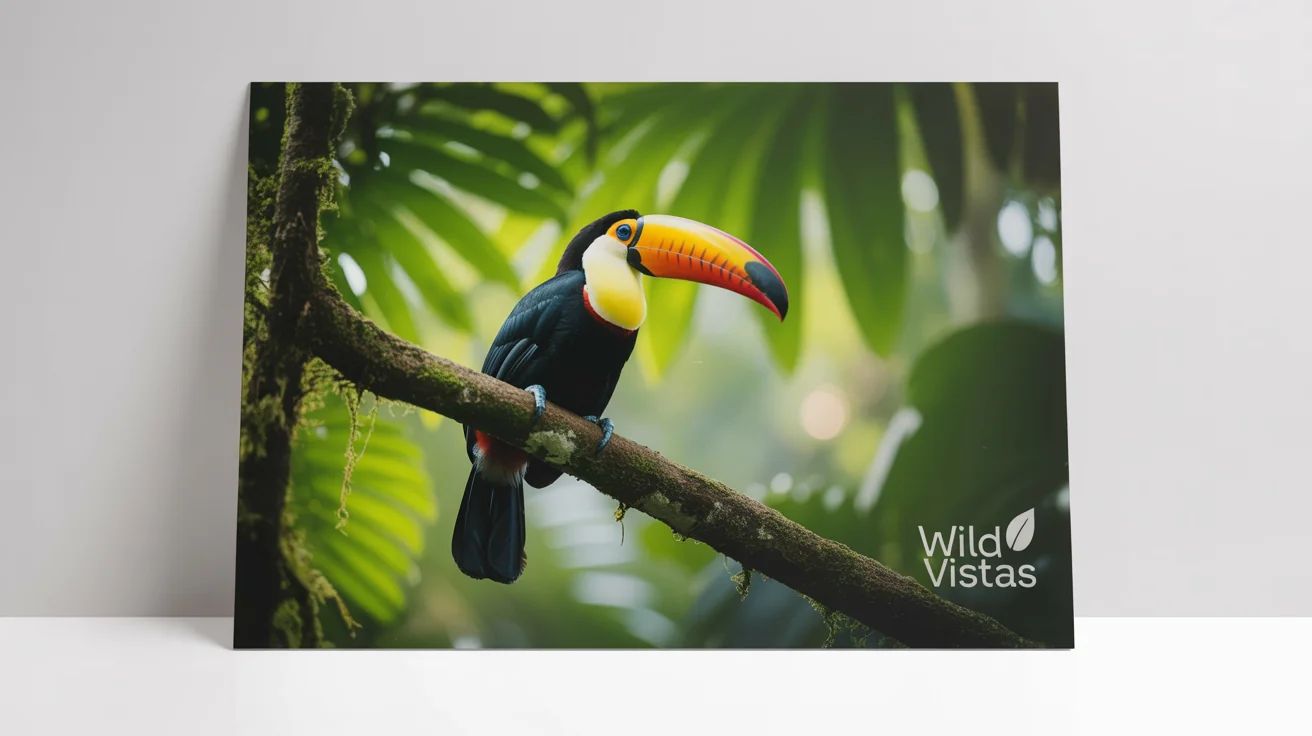
A high-quality photo of a colorful toucan in the rainforest, featuring a subtle, transparent watermark in the corner that reads 'Wild Vistas'. The photo is displayed on a clean white background.
It's Simple: No more navigating complicated software. Just upload your image and type what you want to do. It's Fast: Go from an opaque watermark to a subtle, transparent one in just a few seconds. AI-Powered: Our AI intelligently detects and adjusts the watermark without affecting the rest of your image. No Software Needed: Edit your images directly from your browser on any device. High-Quality Results: Download your edited image in high resolution with a perfectly adjusted, transparent watermark.

Why use Pixelcut's AI to make watermarks transparent?

A professional photograph of a peacock's vibrant feathers, showcasing a subtle transparent watermark in the corner with the text 'Phoenix Photography'.
Reviewing Documents: Make the text on a draft or certificate legible by reducing the opacity of a 'Confidential' or 'Draft' watermark. Viewing Photo Proofs: See the details of a professional photograph more clearly by making the photographer's watermark less intrusive. Preparing Presentations: Soften a company logo or watermark on images so they are suitable for a slideshow without distracting the audience. Assessing Stock Images: Evaluate a stock photo for a project by making the preview watermark semi-transparent to see the full image.

Transparent Watermark Use Cases

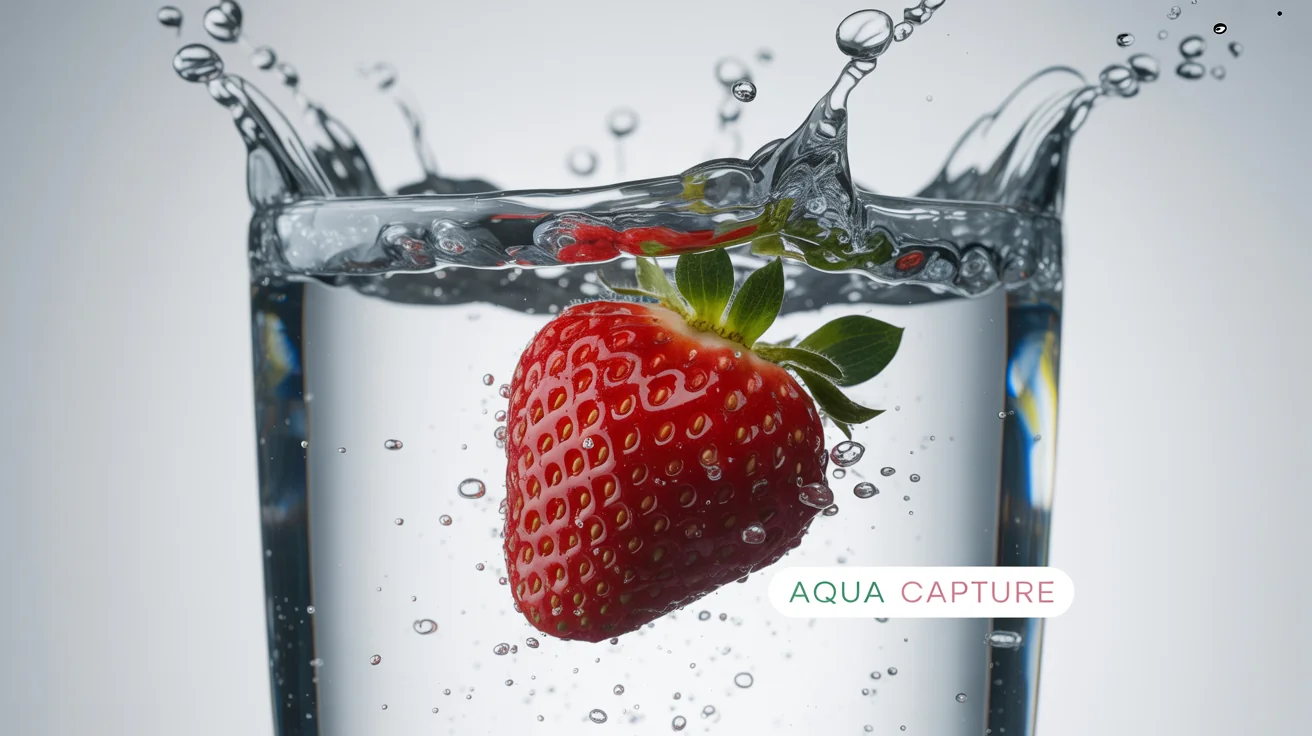
A high-speed photograph of a strawberry splashing into water, with a transparent watermark reading 'AQUA CAPTURE' in the corner. The image is presented as a mockup on a white background.

Frequently Asked Questions

Pixa is loved by over 2 million people

  • My favorite app

    Great app, easy to use. Helps our small business save time and money to create different marketing materials professionally. Thank you.

    Shaelyn D.
  • Best background remover

    I need a good background remover for my work and I've been through them all it feels like. This one is the best by far. It's so easy to use and the results always look amazing. Thank you Pixa!
    Kira H.
  • Love it

    It's amazingly easy and gives the perfect results for my bags and accessories. It looks like it was done by a professional photographer.
    Mary J.