Pixa
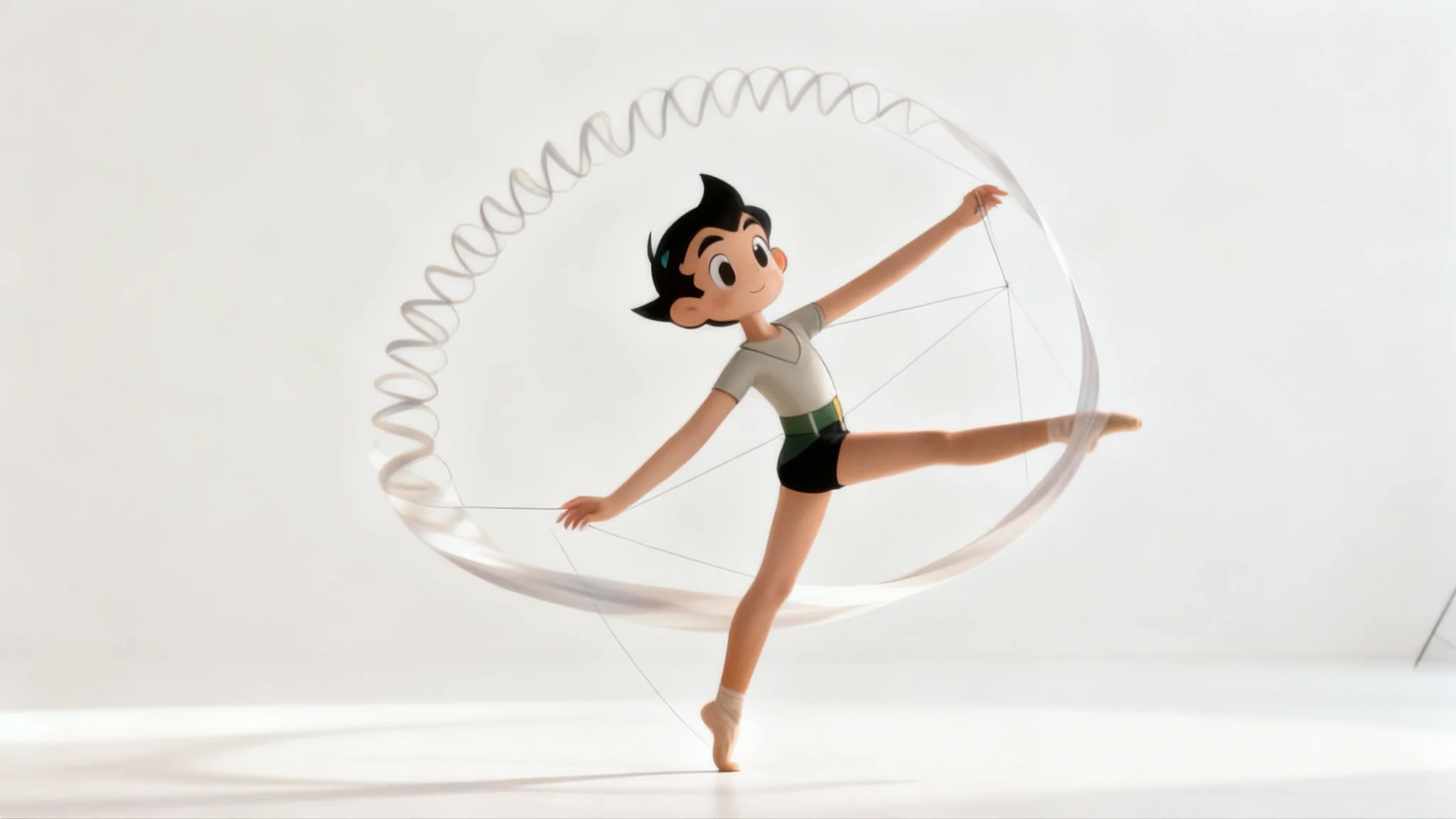
A stunning visual example of the puppet warp effect, showing a dancer whose body is artistically and impossibly stretched and curved into a graceful, surreal pose against a minimal background.

AI Puppet Warp Generator

Bend and reshape any part of your image with simple text prompts. Our AI puppet warp tool gives you the power to make complex distortions easily.
Easy to use - just write a prompt
Trusted by 70 million people
Powered by Pixa AI Agent
171,800 Reviews

How to Use the Puppet Warp

  1. 1

    Upload your image

    Start by uploading the photo you want to edit. This can be a character, a person, an animal, or an object.

  2. 2

    Describe the distortion

    In the prompt box, type a clear description of the warp effect you want. For example, 'bend the person's knees' or 'twist the top of the building to the left'.

  3. 3

    Generate your image

    Click the generate button and let the AI apply the puppet warp effect. It will create a new version of your image based on your instructions.

  4. 4

    Download your warped image

    Your edited image is ready. Download it as a high-resolution, watermark-free PNG file to use in your projects.

Gain precise control over your image manipulations. Our AI-powered puppet warp tool lets you bend, twist, and reposition elements just by describing the change you want. Ideal for adjusting a character's pose, correcting postures, or giving a dynamic sense of motion to static objects. You don't need to manually place pins or create a complex mesh. Simply upload your picture, type your instructions, and let the AI intelligently warp specific parts of the image while keeping the rest perfectly intact for a clean, professional edit.

Effortlessly Bend and Reshape Your Images

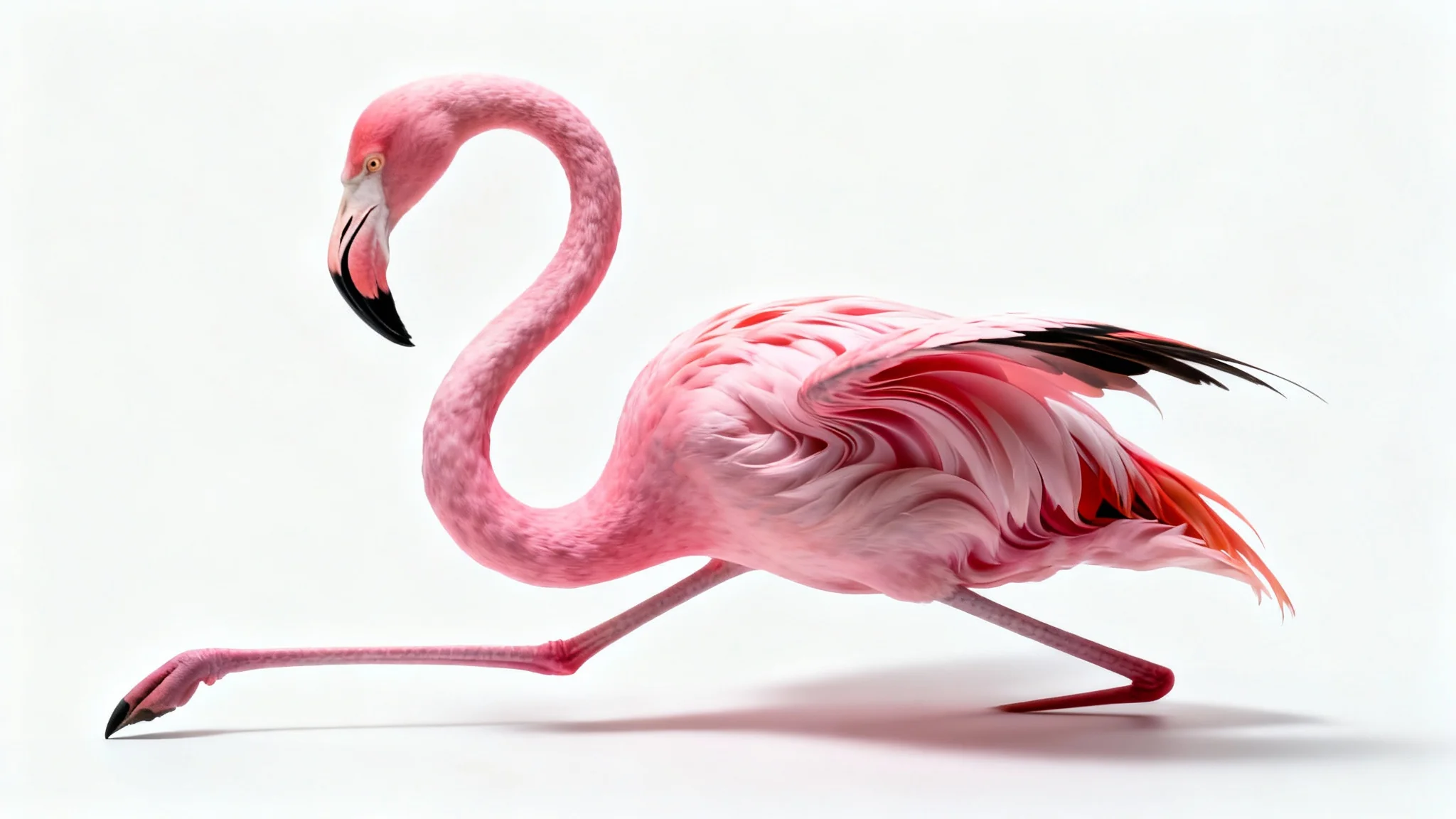
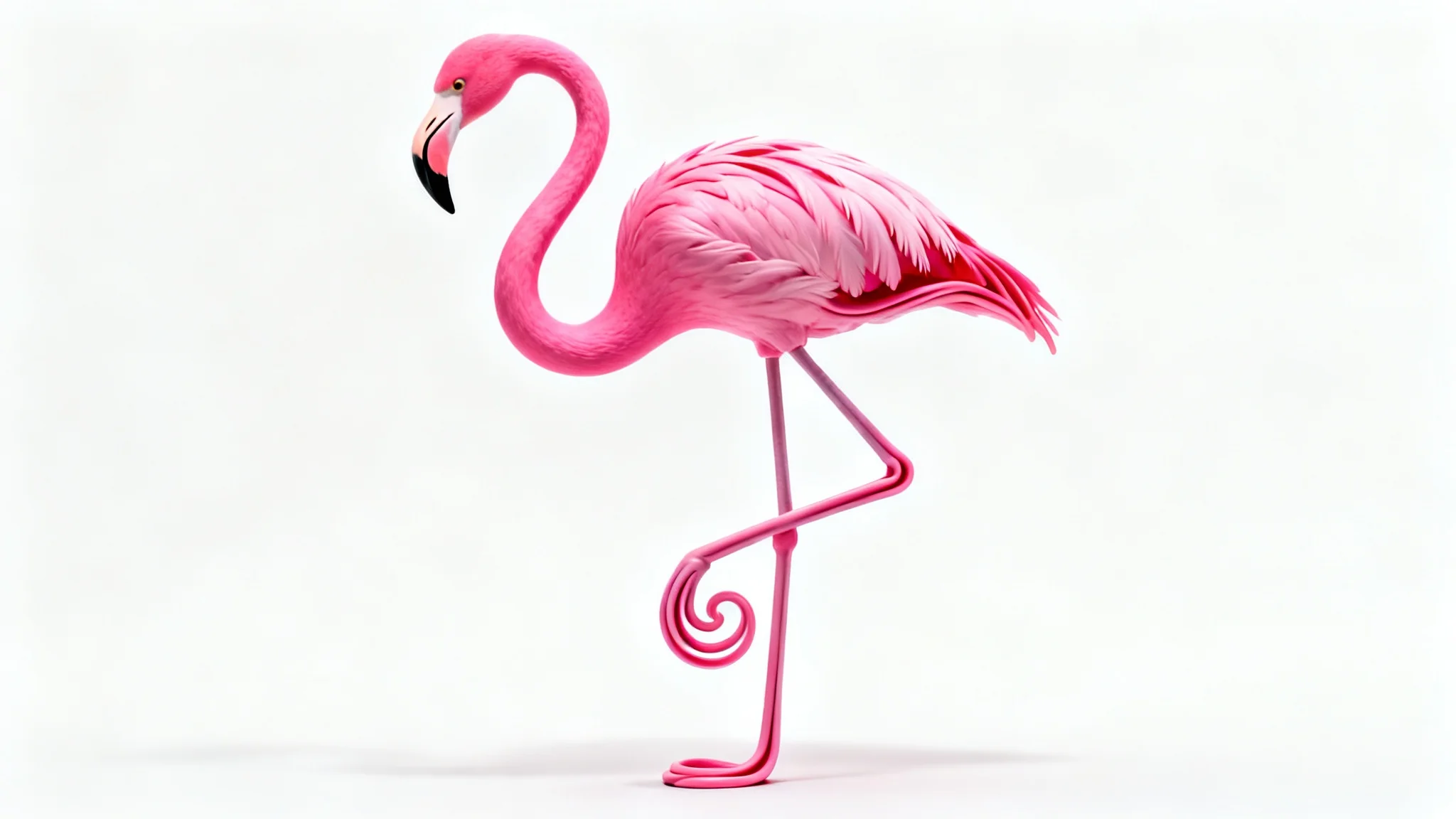
A photorealistic flamingo on a white background, its neck and leg twisted into a surreal, impossible shape, demonstrating a puppet warp effect.
Move beyond simple edits and explore artistic transformations. The puppet warp tool is your key to creating everything from subtle tweaks to mind-bending distortions. Turn a simple portrait into a caricature, make objects appear to melt or stretch, or pose characters for a digital art project. Instead of complicated software, you can achieve these effects with a straightforward text prompt. It's an intuitive way to experiment with your images and produce visuals that capture attention and express your creative vision without a steep learning curve.

Unlock Creative Photo Distortions

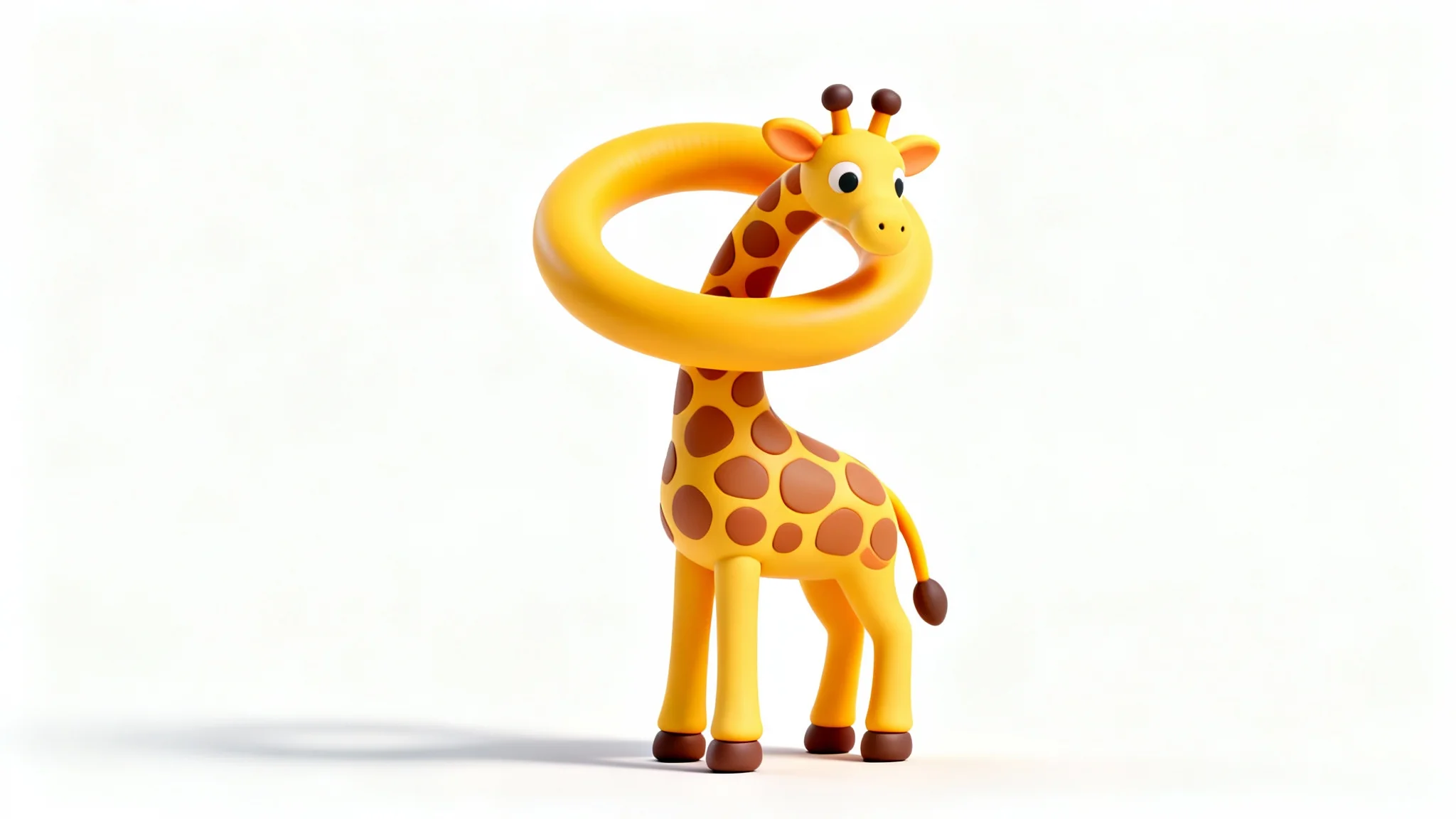
A 3D render of a stylized giraffe on a white background, its long neck impossibly tied in a smooth knot to illustrate the concept of puppet warp.
Bring your characters to life by adjusting their limbs and posture with natural-looking results. Whether you're a digital artist, a game developer creating concept art, or just having fun, our tool makes character posing simple. Describe how you want to move an arm, tilt a head, or bend a leg, and the AI will reinterpret the image to create a seamless new pose. This approach saves you from the tedious process of redrawing, allowing you to quickly prototype different stances and expressions for your creative projects.

Create Realistic Character Poses

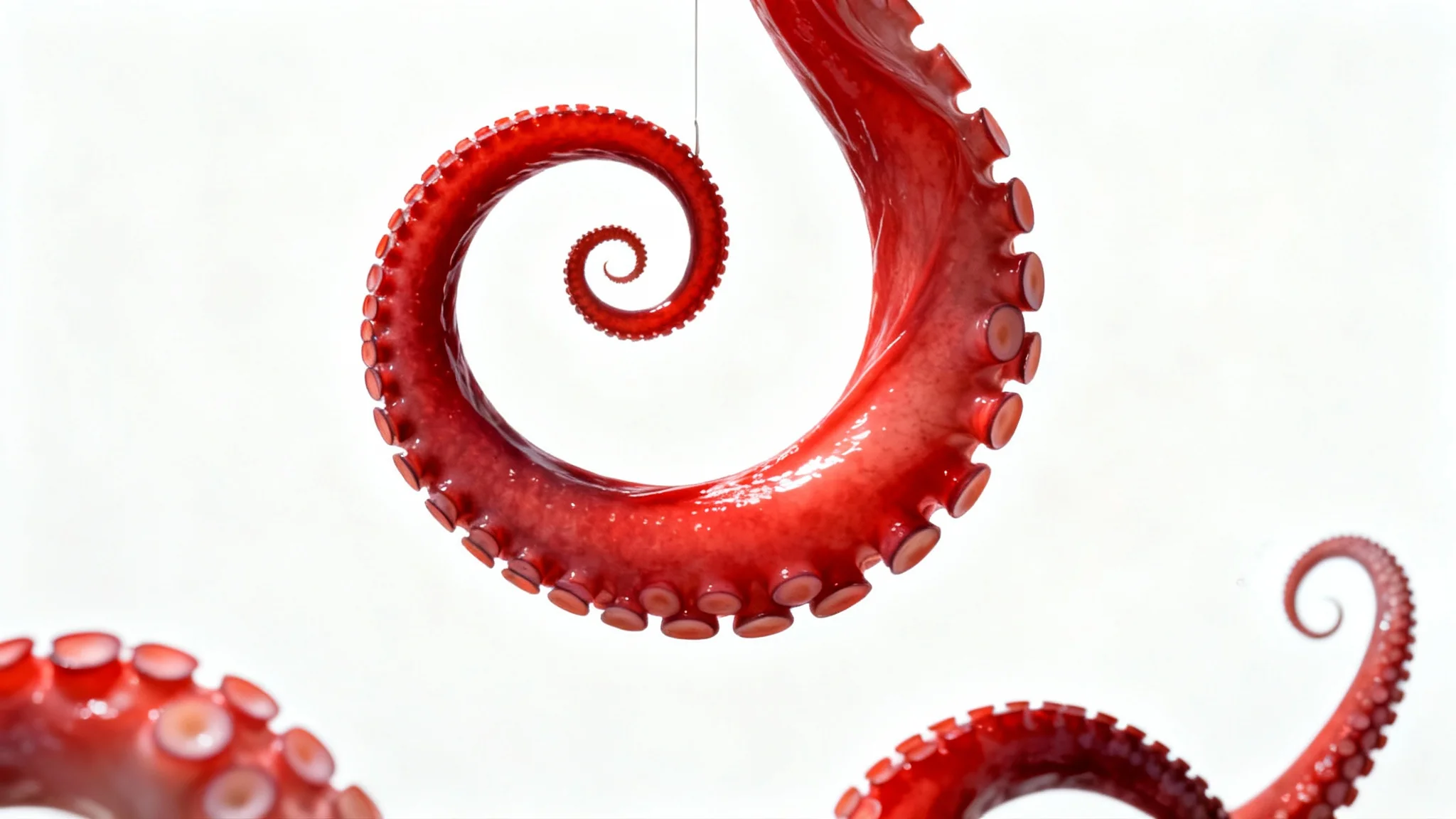
An octopus against a white background, with one of its tentacles twisted into a perfect, unnatural spiral, demonstrating the puppet warp effect.
It’s Fast: Transform your image from a simple text prompt in seconds. It’s Intuitive: No need to place anchor points or manipulate a mesh; just describe the edit you want. AI-Powered: Our AI intelligently interprets your prompt to create natural-looking bends and distortions. Precise Control: Target specific areas of your image for manipulation without affecting the rest of the picture. High-Quality Results: Download your edited image in high resolution, ready for any use, completely watermark-free.

Why use Pixelcut's AI Puppet Warp?

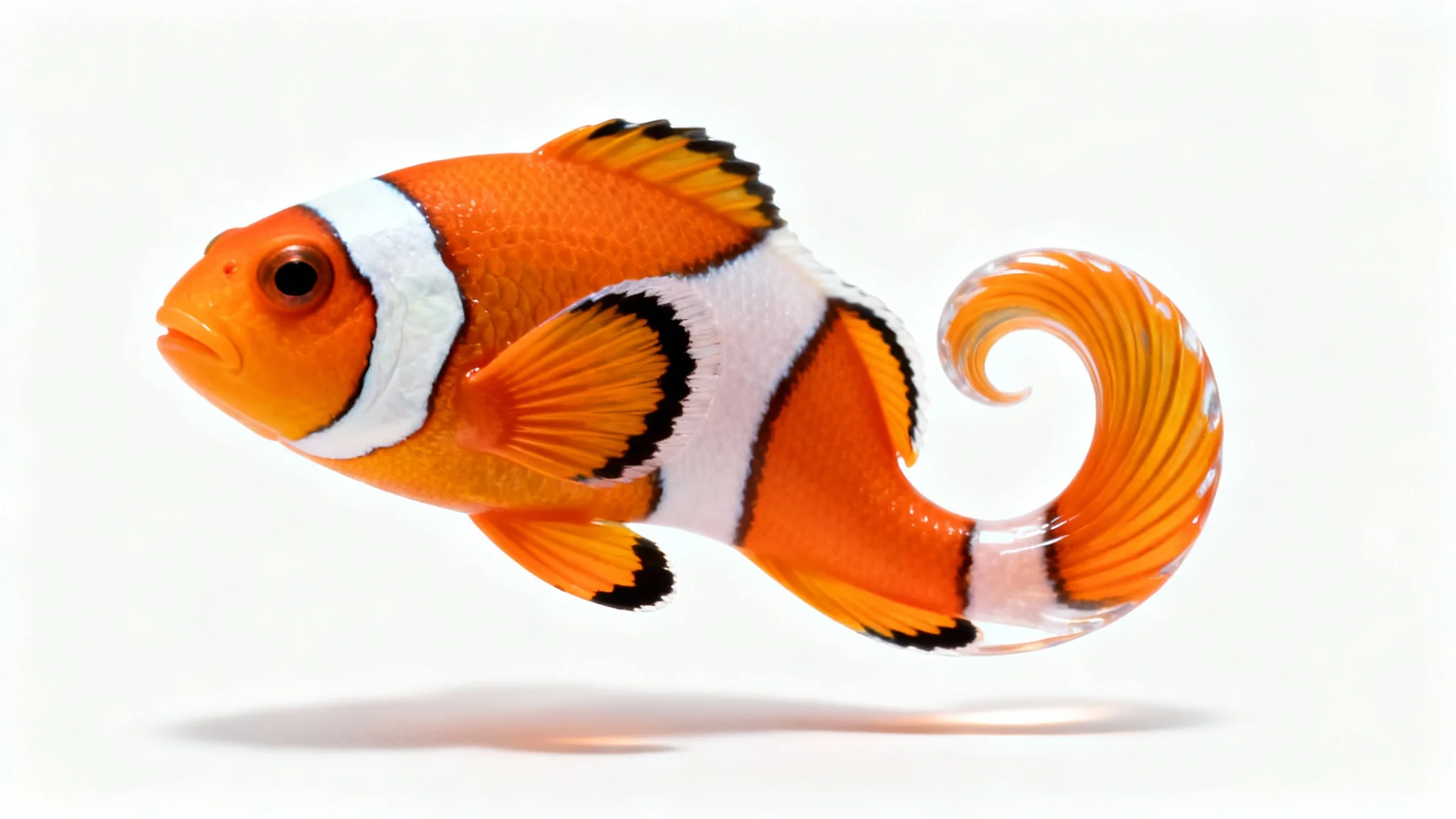
A photorealistic image of a clownfish on a white background, its body impossibly bent into a smooth S-curve to illustrate a digital warping effect.
Character Design: Quickly pose characters for storyboards, concept art, or illustrations by adjusting their limbs and expressions. Fashion Photography: Make subtle adjustments to the fit and flow of clothing on models to create a more dynamic and appealing shot. Create Memes: Generate funny and viral content by distorting faces, animals, or objects in comical ways. Surreal Art: Bend and twist elements of a photo to create imaginative and artistic dream-like scenes. Product Photography: Tweak the shape or position of a product to correct perspective or enhance its features.

Puppet Warp Use Cases

A photorealistic image of a pink flamingo on a white background, its neck and legs artistically and impossibly bent into smooth curves and spirals, demonstrating a puppet warp effect.

Frequently Asked Questions

Pixa is loved by over 2 million people

  • My favorite app

    Great app, easy to use. Helps our small business save time and money to create different marketing materials professionally. Thank you.
    Shaelyn D.
  • Best background remover

    I need a good background remover for my work and I've been through them all it feels like. This one is the best by far. It's so easy to use and the results always look amazing. Thank you Pixa!
    Kira H.
  • Love it

    It's amazingly easy and gives the perfect results for my bags and accessories. It looks like it was done by a professional photographer.
    Mary J.