Pixa
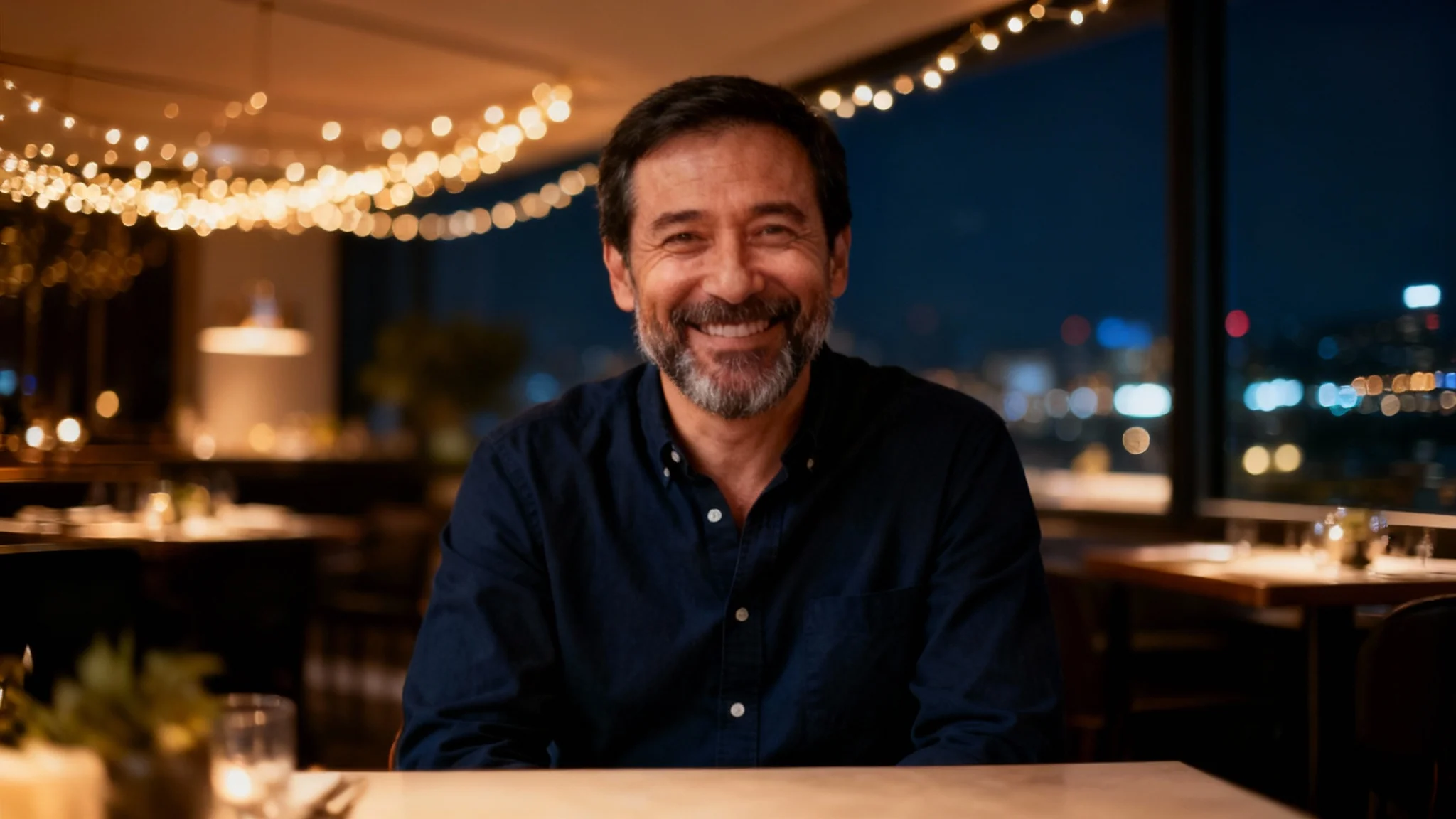
A professional, high-quality portrait of a smiling middle-aged man in a blue shirt, seated in a modern, upscale restaurant with a beautifully blurred, warmly lit background. Aspect ratio 16:9.

AI Restaurant Background Portrait Generator

Place your portrait in any restaurant setting. Upload a photo, describe the scene, and let our AI create the perfect restaurant background for you.
Easy to use - just write a prompt
Trusted by 70 million people
Powered by Pixa AI Agent
171,800 Reviews

How to Add a Restaurant Background to Your Portrait

  1. 1

    Upload your portrait

    Start by uploading the portrait you want to edit. A clear photo with a distinct subject works best.

  2. 2

    Describe the restaurant scene

    In the prompt box, type a description of the ideal restaurant background. Be specific to get a more accurate result.

  3. 3

    Generate your new portrait

    With one click, the AI will remove the original background and replace it with a new one based on your description.

  4. 4

    Download your image

    Your new portrait with a custom restaurant background is ready. Download the high-resolution PNG file for free.

Transform any portrait into a vibrant scene without leaving your home. Our AI tool lets you change your photo's background to any restaurant setting you can imagine. Simply describe the vibe you're going for, whether it's a bustling bistro, a cozy coffee shop, or an elegant fine-dining establishment. There's no need to find the right location or book a table for a photoshoot. You can generate the ideal ambiance for your picture in just a few seconds, making your portraits more dynamic and engaging.

Create the Perfect Atmosphere Instantly

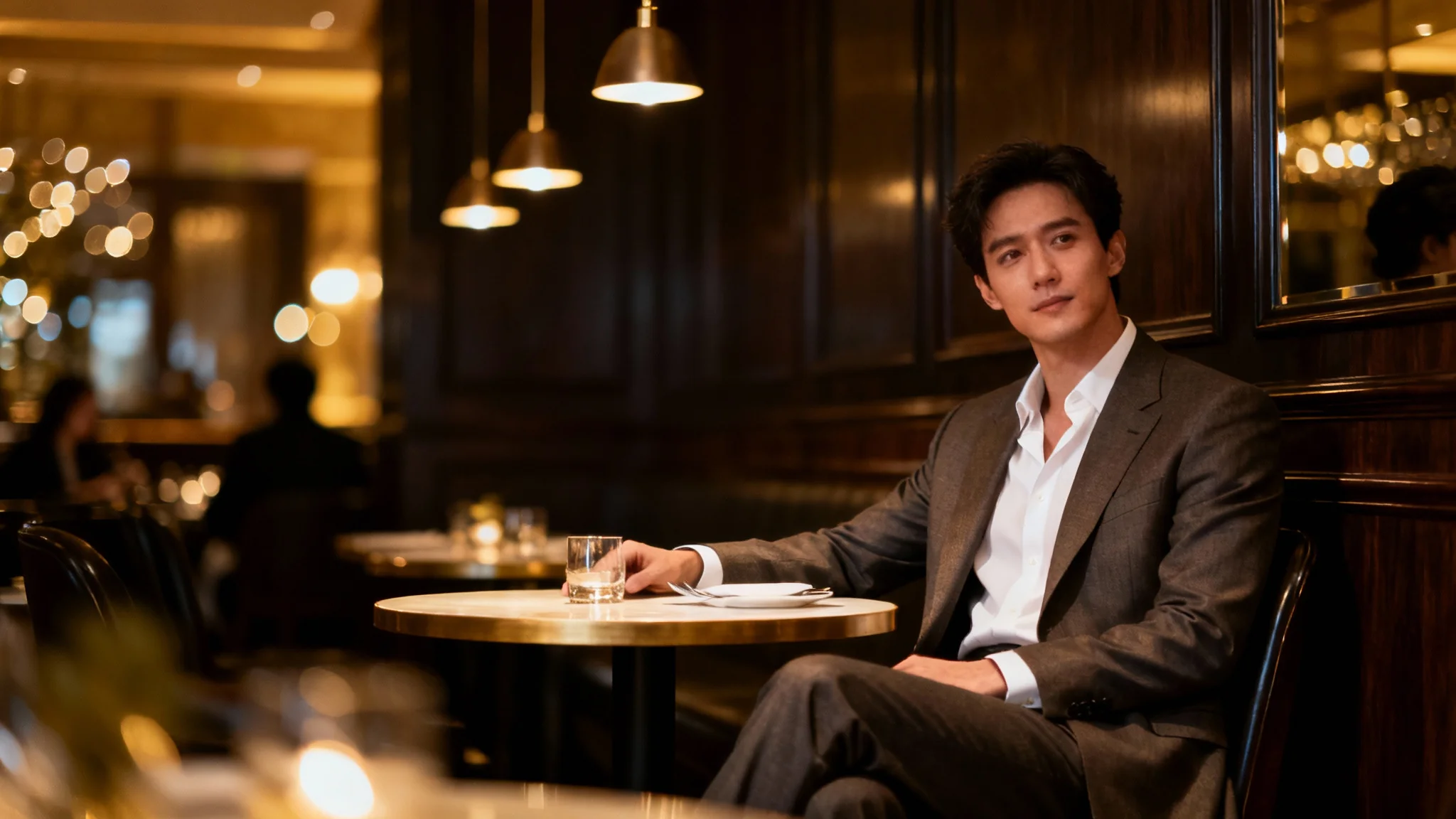
A professional portrait of a person sitting in a warmly lit, upscale restaurant. The background is softly blurred, creating a sophisticated and inviting mood.
Our AI-powered editor expertly blends your subject into the new restaurant background. The tool intelligently analyzes your uploaded portrait and adjusts the lighting, shadows, and perspective to create a natural and convincing final image. Forget about awkward cutouts or backgrounds that look fake. The technology ensures a cohesive result, making it appear as though your photo was genuinely captured in the restaurant scene you described, resulting in a professional and believable portrait every time.

Seamless Background Integration

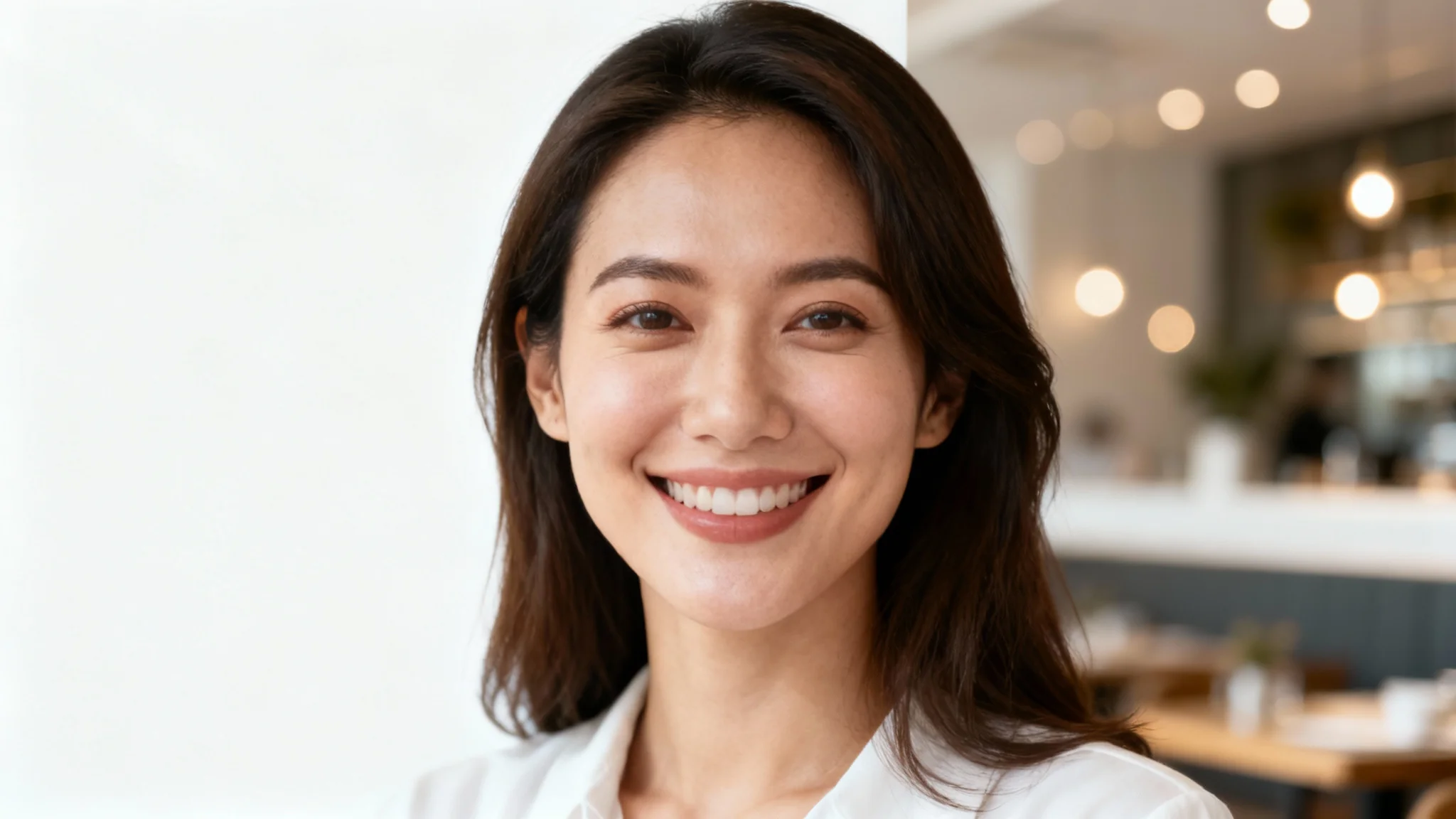
A professional portrait of a smiling woman in a business casual outfit, with the soft-focus background of a modern, brightly-lit restaurant.
A well-chosen background can significantly enhance your online presence. Use our tool to add a sophisticated yet approachable restaurant setting to your professional headshot for sites like LinkedIn. Or, create a warm and inviting photo for a dating profile that showcases your social side. A custom restaurant background adds personality and context to your portraits, helping you make a memorable first impression. It’s a simple way to craft a specific narrative for your personal brand or social media.

Elevate Your Social and Professional Profiles

A professional head-and-shoulders portrait of a man smiling in a restaurant, with the background softly blurred to create a sophisticated and warm ambiance.
It’s Smart: Our AI intelligently integrates your portrait into the new scene, matching lighting and perspective for a realistic look. It’s Simple: Just upload your photo and type a prompt to get started, no complex editing skills are needed. It’s Versatile: From a casual brunch spot for social media to a fine dining establishment for a professional profile, create the exact mood you want. It's Fast: Generate a brand new background for your portrait in just a few moments, saving you time and effort.

Why use Pixelcut's AI Restaurant Background Portrait tool?

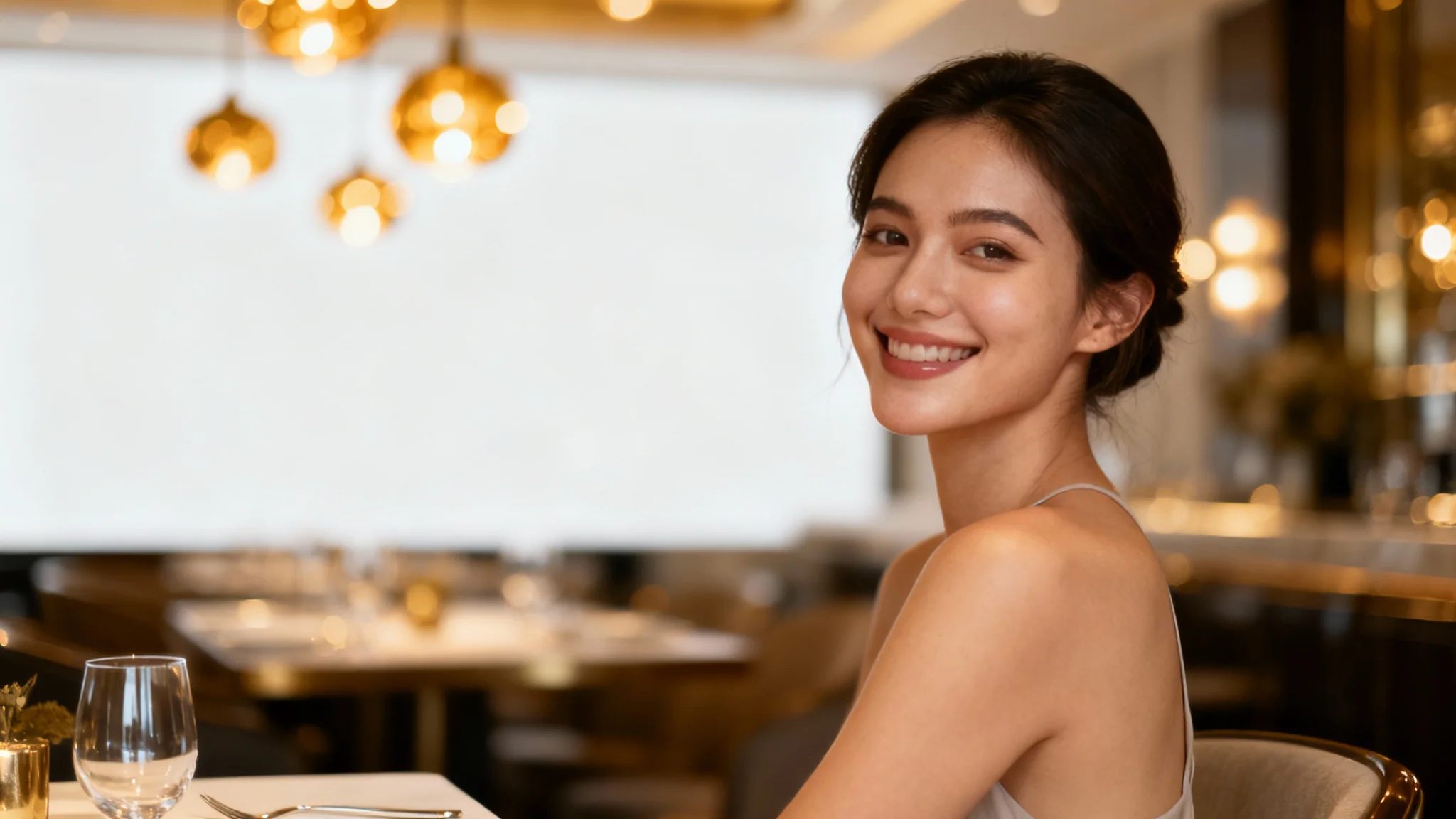
A professional portrait of a smiling woman sitting in a stylish, softly lit restaurant with a beautifully blurred background.
Dating Profiles: Create a warm, inviting photo that makes you look sociable and approachable. Professional Headshots: Add a sophisticated yet relaxed background to your LinkedIn profile picture. Social Media Content: Craft compelling lifestyle photos that tell a story without leaving your home. Creative Projects: Place subjects into restaurant scenes for storyboards, advertisements, or digital art. Personal Branding: Build a consistent and professional aesthetic across your personal websites and portfolios with unique portraits.

Restaurant Background Portrait Use Cases

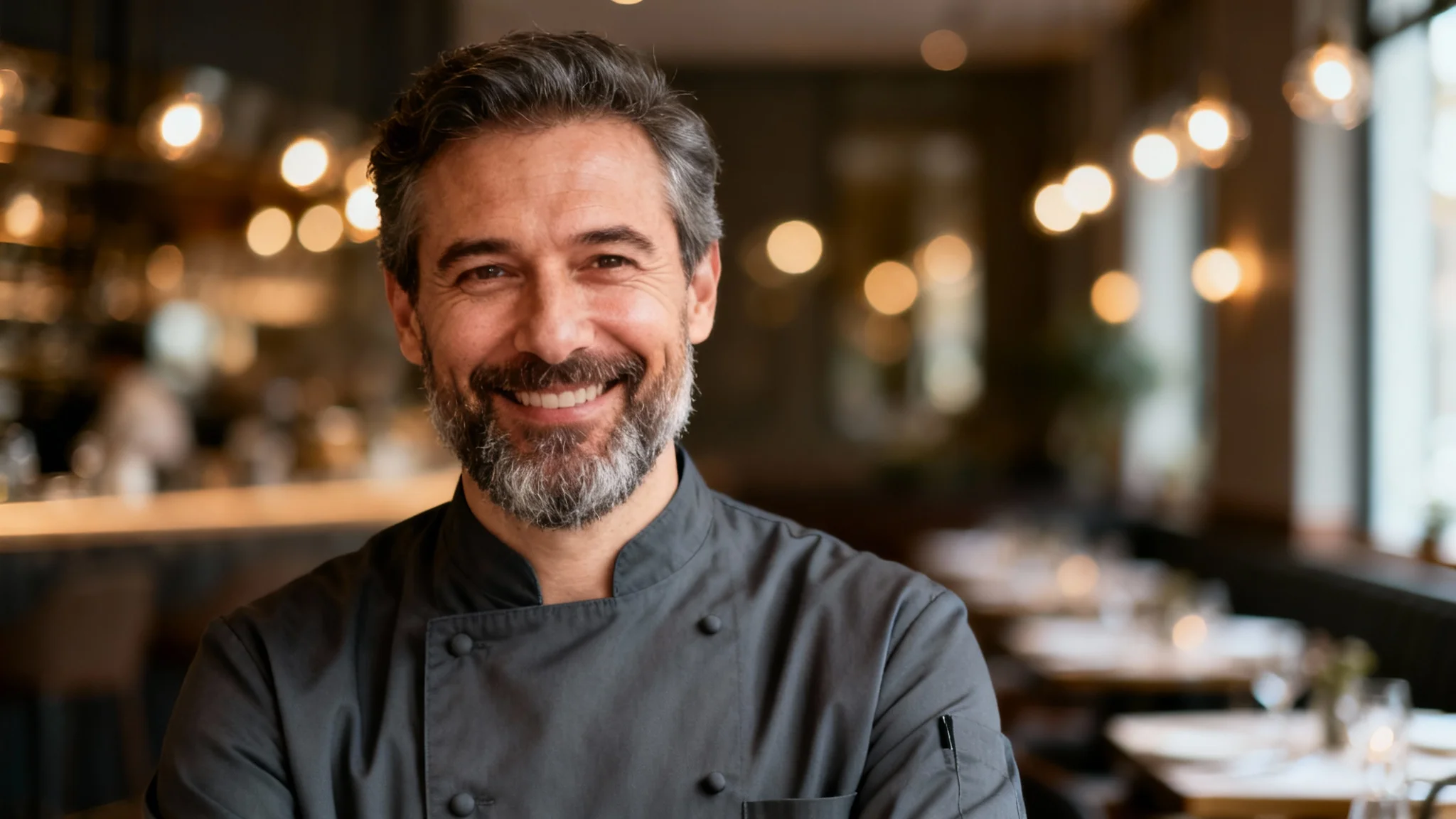
A professional portrait of a smiling male chef in a dark grey jacket, set against the softly blurred background of an elegant restaurant, all isolated on a clean white background.

Frequently Asked Questions

Pixa is loved by over 2 million people

  • My favorite app

    Great app, easy to use. Helps our small business save time and money to create different marketing materials professionally. Thank you.
    Shaelyn D.
  • Best background remover

    I need a good background remover for my work and I've been through them all it feels like. This one is the best by far. It's so easy to use and the results always look amazing. Thank you Pixa!
    Kira H.
  • Love it

    It's amazingly easy and gives the perfect results for my bags and accessories. It looks like it was done by a professional photographer.
    Mary J.