Pixa
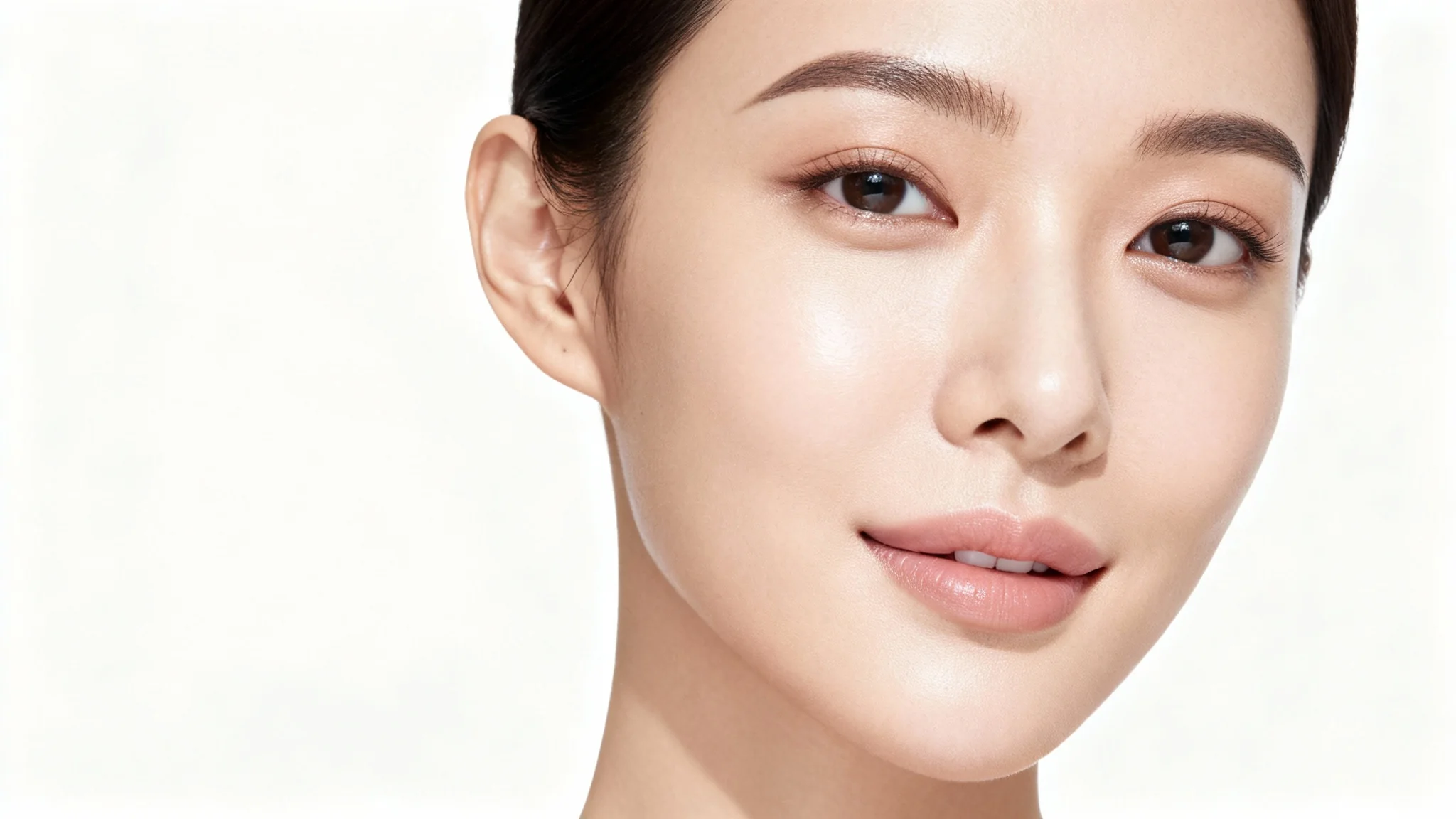
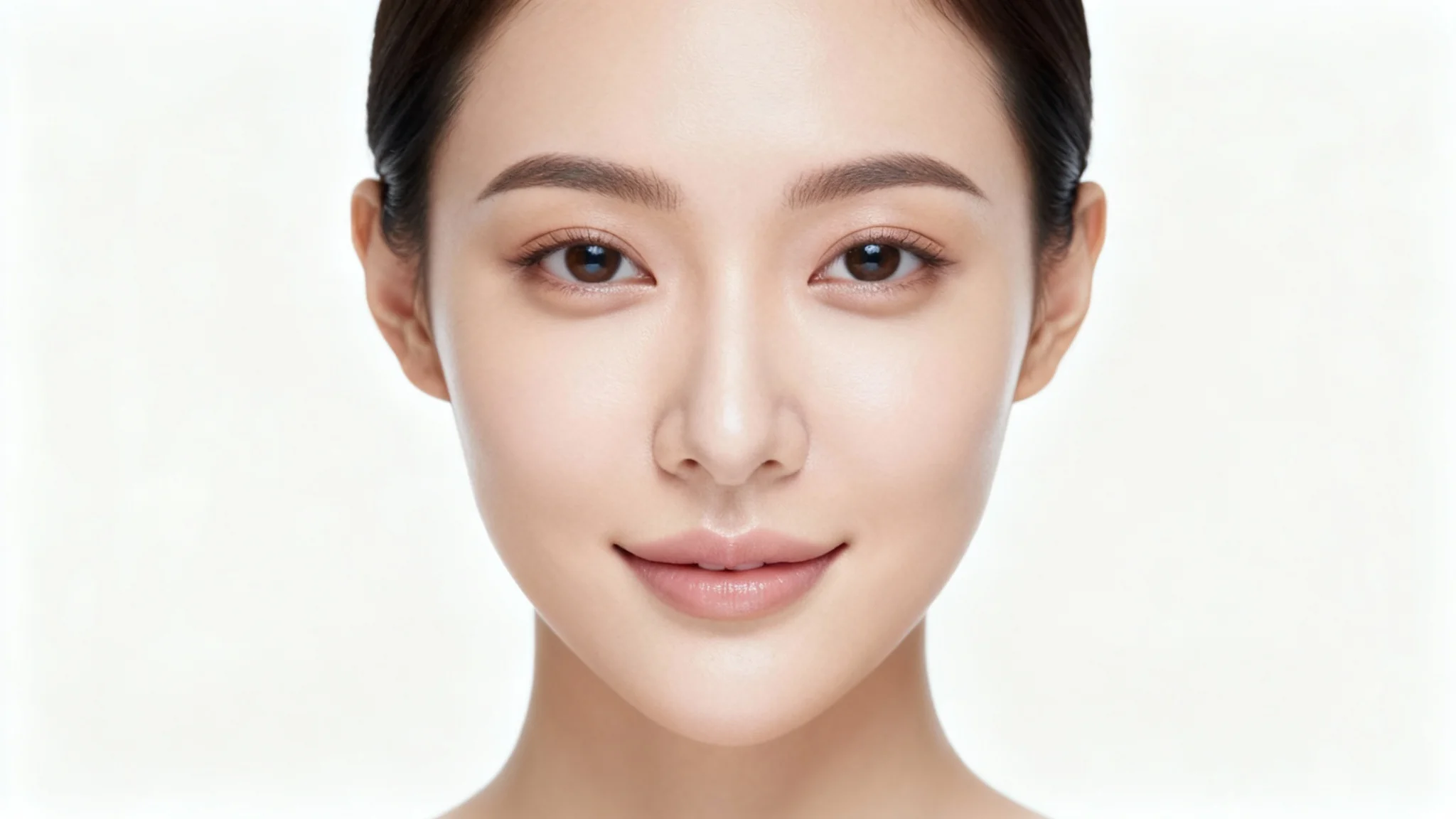
A close-up portrait of a woman with a perfectly matte complexion, demonstrating the result of a tool that removes facial shine from a photo.

Remove Unwanted Shine From Your Face in Photos

Get a perfect matte finish on any portrait. Upload a photo and tell our AI to remove oily shine and glare for a flawless look in seconds.
Easy to use - just write a prompt
Trusted by 70 million people
Powered by Pixa AI Agent
171,800 Reviews

How to Get a Matte Finish on Your Photos

  1. 1

    Upload your photo

    Start by uploading the portrait or selfie you want to edit. Our tool works with various image formats.

  2. 2

    Describe the change

    In the text box, tell the AI what you want to fix. For example, type 'remove the shine from my face' or 'make my skin look matte'.

  3. 3

    Generate your edit

    Click the generate button and let the AI instantly remove the unwanted shine, leaving you with a clean, polished portrait.

  4. 4

    Download your image

    Your edited photo is ready to download. Save your high-resolution, watermark-free PNG image to share or print.

Unwanted shine can distract from an otherwise perfect photo. With our AI tool, you can easily fix shiny spots on your face caused by lighting or oily skin. Just upload your picture, and our AI will detect and neutralize glare on the forehead, nose, and cheeks. The result is a natural, soft matte finish that makes your portraits look professionally retouched. Turn any photo into a flawless shot in just a few seconds without complicated editing software or manual adjustments.

Get a Flawless Matte Finish Instantly

A photorealistic close-up of a person's face with a perfectly matte, non-shiny complexion, set against a solid white background, illustrating the effect of shine removal.
Our AI shine remover is smart enough to target only the unwanted glare while preserving the natural texture of your skin. This advanced technology ensures your face doesn't look flat or artificial, a common problem with traditional editing tools. The AI distinguishes between reflective shine and natural highlights, giving you a balanced and realistic result. Whether it's a subtle glow or a strong reflection, our tool provides a delicate touch for a truly authentic and polished portrait.

Intelligent Shine Removal Retains Skin Texture

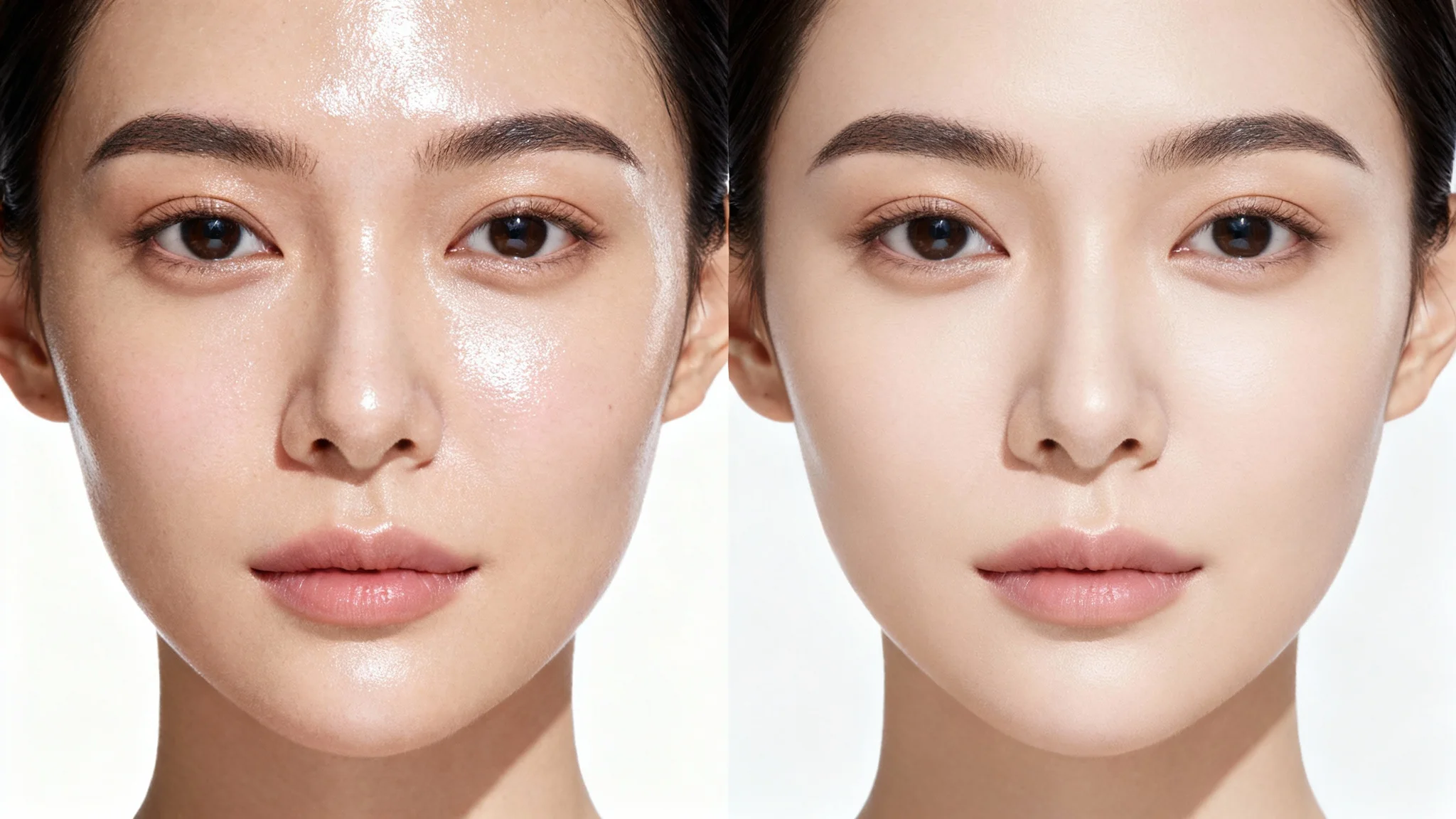
A split-screen close-up of a face. The left half shows oily, shiny skin, and the right half shows smooth, matte skin, demonstrating a shine removal effect against a white background.
Forget learning complex software like Photoshop just to fix a shiny face. Our tool is designed for speed and simplicity. You don't need any technical skills or editing experience. Simply upload your image, type a quick instruction like 'remove shine from my face,' and let the AI do the heavy lifting. This approach saves you time and effort, making professional-level portrait retouching accessible to everyone. Get perfect, shine-free photos in a fraction of the time it would take with manual methods.

Say Goodbye to Complex Editing Tools

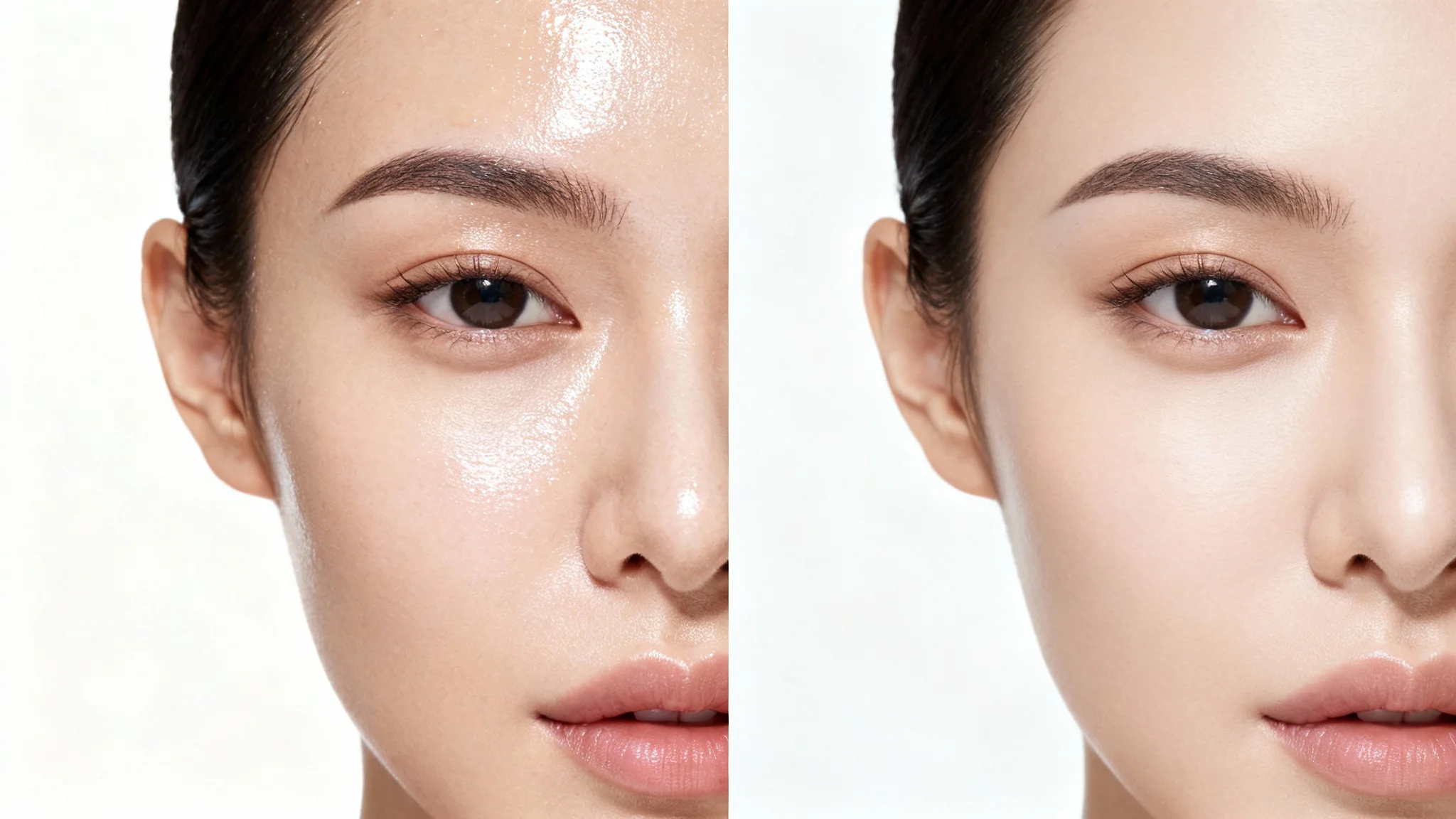
A split-screen close-up of a woman's face, showing a before-and-after comparison. The left side displays shiny, oily skin, while the right side is perfectly matte and smooth, illustrating the removal of facial shine.
It’s Fast: Transform a shiny photo into a matte-finish portrait in seconds. It's Precise: The AI targets specific shiny areas like the T-zone without affecting the rest of your photo. AI-Powered: Uses advanced AI to intelligently identify and correct reflections and oily skin for a natural look. Easy to Use: No more complex tools. Just upload your photo and type a simple command. Use Anywhere: Download high-resolution, watermark-free images perfect for social media profiles, headshots, or personal keepsakes.

Why use Pixelcut's AI to Remove Shine from Face?

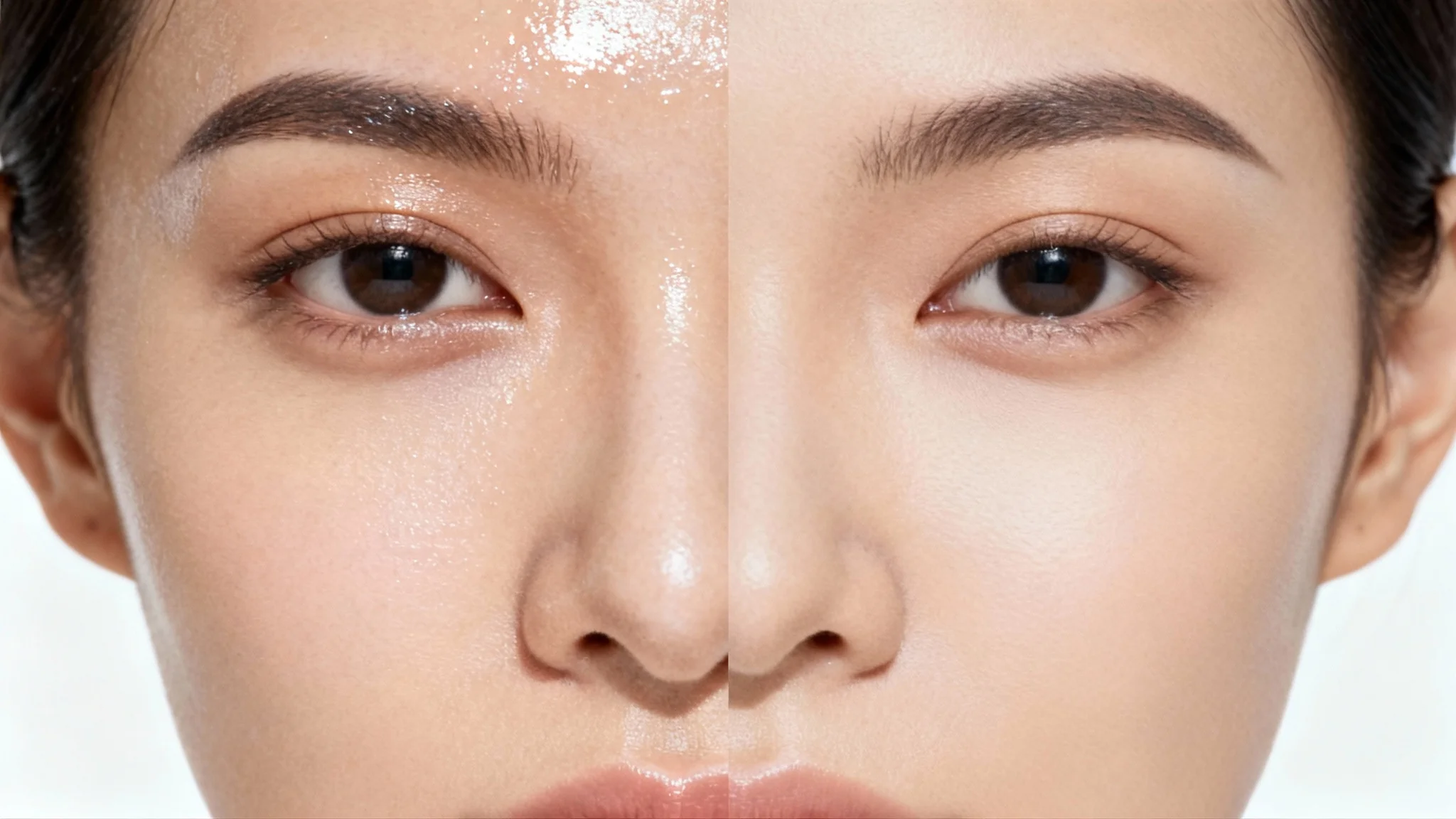
A close-up portrait of a person's face split down the middle. The left side shows shiny, oily skin, while the right side shows a smooth, matte finish, demonstrating a shine removal effect.
Professional Headshots: Ensure your professional photos look polished and distraction-free by removing any unwanted facial shine. Social Media Profiles: Create the perfect profile picture for Instagram, LinkedIn, or any other platform with a clean, matte finish. Event Photography: Fix photos from weddings, parties, or outdoor events where unpredictable lighting can cause glare. Everyday Selfies: Quickly touch up selfies taken in bright sunlight or under harsh indoor lighting to get a flawless look every time.

Remove Shine from Face Use Cases

A professional close-up photo of a person's face with a perfectly matte, shine-free complexion, against a solid white background.

Frequently Asked Questions

Pixa is loved by over 2 million people

  • My favorite app

    Great app, easy to use. Helps our small business save time and money to create different marketing materials professionally. Thank you.
    Shaelyn D.
  • Best background remover

    I need a good background remover for my work and I've been through them all it feels like. This one is the best by far. It's so easy to use and the results always look amazing. Thank you Pixa!
    Kira H.
  • Love it

    It's amazingly easy and gives the perfect results for my bags and accessories. It looks like it was done by a professional photographer.
    Mary J.