Pixa
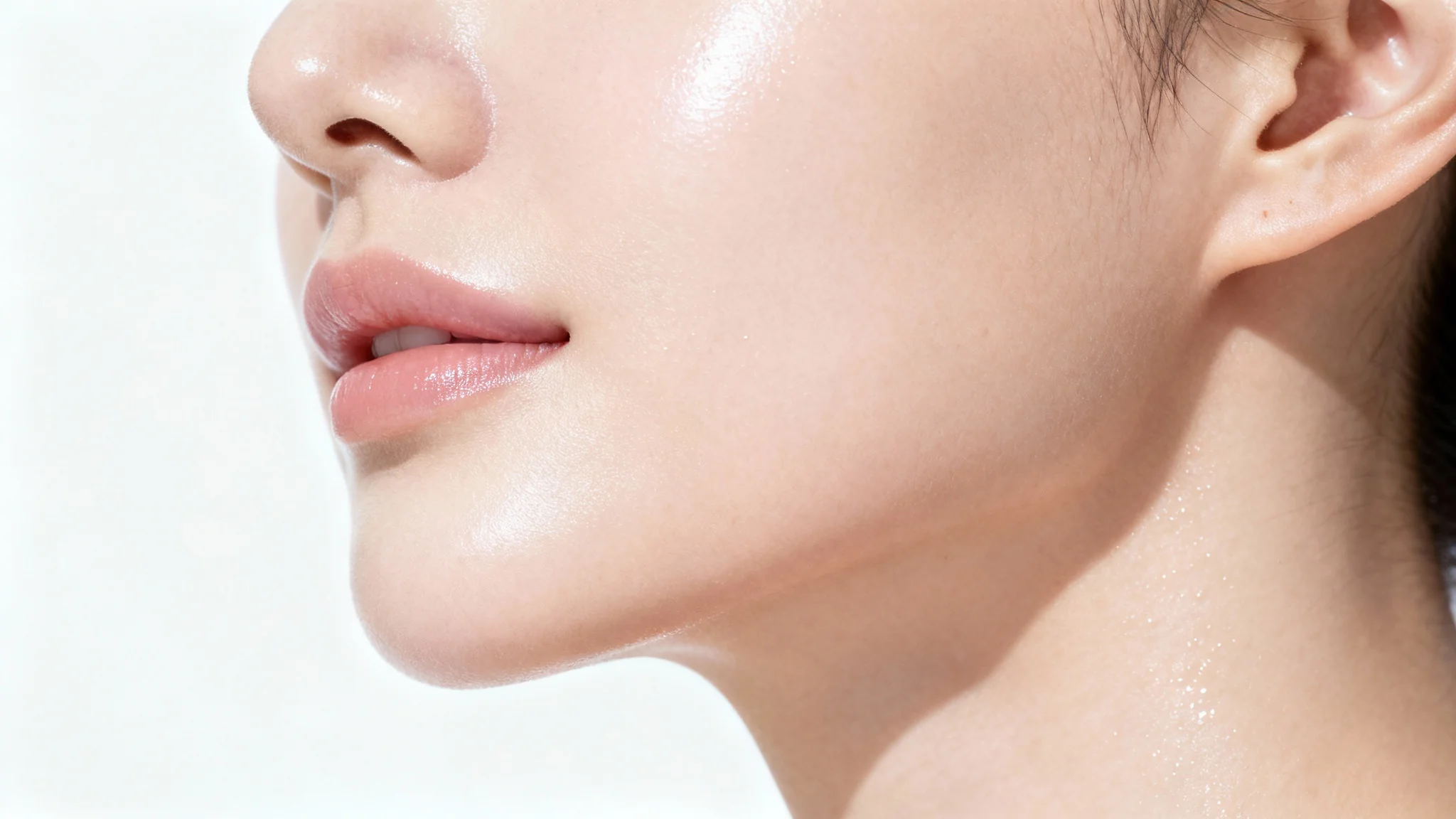
A close-up hero image of a woman's face after using a skin smoothing tool, showing her with perfectly flawless, radiant, and smooth skin.

AI Skin Smoother for Naturally Flawless Photos

Effortlessly smooth skin, erase blemishes, and reduce wrinkles in your portraits. Our AI tool enhances your photos while keeping skin texture natural.
Easy to use - just write a prompt
Trusted by 70 million people
Powered by Pixa AI Agent
171,800 Reviews

How to get smooth skin in your photos

  1. 1

    Upload your photo

    Start by selecting and uploading the portrait or selfie you want to enhance. A clear, high-quality image works best.

  2. 2

    Describe your edit

    In the text box, tell our AI what you'd like to change. For example, type 'smooth the skin and remove blemishes from the face'.

  3. 3

    Generate your edit

    Click the generate button and let our AI work its magic. It will automatically retouch the skin in your photo based on your instructions.

  4. 4

    Download your image

    Your enhanced photo is ready! Download the high-resolution PNG file watermark-free and share your flawless new portrait.

Transform your portraits with a single click. Our AI-powered tool intelligently detects and softens skin, removes blemishes, and reduces the appearance of wrinkles for a clean, polished look. You no longer need to spend hours with complicated editing software to get professional results. Simply upload your photo and let our AI provide a perfect, natural-looking finish in seconds. Ideal for enhancing headshots, selfies, and any portrait where you want to look your absolute best with minimal effort and maximum impact.

Achieve Flawless Skin, Instantly

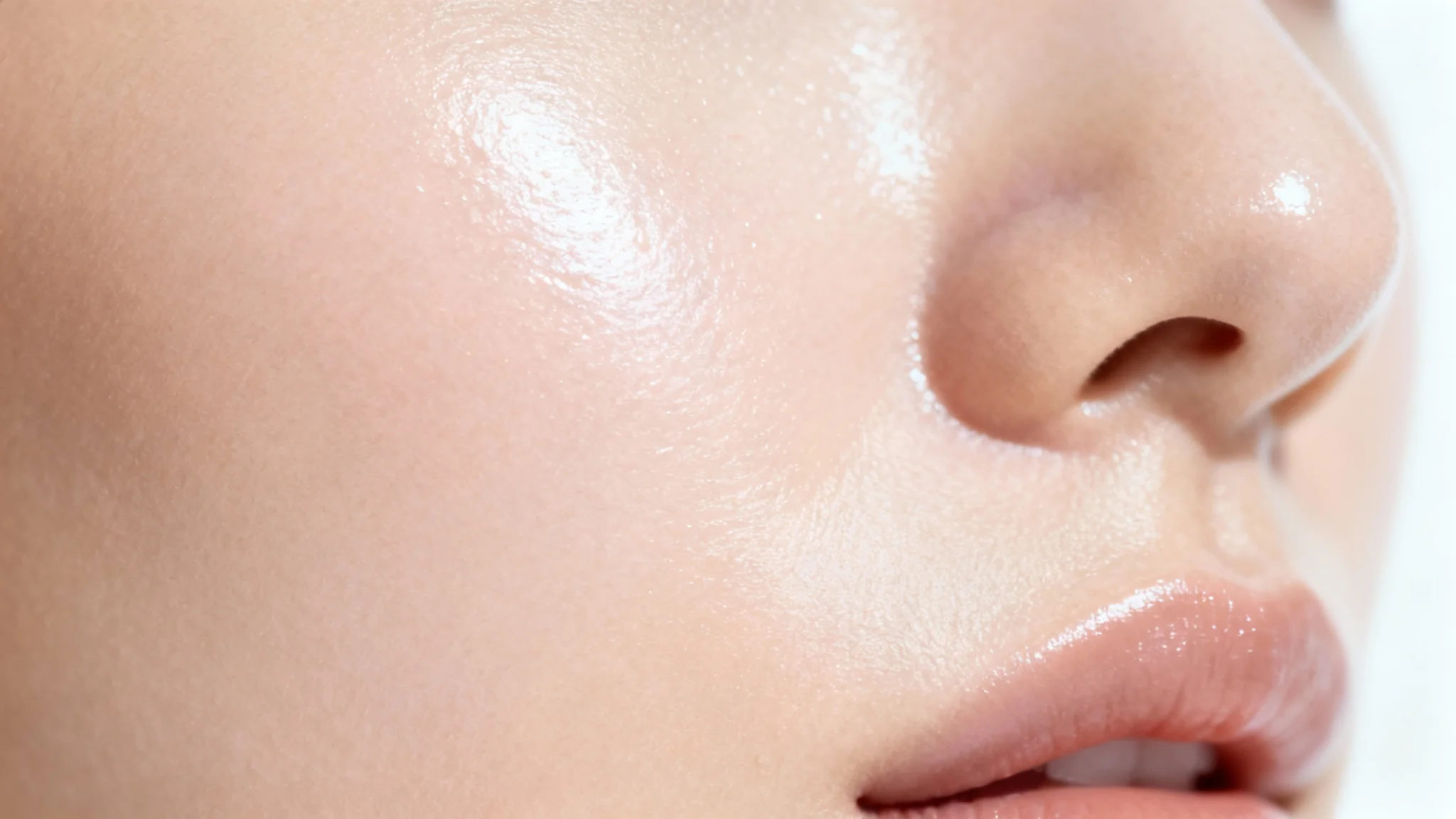
A hyper-realistic macro shot of a woman's perfectly smooth, glowing cheek against a white background, demonstrating the result of effective skincare.
Say goodbye to over-edited, plastic-looking skin. Our AI skin smoother is designed to preserve the authentic details that make your portrait unique. It intelligently softens imperfections while carefully retaining natural skin texture, pores, and subtle character lines. The result is a beautifully enhanced photo that looks realistic and true to life, not artificially altered. Perfect your images with a tool that understands the balance between enhancement and authenticity, giving you a radiant glow without erasing your natural beauty.

Retain Natural Skin Texture

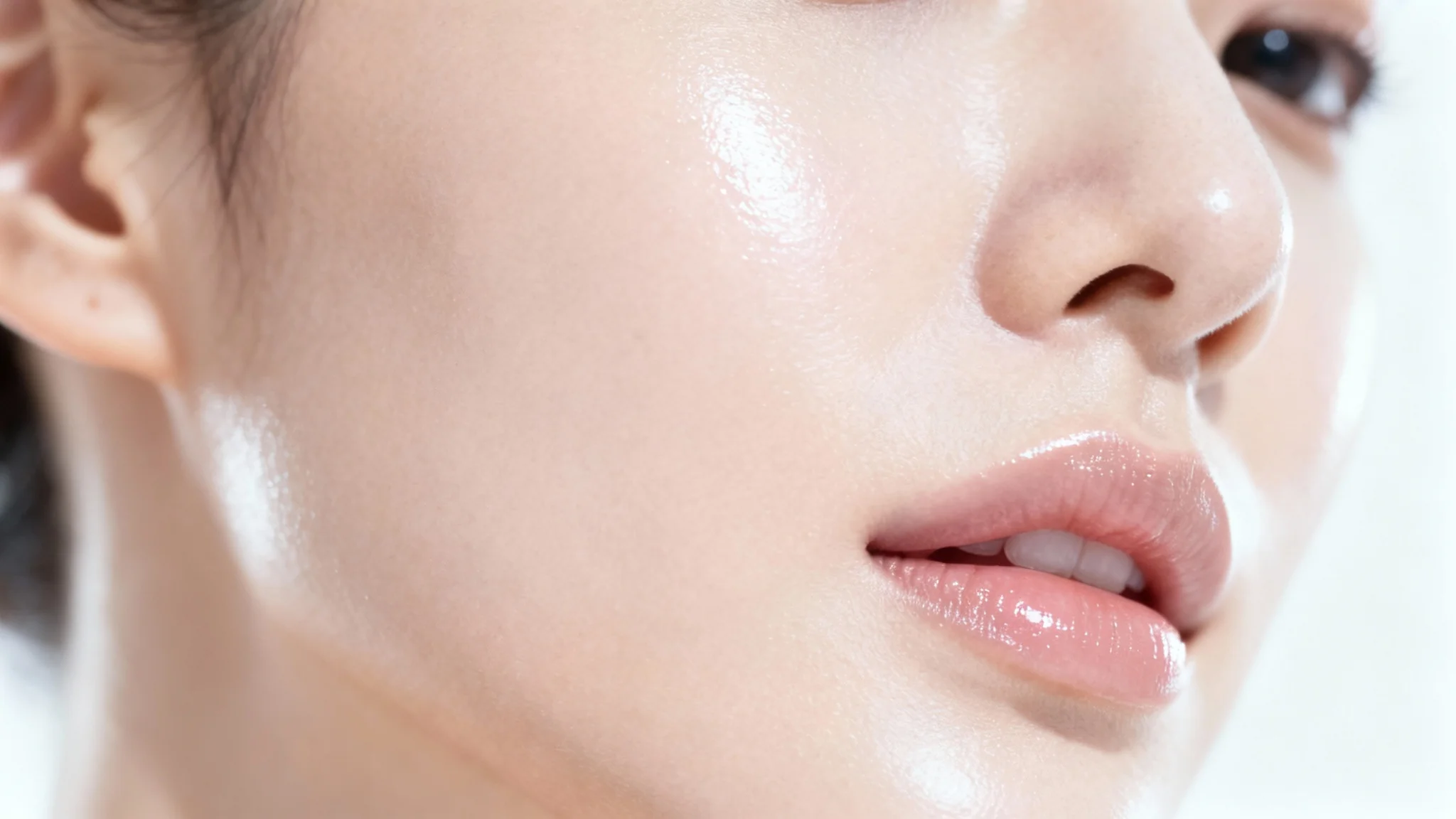
A close-up macro photograph of a woman's cheek, showcasing perfectly smooth, glowing, and flawless skin against a clean white background.
Speed up your editing workflow significantly. Manually retouching portraits to smooth skin and remove blemishes can be a slow and tedious process. Our AI tool automates these tasks, delivering high-quality results in a fraction of the time. Whether you are a professional photographer editing a large batch of photos or just someone looking to quickly touch up a selfie, our tool frees you up to focus on the more creative aspects of photography. Get consistent, professional-grade skin smoothing without the manual effort.

Save Time on Portrait Editing

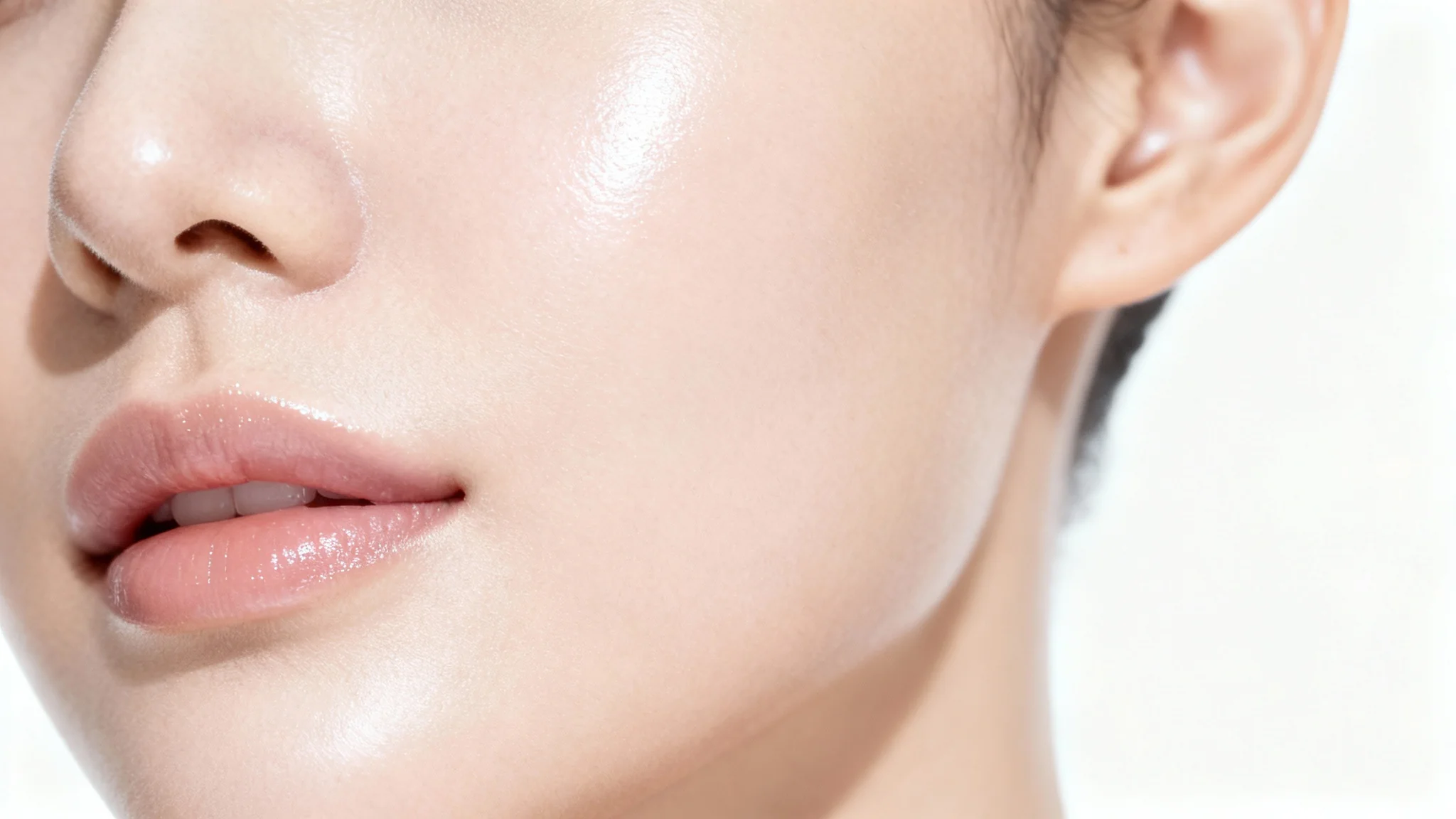
A macro close-up image of a woman's cheek, showcasing exceptionally smooth, flawless, and radiant skin against a stark white background.
It’s Fast: Go from a raw photo to a polished portrait in just a few seconds. It’s Natural: Our AI preserves skin texture for realistic, not plastic, results. Easy to Use: No complex tools or editing skills needed. Simply upload your image and describe the edit. AI-Powered: Uses advanced algorithms to intelligently identify and enhance skin. Versatile: Perfect for professional headshots, social media posts, family photos, and more, helping you always put your best face forward.

Why use Pixelcut's AI Smooth Skin?

A close-up, macro photograph of perfectly smooth and glowing human skin, showcasing a flawless and hydrated texture against a clean white background.
Professional Headshots: Create a polished and clean look for your LinkedIn profile or corporate website while maintaining a professional appearance. Social Media Profiles: Enhance your selfies and profile pictures to show off a radiant, blemish-free complexion. E-commerce Fashion: Improve model photos for clothing and accessory websites by ensuring the focus is on the product, not skin imperfections. Event Photography: Quickly edit large batches of photos from weddings or events to deliver consistently beautiful portraits to clients. Personal Photos: Touch up your favorite family portraits and candid shots to create cherished memories that look their best.

Smooth Skin Use Cases

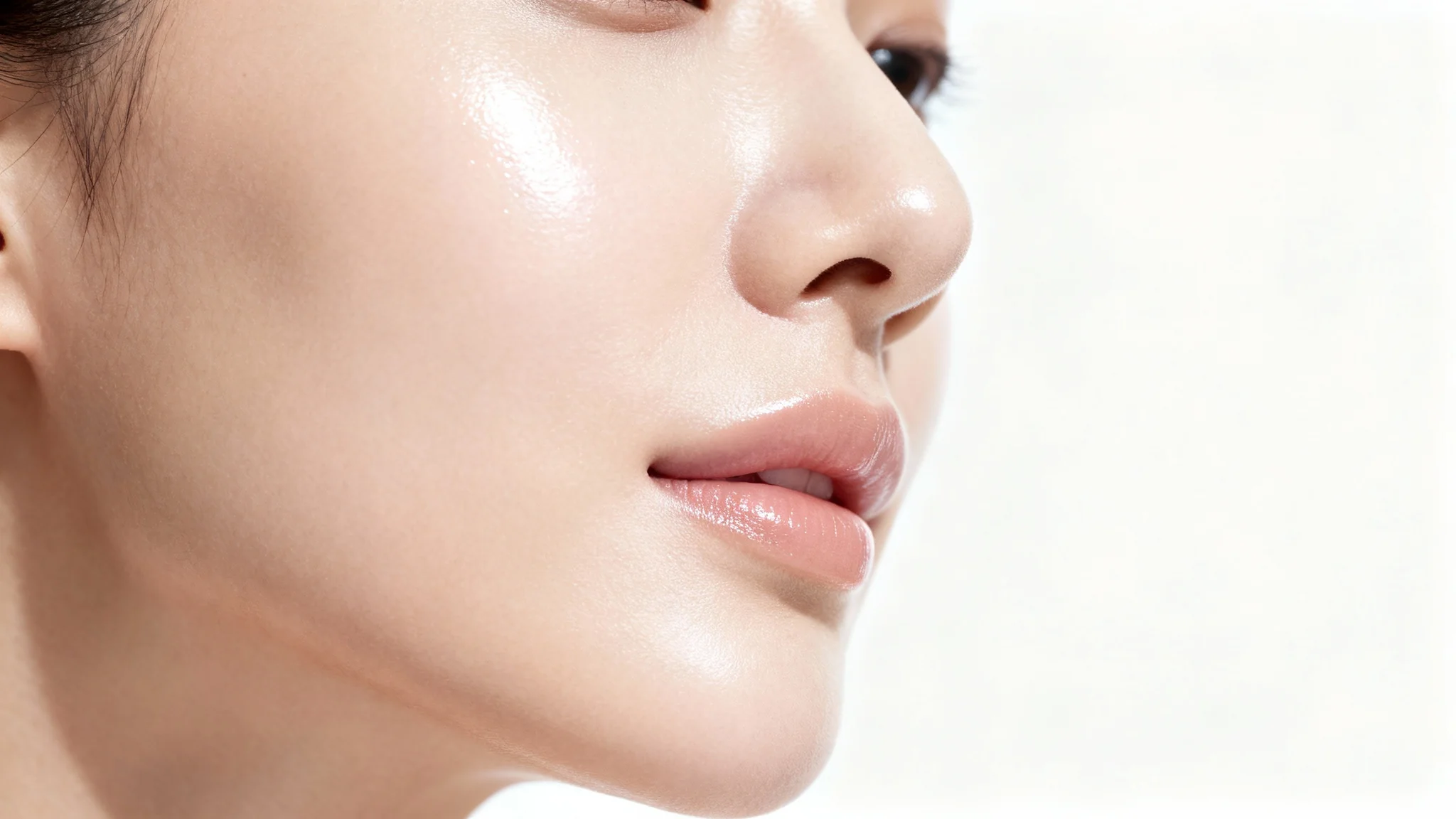
A close-up, photorealistic image of a woman's cheek, showcasing perfectly smooth and glowing skin against a stark white background.

Frequently Asked Questions

Pixa is loved by over 2 million people

  • My favorite app

    Great app, easy to use. Helps our small business save time and money to create different marketing materials professionally. Thank you.
    Shaelyn D.
  • Best background remover

    I need a good background remover for my work and I've been through them all it feels like. This one is the best by far. It's so easy to use and the results always look amazing. Thank you Pixa!
    Kira H.
  • Love it

    It's amazingly easy and gives the perfect results for my bags and accessories. It looks like it was done by a professional photographer.
    Mary J.