Pixa
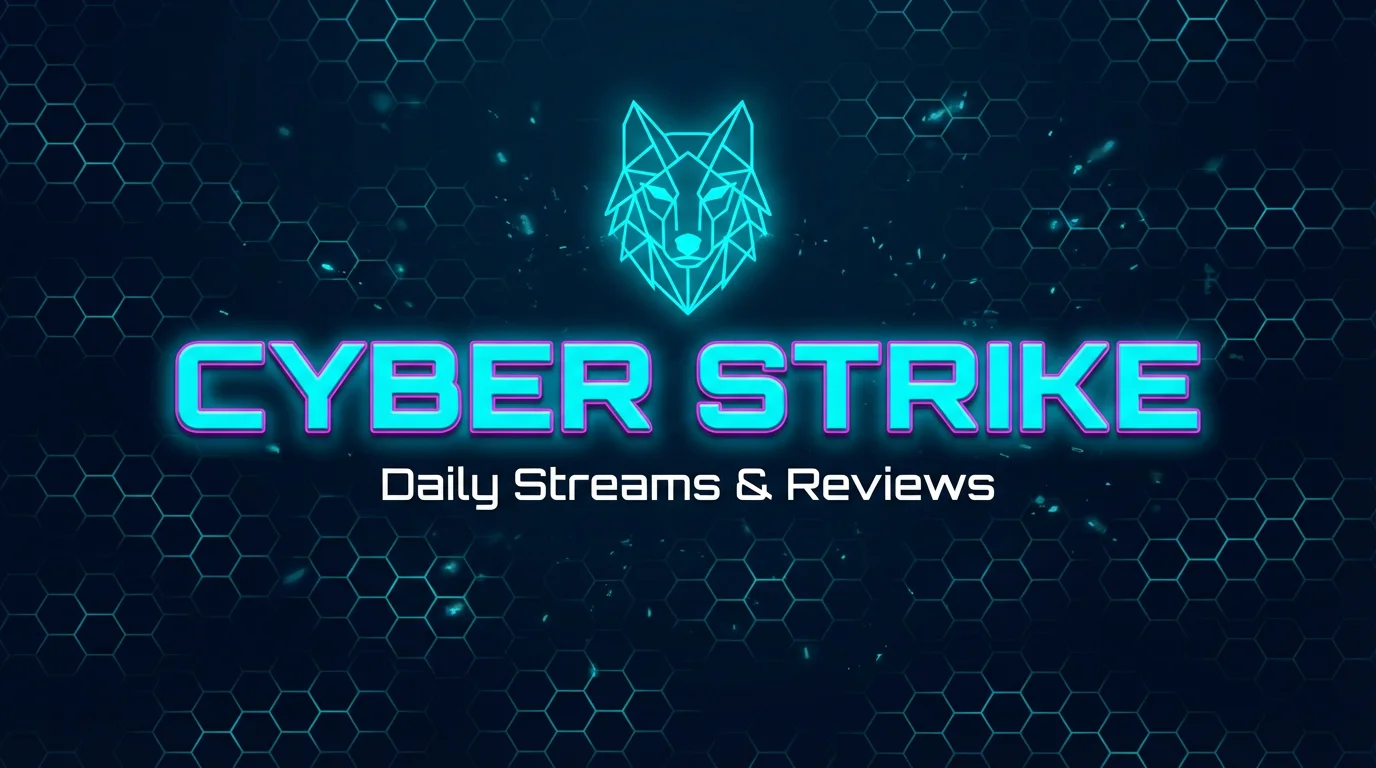
A YouTube banner for a gaming channel named 'CYBER STRIKE', featuring futuristic neon text and a geometric wolf icon on a dark, patterned background.

Free AI YouTube Banner Generator

Design a custom YouTube banner with AI. Describe your theme and channel name to get a unique, watermark-free PNG image.
Easy to use - just write a prompt
Trusted by 70 million people
Powered by Pixa AI Agent
171,800 Reviews

How to create a YouTube banner

  1. 1

    Describe your YouTube banner

    Type a detailed text prompt describing your desired banner. Include your channel name and any theme, colors or images you want. The more detailed, the better result the AI can create.

  2. 2

    Generate YouTube banner

    Click the Generate button to let Pixelcut create your banner. The AI will interpret your description and produce a unique banner image in seconds. You can refine and regenerate if you want to adjust the design.

  3. 3

    Download banner

    Once the banner is generated, download the high-resolution PNG image. It's free and watermark-free. You now have a custom YouTube channel banner ready to upload or use anywhere you like.

Create an eye-catching YouTube banner without any design experience needed. Pixelcut's AI tool transforms your prompt into a polished channel banner in seconds, so you save time and skip tedious manual editing, freeing you to focus on your content. Just describe your vision (colors, style, text, and theme), and the AI handles layout and graphics automatically. No editing software or templates are required, the tool crafts each banner uniquely for you. Your ideas guide the AI. Pixelcut does all the design work behind the scenes.

Eye-Catching YouTube Banners in Seconds

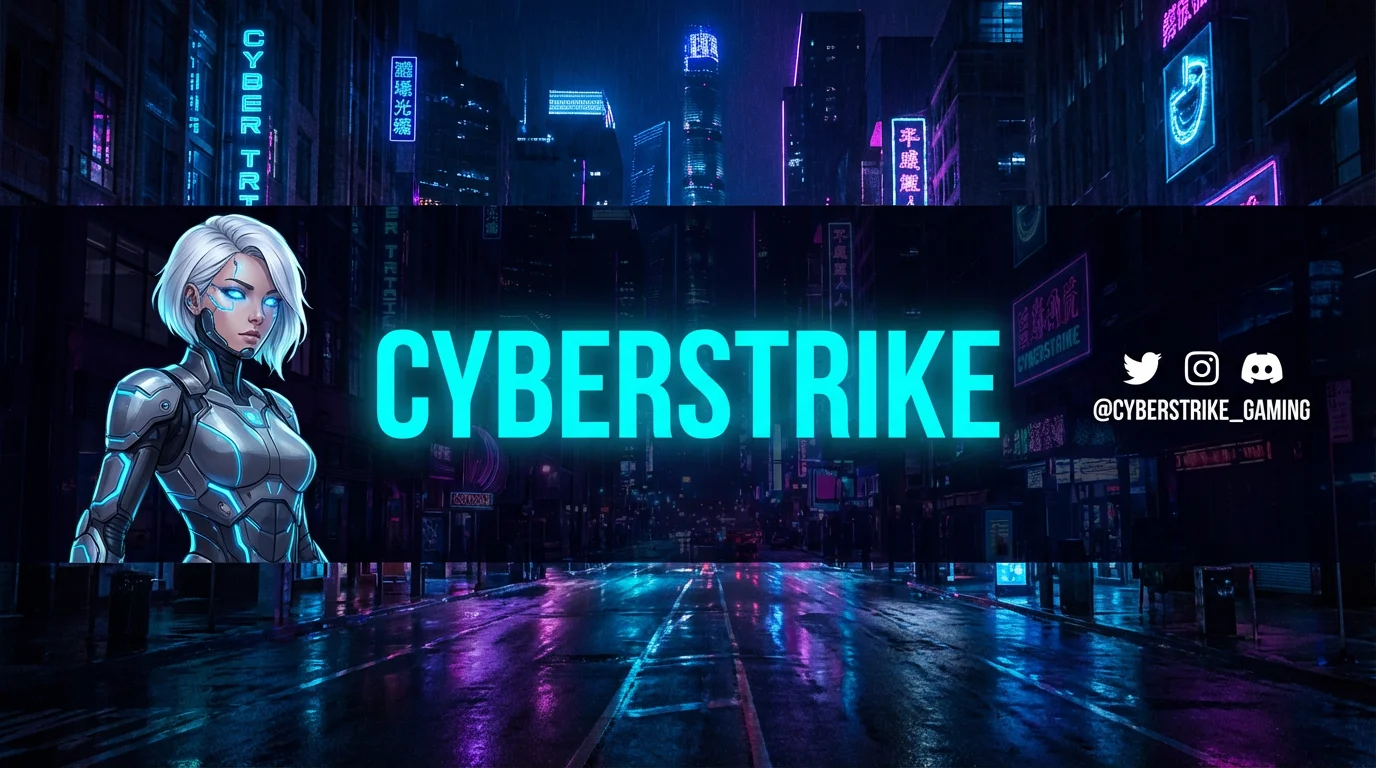
A gaming YouTube channel banner for the channel 'CYBERSTRIKE', featuring a futuristic cityscape background, a sci-fi character illustration, and social media handles.
Tailor every detail in your YouTube banner by describing exactly what you want. Pixelcut's AI listens to your input (colors, objects, style) and reflects it in the design. Want a gaming theme with controllers or a nature scene with mountains? Just mention it and the AI includes those elements. Because Pixelcut's tool isn’t limited by fixed templates, each design is truly one-of-a-kind. Add your channel name or logo in the prompt and watch it appear. With Pixelcut, you control fonts, colors, images and layout completely.

Fully Customizable Channel Banners

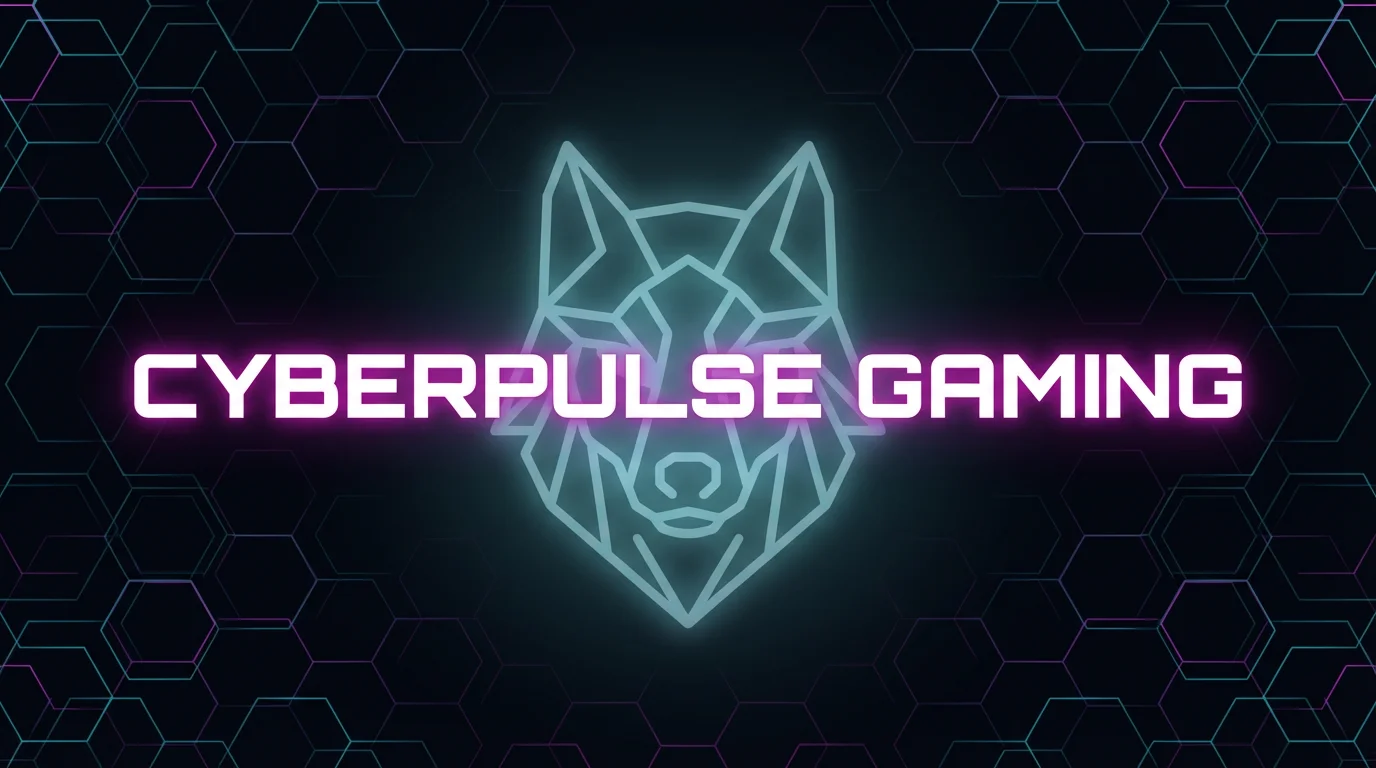
A YouTube channel banner for 'CYBERPULSE GAMING'. The text is in a white futuristic font with a magenta glow, set against a dark background with a glowing cyan and magenta hexagonal pattern and a geometric wolf icon.
Pixelcut outputs your banner at YouTube’s ideal size. You’ll receive a crisp, high-resolution banner with no watermark. The final design looks polished and professional on desktop and mobile with no extra editing needed. Just download the finished banner and stand out online. Enter a text description and get a professional YouTube banner in moments. Skip the editing and start creating with Pixelcut.

Professional Quality Custom Banners

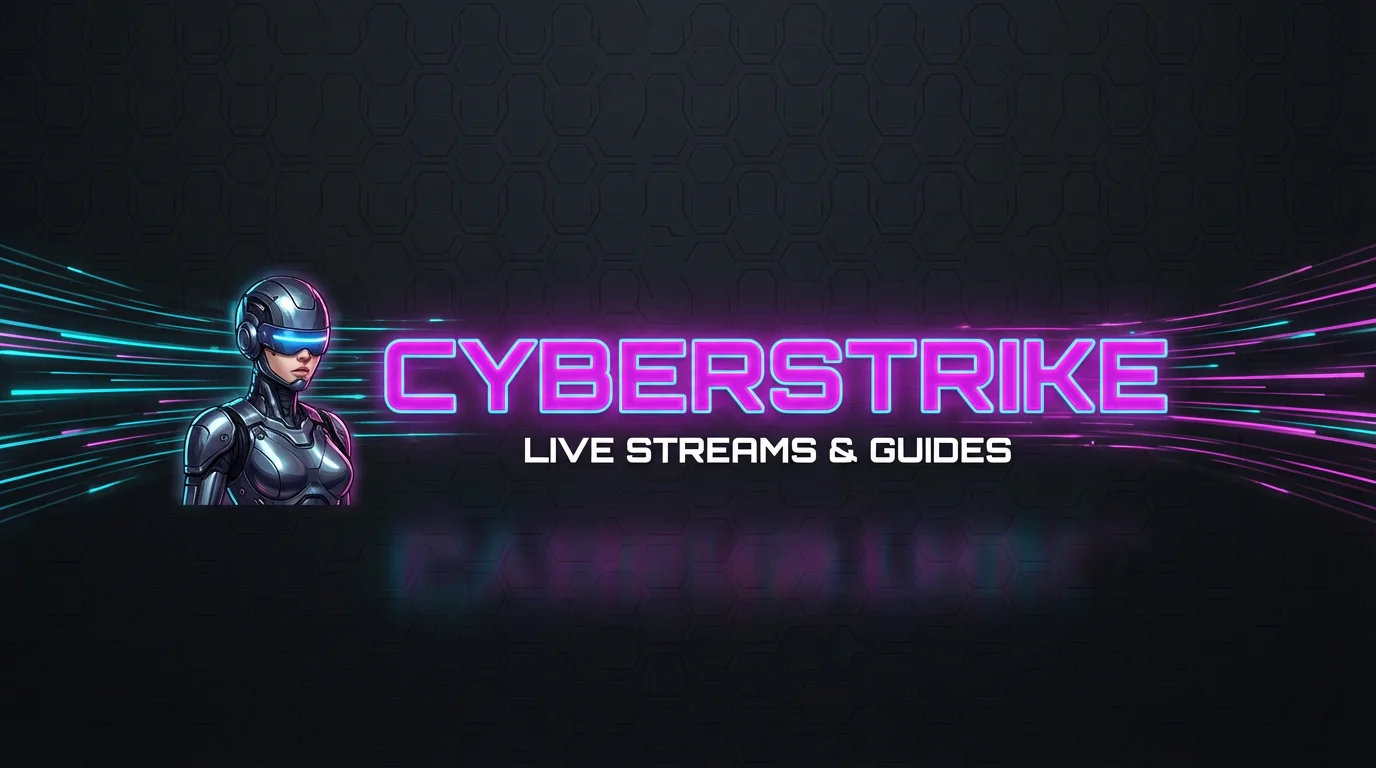
A futuristic digital banner for a gaming channel with the text 'CYBERSTRIKE' in glowing neon letters, next to an illustration of a cyborg. The background is dark with hexagonal patterns and light streaks.
It’s Fast: Generate your banner in seconds from a simple text prompt. It’s AI-driven: Advanced AI handles the layout and artwork automatically. No design skills needed: Just describe your ideas and the AI does the rest. Fully Customizable: Control every element (style, colors, text, icons) through your prompt. Ready to Use: All banners download as high-res, watermark-free PNGs ready for YouTube.

Why use Pixelcut's AI YouTube Banner Generator?

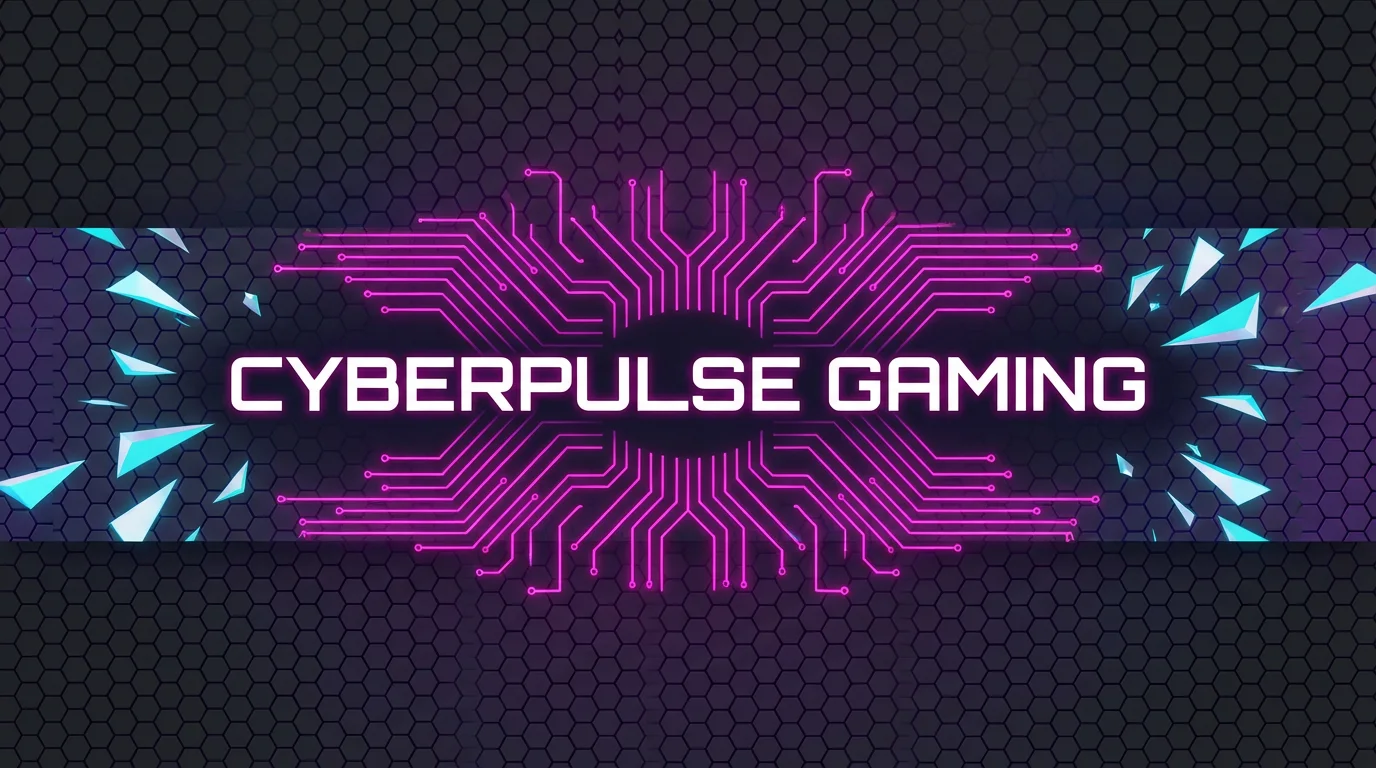
A futuristic YouTube channel banner for 'CYBERPULSE GAMING' with a dark hexagonal background and glowing pink and blue neon graphics.
Gaming & Esports: Create dynamic banners with game controllers, avatars and neon graphics for your gaming channel. Vlogs & Lifestyle: Design banners with personal photos or thematic backgrounds (travel, food, fashion) that capture your channel’s vibe. Businesses & Brands: Produce branded banners using logos, slogans and product images for professional company channels. Education & Tutorials: Use icons or imagery (books, tools, charts) to create clear banners that highlight your content’s focus.

YouTube Banner Generator Use Cases

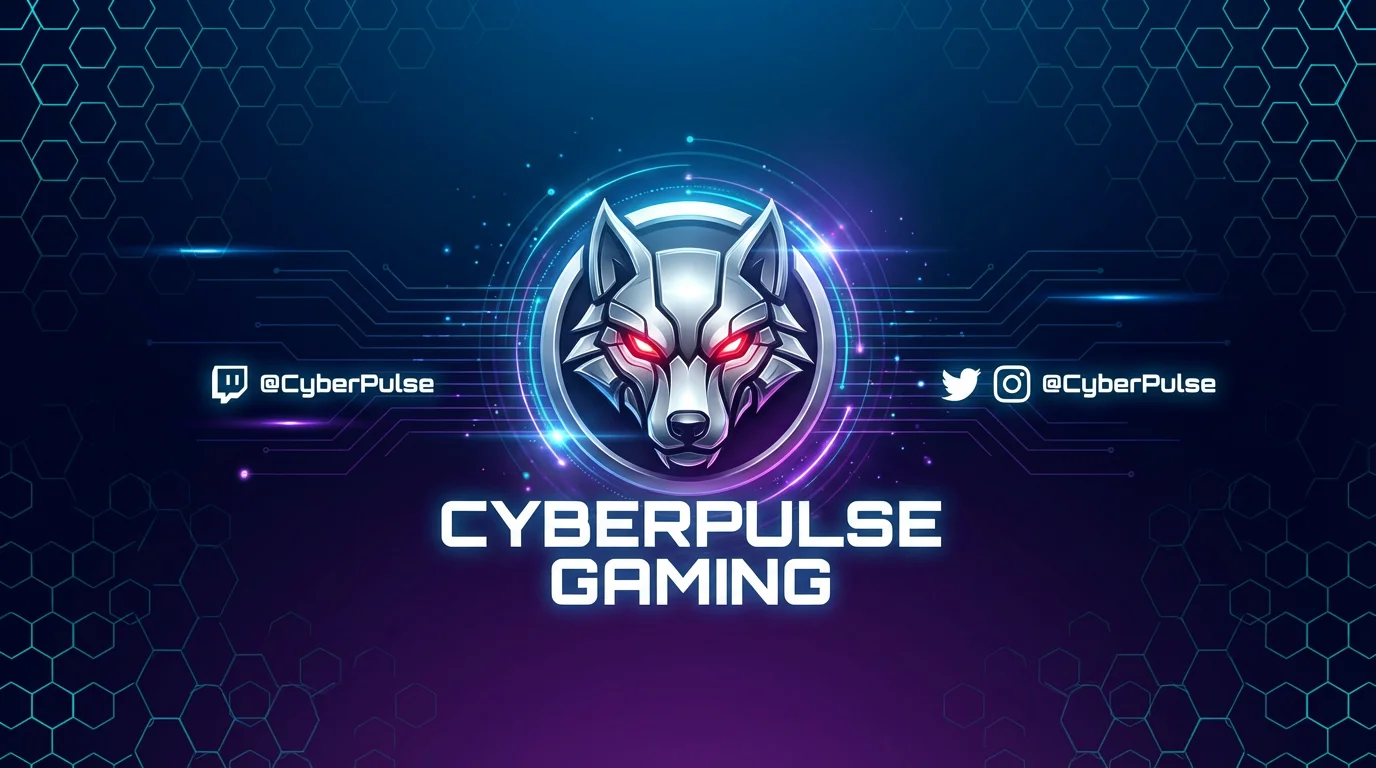
A YouTube channel banner for a gaming channel named 'Cyberpulse Gaming', featuring a central 3D metallic wolf head logo with glowing red eyes on a dark, hexagonal-patterned background.

Frequently Asked Questions

Pixa is loved by over 2 million people

  • My favorite app

    Great app, easy to use. Helps our small business save time and money to create different marketing materials professionally. Thank you.
    Shaelyn D.
  • Best background remover

    I need a good background remover for my work and I've been through them all it feels like. This one is the best by far. It's so easy to use and the results always look amazing. Thank you Pixa!
    Kira H.
  • Love it

    It's amazingly easy and gives the perfect results for my bags and accessories. It looks like it was done by a professional photographer.
    Mary J.