My favorite app
Great app, easy to use. Helps our small business save time and money to create different marketing materials professionally. Thank you.
Upload your product photos, choose AI or drop shadow styles, and add shadows to images in bulk. Download all results as a ZIP.











Upload your images in PNG, JPG, WEBP, or HEIC format. Drag and drop an entire folder, connect your Dropbox, or select individual images from your device.
Select AI shadows for realistic light-matched results, or go with classic drop shadows for a clean silhouette look. Fine-tune opacity, blur, and color before processing.
Hit process and let Pixa apply your chosen shadow style across every image in the batch. Download the finished set as a ZIP file when processing completes.
Pixa's AI analyzes each photo and places shadows that match the natural light direction. The sun positioning matrix lets you set exactly where light hits, so every shadow falls at the right angle with the right softness. Adjust opacity and blur until the result looks like it was captured in a professional studio. No manual tracing, no layer masks, and no guesswork.

Process up to 10,000 product photos in a single batch without compromising quality. Upload your catalog, select one AI drop shadow style, and apply it uniformly across every image. The result is a polished, cohesive look that strengthens your product listings across any marketplace or storefront. Download all finished files as a ZIP when done, or send them straight to Dropbox.
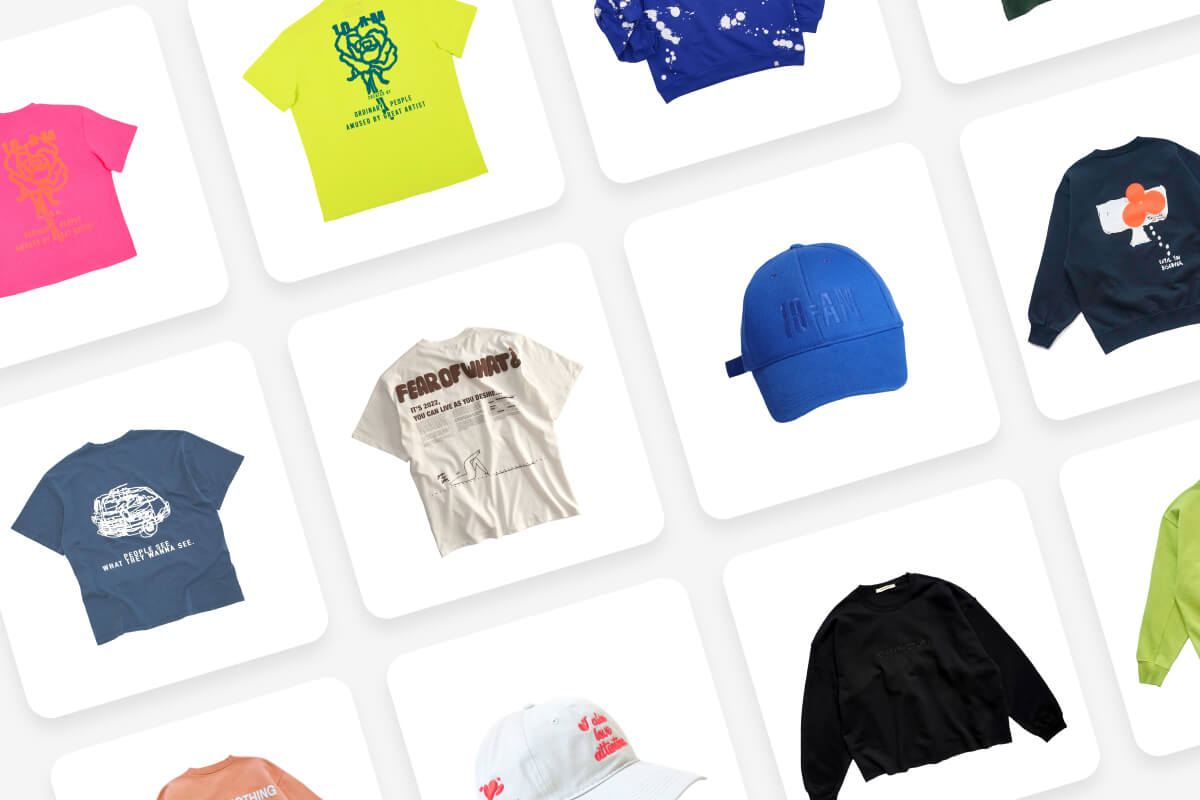
Pick between two shadow modes depending on the job. AI shadows use light-source detection and a sun positioning matrix to cast realistic, directional shadows that ground your product on any surface. Drop shadows produce a clean silhouette outline with custom color, positioning, blur, and opacity controls. Both modes process at full batch speed, so large catalogs stay on schedule.
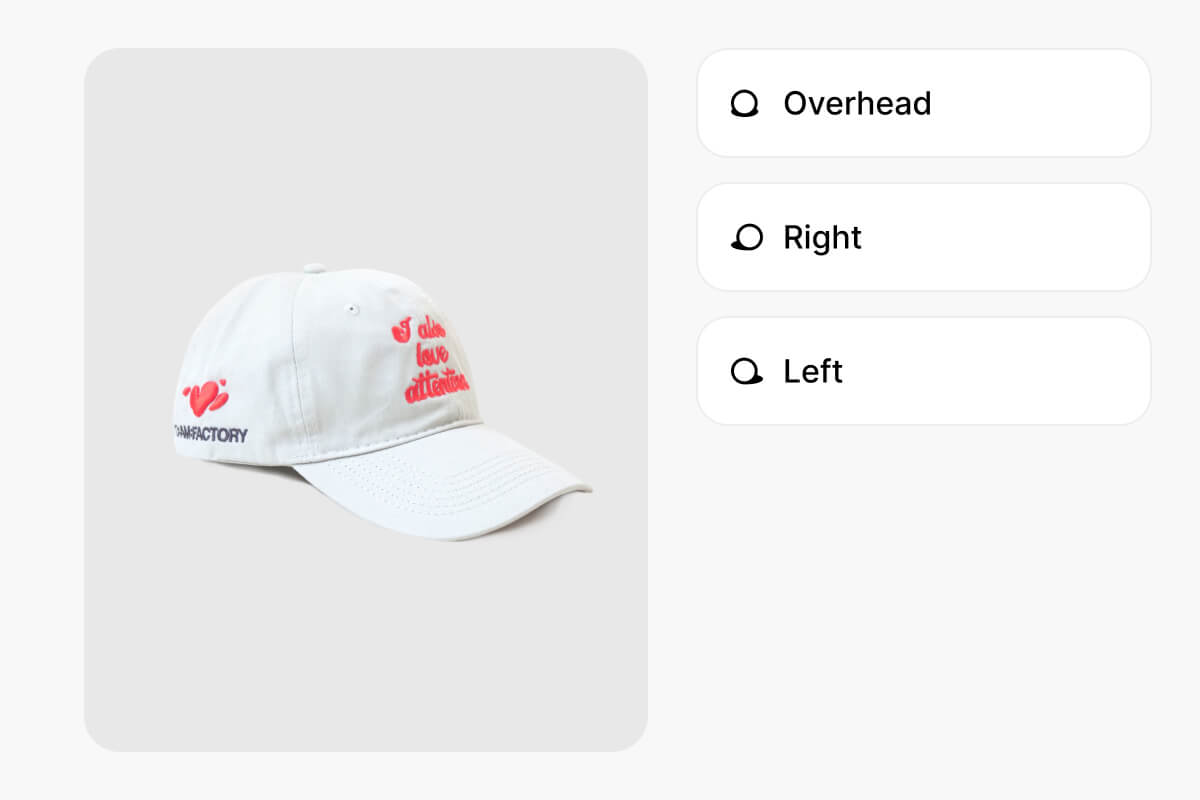
Whether you run a marketplace storefront or your own site, consistent shadow styling across your catalog signals professional quality to buyers. Add shadows to images in bulk, apply one look across every shot, and have a polished catalog ready for listing in minutes instead of days. Supports PNG, JPG, WEBP, and HEIC uploads so your existing product library works without conversion.
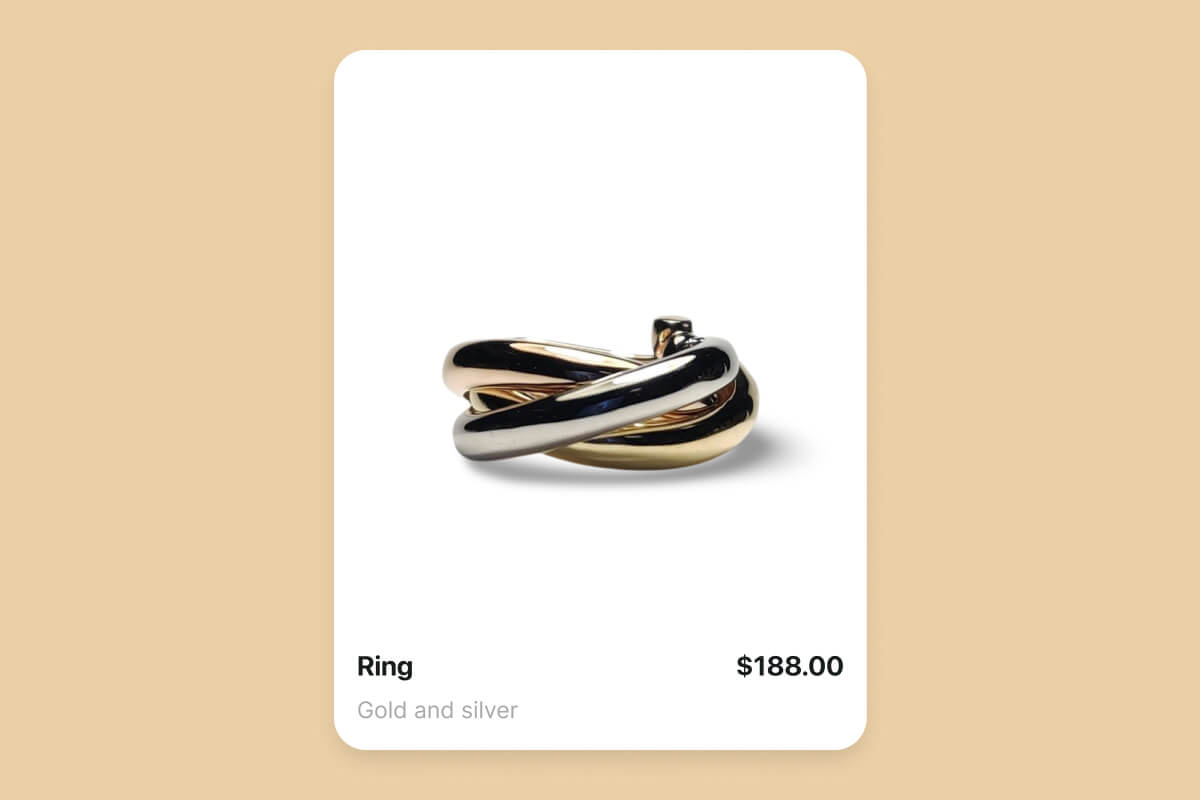
Upload up to 10,000 images, select AI or drop shadow mode, set your parameters once, and click process. Every image gets the same shadow style. Download results as a ZIP or send to Dropbox.
Yes. Pixa's AI shadow mode reads each photo's shape and casts a shadow following realistic light direction. You set the angle with a sun positioning matrix and adjust opacity and blur to match.
No. Pixa processes shadows as a separate layer and exports in PNG, JPG, or WEBP at full resolution. The original image stays intact, so shadows add depth without reducing clarity.
Natural AI shadows work best for lifestyle and catalog shots because they ground the product and add depth. Drop shadows suit flat-lay images or graphic layouts where a clean outline looks more fitting.
Pixa accepts HEIC, PNG, JPG, and WEBP uploads. Exports come in PNG, JPG, or WEBP. Choose PNG for transparent backgrounds that let you composite the shadowed product onto any surface later.
AI shadows detect light direction via a sun positioning matrix to cast realistic, angled shadows. Drop shadows create a uniform outline with custom color and offset controls. Pick AI for realism, drop for graphics.
Great app, easy to use. Helps our small business save time and money to create different marketing materials professionally. Thank you.
I need a good background remover for my work and I've been through them all it feels like. This one is the best by far. It's so easy to use and the results always look amazing. Thank you Pixa!
It's amazingly easy and gives the perfect results for my bags and accessories. It looks like it was done by a professional photographer.
Upload your images, choose between AI shadows or drop shadows, adjust the settings, and let Pixa do the rest. Try it now and get your shadowed images back in minutes.