My favorite app
Great app, easy to use. Helps our small business save time and money to create different marketing materials professionally. Thank you.
Bulk resize up to 10,000 images in seconds. Choose from Instagram, Amazon, and Shopify presets or enter your own custom dimensions. Try it now!











Drag and drop up to 10,000 images at once or pull them straight from Dropbox. Works with HEIC, PNG, JPG, and WEBP so every image format is covered.
Pick a platform preset for Instagram, Shopify, or Amazon, enter custom pixel dimensions, or select an aspect ratio to resize your entire batch at once.
Hit resize and download all your images in a single ZIP file. Rename files in bulk before exporting to keep your entire image library organized.
Product catalogs, social campaigns, and real estate portfolios can easily run into the thousands. Pixa handles up to 10,000 images per batch, so you can bulk resize an entire season of product shots or marketing assets without ever splitting the job into smaller groups. Select your target dimensions once, and every single image gets resized to match. No repeated settings, no manual edits, just one bulk resize that takes you from upload to download in minutes.
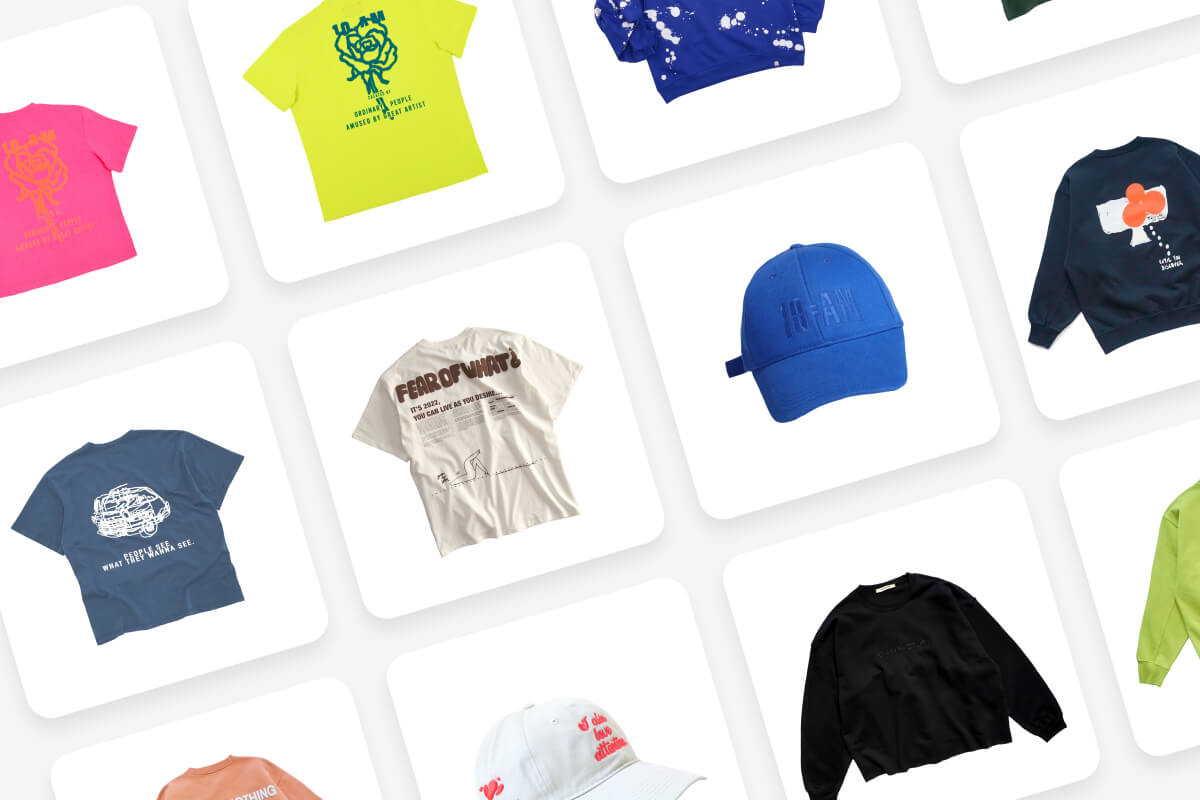
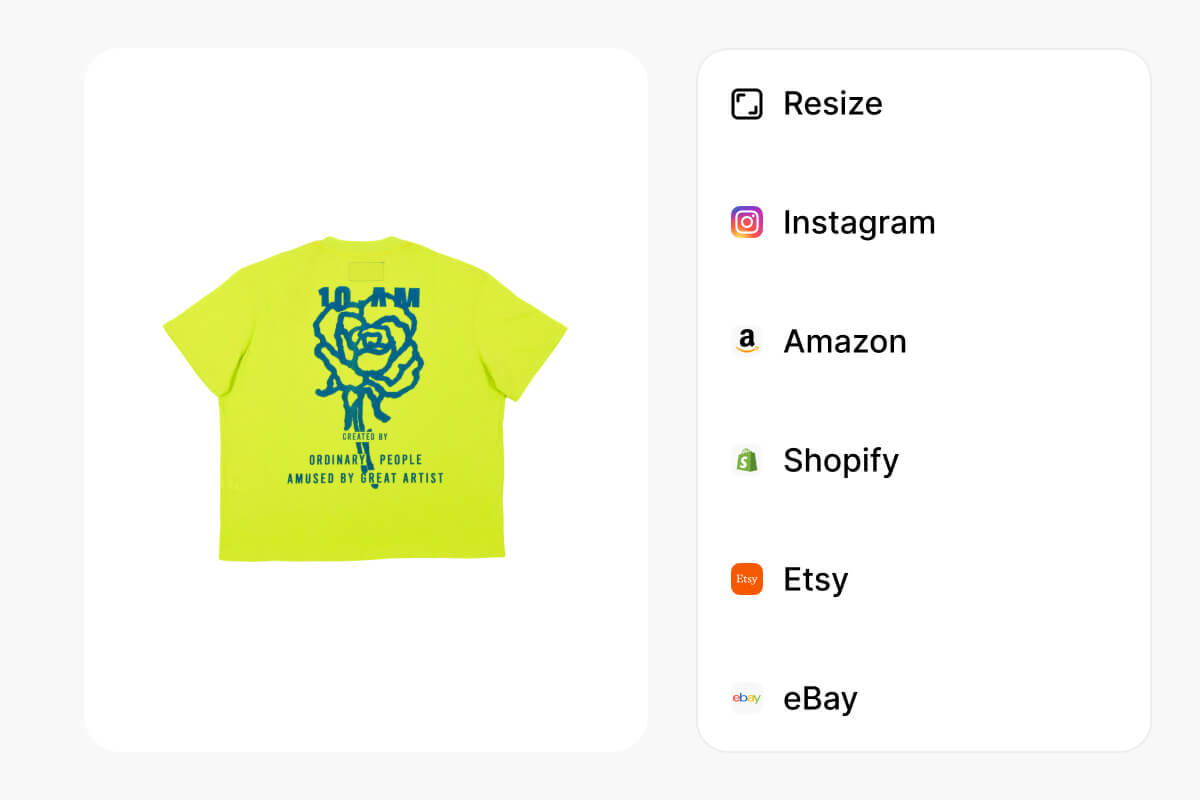
Each marketplace and social channel has its own size requirements, and getting them wrong means rejected listings or cropped visuals. Pixa includes built-in presets for Instagram, Pinterest, Amazon, Shopify, and Etsy so you can bulk resize photos without looking up pixel dimensions for each platform individually. Pick your target platform, and your entire batch adjusts to the correct size automatically.
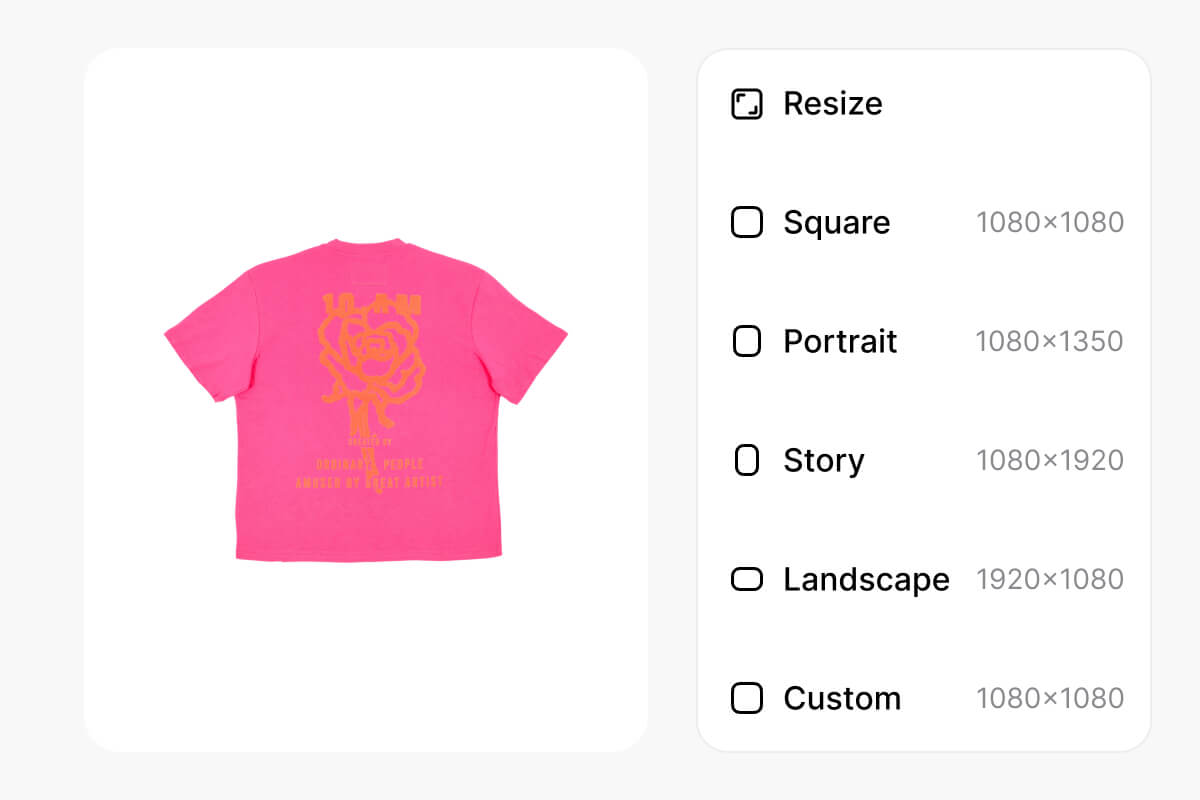
Not every bulk resize job fits a standard template. Sometimes you need a specific pixel width for your email header, a locked aspect ratio for a pitch deck, or exact dimensions for product listings. Pixa gives you full control over every bulk image resize batch. Enter exact pixel width and height, pick from standard aspect ratios like 1:1 or 16:9, or combine both to match any specific platform requirement. One tool covers every project and format.
Resizing in bulk is only half the job when you are dealing with hundreds of files named IMG_4392. Pixa lets you rename files during the bulk resize process, so your output folder is organized before you even open it. Upload from your computer or pull files straight from Dropbox, then download everything as a single ZIP. Whether you are preparing assets for a client handoff or syncing product images across platforms, the whole workflow stays clean.
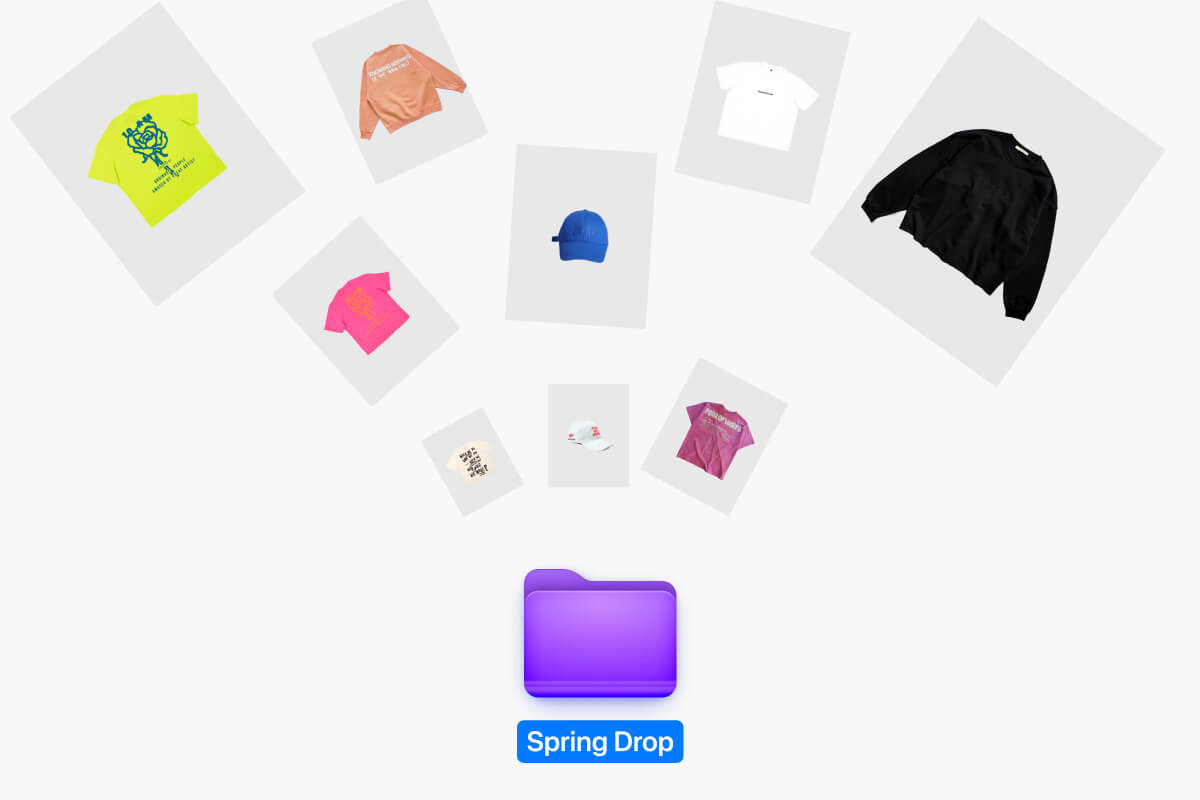
Pixa supports up to 10,000 images per batch, which covers large product catalogs, real estate photo sets, and high-volume social media campaigns without splitting your workload into smaller groups.
Resizing adjusts pixel dimensions, not compression quality. Your images retain their original clarity at the new size. You can export as PNG for lossless quality or choose JPG and WEBP depending on your needs.
Upload images in HEIC, PNG, JPG, or WEBP format. For downloads, choose between PNG, JPG, and WEBP. This covers most workflows from iPhone photos to web-ready product images and social graphics.
Yes. Pixa includes preset dimensions for Instagram, Pinterest, Amazon, Shopify, and Etsy. Select a platform preset and your entire batch resizes to the correct specs automatically, no manual pixel entry needed.
All resized images are packaged into a single ZIP file for download. You can also rename files in bulk before exporting to keep your output organized. Dropbox upload is available for adding source files quickly.
Great app, easy to use. Helps our small business save time and money to create different marketing materials professionally. Thank you.
I need a good background remover for my work and I've been through them all it feels like. This one is the best by far. It's so easy to use and the results always look amazing. Thank you Pixa!
It's amazingly easy and gives the perfect results for my bags and accessories. It looks like it was done by a professional photographer.
Upload up to 10,000 images, pick your target dimensions or platform presets, and download everything as a single ZIP. Start bulk resizing your collection now.