My favorite app
Great app, easy to use. Helps our small business save time and money to create different marketing materials professionally. Thank you.
Use the bulk background changer to replace backgrounds on 10,000 photos at once with solid colors, custom images, or AI-generated scenes.











Drag and drop your images or connect Dropbox to pull in your full library at once. Pixa handles JPG, PNG, WEBP, and HEIC with batches up to 10,000 photos per upload.
Choose a solid color for marketplace listings, upload a custom image, or describe a scene and let AI generate one. One setting applies across your full batch.
Export every processed image as a single ZIP file in PNG, JPG, or WEBP format. Each photo keeps its original resolution with the new background applied cleanly.
Drag and drop up to 10,000 images into Pixa or connect your Dropbox. Upload HEIC, PNG, JPG, and WEBP files directly, no conversion needed. The bulk background changer handles your full product catalog, social media library, or photo archive in one pass. Select a solid color or custom image background, and every photo gets processed with the same settings applied consistently across the set.

Each e-commerce platform enforces its own image rules, and manually adjusting background colors across a full product catalog drains time. Pixa lets you change image backgrounds and apply a consistent white or custom-colored background to every product photo in one pass. Your entire batch comes out uniform and ready for Amazon, eBay, Shopify, or any storefront that demands standardized listings.
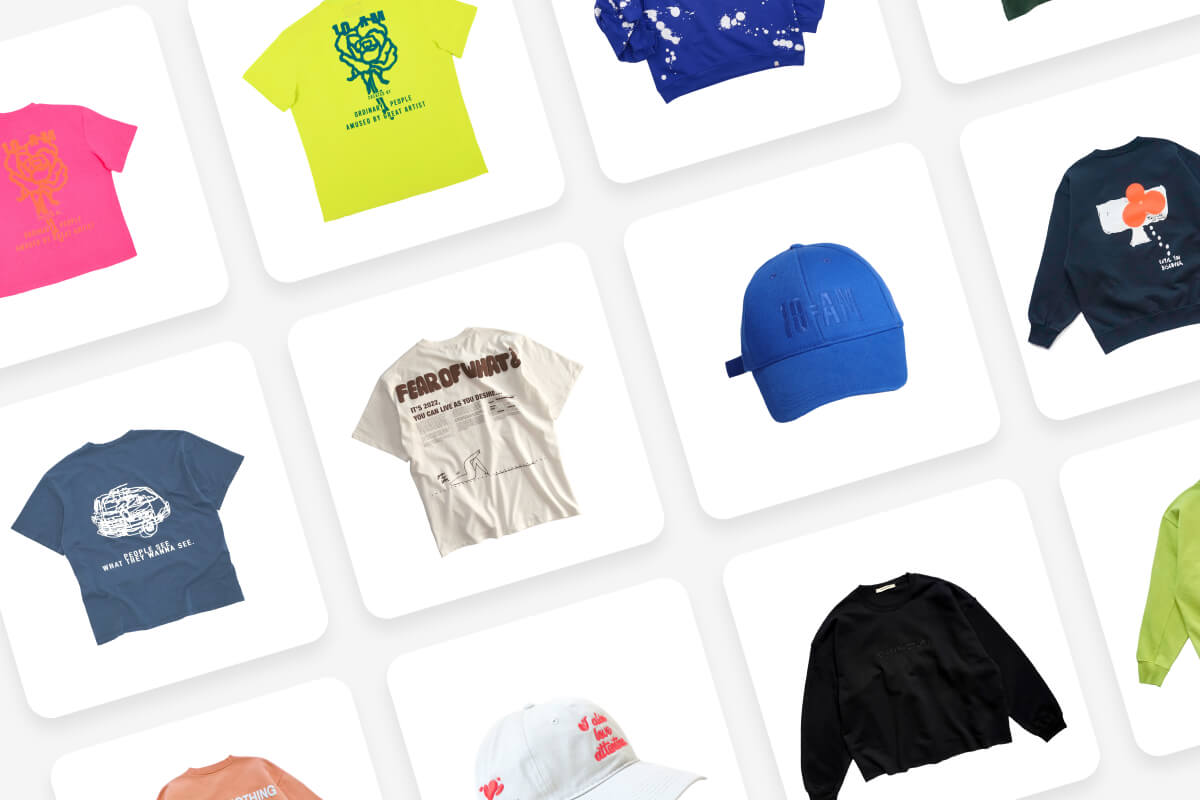
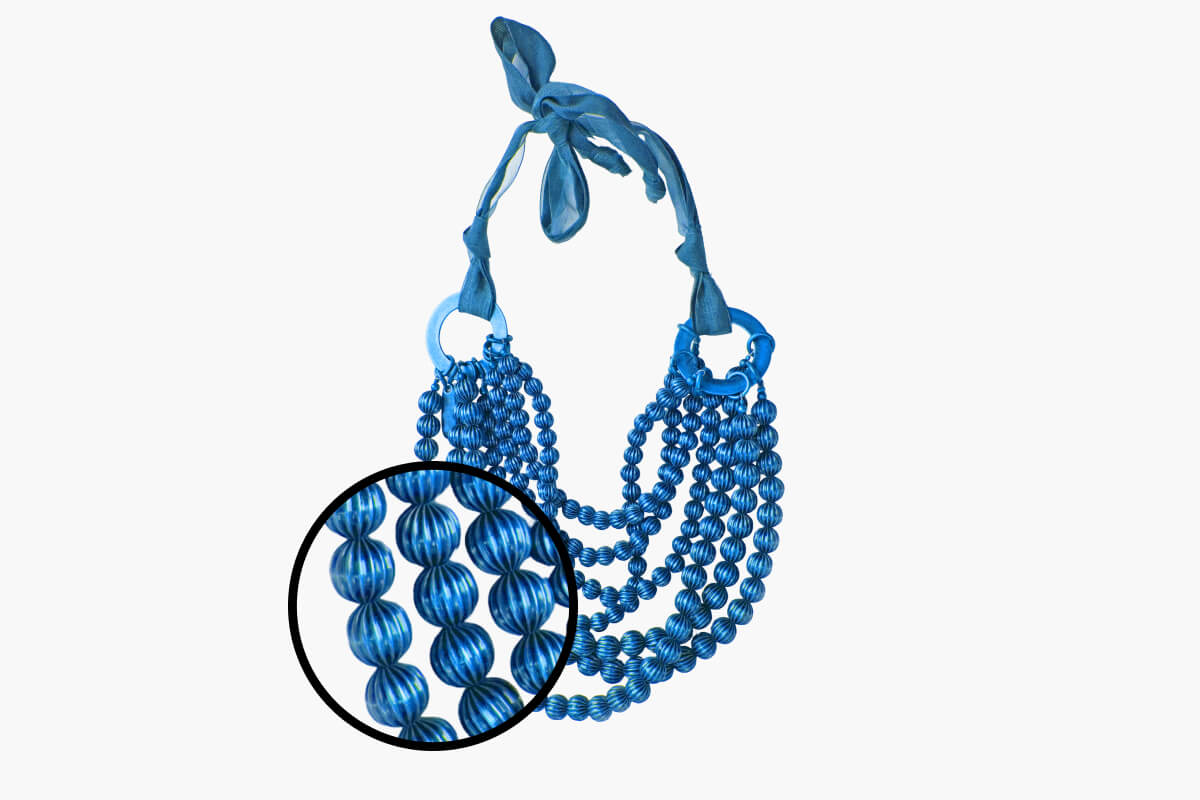
Batch processing often means sacrificing cutout quality, especially around hair, fur, and translucent materials. Pixa's AI traces edges at the pixel level, preserving fine details that simpler tools blur or clip entirely. Each subject gets isolated cleanly regardless of how complex the outline is. Run thousands of photos through the background changer and every single image comes back with sharp, production-ready edges you can drop straight into your listings.
After processing a large batch, the last thing you need is downloading files one by one or finding watermarks stamped on your finished photos. Pixa packages everything into a single ZIP file ready in one click. Every image exports at full resolution in PNG, JPG, or WEBP with zero watermarks on any output. Upload from Dropbox and send results back without switching tabs.
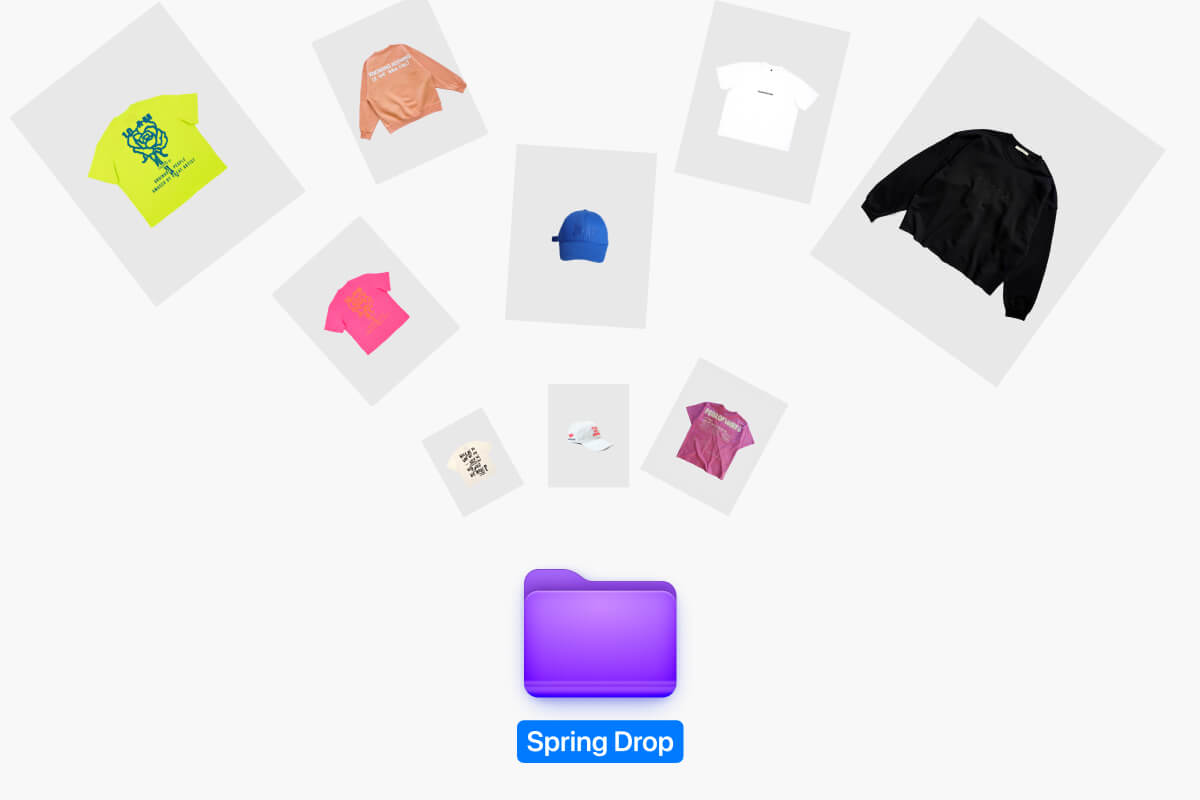
Upload your images to Pixa's bulk background changer, select a solid color, custom image, or AI-generated background, and process the entire batch. Download all finished photos as a ZIP file.
No. Pixa processes each image at its original resolution. The AI applies edge detection to preserve fine details like hair and textures, so your exported photos match the source quality.
You can upload JPG, PNG, WEBP, and HEIC files. For downloads, Pixa exports in PNG, JPG, or WEBP. No file conversion is needed before uploading your batch.
Yes. Pixa handles up to 10,000 images per batch. Upload your full product catalog at once through the browser or connect Dropbox for larger image libraries.
Three options: solid colors for marketplace compliance, custom image uploads for branded visuals, and AI-generated backgrounds where you describe the scene and Pixa creates it. All apply across your entire batch.
Pixa bundles your entire batch into one ZIP file. Click download after processing completes and you get every image in your chosen format, ready to use without downloading one by one.
Great app, easy to use. Helps our small business save time and money to create different marketing materials professionally. Thank you.
I need a good background remover for my work and I've been through them all it feels like. This one is the best by far. It's so easy to use and the results always look amazing. Thank you Pixa!
It's amazingly easy and gives the perfect results for my bags and accessories. It looks like it was done by a professional photographer.
Upload up to 10,000 images, pick a solid color or custom image background, and download your entire batch as a clean ZIP. One batch, every photo updated.