My favorite app
Great app, easy to use. Helps our small business save time and money to create different marketing materials professionally. Thank you.
Use the bulk background remover to strip backgrounds from up to 10,000 images in one batch, get clean AI cutouts in seconds, and export product photos ready for any marketplace.











Drag and drop up to 10,000 photos or connect your Dropbox to load an entire batch. Pixa accepts JPG, PNG, WEBP, and HEIC files, so no converting needed.
Pixa's AI automatically detects subjects, maps edges around hair and fine details, and removes every background in seconds. Your full batch processes all at once.
Replace removed backgrounds with transparent PNGs, solid colors, custom images, or AI-generated scenes. Apply one setting across your entire batch for uniform results.
Download your entire batch as a single ZIP file or export in PNG, JPG, or WebP. Set consistent sizing and padding across every image before you download.
Selecting images one at a time and waiting for each background to process is painful when you have hundreds of SKUs to update. Pixa's bulk background remover handles up to 10,000 images in a single batch, so you can upload an entire product catalog and process it all at once. The AI detects subjects automatically, maps edges around hair and complex details, and delivers clean cutouts in seconds. Drop your entire catalog in and walk away.
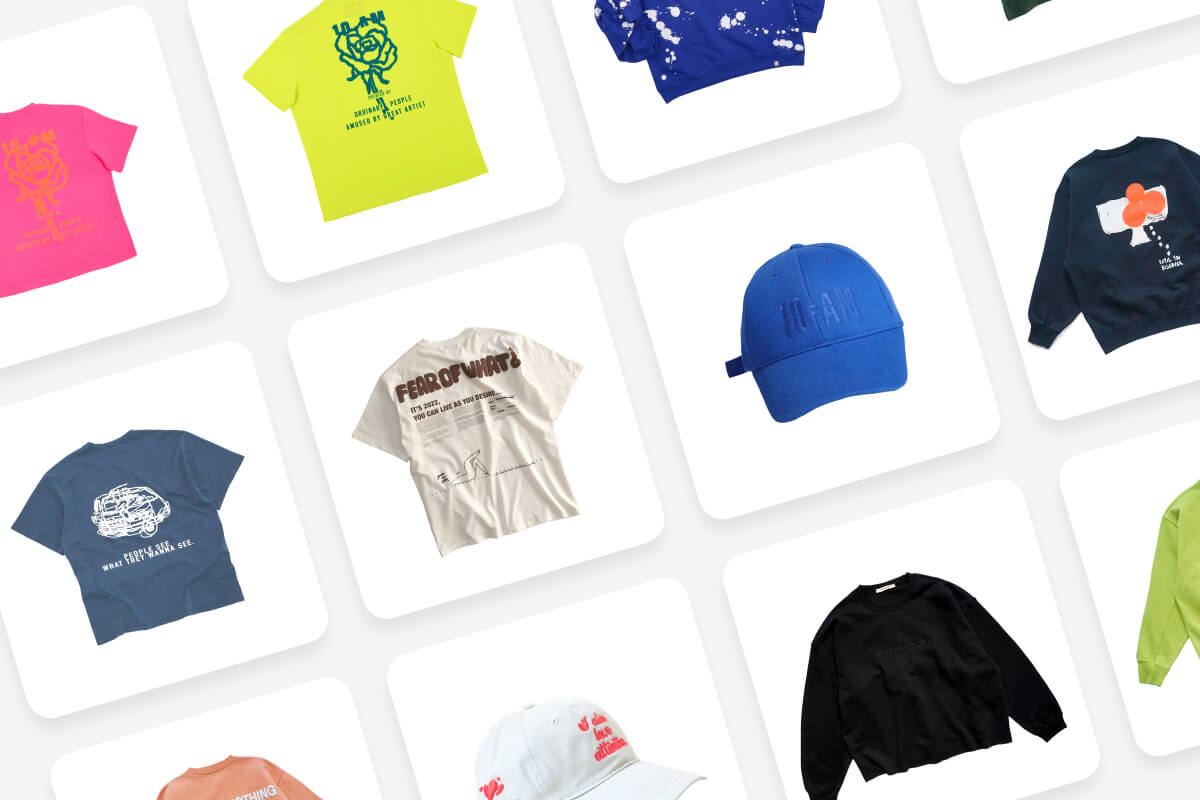
Selling on multiple platforms means juggling different image requirements for padding, aspect ratios, and background colors. Doing that manually across hundreds of product photos burns an entire day you could spend elsewhere. Pixa's batch processing lets you set consistent sizing, padding, and white or custom backgrounds across every image in one pass. Your entire product catalog comes out uniform and marketplace-ready, whether you need square crops for one storefront or specific dimensions for another.
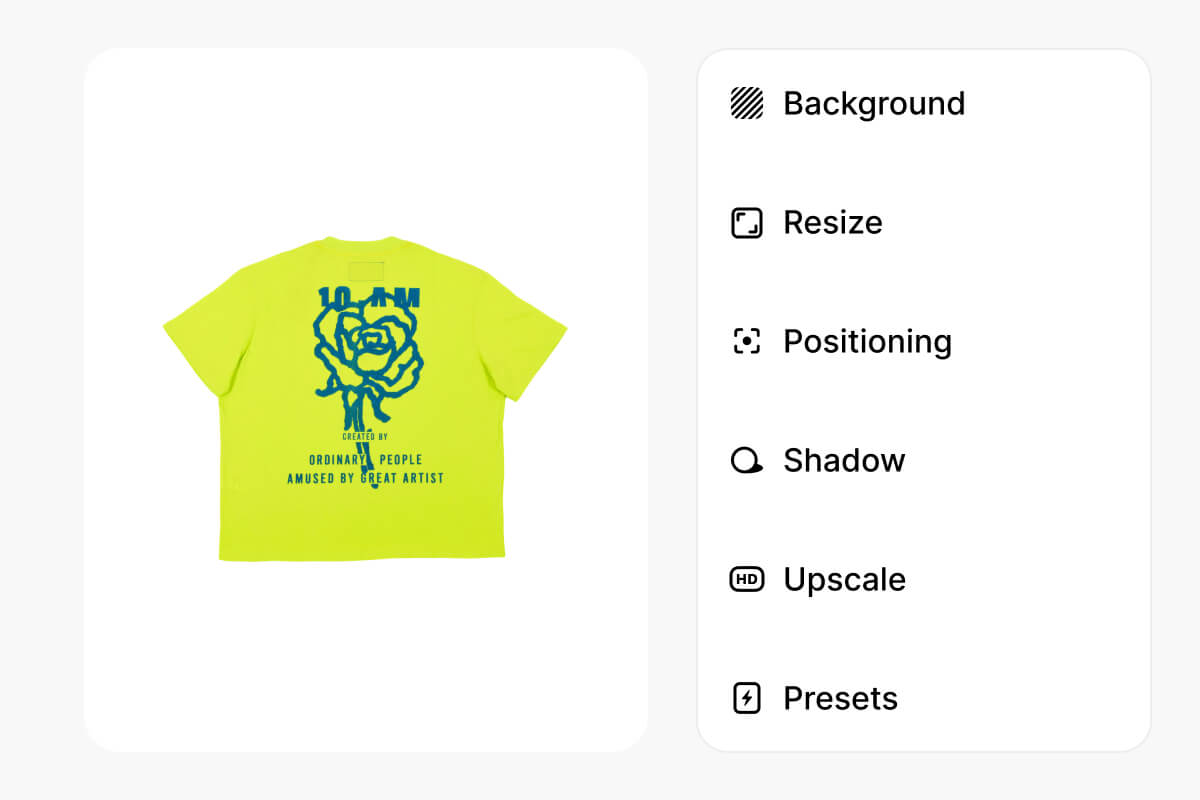
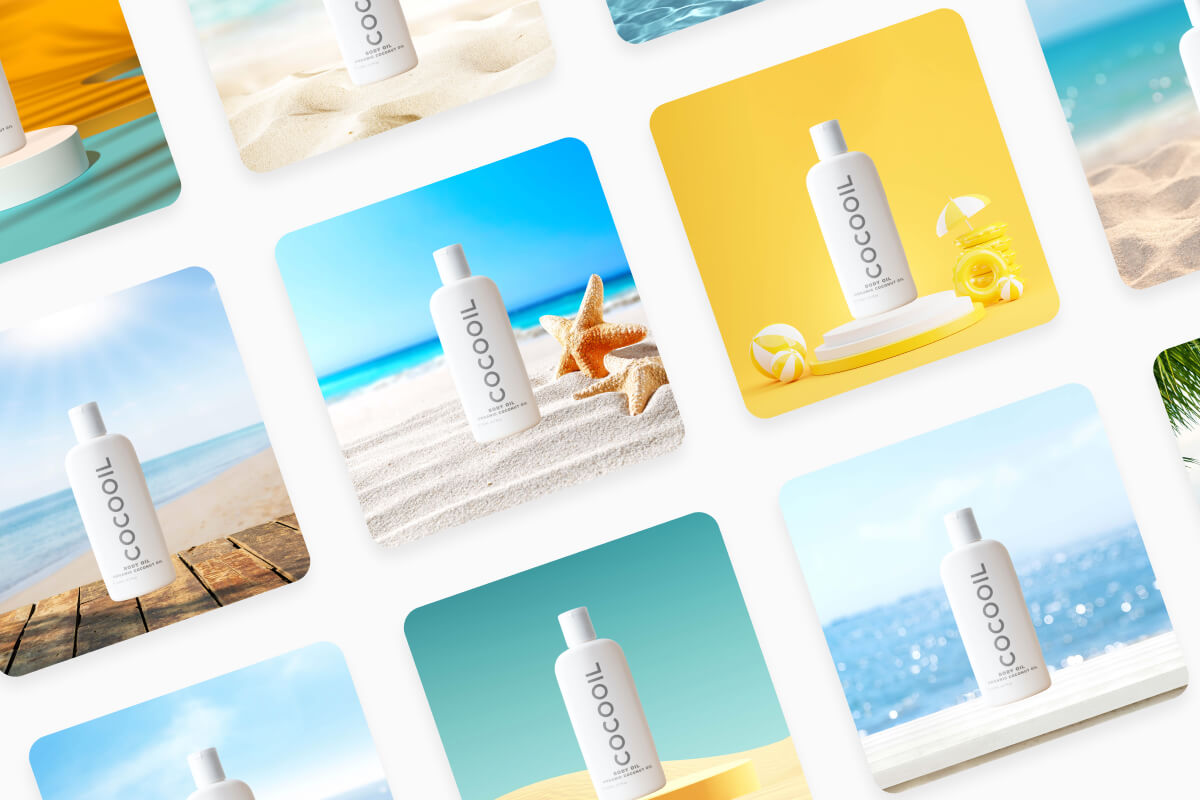
Transparent PNGs are just the starting point. Sometimes you need a clean white background for product listings, a branded color for social media posts, or a lifestyle scene that would normally cost thousands to photograph in a studio. Pixa's batch background remover lets you swap in solid colors, upload custom images, or generate entirely new backgrounds with AI, and apply your choice across every photo in the batch. One setting, thousands of images, all matched.
Desktop software means downloads, installations, system requirements, and constant update notifications that interrupt your workflow every time you sit down. When you just need backgrounds removed from a pile of images, that overhead adds up fast. Pixa runs entirely in your browser, so there is nothing to install and no storage to worry about. Upload your batch from any computer, process everything online, and download the results. Your bulk background removal workflow stays portable and accessible wherever you work.
Pixa's bulk background remover processes up to 10,000 images in a single batch. Upload your full product catalog, let the AI handle every cutout, and download everything at once.
You can preview results on up to 50 images free. Downloading processed images requires a subscription, so you can verify quality on your actual photos before committing to a plan.
Yes. After batch background removal, you can apply transparent, solid color, custom image, or AI-generated backgrounds across all images at once. Every photo in your batch gets the same treatment.
Pixa accepts HEIC, PNG, JPG, and WebP files up to 6000x6000 pixels each. You can export processed images as PNG, JPG, or WebP depending on your needs.
A bulk background remover is an online tool that strips backgrounds from many images simultaneously using AI. Instead of editing photos one by one, you upload an entire batch and process them together.
Upload your images or connect Dropbox, let the AI process the batch automatically, review and refine any individual cutouts if needed, then download all images as a ZIP or in your preferred format.
Yes. After the batch runs, you can open any image and fine-tune edges, adjust the cutout, or tweak the background individually. Full control over every photo, even inside a large batch.
Great app, easy to use. Helps our small business save time and money to create different marketing materials professionally. Thank you.
I need a good background remover for my work and I've been through them all it feels like. This one is the best by far. It's so easy to use and the results always look amazing. Thank you Pixa!
It's amazingly easy and gives the perfect results for my bags and accessories. It looks like it was done by a professional photographer.
Process up to 10,000 images in a single batch with AI-powered cutouts, consistent sizing, and background replacement. Upload your catalog and download ready-to-use product photos in minutes.