My favorite app
Great app, easy to use. Helps our small business save time and money to create different marketing materials professionally. Thank you.
Make images square in bulk with padding or center-crop, set custom dimensions, and download up to 10,000 squared photos as a single ZIP.











Drag and drop up to 10,000 images or connect your Dropbox account. Pixa accepts HEIC, PNG, JPG, and WEBP files directly from your desktop or cloud storage.
Crop into square from the center, or add optional padding to preserve the full image. Set your target output dimensions and apply the same settings across every image.
Hit process and grab your finished images. Download the full set as a single ZIP file in PNG, JPG, or WEBP, ready for your store or social feed.
Keep every edge intact when you square your images. Pixa gives you two options: crop into square from center, or add padding to place each image on a clean 1:1 canvas at full resolution. Your subject stays centered and complete. Choose color or transparent padding to match whatever your listing or social feed requires, then process the whole batch at once.
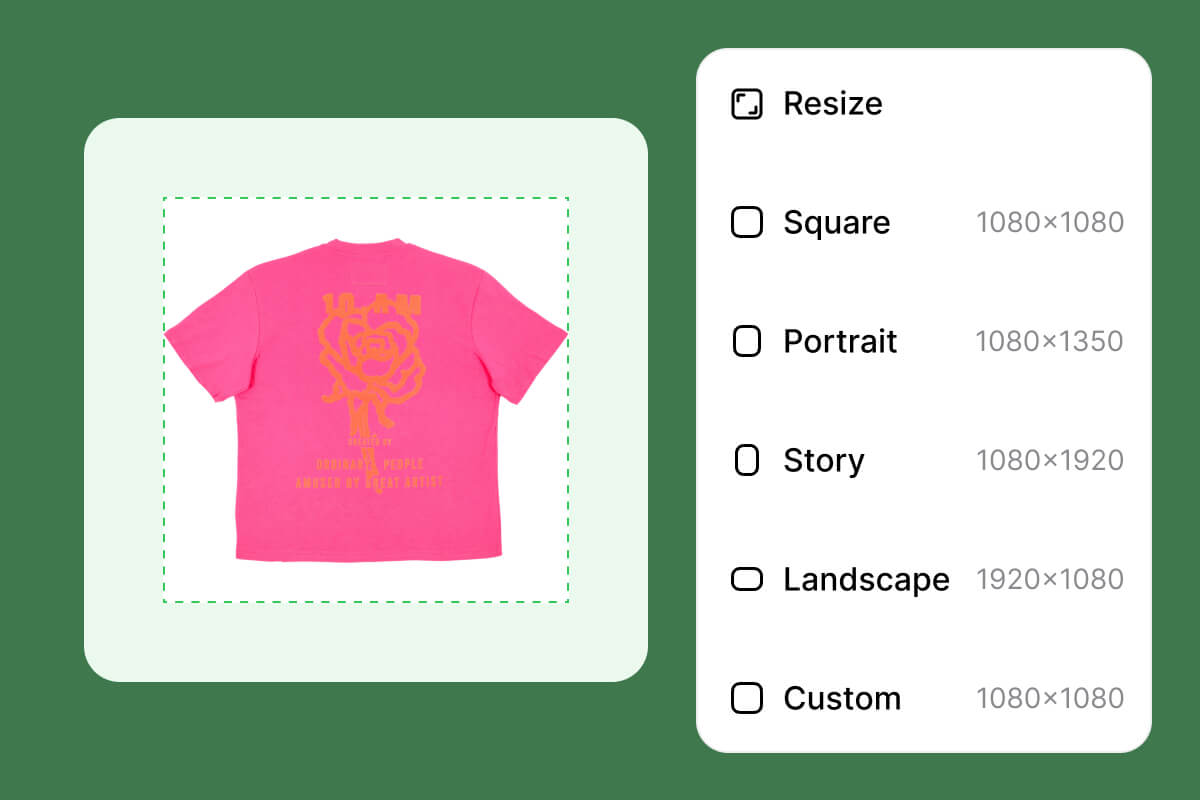
Most square image tools handle a handful of files per upload session. That breaks down when you have a full product catalog to prepare. Pixa processes up to 10,000 images per batch. Connect Dropbox to pull directly from cloud storage or select files from your computer. One ZIP file holds the entire finished set, ready for upload to any platform.
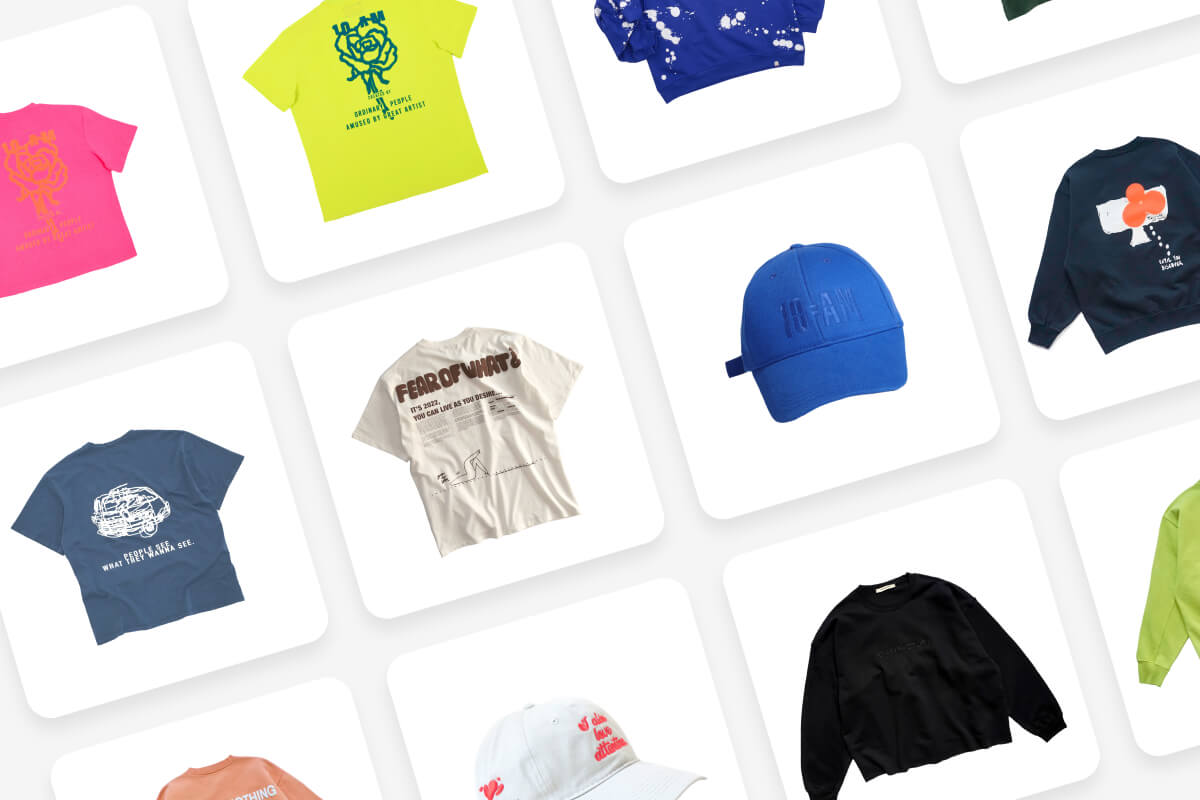
Amazon listings need white padding at exactly 2000x2000 pixels. Instagram posts need a clean square at 1080x1080. Every marketplace has its own spec. Pixa lets you set exact output dimensions for any platform and pick the right padding style for each use case. Every photo in the batch exports at uniform pixel dimensions, one configuration step for thousands of images.
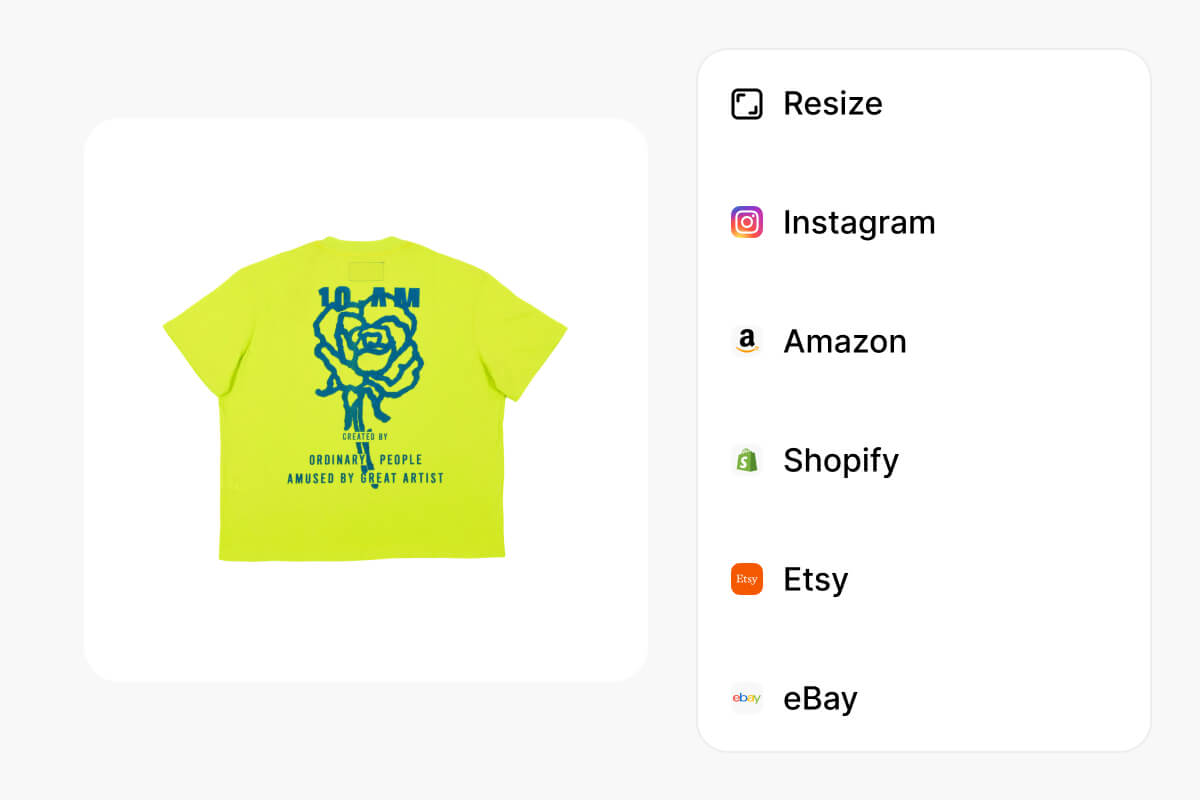
Upload your images to Pixa's bulk square maker and select padding mode. The tool places each image on a 1:1 canvas with your chosen background, keeping every pixel of the original intact.
No. When you make images square in bulk with Pixa, the tool preserves original resolution. It adds padding or crops to center without recompressing or downscaling. Your files stay sharp and publication-ready.
Pixa supports up to 10,000 images per batch. Upload through your file browser or connect Dropbox for large sets, and download all results in a single ZIP file.
Set white as your padding background. Pixa adds even borders to all sides, centering the original image on a square canvas. Process thousands of rectangles into bordered squares in one batch.
You can upload HEIC, PNG, JPG, and WEBP files. For downloads, choose between PNG, JPG, or WEBP output. Mix input formats freely since the batch processes them all together.
Great app, easy to use. Helps our small business save time and money to create different marketing materials professionally. Thank you.
I need a good background remover for my work and I've been through them all it feels like. This one is the best by far. It's so easy to use and the results always look amazing. Thank you Pixa!
It's amazingly easy and gives the perfect results for my bags and accessories. It looks like it was done by a professional photographer.
Upload up to 10,000 images at once via file browser or Dropbox, choose your padding style, and download every squared image in a single ZIP file. Try the bulk square maker now.