My favorite app
Great app, easy to use. Helps our small business save time and money to create different marketing materials professionally. Thank you.
Bulk image crop thousands of photos with platform-specific presets for Instagram, Amazon, and Pinterest, then export your entire batch at once.











Drag and drop up to 10,000 images into Pixa, or import them directly from Dropbox. Supported file formats include JPG, PNG, WEBP, and HEIC.
Pick a platform-specific preset like Instagram or Amazon, select a standard aspect ratio, or enter custom pixel dimensions for your batch.
Preview the uniform crop applied across your batch. Fine-tune individual images if needed before processing, so every crop lands exactly right.
Export your entire batch as a single ZIP file in JPG, PNG, or WEBP format. All your cropped images arrive in one download, ready to use wherever you need them.
From product photography to marketplace listings to social content, large projects generate thousands of images that all need the same crop. Pixa's bulk image crop tool handles up to 10,000 images per batch, letting you crop an entire product catalog or campaign library in one session. Pick your dimensions, hit apply, and every file gets processed. No splitting into smaller groups or repeating the same settings across multiple rounds.
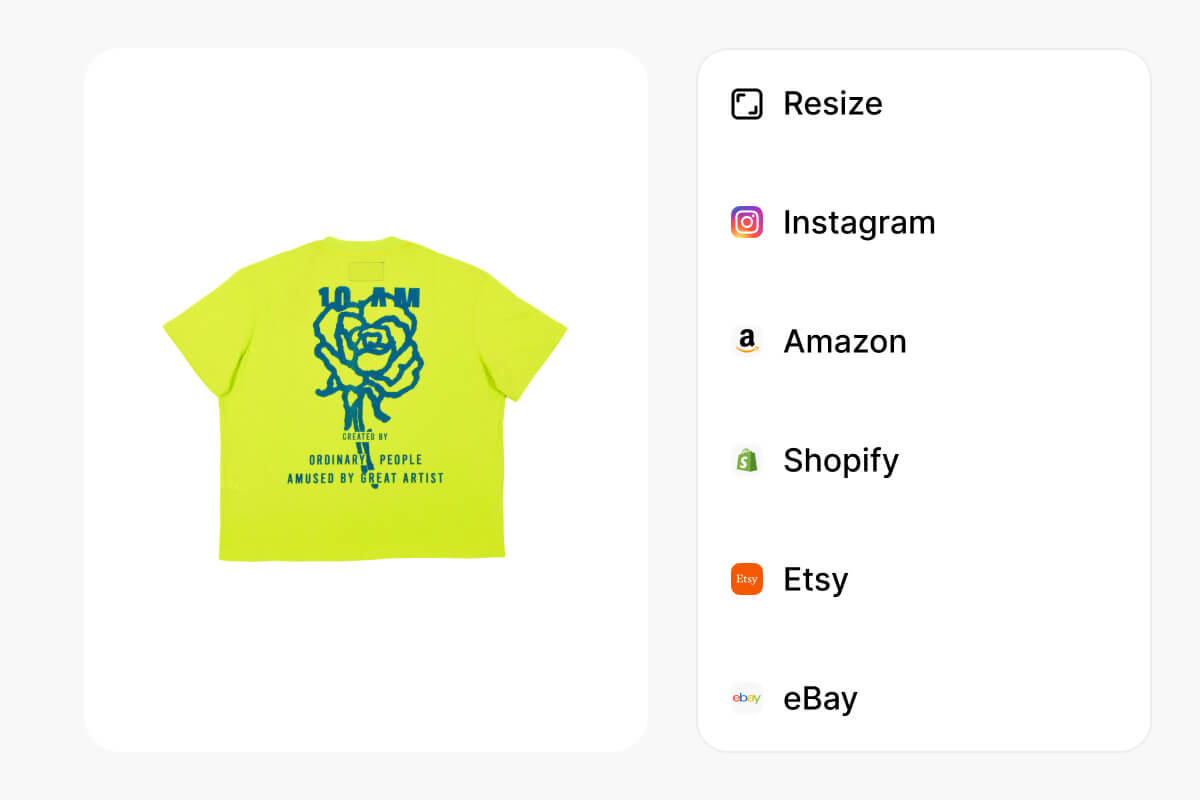
Amazon product images at 1:1, Pinterest pins at 2:3, Stories at 9:16. Every platform has its own spec. Pixa gives you labeled presets for each one built into the crop tool. Pick the destination and your images get sized to match. Need something nonstandard? Enter custom pixel dimensions instead. Switch between ratios across batches without looking up specs or doing the math yourself.
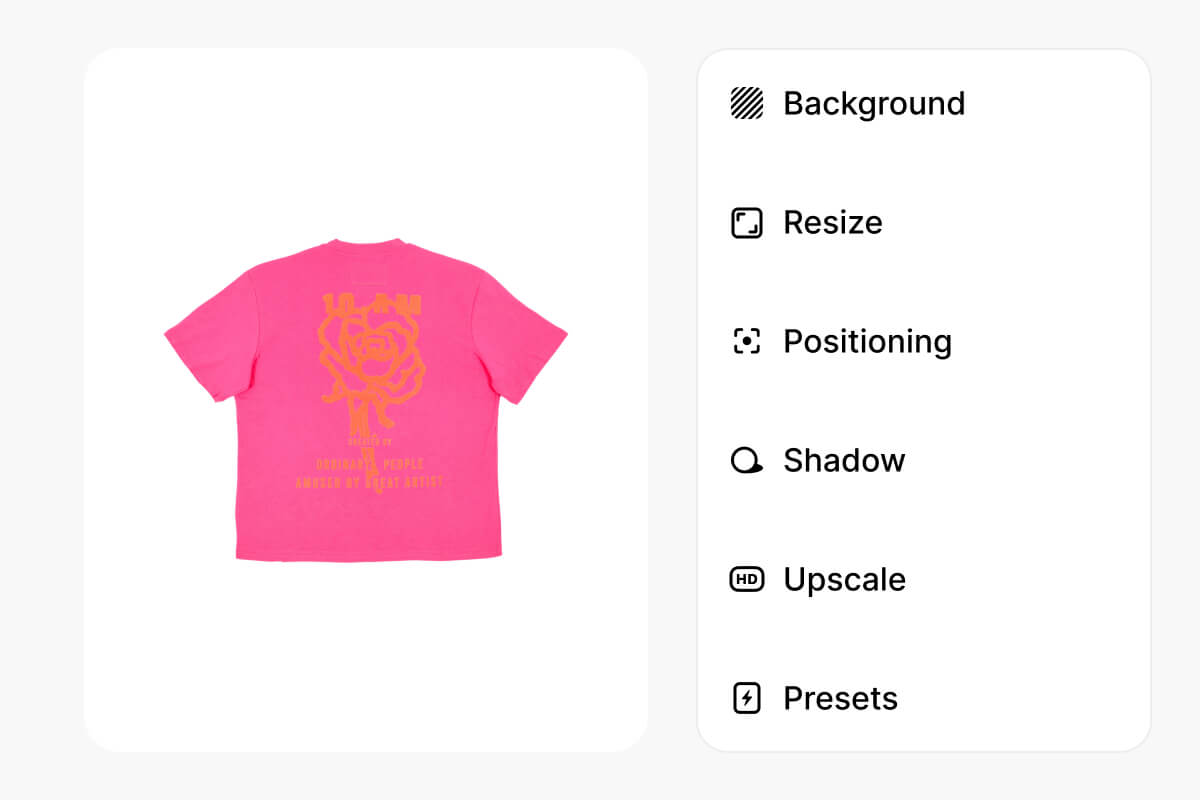
A uniform crop works for most images in a batch. But mixed orientations and varying compositions sometimes need per-image adjustments. Pixa applies your crop setting across every photo first, then lets you go back and tweak individual frames before exporting. Speed for the majority, precision where it counts. Batch crop images without losing control over the ones that need a closer look.
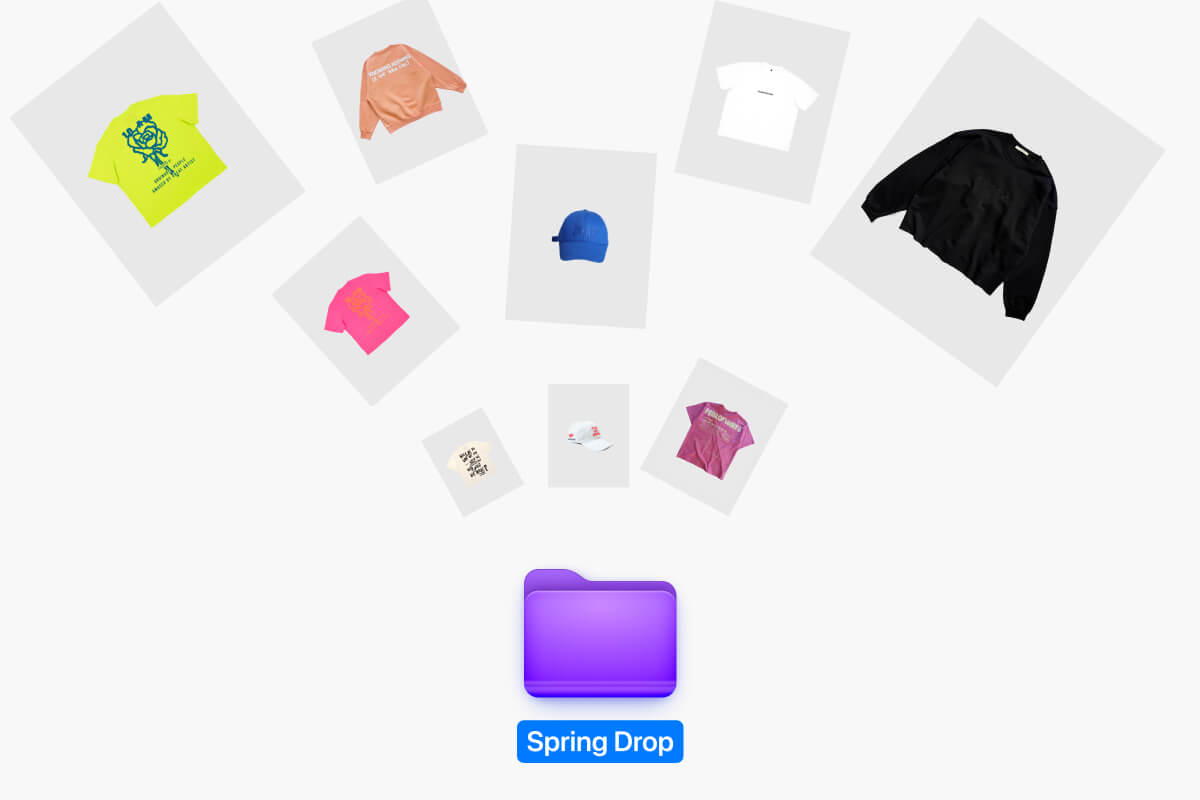
After cropping thousands of photos, downloading them one by one is not an option. Pixa packages your entire batch into a single ZIP file ready to save. Choose JPG, PNG, or WEBP as your output format and get every cropped file delivered in one download. Whether you started with 50 images or 5,000, the export stays clean and organized.
Upload your images to Pixa's bulk image crop tool, choose a preset aspect ratio or custom dimensions, then batch crop images across your full set. Download all cropped files as a single ZIP.
Select a platform preset like Instagram (1:1) or Pinterest (2:3), or enter custom dimensions. Pixa applies the chosen aspect ratio uniformly across every image in your batch crop.
You can upload JPG, PNG, WEBP, and HEIC files for bulk image cropping. Pixa exports cropped images in JPG, PNG, or WEBP format, packaged as a ZIP download.
Yes. Pixa's bulk image crop tool lets you batch crop images, up to 10,000 per session. Upload your photos, choose crop settings, and process the full set in one go.
Pixa's bulk image crop tool lets you set exact pixel dimensions, effectively cropping and resizing in one step. Choose preset sizes or enter custom width and height values for your batch.
Pixa supports batches of up to 10,000 images per session. Upload your full set, apply crop settings, and export everything as a single ZIP file ready to download.
Yes. Pixa supports Dropbox imports, so you can pull images directly into the batch crop tool without downloading them to your device first. Cropped files export as a ZIP.
Great app, easy to use. Helps our small business save time and money to create different marketing materials professionally. Thank you.
I need a good background remover for my work and I've been through them all it feels like. This one is the best by far. It's so easy to use and the results always look amazing. Thank you Pixa!
It's amazingly easy and gives the perfect results for my bags and accessories. It looks like it was done by a professional photographer.
Upload up to 10,000 images, pick your crop settings with platform presets or custom dimensions, and download everything as a ZIP. Batch cropping on Pixa takes minutes, not hours.