My favorite app
Great app, easy to use. Helps our small business save time and money to create different marketing materials professionally. Thank you.
Bulk expand images by the thousands, choose any aspect ratio or platform preset, and let AI outpainting generate natural borders in one batch.











Drag and drop up to 10,000 images into Pixa or connect your Dropbox. Upload HEIC, PNG, JPG, and WEBP files directly.
Pick a preset aspect ratio like 9:16 or 1:1, select a platform preset for Instagram, Pinterest, or Amazon, or enter your own custom canvas dimensions.
Hit start and let the AI bulk expand images across your entire upload. Parallel processing handles thousands of files while generating context-aware borders for each one.
Preview every expanded image in the batch view. Regenerate any individual result that needs a second pass, then download everything as a ZIP or in your preferred format.
Pixa's batch AI image extender uses generative outpainting to extend your canvas in every direction. The AI analyzes each photo's edges, textures, and lighting, then produces new content that blends with the original. Whether you're working with product shots, portraits, or wide scenes, the generated borders look like they were part of the scene from the start. Batch expand thousands of images and get consistent, high-fidelity results across every single file in your upload without manual retouching.
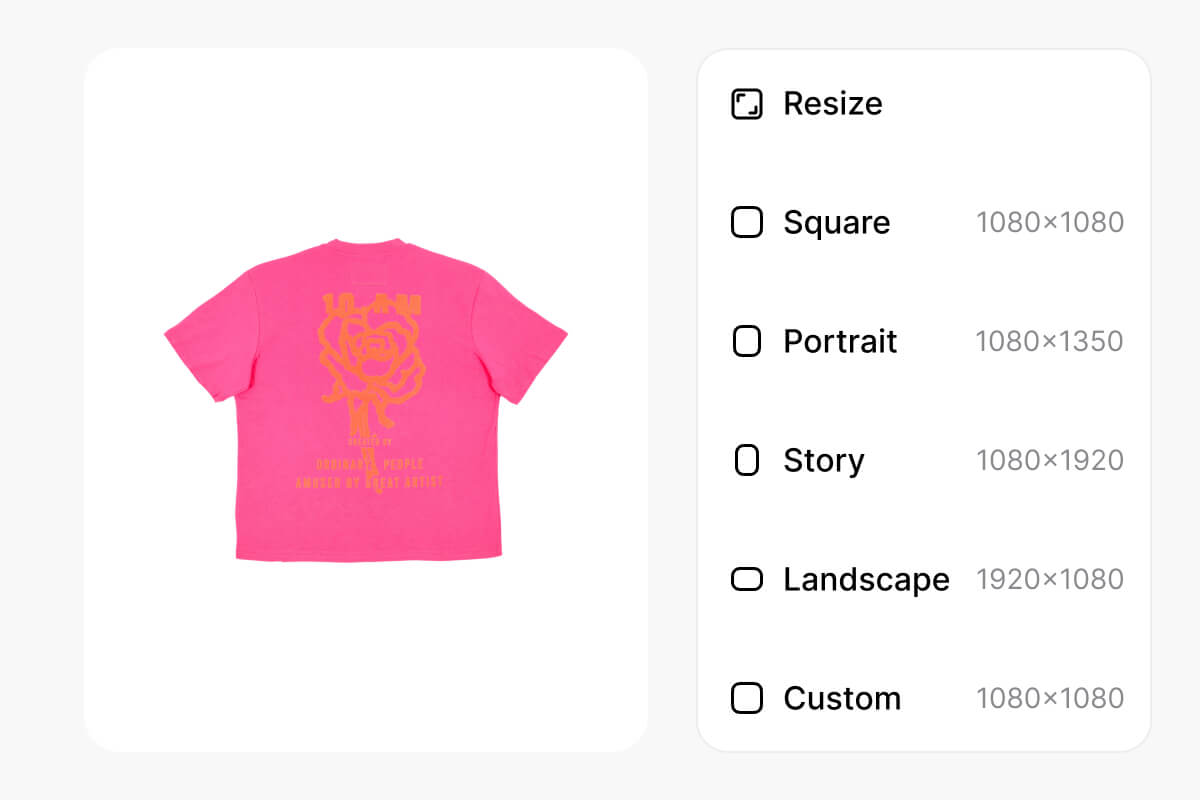
Stop editing photos one at a time. Pixa's parallel processing lets you bulk expand images by the thousands, turning hours of manual work into a single upload. Drag in your files or connect Dropbox, pick your target dimensions, and start the batch. The AI works through your entire queue while you handle other tasks. When it finishes, download all expanded images as a ZIP. Handle large-scale batch AI image expansion for product catalogs, social feeds, or marketing campaigns.
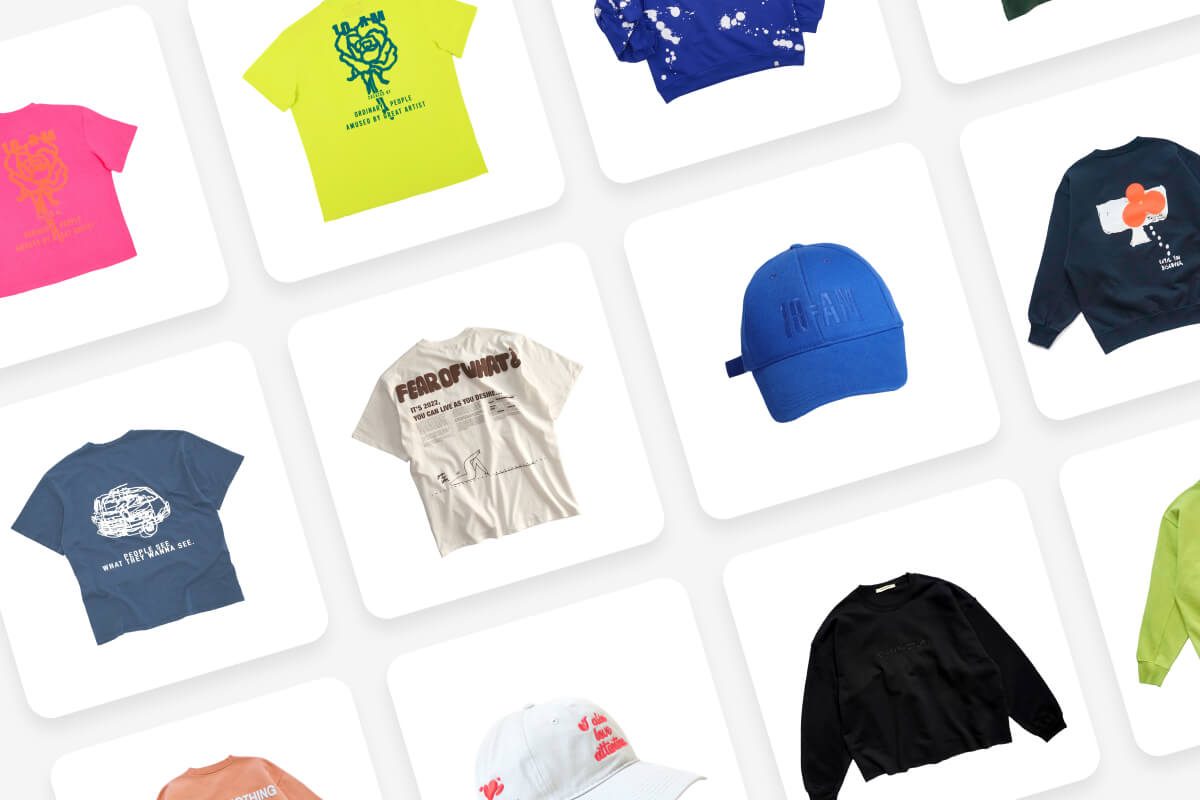
Each social channel and marketplace has its own image dimensions, and reformatting manually is a time drain. Pixa includes ready-made presets for Instagram, Pinterest, Amazon, and more so you can batch expand images to the right size in one click. Choose 9:16 for stories, 1:1 for feeds, 16:9 for banners, or set custom dimensions. The AI fills new space with context-aware content, keeping your subject centered and visuals platform-ready across every image in the batch.
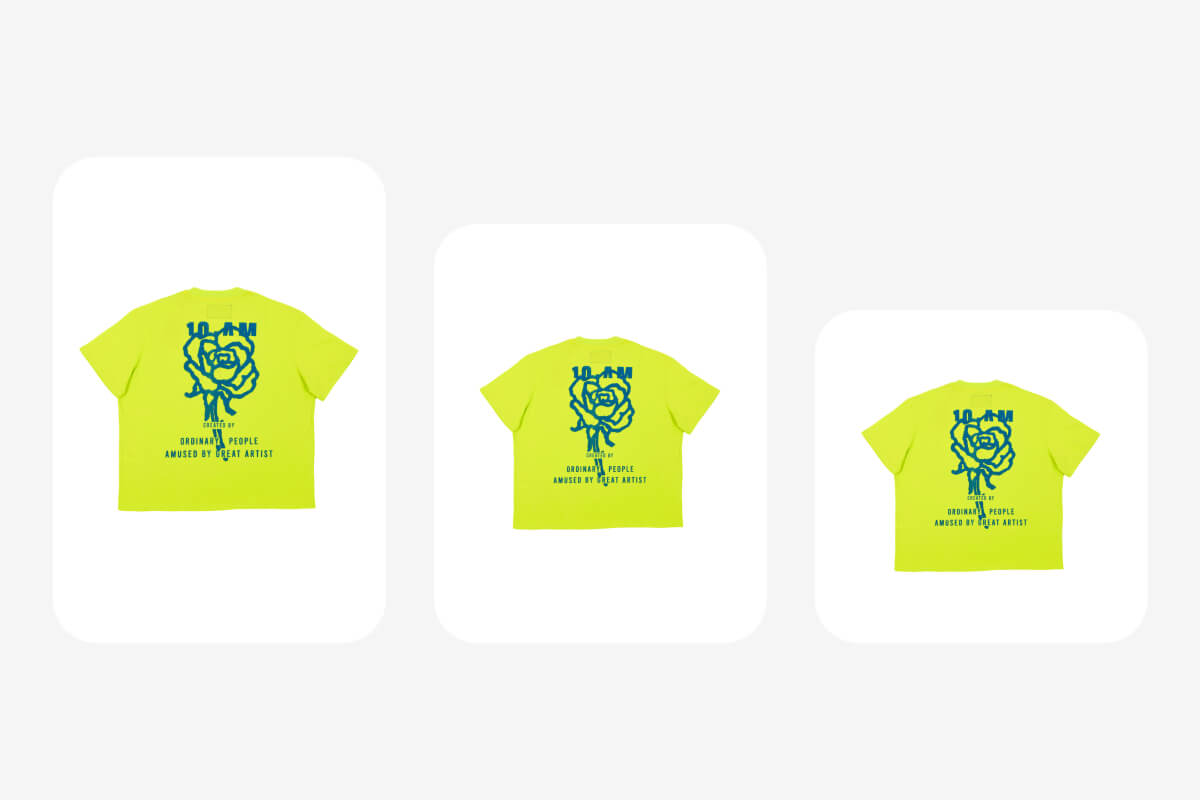
Bulk workflows should not force you into all-or-nothing outcomes. After your batch AI image expansion finishes, Pixa lets you review every result in a grid view and regenerate any single image that needs a better fill. The AI produces a fresh expansion while leaving the rest untouched. This gives you full creative control at scale without re-running thousands of files, built for teams that need both speed and precision when they bulk expand images.
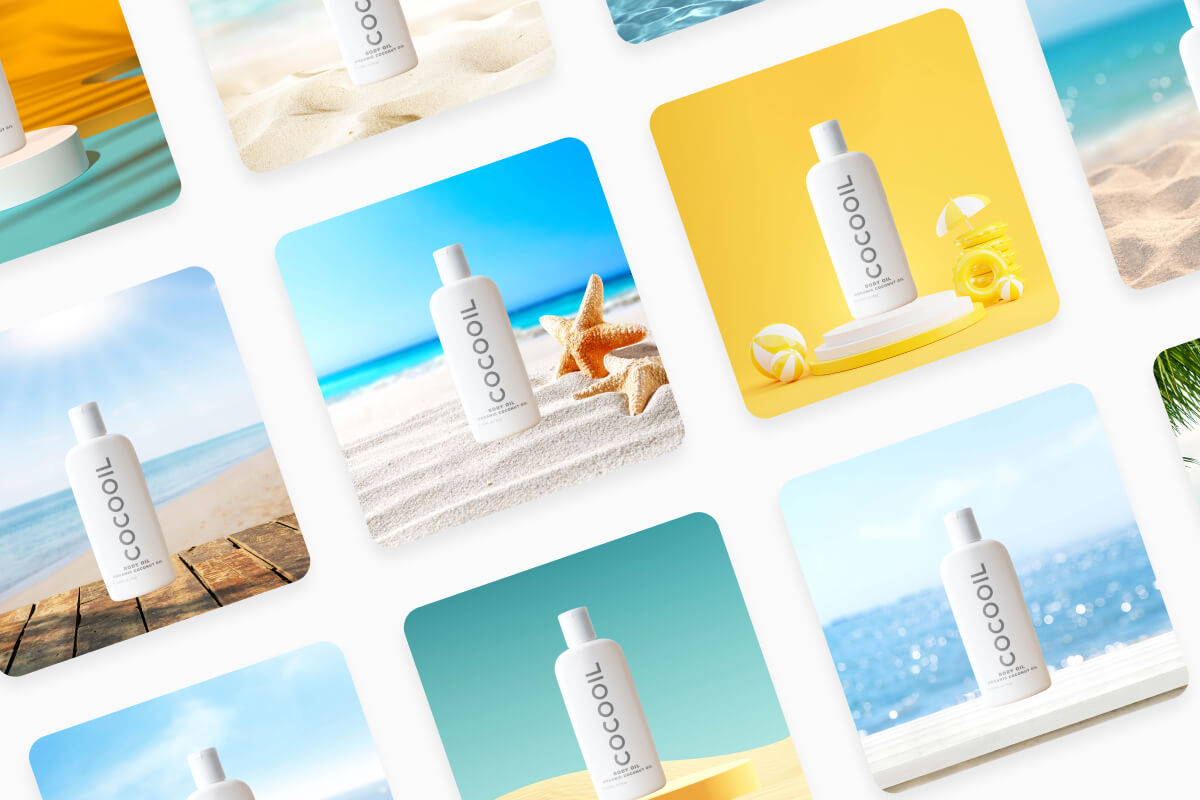
Pixa supports up to 10,000 images per batch. Upload your files directly or connect Dropbox, choose your target dimensions, and the AI will bulk expand images across the entire set using parallel processing.
No. Pixa's batch AI image extender generates new pixel data that matches the original resolution and texture. Expanded borders blend with the source content, so your images maintain full quality across every file.
You select one target dimension per batch run. However, after the batch completes you can regenerate individual images with different settings. For multiple aspect ratios, run separate batches, each one takes just seconds to start.
Upload images in HEIC, PNG, JPG, or WEBP format, including files with transparent backgrounds. After batch processing, download your expanded images as PNG, JPG, or WEBP. ZIP download is available for the full set.
Upload your images to Pixa, select a preset or custom aspect ratio, and start the batch. The AI outpainting engine analyzes each photo and generates context-aware borders that blend naturally with the original content.
Text prompt guidance is available for single image edits on Pixa, where you describe the content you want generated. For batch processing, the AI automatically extends each image using context-aware analysis of the scene.
Great app, easy to use. Helps our small business save time and money to create different marketing materials professionally. Thank you.
I need a good background remover for my work and I've been through them all it feels like. This one is the best by far. It's so easy to use and the results always look amazing. Thank you Pixa!
It's amazingly easy and gives the perfect results for my bags and accessories. It looks like it was done by a professional photographer.
Skip the manual editing. Upload your batch, pick an aspect ratio, and let AI expand every image to the right dimensions. Three steps, thousands of images, done in minutes.